2 Best Black and White 11×17 Laser Printers for 2027
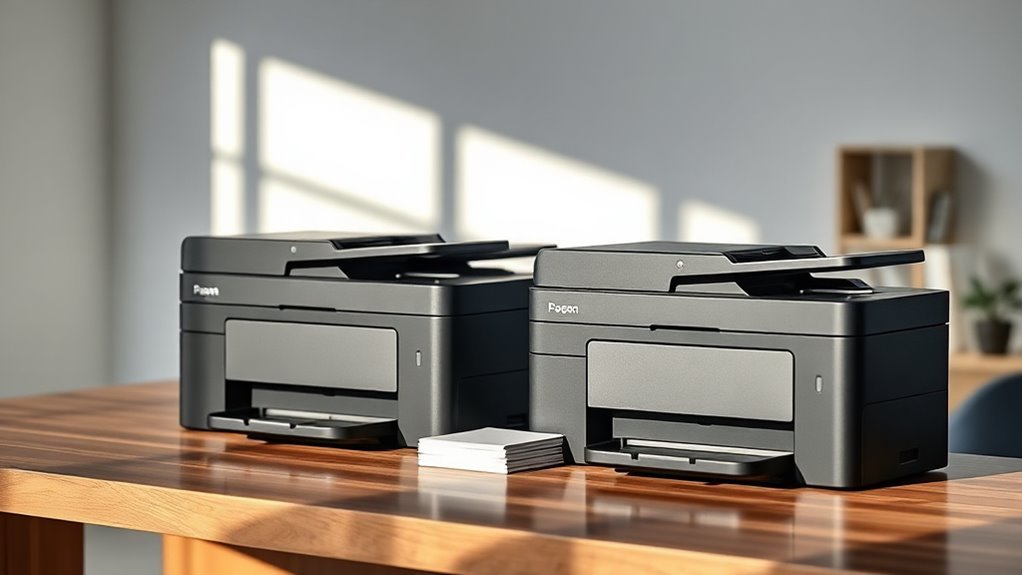
If you need reliable black and white 11×17 laser printing in 2027, two top choices stand out: the Ricoh Aficio MP 5055 and the Brother MFC-L5915DW. Both printers deliver excellent performance for large-format documents, making them perfect for offices that require sharp, clear prints on oversized media. Whether you’re handling architectural plans, spreadsheets, or legal documents, these models have you covered.
Ricoh shines with its high-speed duplex scanning at 180 ipm and a smart 10.1-inch touchscreen panel that’s easy to use. Plus, it offers expandable capacity up to 4,700 sheets, so you won’t be running out of paper anytime soon.
Brother, on the other hand, provides a solid 50 ppm print speed and legal-size scanning. It also offers optional ultra high-yield toner cartridges, which can save you money in the long run. Both printers support versatile workflows and manage oversized media effortlessly.
Keep exploring to find the best fit for your specific printing needs.
| Image | Name | Editor's Rating | Price |
|---|---|---|---|

|
|
||

|
|
Ricoh Aficio MP 5055 Monochrome Copier (Renewed)
- High-speed performance: Prints and copies up to 50 pages per minute (ppm).
- High-speed performance: Prints and copies up to 50 pages per minute (ppm).
- Efficient scanning: The Single Pass Document Feeder (SPDF) can scan up to 180 images per minute (ipm) in duplex (double-sided) mode, and offers "Scan-to" capabilities for...
- Intuitive control panel: A 10.1-inch Smart Operation Panel (SOP) provides a digital, app-like interface for easy access to settings and tasks.
- Robust paper handling: It comes standard with a paper capacity of 1,200 sheets, which can be expanded to 4,700 sheets for long production runs. It also supports media up...
The Ricoh Aficio MP 5055 Monochrome Copier (Renewed) is designed for offices that demand reliable, high-speed black-and-white printing and copying. It delivers up to 50 pages per minute with crisp 1200 x 1200 dpi resolution, ensuring sharp text for professional documents.
This machine handles large print volumes effortlessly, thanks to its expandable paper capacity that supports up to 4,700 sheets. It also supports various media sizes, including 11 x 17 and 12 x 18 inches, making it versatile for different document needs.
The 10.1-inch Smart Operation Panel offers a user-friendly interface that simplifies everyday tasks. Duplex scanning at 180 images per minute helps speed up workflows and reduces manual handling. Maintenance is straightforward, but note it is a renewed unit, so buyers should consider the limited warranty.
Best for: businesses and busy offices needing a dependable, high-volume monochrome copier with advanced paper handling and professional print quality.
What We Like:
- Fast printing and copying at 50 ppm with sharp resolution
- High-capacity paper handling expandable to 4,700 sheets
- Easy-to-use 10.1-inch Smart Operation Panel
- Efficient duplex scanning at 180 ipm
- Versatile media size support for large documents
Specification:
| Feature | Details |
|---|---|
| Manufacturer | Ricoh |
| Print Speed | Up to 50 ppm |
| Resolution | 1200 x 1200 dpi |
| Paper Capacity | 1,200 sheets (expandable to 4,700) |
| Media Sizes Supported | Up to 12 x 18 inches |
| Display | 10.1-inch Smart Operation Panel |
| Duplex Scanning Speed | 180 images per minute |
| Connectivity | Ethernet (wireless optional) |
Brother MFC-L5915DW Professional Laser Printer All-in-One
- FAST BUSINESS PRINTING AND COPYING: The Brother MFC-L5915DW business monochrome laser all-in-one printer delivers high-quality output and print and copy speeds of up to...
- LOW-COST OUTPUT: Help reduce operating costs by using the Brother Genuine TN920UXXL ultra high-yield 18,000-page replacement toner cartridge. Includes a Brother Genuine...
- FAST, HIGH-VOLUME SCANNING: The 70-page capacity(3) auto document feeder offers single-pass, two-sided scanning up to 56ipm(4). Features a large document glass for up to...
- FLEXIBLE CONNECTIVITY OPTIONS: Features built‐in Gigabit Ethernet and dual band wireless networking to seamlessly set up and share on your wired.

The Brother MFC-L5915DW is designed to keep busy offices running smoothly with its fast and reliable monochrome printing. It tackles high-volume tasks efficiently, printing and copying up to 50 pages per minute. This speed helps reduce wait times and keeps workflows moving without interruptions.
Its 70-page auto document feeder supports two-sided scanning at 56 images per minute, making multi-page scanning quick and easy. The large document glass accommodates legal-size originals, adding versatility for different document types.
Connectivity is straightforward with built-in Gigabit Ethernet and dual-band Wi-Fi, allowing seamless integration into most office networks. Maintenance is simplified by toner options that balance yield and cost. The starter toner prints 3,000 pages, while an optional ultra high-yield cartridge can extend this to 18,000 pages, reducing downtime and supply expenses.
With its dependable performance and practical features, the MFC-L5915DW meets the needs of professionals requiring efficient black and white printing, copying, and scanning.
Best for: Busy offices and professionals needing fast, high-volume monochrome printing with flexible connectivity options.
What We Like:
- Consistent high-speed printing and copying at 50 ppm
- Efficient two-sided scanning with a 70-page auto document feeder
- Supports legal-size originals via a large document glass
- Flexible network options including Gigabit Ethernet and dual-band Wi-Fi
- Optional ultra high-yield toner reduces operating costs
Specification:
| Feature | Details |
|---|---|
| Manufacturer | Brother |
| Dimensions (W×D×H) | 16.1 × 15.7 × 12.7 in |
| Weight | 24.1 lb (10.94 kg) |
| Printing Technology | Monochrome Laser |
| Print Speed | Up to 50 pages per minute |
| Scan Speed | Up to 56 images per minute (two-sided) |
| Document Feeder | 70 pages |
| Connectivity | Gigabit Ethernet, Dual-band Wi-Fi |
Factors to Consider When Choosing a Black and White 11X17 Laser Printer
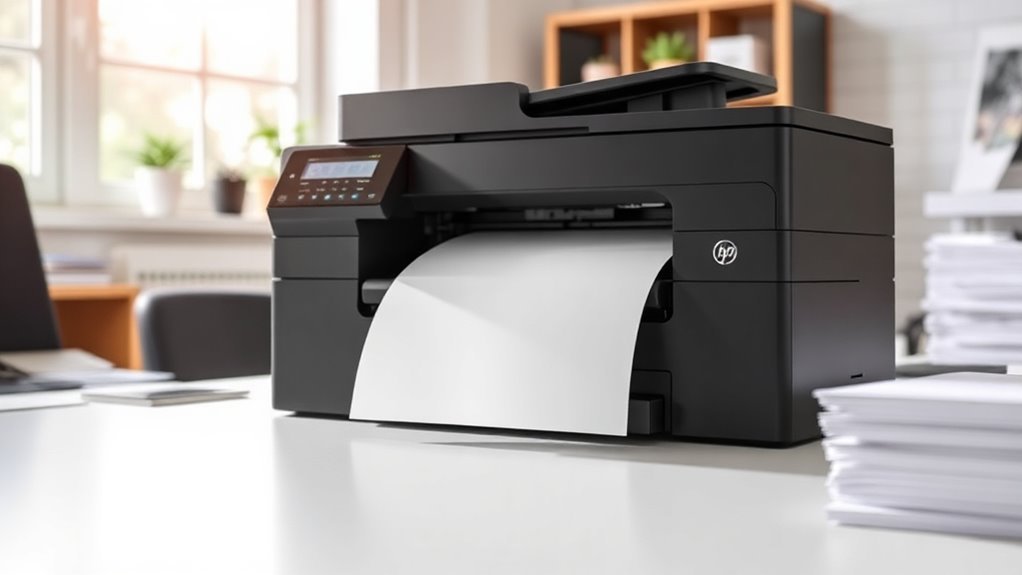
When choosing a black and white 11×17 laser printer, you’ll want to focus on print speed and paper size compatibility to match your workflow. Don’t forget to check connectivity options and whether the printer includes scan and copy features you need.
Also, consider cost efficiency to keep your budget under control over time. It’s all about finding the right balance between features and price that works for you.
Print Speed Importance
Although print speed might not be the only factor you consider, it plays a pivotal role in handling large 11×17 print jobs efficiently. If you regularly print tabloid or ledger media, aim for higher speeds around 40–50 ppm to cut down wait times and boost throughput in busy workgroups.
For two-sided projects, pay close attention to duplex print and copy speeds, since slow duplexing can bottleneck your workflow. Don’t overlook the rated first-page-out time, especially if you print short jobs or proofs often—faster warm-up and first-print times mean less downtime.
Also, match the printer’s monthly duty cycle and sustained speed with your typical volume to assure it maintains performance under heavy use. Remember, manufacturer specs for 11×17 and duplex printing often differ from standard letter-size speeds.
Paper Size Compatibility
Speed matters for handling large print jobs, but paper size compatibility can make or break your workflow with 11×17 laser printers. You’ll want to verify true 11×17 support in both input trays and the bypass or duplex paths since some printers limit this size to specific trays.
Make sure the automatic duplexing mechanism reliably handles 11×17 sheets for double-sided prints, and check rated duplex speeds to avoid jams or slowdowns. Also, be certain the printer supports the media weights and thicknesses you plan to use, like heavier cardstock or coated paper.
Look at paper capacity and tray sizes to minimize refills, and see if optional cassettes are needed. Finally, if you handle mixed media sizes, choose a printer with multi-tray setups that prevent misfeeds or interruptions during multi-page jobs.
Connectivity Options Available
Choosing the right connectivity options can make a big difference in how smoothly your black and white 11×17 laser printer integrates into your workflow. You’ll want a printer that supports Gigabit Ethernet for fast, reliable wired network printing, especially when handling large 11×17 files.
Dual-band Wi-Fi or Wi-Fi 6 guarantees quicker wireless printing with less interference, which is perfect for busy office settings. Don’t forget Wi-Fi Direct or USB host printing to print directly from your mobile devices without the network.
Security matters too—look for printers with IPsec, TLS/SSL, and user authentication to keep your documents safe. Finally, make sure your printer supports mobile standards like AirPrint and Mopria and offers scan-to options compatible with SMB, FTP, or SMTP to enhance cross-device printing and scanning workflows.
Scan And Copy Features
When evaluating scan and copy features for a black and white 11×17 laser printer, you’ll want to prioritize efficiency and quality to keep your workflow smooth. Look for a single-pass duplex document feeder (SPDF) that scans both sides in one pass. This boosts speed and reduces jams.
Make sure the printer supports duplex copy and auto-duplex printing, so you can handle two-sided originals and output without extra steps. Also, check the maximum optical scan resolution, ideally up to 600–1,200 dpi. See if it offers enhanced interpolation for sharper images too.
Consider the document feeder capacity and max original size to match your volume needs. Advanced features like scan-to-email, searchable OCR, and image cleanup tools really help streamline tasks. They minimize manual edits, making your scanning and copying more efficient.
Cost Efficiency Factors
Although upfront price catches your eye first, you’ll want to dig deeper into cost efficiency factors to get the best value from a black and white 11×17 laser printer. Calculate the cost per page by dividing total supply expenses—toner, drum, and maintenance kits—by expected yields, considering both standard and high-yield cartridges.
Match the printer’s duty cycle and recommended monthly volume to your workload to avoid costly repairs. Don’t forget energy consumption during printing and standby modes, as power costs add up over time.
Also, factor in the higher costs of 11×17 paper and finishing supplies, like staples or binding materials. Finally, budget for service contracts, parts replacement, and warranty coverage—sometimes a higher upfront cost pays off with lower long-term expenses and better reliability.
Frequently Asked Questions
Can These Printers Handle Duplex Printing Automatically?
Yes, many of these printers handle duplex printing automatically, saving you time and paper.
You’ll just load your paper, select duplex mode, and the printer will flip and print both sides without any manual effort.
It’s super convenient and makes printing double-sided a breeze!
What Is the Average Toner Cartridge Lifespan for These Models?
You’ll find the average toner cartridge lifespan ranges between 3,000 to 12,000 pages, depending on the model and usage. Higher-capacity cartridges last longer, so you won’t need to replace them too often during heavy printing jobs.
It really depends on what you’re printing and how much. But generally, these cartridges are made to handle quite a bit before needing a swap. That way, you can keep your workflow smooth without constant interruptions.
Are These Printers Compatible With Mac and Windows Operating Systems?
Coincidentally, these printers work seamlessly with both Mac and Windows. You won’t have compatibility issues whether you’re on macOS or Windows.
Do These Printers Support Wireless Printing From Mobile Devices?
Yes, these printers support wireless printing from mobile devices. You can easily connect via Wi-Fi, AirPrint, or Google Cloud Print.
This lets you print documents directly from your smartphone or tablet without hassle or cables. It’s super convenient and quick!
What Is the Typical Warm-Up Time Before Printing Starts?
Like waiting for a rocket launch, these printers usually take about 20 to 40 seconds to warm up before printing starts.
You won’t be kept waiting long, as they quickly get ready to deliver sharp prints.
Conclusion
Choosing the right black and white 11×17 laser printer feels like picking the perfect tool for a craftsman—precision and reliability matter. Remember when a friend’s old printer jammed mid-project, wasting hours?
With options like the Ricoh Aficio MP 5055 and Brother MFC-L5915DW, you won’t face that frustration. These printers combine speed, connectivity, and cost efficiency, ensuring your work flows smoothly.
They’re like a well-oiled machine ready to tackle any task you throw at it. When searching for the best black and white 11×17 laser printer, it’s essential to focus on performance and reliability. Both models deliver crisp prints and handle large formats effortlessly.
So, if you want a printer that keeps up with your busy schedule and produces professional-quality output, these choices are spot on. Investing in the right 11×17 laser printer means fewer headaches and more productivity, making your printing experience seamless and enjoyable.