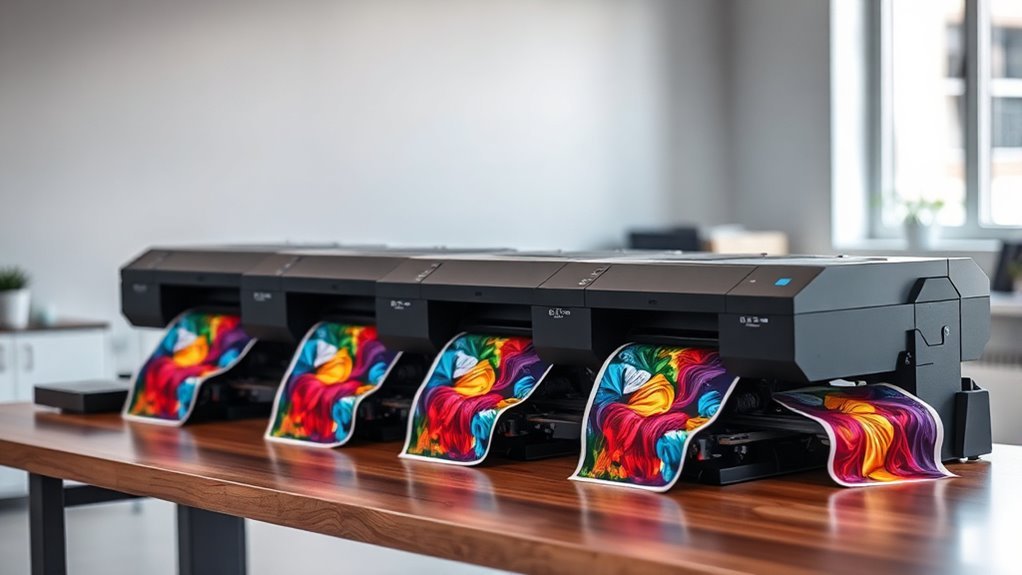
5 Best Beginner Sublimation Printers for 2027
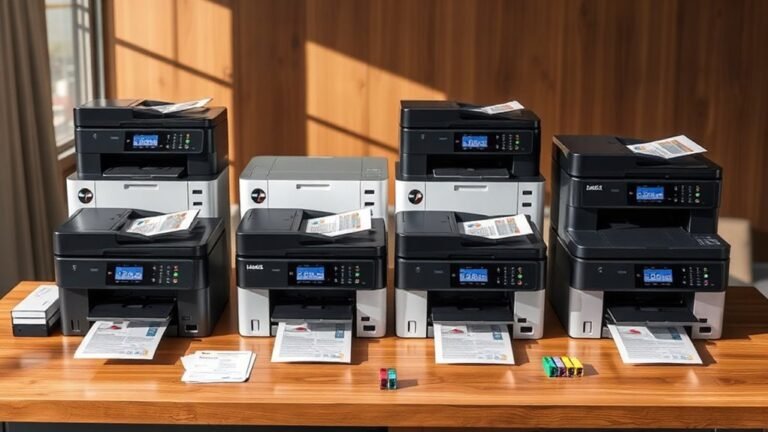
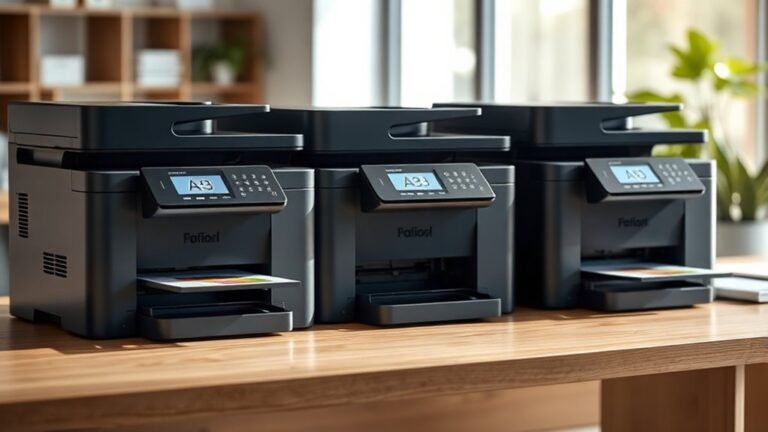
You’ll want compact, easy-to-use sublimation printers like the Epson SureColor F170, Sawgrass SG500, and Brother SP-1 bundles for vibrant, high-quality prints with minimal hassle.
These beginner sublimation printers are perfect if you’re just starting out and want reliable, crisp results without a steep learning curve.
Starter kits with heat presses and complete supplies, like the 15×15 Heat Press Bundle, help you jump right in.
They come with everything you need to start creating amazing designs right away.
These models offer flexible connectivity, crisp colors, and included inks and papers to keep your projects flowing smoothly.
Explore the key features and what sets each option apart to find your perfect match.
You’ll be amazed at how quickly you can bring your creative ideas to life!
| Image | Name | Editor's Rating | Price |
|---|---|---|---|

|
|
||

|
|
||

|
|
||

|
|
||

|
|
Epson SureColor F170 Dye-Sublimation Printer Compact
- Confidence - Epson authorized partner. Original Epson Manufactured product delivered in Epson’s factory-sealed packaging with Epson documentation and Epson’s full...
- Genuine Epson Ink Included - Comes with a full set of OEM Epson sublimation inks, certified ECO PASSPORT by OEKO-TEX for safe use on textiles, apparel, mugs, mousepads...
- Astounding Print Quality - Epson's Surecolor F170 Sublimation printer boasts the PrecisionCore printhead which offers Precision Droplet Control for the most outstanding...
- Versatile Media Support - Includes a 150-sheet auto-feed tray for added efficiency. Epson SureColor sublimation printers house the paper in a dust resistant closed tray...
- Compact Reliable Solution - Space-saving design with user-friendly setup for MacOS & Windows. Please note that connection to mobile devices is not supported with this...
The Epson SureColor F170 Dye-Sublimation Printer is a compact solution designed to fit neatly into small workspaces without sacrificing quality. Its lightweight frame makes it easy to place on any desk, providing an efficient way to produce vibrant prints on apparel, mugs, and other personalized items. This printer simplifies the dye-sublimation process, making it accessible for hobbyists and small businesses alike.
Maintenance is straightforward with the auto-stop ink bottles that prevent spills and ensure clean refills. Using genuine Epson OEM eco-friendly inks, it supports safe printing on textiles and various materials, contributing to a healthier workspace. The PrecisionCore printhead delivers crisp, detailed images, helping you achieve professional results every time.
With Ethernet and USB connectivity, the SureColor F170 integrates well into different setups. While it supports only simplex printing and has a modest print speed, its design prioritizes reliability and ease of use. This printer offers a practical balance between size, functionality, and quality for those creating custom products.
Best for: Small business owners and crafters needing a compact, reliable dye-sublimation printer for high-quality personalized merchandise.
What We Like:
- Compact, lightweight design ideal for limited space
- Genuine eco-friendly Epson OEM inks certified safe for textiles
- PrecisionCore printhead with auto-stop ink bottles for clean refills
- Simple setup with Ethernet and USB connectivity
Specification:
| Feature | Details |
|---|---|
| Manufacturer | Epson |
| Dimensions | Compact, fits on desk |
| Weight | 16 lb (7.3 kg) |
| Ink Type | Epson OEM Dye-Sublimation |
| Connectivity | Ethernet, USB |
Sublimation Starter Kit 15×15 Heat Press Bundle
- All-in-one sublimation bundle with 15"x15" heat press, printer and 8-in-1 attachments. Everything you need to start printing and selling custom mugs and tumblers...
- Perfect for Etsy sellers and startup businesses. Professional equipment designed to help you launch your custom printing business with confidence.
- Large heating plate with even heat distribution. Includes mug, 30oz tumbler, hat and plate attachments. Digital temperature control up to 250°C (480°F).
- Upgraded with chipless ink system and pre-filled sublimation ink. No cartridge switching. Easy setup and ready to print in minutes. Upgraded with chipless ink system and...
- Multiple operation and setup videos included. Beginner-friendly guidance for printer setup, heat press use and troubleshooting.
Create custom apparel and gifts effortlessly with the Sublimation Starter Kit 15×15 Heat Press Bundle. This kit solves the challenge of versatile sublimation printing by combining multiple tools in one compact setup. It helps you produce vibrant, professional-quality designs on a variety of items without needing separate machines.
The 8-in-1 heat press features a 15×15 inch heating plate along with attachments for mugs, tumblers, and hats. This design lets you switch between projects quickly, making it ideal for diverse printing needs. Maintenance is straightforward, with easy-to-clean surfaces and simple attachment swaps to keep your workflow smooth.
Included is an Epson WF-2860 printer equipped with chipless sublimation ink, which ensures crisp, bright prints without frequent ink replacements. The kit also contains essential blanks and 100 sheets of sublimation paper, providing everything you need to start creating immediately. This all-in-one solution is practical for beginners and small businesses aiming to grow their custom printing offerings.
While the heat press size limits larger items and setup may require some familiarization, the detailed videos guide you through every step. The convenience of multiple attachments in one bundle significantly reduces the need for extra equipment.
Best for: Entrepreneurs and hobbyists seeking a complete sublimation printing solution for various products.
What We Like:
- Versatile 8-in-1 heat press with multiple attachments
- Epson WF-2860 printer with chipless sublimation ink for vivid prints
- Includes sublimation paper and blanks for immediate use
- Easy maintenance with quick attachment changes
- Helpful setup videos simplify learning curve
Specification:
| Feature | Details |
|---|---|
| Manufacturer | Not specified |
| Heat Press Plate Size | 15 x 15 inches |
| Printer Model | Epson WF-2860 |
| Included Blanks | T-shirts, mugs |
| Sublimation Paper | 100 sheets |
| Attachments | Mugs, tumblers, hats, apparel |
Sawgrass SG500 Sublimation Printer, 31 mL Inks and Paper Bundle
- Professional-Grade Print Quality: The Sawgrass SG500 delivers professional-grade sublimation printing, perfect for creating custom t-shirts, drinkware, signage, and...
- Rich & Vivid CMYK Sublimation Printing Inkset: Includes a full set of SubliJet UHD inks (cyan, magenta, yellow, black), specially formulated in small batches to produce...
- Compact Design with Big Potential: The SG500 offers desktop-friendly dimensions without compromising performance, printing on media up to 8.5” x 14”; This makes it...
- Powerful, User-Friendly Software: Gain access to our all-in-one MySawgrass platform, an intuitive online design tool packed with templates, allowing you to create...
- Built for Growth and Reliability: With features like Wi-Fi connectivity and print head auto-maintenance, the SG500 is engineered for durability and long-term use; Whether...
The Sawgrass SG500 sublimation printer delivers professional-quality prints in a compact, efficient package. Designed for small businesses and home entrepreneurs, it makes vibrant color printing simple and accessible. This printer helps you create eye-catching apparel, drinkware, and signage without taking up much space.
Its TruePix paper and four 31 mL SubliJet UHD inks work together to produce rich CMYK colors with sharp detail. You can expect clear, consistent results thanks to a maximum resolution of 1200 x 1200 dpi. The printer balances quality and speed, handling up to 10 color pages per minute to keep your projects moving.
Maintenance is straightforward with auto-maintenance features that reduce downtime and keep your prints reliable. The SG500 connects easily through Wi-Fi or USB, fitting neatly on your desktop while supporting network setups. This flexibility helps your business grow without requiring bulky equipment.
The printer limits media size to 8.5″ x 14″, which suits most small to medium projects but may not fit larger formats. Overall, it’s a practical choice for those needing dependable sublimation printing in a compact form.
Best for: Small businesses, home-based entrepreneurs, and hobbyists seeking a compact, reliable sublimation printer for vibrant, professional-quality printing on apparel, drinkware, and promotional products.
What We Like:
- Compact, desktop-friendly design ideal for small workspaces
- Vivid CMYK color output with 1200 x 1200 dpi resolution
- Easy connectivity via Wi-Fi and USB
- Auto-maintenance features for consistent performance
Specification:
| Feature | Details |
|---|---|
| Manufacturer | Sawgrass |
| Printer Model | SG500 |
| Ink Volume | Four 31 mL SubliJet UHD |
| Paper Type | TruePix sublimation paper |
| Max Resolution | 1200 x 1200 dpi |
| Print Speed | Up to 10 pages per minute (color) |
| Max Media Size | 8.5″ x 14″ |
| Connectivity | Wi-Fi, USB |
| Dimensions | Compact, desktop-friendly |
Brother SP-1 Sublimation Printer Deluxe Bundle
- Brother SP-1 Dye-Sublimation Printer with full set of CMYK inks, 310 sheets sublimation paper, 50 sublimation blanks, heat resistant tape and more
- BUNDLE INCLUDES: Full Set of Sublimation Inks - Black, Cyan, Magenta, Yellow 47ml Each, Prosub 50 Piece Sublimation Blank Set, 500 in SoFontsy Desgins Cards for...
- BUNDLE INCLUDES: 300 Sheets of ProSub 8.5" x 11" Sublimation Paper, 10 Sheets of Brother 8.5" x 11" Sublimation Paper, 4 Rolls of Prosub Heat Resist Tape - .125in, .25in...
- BUNDLE INCLUDES: Artspira Design Software App (digital download), 100 Sublimation Designs, Quick Reference Guide, Wi-Fi & Ethernet Connectivity, Windows, Mac & App...
- Transform your crafting and small business ventures with the Brother SP-1 Sublimation Printer, a compact, high-performance printer designed to bring your imagination to...
Experience vibrant, full-color sublimation printing with the Brother SP-1 Sublimation Printer Deluxe Bundle. Designed to simplify creative projects, this all-in-one package helps you produce personalized items like t-shirts, mugs, and tumblers with ease. Its compact design fits neatly in any workspace, while maintaining high-quality output.
The bundle addresses common printing challenges by including 47 ml sublimation inks and 310 sheets of sublimation paper, reducing frequent restocking. ProSub blanks and SoFontsy design cards expand your creative possibilities, and Artspira software streamlines the design process. This setup helps you bring ideas to life without hassle.
Maintenance is straightforward, with heat-resistant tapes and a 7-piece tool set included to ensure precise crafting and durability. Connectivity options like Wi-Fi and Ethernet allow smooth integration with your workflow, supporting both hobby and small business needs.
While the ink volume suits moderate printing, high-volume users may need to refill more often. The need for compatible blanks limits material choices slightly, and some beginners might require time to get comfortable with the software and design cards.
Best for: hobbyists, artists, and small business entrepreneurs creating personalized merchandise and small-batch sublimation products.
What We Like:
- Complete bundle with inks, papers, blanks, designs, and software
- Compact printer with versatile Wi-Fi and Ethernet connectivity
- Includes heat-resistant tapes and a 7-piece tool set for precise crafting
Specification:
| Feature | Details |
|---|---|
| Manufacturer | Brother |
| Dimensions | Compact (exact size not specified) |
| Ink Volume | 47 ml per color |
| Paper Included | 310 sublimation sheets |
| Connectivity | Wi-Fi, Ethernet |
| Included Accessories | ProSub blanks, design cards, Artspira software, heat-resistant tapes, 7-piece tool set |
Brother Sublimation Printer and 4-Color Sublimation Ink Cartridge Set
- Powered by Artspira: Import printing images easily with the free Artspira app. With access to printing patterns and designs, plus the ability to convert images into...
- Create in Artspira: To start using the Brother Sublimation Printer, you must first download the free Artspira app. Once in Artspira, you can access over 100 sublimation...
- Make readymade clothes all yours: Use the Brother Sublimation Printer for your next DIY Project! It's as easy as creating your design on Artspira, transferring it...
- Fast printing speeds: With fast printing speeds, up to 45 seconds per sheet, you can quickly show off your custom project in full color.
- Complete Bundle: This product bundle also includes an extra set of 4 standard yield color sublimation ink cartridges
Experience vibrant, full-color printing with the Brother Sublimation Printer, designed to make creative projects simple and enjoyable. This printer solves common challenges by delivering fast, high-quality prints that bring your designs to life. It’s perfect for anyone wanting quick, colorful results without a complicated setup.
The bundle includes a set of four standard-yield sublimation ink cartridges, plus an extra set for extended printing without interruption. This ensures you can focus on your creativity instead of frequent cartridge changes. Maintenance is straightforward, keeping your workflow smooth and efficient.
Use the free Artspira app to easily import images and convert photos into stylish poster-like drawings. With over 100 design options, you can effortlessly customize apparel and DIY projects. Just print your designs and apply them using a heat press (sold separately) to finish your creations.
This sublimation printer is ideal for beginners and hobbyists who want reliable performance and vibrant color output. While the ink cartridges may need replacing with heavy use, and a heat press is required for finalizing projects, the bundle offers a comprehensive start for sublimation printing.
Best for: Beginners and DIY enthusiasts seeking a fast, user-friendly sublimation printer kit with extra ink for uninterrupted creativity.
What We Like:
- Extra set of four sublimation ink cartridges for longer use.
- Free Artspira app with 100+ design options and photo-to-poster conversion.
- Quick print speeds of up to 45 seconds per sheet.
- Simple maintenance that supports consistent performance.
Specification:
| Feature | Details |
|---|---|
| Manufacturer | Brother |
| Ink Type | 4-Color Sublimation Ink |
| Print Speed | Up to 45 seconds per sheet |
| Included Ink Cartridges | Two sets of four standard-yield |
| Compatible App | Artspira (free download) |
| Heat Press Requirement | Required, sold separately |
Factors to Consider When Choosing a Beginner Sublimation Printer
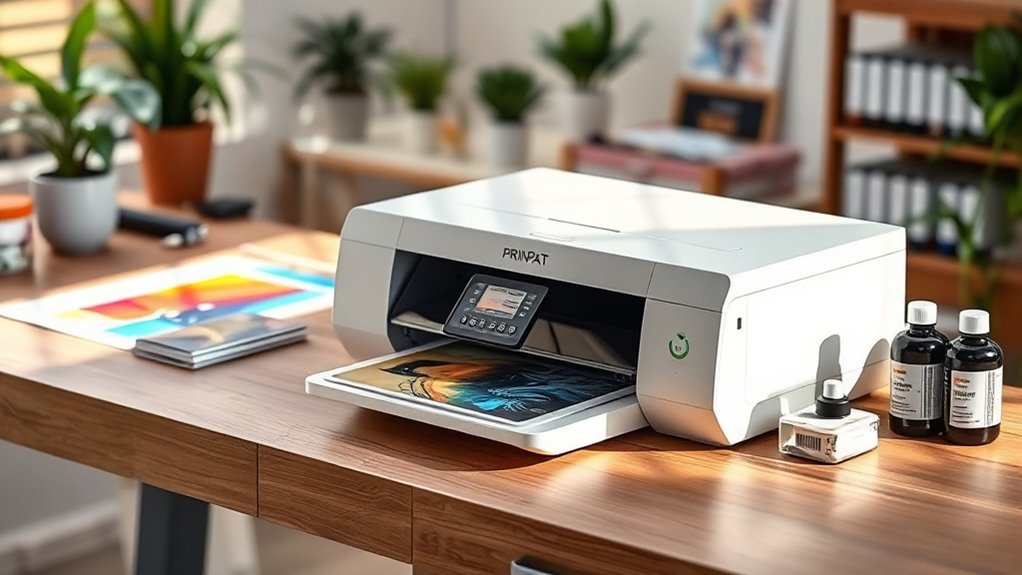
When choosing your first sublimation printer, you’ll want to focus on print quality and ink compatibility to guarantee vibrant, lasting results. It’s super important to get those colors just right.
Also, consider the media sizes the printer supports and how easy it is to set up right out of the box. You don’t want to spend hours figuring it out.
And don’t forget to check the connectivity options available, so you can connect your devices without hassle. Making sure everything works smoothly will save you a lot of headaches.
Print Quality Importance
Print quality plays a pivotal role in your success with sublimation printing, especially as a beginner. You want a printer that supports at least 1200 x 600 dpi to guarantee sharp images and fine detail.
Consistent color accuracy is vital for predictable results on polyester and coated substrates, so choose printers with dedicated dye-sublimation inksets and solid color management tools. Pay attention to droplet size and control, as smaller droplets deliver smooth gradients and reduce banding.
Also, reliable media handling and stable paper feed help prevent misalignment and ghosting during multi-pass prints. Finally, look for maintenance features like anti-clog routines and head cleaning that keep print quality consistent over time, minimizing color shifts and downtime.
These factors together guarantee crisp, vibrant transfers from day one.
Ink Type Compatibility
Maintaining vibrant and accurate colors depends heavily on using the right ink type for your sublimation printer. You must use inks specifically labeled “sublimation,” as standard pigment or dye inks won’t work.
Also, make sure the ink chemistry matches your printer’s printhead technology—whether it’s micro-piezo or thermal—to avoid clogging or damage. Pay attention to how the ink is supplied: bottled, cartridge-based, or continuous ink systems each have unique refill methods and contamination risks.
Don’t forget to verify that the inkset comes with proper color profiles and ICC support, which are crucial for consistent CMYK color accuracy on your transfers. Finally, consider ink yield to estimate your operating costs and how often you’ll need to refill, especially if you plan on small-batch projects.
Media Size Support
Although choosing a sublimation printer might seem straightforward, considering media size support is essential to match your creative needs. You’ll want to check the maximum printable width and supported paper sizes to guarantee the printer handles your planned projects, whether that’s standard 8.5″ x 11″ sheets or larger formats like 8.5″ x 14″.
If you’re printing continuous transfers or extended signage, confirm the printer supports long-sheet or banner printing beyond typical lengths. Don’t forget to verify the paper feed and tray capacity to reduce frequent reloading during longer runs.
Also, guarantee your printer accepts the specific transfer media you use, including any specialty widths, and supports the minimum printable sizes needed for smaller items like phone cases or tags. Matching media size support keeps your workflow smooth and versatile.
Ease Of Setup
Media size support guarantees your projects fit the printer’s capabilities, but setting up the printer correctly is just as important to get started smoothly. You’ll want a printer that doesn’t require chip-resetting or continuous ink system hacks, as those add extra setup steps and driver tweaks.
Look for clear, step-by-step driver installers compatible with macOS or Windows, preferably with automatic driver downloads to avoid conflicts. Printers with front-loading or dust-resistant trays make media loading hassle-free and reduce paper jams.
Also, check if the printer comes with factory-filled, auto-stop ink bottles or preinstalled cartridges to simplify ink loading and avoid mess. Finally, make certain the software supports common file types and has easy one-click sublimation profiles or ICC presets to help you achieve accurate colors from the start.
Connectivity Options Available
How you connect your sublimation printer can make a big difference in your workflow and print quality. USB connections, especially USB 2.0 or 3.0, offer a stable, direct link to your computer. This ensures reliable transfers for large, high-resolution files and is often essential for initial setup.
Wi-Fi connectivity lets you print from multiple devices or mobile apps without cables. It’s super convenient, but keep in mind it may cause some variability in speed and color consistency.
Ethernet connections provide the most reliable network performance and low latency. This makes them ideal for small businesses or multi-user setups.
Some printers also support Wi-Fi Direct or hotspot modes, allowing direct printing from phones or tablets. That’s perfect for pop-ups or events where quick, cable-free printing is a must.
Always check driver and OS compatibility to avoid connection or color workflow issues. It saves you from headaches down the line!
Speed And Efficiency
After choosing the right connectivity for your sublimation printer, you’ll want to focus on speed and efficiency to keep your workflow smooth. Check the pages per minute (ppm) or seconds per sheet for color prints—higher ppm like 8–10 or faster sheet times mean quicker order turnaround.
Don’t overlook first-print and warm-up times; printers that start fast and minimize head-cleaning cycles cut idle time. Evaluate media handling too—larger input/output trays and reliable feeding let you run longer without reloads.
Look for models with strong anti-clog and auto-clean features to reduce manual maintenance. Finally, factor in the entire workflow speed, including RIP/software processing and compatibility with your heat-press schedule. After all, fast printing alone won’t boost efficiency if other steps slow you down.
Warranty And Support
When choosing a beginner sublimation printer, you’ll want to prioritize warranty and support to protect your investment and keep your workflow running smoothly. Check the warranty length—typically 1–2 years—and confirm it covers parts, labor, and printhead protection.
Make sure you understand registration requirements and keep your proof of purchase handy for claims. Explore available support channels like phone, email, live chat, and tutorials, noting their hours and response times.
Don’t forget to review return policies, trial guarantees, and any restocking fees that might come up during early troubleshooting. Finally, ask about extended warranty options, repair turnaround times, and replacement part availability to avoid unexpected downtime and costs as you get started with sublimation printing.
Frequently Asked Questions
Can Sublimation Printers Be Used on Cotton Fabrics?
You can’t use sublimation printers directly on cotton fabrics because the ink bonds best with polyester. However, you can print on special polyester-coated sheets or use a polyester blend to get vibrant, long-lasting designs on cotton items.
Basically, pure cotton doesn’t hold the sublimation ink well, so the colors won’t be as bright or durable. But by adding polyester or using those coated sheets, you can still get great results on cotton.
How Long Do Sublimation Prints Typically Last?
Sublimation prints typically last several years, often up to 5-7 years with proper care. You’ll see vibrant colors stay intact because the dye penetrates the fabric, making them more durable than regular prints.
It’s pretty cool how the colors don’t just sit on top but actually become part of the material. So, with a little TLC, your print can look great for quite a while!
Are Sublimation Inks Safe for Skin Contact?
Sublimation inks aren’t designed for direct skin contact, so you shouldn’t touch them frequently. They’re generally non-toxic once cured, but avoid prolonged exposure to wet ink to keep your skin safe and irritation-free.
It’s a good idea to wash your hands if you do get ink on your skin. Just try to minimize contact to stay comfortable and avoid any potential issues.
Can I Use Regular Paper Instead of Sublimation Paper?
Using regular paper instead of sublimation paper is like trying to catch smoke with your hands—it won’t work well.
You’ll get blurry prints and poor color transfer, so stick with proper sublimation paper for vibrant results.
Do Sublimation Printers Require Special Maintenance?
Yes, sublimation printers require special maintenance like regular cleaning of print heads and using compatible inks. You’ll want to avoid clogs and maintain print quality.
Conclusion
When choosing your beginner sublimation printer, focus on ease of use, affordability, and quality output. Look for compact designs that save space, bundles that offer everything you need, and reliable brands that support your creative journey.
Whether you want vibrant colors, fast printing, or versatile features, picking the right printer will set you up for success. Trust your instincts, compare your options, and get ready to bring your ideas to life with confidence.
Remember, the best beginner sublimation printers combine user-friendly operation with excellent print quality and affordability. Finding a printer that fits your needs will make your creative process smoother and more enjoyable. So take your time, explore the options, and start creating amazing sublimation projects with the right gear by your side!