7 Best Beginner 3D Printer Recommendations for 2027
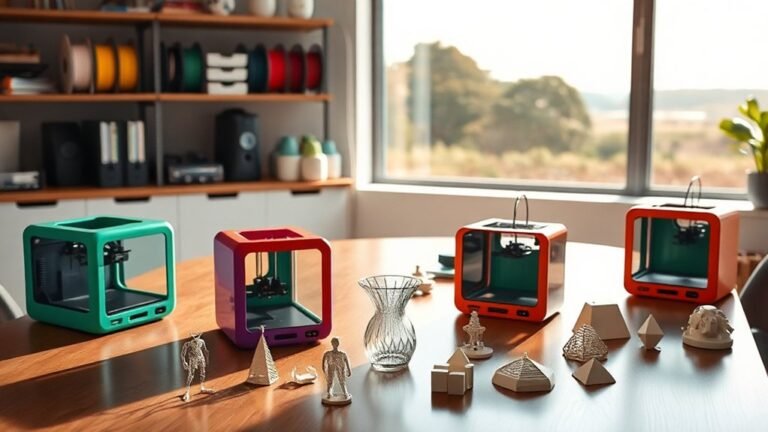
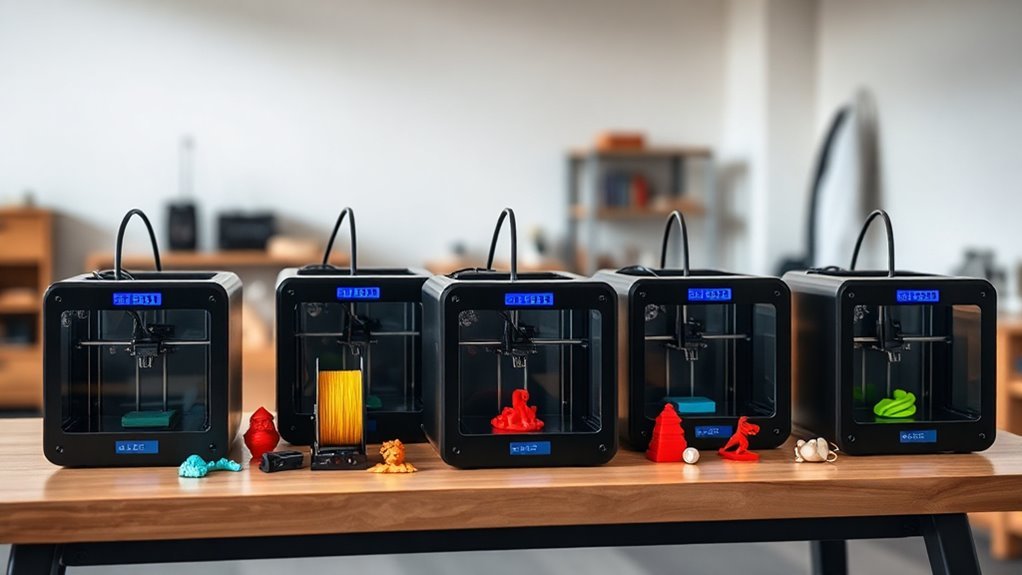
If you’re new to 3D printing and looking for beginner-friendly options, these seven printers are perfect for you. They’re designed to make your first printing experience smooth and enjoyable.
Whether you want easy setup, WiFi control, or multi-color printing, there’s something here to match your needs.
The Entina Tina2 Plus offers a straightforward setup and WiFi control, making it super convenient.
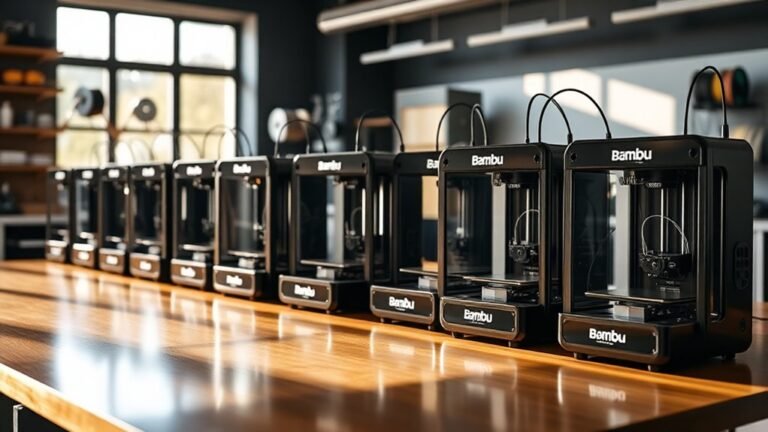
Bambu Lab’s P1S Combo and A1 models bring exciting multi-color options and handy auto-calibration features.
Geeetech Mini and Anycubic Kobra X focus on quick printing, ideal for kids and beginners.
Meanwhile, the Creality Ender 3 V3 SE delivers reliable stability with automatic leveling.
Plus, the 3D Printer Tools Kit helps keep maintenance simple and hassle-free.
You’ll find all the details you need to pick the perfect printer for your projects right here!
| Image | Name | Editor's Rating | Price |
|---|---|---|---|

|
|
||

|
|
||

|
|
||

|
|
||

|
|
Entina Tina2 Plus 3D Printer for Beginners
- 【Start Printing in Minutes – Beginner Friendly】No setup required. Tina2 Plus 3d printer comes fully assembled and ready to use out of the box. With included TF card...
- 【Fast 250mm/s Printing Performance】This Tina2 Plus high speed 3D printer print speeds up to 250 mm/s help reduce waiting time and support fast project turnaround...
- 【WiFi App Control & STEM Model Library】Powered by the Poloprint Cloud app, this WiFi-enabled 3D printer gives access to 3,500+ printable models and 25+ creative DIY...
- 【40-Second Fast Heat Ceramic Hotend】High-efficiency ceramic hotend heats up in just 40 seconds for faster start-up and less downtime. The quick-swap nozzle design...
- 【Compact 3D Printer for Home & Classroom】Designed with a space-saving footprint while maintaining practical print capacity, this compact 3D printer fits easily on...
Step into the world of 3D printing with the Entina Tina2 Plus, designed to make your creative process smooth and effortless. Its compact size and lightweight build mean it fits perfectly on any desk, ideal for small spaces at home or in classrooms. You can start printing right away without complicated setups, thanks to its fully assembled design and preloaded models on the included TF card.
The printer’s WiFi and app control open access to thousands of designs, letting you manage your prints remotely with ease. This connectivity simplifies the process, saving time and reducing manual intervention. Its dual Z-axis and auto-leveling system ensure each print is stable and precise, delivering consistent, high-quality results.
Maintenance is straightforward with a quick-heating ceramic hotend that reduces downtime. While the partially enclosed frame offers some protection, users should remain cautious around hot components. The smaller print size suits beginners and educators but might limit projects needing larger builds.
Overall, the Entina Tina2 Plus balances ease of use with essential features, making 3D printing accessible for newcomers without overwhelming complexity.
Best for: Beginners and educators seeking a compact, easy-to-use 3D printer with remote control and quick setup.
What We Like:
- Fully assembled with preloaded models for immediate use
- WiFi and app control for convenient, remote printing
- Stable prints ensured by dual Z-axis and auto-leveling
- Quick-heating ceramic hotend minimizes wait times
- Compact design fits well in small workspaces
Specification:
| Feature | Details |
|---|---|
| Manufacturer | Entina |
| Dimensions | Compact (exact size not specified) |
| Weight | 8.25 lb (3.74 kg) |
| Material | Not specified |
| Color Options | Not specified |
Bambu Lab P1S Combo, P1S 3D Printer and AMS, Multi-Color 3D Printing
- Up to 16 Colors: Bring your designs to life with vibrant multi-color/multi-material printing capabilities, perfect for showcasing your creativity. Note: Connecting Bambu...
- 500mm/s and 20000 mm/s² Acceleration True High Speed: Don't wait around for your masterpieces. Lightning-fast printing speed lets you focus on creating, not waiting.
- Enclosed Design: Fully enclosed body improves print performance for advanced filaments. Automatic Bed Leveling: Say hello to high-quality, successful prints. Auto bed...
- Set Up in 15 Minutes: Spend more time printing and less time setting up. User-friendly design ensures a hassle-free assembly experience for all skill levels.
- Supported Filament: Ideal: PLA, PETG, TPU, PVA, PET ABS, ASA; Capable : PA, PC; Not Recommended: Carbon/Glass Fiber Reinforced Polymer.
Experience the power of multi-color 3D printing with the Bambu Lab P1S Combo. Designed to simplify complex projects, this printer’s AMS (Automatic Material System) handles up to 16 colors seamlessly. It transforms your creative ideas into vibrant, detailed prints without the hassle of manual filament changes.
The P1S Combo’s enclosed design supports a range of filaments like PLA, PETG, TPU, and ABS, making it versatile for various applications. Its fast printing speeds of up to 500mm/s and quick 15-minute setup save you time and reduce frustration. Automatic bed leveling ensures consistent print quality with minimal user intervention.
Maintenance is straightforward, thanks to its user-friendly design and reliable mechanics. Although the printer weighs 47.5 pounds, its compact build fits well in home studios or small workspaces. Note that it is not compatible with carbon or glass fiber reinforced polymers, which limits some specialized material options.
This printer is ideal for users who want to explore multi-material and multi-color 3D printing without a steep learning curve. Its combination of speed, ease of use, and versatility makes it a practical choice for both beginners and experienced hobbyists.
Best for: users seeking a fast, easy-to-use 3D printer capable of producing detailed multi-color projects with diverse filaments.
What We Like:
- Handles up to 16 colors via AMS for complex prints
- High speed of 500mm/s with smooth acceleration
- Quick 15-minute setup and automatic bed leveling
- Supports multiple filament types for versatile use
- Compact design fits well in limited spaces
Specification:
| Feature | Details |
|---|---|
| Manufacturer | Bambu Lab |
| Dimensions | Compact (exact size not provided) |
| Weight | 47.5 lb (21.5 kg) |
| Supported Filaments | PLA, PETG, TPU, ABS |
| Color Options | Multi-color via AMS (up to 16) |
3D Printer Tools Kit with 34 Accessories
- 【3D Printer Tools Expedite Your Workflow, 1-Year Warranty】Designed and Selected by a 15-Year 3D print enthusiasts team, this kit includes all essential tools. We have...
- 【Nozzle Cleaning & Replacing One-Station Solution】To avoid filament inconsistent extrusion caused by a clogged nozzle, we prepare 5 different types of cleaning...
- 【2 Types of Removal Scrapers for Flawless Prints】To remove different-sized prints without damaging the print bed, the kit includes 2 types of removal scrapers. One...
- 【5 Shapes of Metal Files Catered to A Wide Range of Tasks】They are flat steel file, flat warding steel file, square steel file, triangular steel file, round steel...
- 【3D Printer Accessories Gift Must-Have】Black canvas storage bag with tool holder for easy finding, organizing, storing and transporting. The storage box provides...
Discover the convenience of having all your 3D printer maintenance and troubleshooting tools in one place. This 34-piece 3D printing tool kit is designed to simplify your workflow and reduce downtime. Each tool serves a specific purpose, helping you maintain your printer efficiently and improve print quality.
The kit includes specialized tools like MK8 brass nozzles and multiple cleaning needles to keep your printer’s extruder clear and running smoothly. Heavy-duty scrapers and precision removal blades make detaching prints from the bed much easier, preventing damage to your models or printer surface. Five ergonomic metal files allow you to refine and smooth prints with accuracy.
Organized in a durable black canvas bag, these tools are easy to carry and store, ensuring you have everything on hand during both maintenance and post-processing tasks. While the kit offers great versatility, it is tailored for MK8 nozzles compatible with 1.75mm PLA/ABS filament, so it may not fit other printer setups.
Careful handling is advised for sharper tools like blades and files, as experience improves safety and results. Overall, this comprehensive tool set enhances your 3D printing experience by addressing common maintenance challenges efficiently.
Best for: 3D printing enthusiasts and professionals who need a reliable, all-in-one kit for printer upkeep and print finishing.
What We Like:
- Wide range of essential tools for effective printer maintenance and print cleanup
- Includes multiple nozzle cleaning needles to prevent clogging
- Ergonomic handles on metal files for precise post-processing
- Compact and sturdy black canvas bag for organized storage
- Tools designed specifically for MK8 nozzles and 1.75mm filament
Specification:
| Feature | Details |
|---|---|
| Manufacturer | Not specified |
| Number of Pieces | 34 |
| Nozzle Type | MK8 brass |
| Filament Size | 1.75mm (PLA/ABS) |
| Storage Bag | Black canvas |
Bambu Lab A1 3D Printer, Ready-to-Use FDM 3D Printer for Beginners and Kids
- High-Speed Precision: Experience unparalleled speed and precision with the Bambu Lab A1 3D Printer. With an impressive acceleration of 10,000 mm/s², the A1 delivers...
- Multi-Color Printing with AMS lite: Unlock your creativity with vibrant and multi-colored 3D prints. The Bambu Lab A1 3D printers make multi-color printing accessible and...
- Full-Auto Calibration: Say goodbye to manual calibration hassles. The A1 3D printer takes care of all the calibration processes automatically, ensuring optimal...
- Active Flow Rate Compensation: Achieve consistently smooth prints with active flow rate compensation. The algorithm actively compensates the flow rate according to the...
- Easy and Quiet 3D Printing: Experience effortless printing with the Bambu Lab A1 FDM 3D printer. Its user-friendly interface and simplified touchscreen make it easy to...
The Bambu Lab A1 3D Printer makes 3D printing accessible for beginners and kids. Its ready-to-use design removes the usual setup headaches, allowing users to start printing quickly. The printer’s full-auto calibration, including Z-offset and bed leveling, ensures precise prints without manual adjustments.
Maintenance is simple with the 1-clip quick swap nozzle, which reduces downtime and keeps the printer running smoothly. The intuitive touchscreen interface offers easy control, making it ideal for young users or those new to 3D printing.
With fast and accurate printing supported by a high acceleration rate and active flow rate compensation, this printer delivers quality results every time. Its quiet operation at ≤48 dB and compact size mean it fits comfortably in home or classroom spaces without causing disruption.
The Bambu Lab A1 also supports multi-color printing through AMS Lite compatibility, opening creative possibilities for users. While the printer suits most beginner needs, its FDM technology and smaller build volume may limit more advanced or larger projects.
Best for: Beginners and kids seeking an easy-to-use, fast, and low-maintenance 3D printer for everyday creative projects.
What We Like:
- Full-auto calibration simplifies setup and improves print accuracy
- Quick swap nozzle design streamlines maintenance
- Touchscreen interface enhances ease of use
- AMS Lite support enables multi-color printing
- Quiet operation fits well in shared spaces
Specification:
| Feature | Details |
|---|---|
| Manufacturer | Bambu Lab |
| Dimensions | Compact size (exact size not specified) |
| Weight | Manageable weight (exact weight not specified) |
| Printing Technology | FDM |
| Noise Level | ≤48 dB |
| Calibration | Full-auto (Z-offset, bed leveling) |
| Interface | Touchscreen |
| Multi-color Capability | AMS Lite compatibility |
Geeetech Mini 3D Printer for Kids and Beginners
No products found.
Geeetech Mini 3D Printer brings creativity within easy reach for kids and beginners. Its fully assembled design means you can start printing right away without complex setup. The compact print area is perfect for small, detailed projects that spark imagination.
This printer’s 16-point auto-leveling simplifies maintenance by ensuring the print bed is always perfectly aligned. The flexible magnetic build plate makes removing finished prints quick and hassle-free. These features reduce common printing frustrations and improve your overall experience.
Designed for versatility, it supports both TPU and PLA filaments, handled smoothly by a powerful 50W hot-end. It prints at speeds up to 250 mm/s, making it efficient for rapid prototyping or creative experiments. However, its small build volume and lightweight design may limit larger projects and stability during fast printing.
Regular upkeep is straightforward, thanks to its user-friendly controls and plug-and-play setup. The printer’s manageable size and features make it an ideal choice for young users and those new to 3D printing.
Best for: Kids and beginners seeking an easy-to-use, ready-to-print 3D printer for small creative projects.
What We Like:
- Fully assembled with simple knob controls for quick startup
- 16-point auto-leveling for consistent print quality
- Flexible magnetic build plate simplifies print removal
- Supports TPU and PLA filaments with high-speed capability
Specification:
| Feature | Details |
|---|---|
| Manufacturer | Geeetech |
| Print Area | 3.94 x 4.33 x 3.94 inches |
| Weight | 9.8 lb |
| Hot-End Power | 50W |
| Supported Filaments | TPU, PLA |
Anycubic Kobra X Multicolor 3D Printer, Easy Setup, Native 4-Color
- 【 Newest Level - 19-Color with 4 ACE 2 Pro】Why settle for one color when you can have multicolor? The Kobra X comes born with 4 colors built-in. It is innovative 3D...
- 【 Savings 2X Time】Stop wasting hours and filament on purging! Kobra X impresora 3D reduces the filament and machine travel path by 81.25%, so 2X the Speed, and...
- 【Hardened Precision & High Speed 】 Equipped with a high-durability hardened steel nozzle and vibration compensation, the Kobra X ensures every layer remains smooth...
- 【Flawless First Layer with LeviQ 3.0】The LeviQ 3.0 and auto bed leveling system uses a 49-point calibration and advanced leveling algorithm to ensure 100% bed...
- 【Smart AI Monitoring & Large Model Library】APP remote control, features Spaghetti detection and foreign object detection. The innovative top-mount spool holder...

Experience vibrant multicolor 3D printing with the Anycubic Kobra X Multicolor, designed to simplify your creative process. This printer delivers native 4-color printing and can expand up to 19 colors, allowing you to produce detailed, eye-catching models with ease.
Its fast print speeds, reaching up to 600mm/s, help you complete projects quickly, such as printing a Benchy in just 14 minutes. Setup is straightforward thanks to LeviQ 3.0 auto bed leveling and a 49-point calibration system, so you can start printing within 15 minutes.
Maintenance is user-friendly with smart AI monitoring that detects and prevents errors before they affect your print. The dual-band Wi-Fi connectivity enables remote control, keeping you connected to your projects from anywhere. Compatible with various filaments, it supports diverse printing needs.
The 260mm³ build volume suits most beginner and hobbyist projects, though larger prints may require segmenting. While the maximum nozzle temperature of 300℃ covers many materials, it may not support some high-temperature filaments. Expanding beyond four colors involves additional units, adding complexity and cost.
Best for: Creators and hobbyists seeking a fast, easy multicolor 3D printer for detailed, vibrant projects.
What We Like:
- Native 4-color printing with expansion up to 19 colors
- Fast print speeds up to 600mm/s with quick auto bed leveling
- Smart AI monitoring reduces print errors
- Dual-band Wi-Fi for remote printing control
Specification:
| Feature | Details |
|---|---|
| Manufacturer | Anycubic |
| Build Volume | 260 x 260 x 260 mm |
| Maximum Nozzle Temp | 300℃ |
| Color Options | Native 4-color, expandable |
| Connectivity | Dual-band Wi-Fi |
Creality Ender 3 V3 SE 3D Printer Upgrade

- 【250mm/s High-speed Printing】Creality Ender 3 V3 SE 3d printer supports a maximum printing speed of 250mm/s, 2500mm/s² acceleration.The speed has been greatly...
- 【Powerful ""Sprite"" Direct Extruder】Ender 3 V3 SE is the upgrade of ender 3, ender 3 v2, ender 3 pro, ender 3 neo, ender 3 v2 neo, ender 3 s1, ender 3 s1 pro etc 3d...
- 【Worry-free CR Touch Auto Leveling & Strain Sensor】Creality Ender 3 upgraded 3d printer features a CR Touch sensor for auto leveling and a strain sensor for auto...
- 【Stable Dual Z-axis & Y-axis Linear Shafts】High-precision dual Z-axis lead screws reduce Z wobbling effectively, avoid printing deviation in single-axis printing...
- 【Quick Assembly & Easy to Use】Preassembly has solved those hassles and worries of parts assembly, It only takes 3 steps to complete the assemble the ender-3 v3 se 3d...
The Creality Ender 3 V3 SE upgrade transforms 3D printing into a smooth, efficient experience. Designed to tackle common setup frustrations, it features automatic leveling that removes guesswork from calibration. This means you spend less time adjusting and more time creating.
With printing speeds up to 250mm/s, the Ender 3 V3 SE completes projects nearly 73% faster than many competitors. Its Sprite full metal dual-gear direct extruder ensures consistent filament feeding across popular materials like PLA, TPU, and PETG. This reliable extrusion reduces print failures and material waste.
Maintenance is straightforward thanks to preassembled parts and automatic filament loading, letting you start printing within 20 minutes. The dual Z-axis lead screws and dual Y-axis shafts enhance stability, delivering precise, high-quality prints. However, the build volume is limited to 8.66×8.66×9.84 inches, which may restrict larger projects.
Best for: Beginners and hobbyists who want a fast, stable, and easy-to-use 3D printer with dependable automatic leveling.
What We Like:
- Fast print speeds with significant time savings
- Automatic leveling and filament loading simplify use
- Dual Z-axis and Y-axis shafts improve print stability
- Supports common filament types with smooth extrusion
Specification:
| Feature | Details |
|---|---|
| Manufacturer | Creality |
| Build Volume | 8.66 x 8.66 x 9.84 in |
| Printing Speed | Up to 250 mm/s |
| Extruder | Sprite full metal dual-gear direct extruder |
| Supported Filaments | PLA, TPU, PETG |
| Assembly Time | Approx. 20 minutes |
Factors to Consider When Choosing Beginner 3d Printer Recommendations
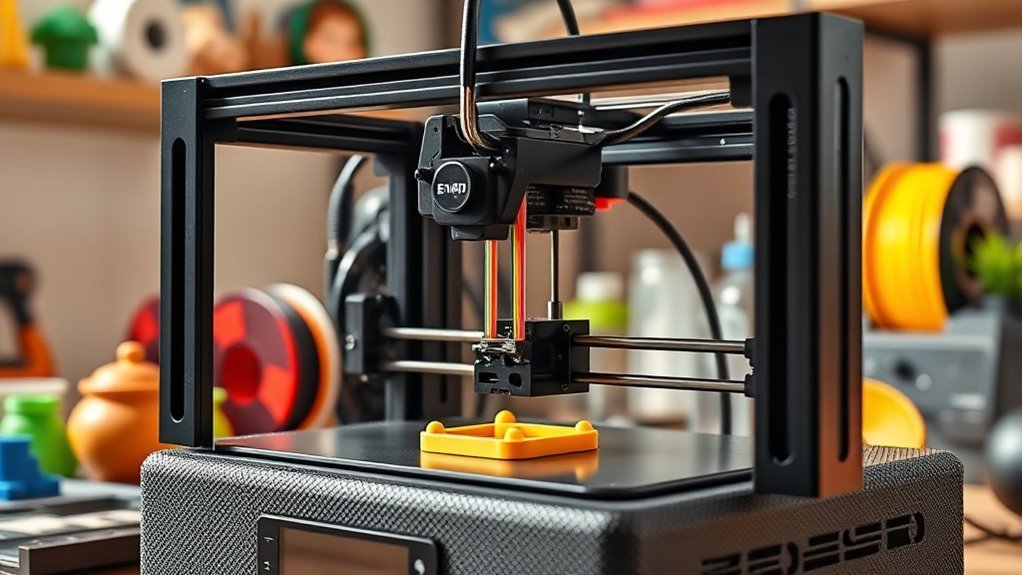
When choosing a beginner 3D printer, you’ll want to focus on ease of setup and printing quality to get the best results quickly. Check for safety features and how well the printer connects with your devices.
Also, consider maintenance needs and the support available to keep your printer running smoothly. Taking these factors into account will help you find a printer that’s both user-friendly and reliable.
Ease Of Setup
Ease of setup plays an essential role in how quickly you can immerse yourself in 3D printing without frustration. Look for fully assembled printers that let you start printing right out of the box, cutting down setup time and hassle.
Choose models with automatic calibration to simplify bed leveling and boost your chances of a successful first print. Printers featuring intuitive interfaces, like touchscreens or simple knob controls, make navigation and operation much easier for beginners.
Also, consider devices that come with preloaded printable designs or user-friendly software to get you printing immediately. Some printers allow for first prints within 15 minutes after setup, so you won’t have to wait long before enjoying your new hobby.
Prioritizing ease of setup guarantees a smooth, enjoyable start with 3D printing. It really makes all the difference when you’re just getting started!
Printing Speed And Quality
Printing speed and quality directly impact how quickly and effectively you bring your 3D projects to life. Beginner-friendly printers often print between 250 mm/s and 500 mm/s, letting you finish projects faster without sacrificing detail.
High acceleration values, like 20,000 mm/s², boost efficiency by reducing print time while maintaining precision. Consistent quality depends on accurate calibration, so look for features such as automatic bed leveling to guarantee proper adhesion and fewer failed prints.
The nozzle choice and fast heating—around 40 seconds—also influence print sharpness and workflow speed. Plus, if you want more creative freedom, consider a printer supporting multi-color printing with up to 16 colors, enhancing your model’s visual appeal.
Balancing speed and quality is key to a satisfying 3D printing experience. It’s all about finding that sweet spot that works best for your projects.
Safety Features Included
Although 3D printing can be exciting, you’ll want to prioritize safety features that protect you from high temperatures and mechanical hazards. Look for printers with a partially enclosed structure to shield you from hot components during operation.
Automatic bed leveling reduces the risk of failed prints, which can cause overheating or other issues. A ceramic hotend that heats quickly limits the time you’re exposed to high temperatures, enhancing safety.
Stability matters, too—a solid frame and dual Z-axis design prevent unexpected movements that might be dangerous. Finally, choose models offering technical support to guide you through safety features and troubleshoot concerns.
These precautions help you enjoy 3D printing confidently and securely. It’s all about making sure you have fun without any worries!
Connectivity And Compatibility
When choosing a beginner 3D printer, you’ll want one that offers multiple connectivity options like WiFi, USB, and TF card to fit your preferred setup. This flexibility makes it easier to transfer files and manage prints without hassle.
Also, confirm the printer supports various operating systems such as Windows, macOS, and Linux, so you won’t run into compatibility issues regardless of your device. Many models now offer mobile app control, allowing you to start and monitor prints remotely, which adds convenience.
Additionally, printers that integrate cloud-based services give you access to a broader selection of printable models and DIY modules. Prioritizing these connectivity and compatibility features will streamline your printing experience and help you get the most out of your new 3D printer.
Maintenance And Support
Since maintaining your 3D printer directly impacts print quality and reliability, it’s important to choose a model designed for easy upkeep. Look for printers with auto-leveling features to minimize manual adjustments and keep your prints stable.
Regular maintenance like nozzle cleaning and replacement is essential to avoid extrusion problems and maintain consistent quality. Also, consider the manufacturer’s technical support—having access to expert help can make setup and troubleshooting much smoother, especially if you’re new.
Check for warranty options offering at least 12 months of free repairs or returns for peace of mind. Finally, access to online communities and resources provides valuable advice to quickly resolve any issues, making your 3D printing experience more enjoyable and hassle-free.
Frequently Asked Questions
How Do I Maintain and Clean My 3D Printer?
You should regularly clean the nozzle and print bed, lubricate moving parts, and tighten screws. Use isopropyl alcohol to get rid of any residue.
Also, make sure to remove the filament after your prints are done. Don’t forget to update your firmware every now and then to keep your 3D printer running smoothly.
What Software Is Best for Beginner 3D Printers?
Imagine sculpting your ideas from thin air—using software like Ultimaker Cura or PrusaSlicer makes it easy.
You’ll enjoy intuitive controls and helpful presets, so you can start printing confidently without getting lost in complex settings.
Can I Use Third-Party Filaments With These Printers?
Yes, you can use third-party filaments with most beginner 3D printers. Just make sure the filament diameter matches your printer’s specifications.
Also, check the temperature compatibility to avoid print issues or damage. It’s pretty straightforward once you keep these in mind!
How Long Does It Take to Print a Typical 3D Object?
Printing a typical 3D object usually takes between 30 minutes to several hours, depending on size and detail.
You’ll watch layers stack like building blocks, slowly transforming digital dreams into tangible reality before your eyes.
What Safety Precautions Should I Follow While 3D Printing?
You should always wear gloves and safety goggles, and guarantee proper ventilation. Keep flammable materials away from your workspace to stay safe.
Never leave the printer unattended while it’s running. Also, regularly inspect your printer for any damage.
This helps you avoid burns, fumes, or electrical hazards while 3D printing. Staying cautious makes the whole process much safer and smoother.
Conclusion
Choosing your first 3D printer is exciting but can feel overwhelming. You might lean toward the sleek, multi-color Bambu Lab P1S for advanced features, or prefer the simple, reliable Entina Tina2 Plus for straightforward use.
Both offer great starts, yet your choice depends on what matters more: complexity or ease. Remember, the best beginner 3D printer is the one that fits your needs and sparks your creativity without frustration.
When picking a beginner 3D printer, think about what you want to create and how much time you want to invest learning the machine. Some printers offer more advanced capabilities but come with a learning curve, while others focus on simplicity and reliability.
Ultimately, the best beginner 3D printer recommendation for 2027 is one that balances ease of use with the features you need to bring your ideas to life. Start simple, get comfortable, and enjoy the exciting world of 3D printing!