5 Best and Most Economical Home Printers for 2027
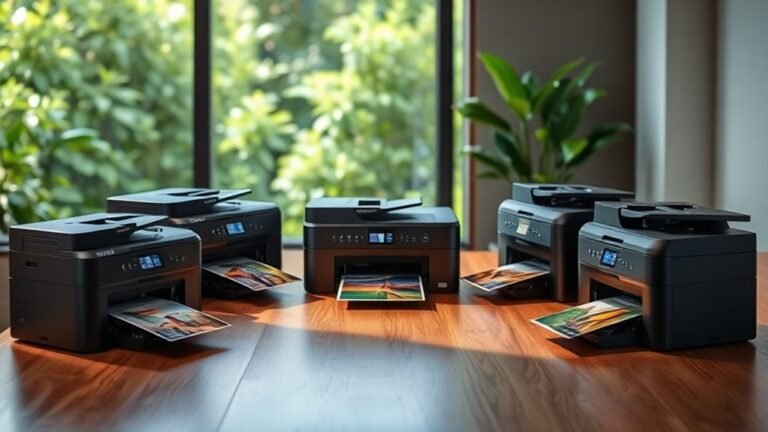
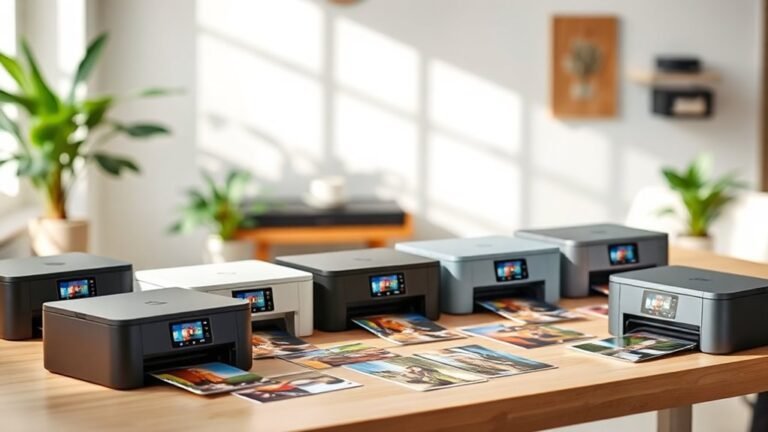
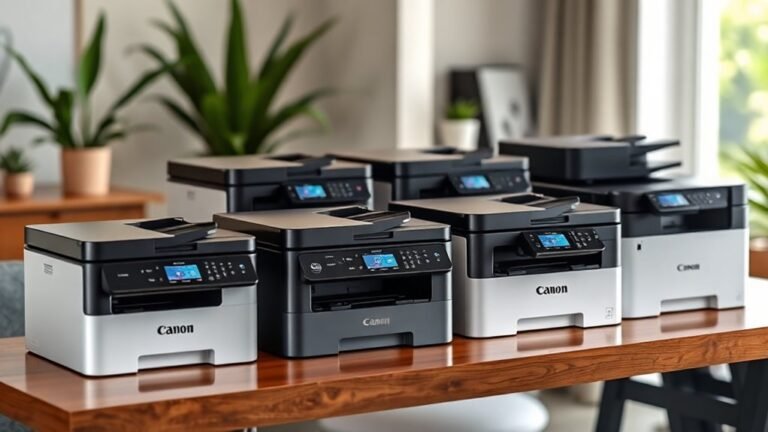
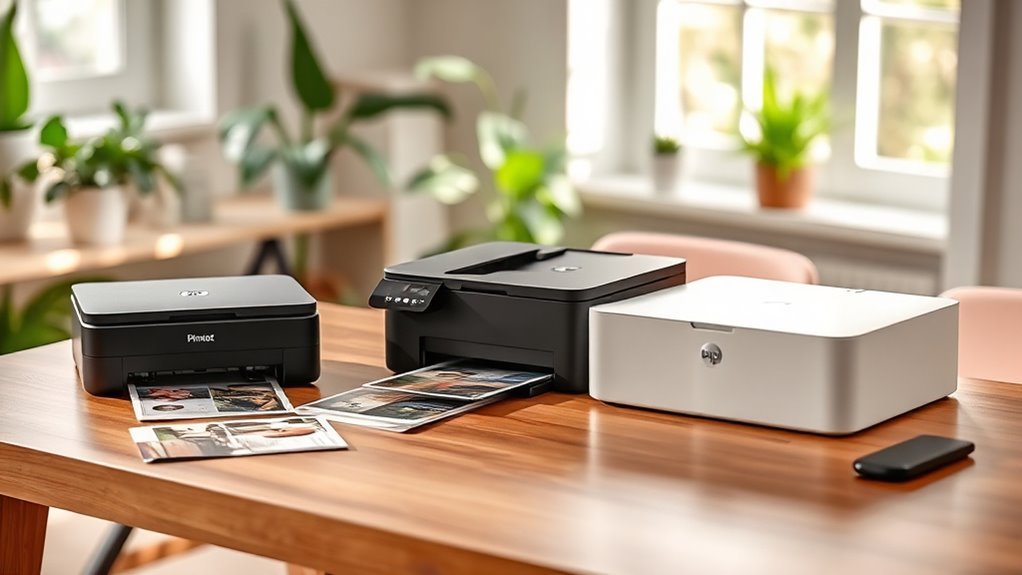
You’ll want printers that balance quality, cost, and convenience for home use. Finding the best and most economical home printers for 2027 means looking for models that save you money on ink, offer wireless ease, and produce great prints without fuss.
Whether you need something compact or a powerhouse for high-volume printing, there’s a perfect fit out there.
The HP DeskJet 2923 offers eco-friendly, compact wireless printing with easy smartphone control. Canon MegaTank G3270 stands out for low-cost, high-volume ink with refillable tanks.
The Canon PIXMA TS4320 adds style, duplexing, and voice control. Epson XP-5250 delivers sharp prints and paper-saving duplexing, while Brother HL-L2405W excels in fast, monochrome laser printing.
Keep exploring to find which fits your needs best. You’re sure to find a printer that keeps both your wallet and your workflow happy!
| Image | Name | Editor's Rating | Price |
|---|---|---|---|

|
|
||

|
|
||

|
|
||

|
|
||

|
|
HP DeskJet 2923 Color Inkjet Printer | Wireless | All-in-One
- Perfect for basic printing needs – Print everyday color documents like to-do lists, letters, financial documents and recipes
- KEY FEATURES – Color print, copy, scan, and a 60-sheet input tray, plus mobile and wireless printing
- OPTIMIZE PRINT FORMATTING WITH HP AI – Print web pages and emails with precision—no wasted pages or awkward layouts; HP AI easily removes unwanted content, so your...
- ICON LCD – Print your basic documents with ease from the intuitive control panel
- PRINT SPEED – Up to 7.5 ppm black, 5.5 ppm color

The HP DeskJet 2923 is a compact all-in-one printer designed to simplify everyday home tasks. It handles color printing, scanning, and copying with ease, making it ideal for users who need a versatile device without taking up much space. Its intuitive icon LCD control panel ensures smooth operation, even for those new to printing technology.
This printer supports wireless dual-band Wi-Fi, allowing you to print and scan directly from your smartphone using the HP App. This feature solves common connectivity issues and streamlines your workflow, especially in a busy home environment. The 60-sheet input tray suits typical home use, though larger projects may require more frequent refills.
Maintenance is straightforward, with easy-to-replace ink cartridges and the option for Instant Ink automatic delivery after a 6-month trial. The DeskJet 2923 also stands out for its eco-friendly design, made from 70% recycled plastics and ENERGY STAR certified, helping reduce environmental impact without sacrificing performance.
While print speeds are moderate, they are sufficient for everyday documents and photos. This model balances functionality, convenience, and sustainability in a compact design.
Best for: Compact home users needing an all-in-one color printer with wireless smartphone connectivity and eco-conscious features.
What We Like:
- Easy color printing, scanning, and copying with a simple control panel
- Wireless dual-band Wi-Fi and HP App for seamless mobile printing
- Eco-friendly build with 70% recycled plastics and ENERGY STAR certification
- Straightforward maintenance with Instant Ink subscription option
Specification:
| Feature | Details |
|---|---|
| Manufacturer | HP |
| Dimensions | Compact size (exact size not specified) |
| Weight | Not specified |
| Material | 70% recycled plastics |
| Color Options | Not specified |
Canon MegaTank G3270 All-in-One Wireless Color Printer
- Wireless Print/Copy/Scan
- Up to 2 years of ink included (2)
- Print up to 6,000 black & white / 7,700 color pages using a single set of inks! (1)
- Save up to $1,000 on ink (1)
- 1.35” Square LCD display
The Canon MegaTank G3270 is designed to simplify your home printing needs with long-lasting ink supplies and versatile functionality. Its refillable MegaTank system prints thousands of pages, reducing frequent ink replacements and saving you time and money.
This all-in-one color printer handles printing, copying, and scanning with sharp 4800 × 1200 dpi resolution. Wireless connectivity allows you to print effortlessly from your smartphone or computer, while borderless printing enhances your photos and documents.
Maintenance is straightforward with clearly visible ink tanks, making refills easy and mess-free. The compact design fits well in home offices, balancing space efficiency with reliable performance.
While it doesn’t offer automatic duplex printing, the G3270’s straightforward operation and energy-efficient design make it ideal for everyday tasks. It supports various paper sizes, giving you flexibility for different projects.
Best for: Home users and small offices needing an economical, wireless all-in-one color printer with easy maintenance and smartphone control.
What We Like:
- High ink yield reduces refill frequency
- Sharp, high-resolution print quality
- Easy wireless and smartphone connectivity
- Visible, refillable ink tanks for simple maintenance
- Compact design suited for home office spaces
Specification:
| Feature | Details |
|---|---|
| Manufacturer | Canon |
| Dimensions (W×D×H) | 15.7 × 12.6 × 6.6 inches |
| Weight | 8.16 lbs (3.7 kg) |
| Print Resolution | Up to 4800 × 1200 dpi |
| Connectivity | Wi-Fi, USB |
| Display | 1.35-inch LCD |
Canon PIXMA TS4320 – Wireless Color Inkjet Printer with Print, Copy, Scan
- Affordable Versatility - A budget-friendly all-in-one printer perfect for both home users and hybrid workers, offering exceptional value
- Crisp, Vibrant Prints - Experience impressive print quality for both documents and photos, thanks to its 2-cartridge hybrid ink system that delivers sharp text and vivid...
- Effortless Setup & Use - Get started quickly with easy setup for your smartphone or computer, so you can print, scan, and copy without delay
- Reliable Wireless Connectivity - Enjoy stable and consistent connections with dual-band Wi-Fi (2.4GHz or 5GHz), ensuring smooth printing from anywhere in your home or...
- Scan & Copy Handling - Utilize the device’s integrated scanner for efficient scanning and copying operations
Experience hassle-free printing at home or in your hybrid workspace with the Canon PIXMA TS4320. This compact all-in-one inkjet printer streamlines your daily tasks by combining printing, copying, and scanning into a single device. Its sharp 1200 x 1200 dpi resolution ensures crisp text and vibrant color output, meeting your document and photo needs effortlessly.
Designed for convenience, the PIXMA TS4320 supports wireless dual-band Wi-Fi and mobile app control, allowing you to print from your smartphone or tablet. Alexa compatibility adds voice command functionality, simplifying operation even further. The printer handles various media types, including photo paper and envelopes, with a 100-sheet input capacity to reduce frequent refills.
Maintenance is straightforward with included starter ink tanks and efficient duplex printing, saving paper and time. Its compact design fits easily on desks or shelves, making it ideal for limited spaces without sacrificing performance. While print speeds are moderate, they suit typical home or hybrid office workloads well.
Best for: Home users and hybrid workers who want a stylish, easy-to-use all-in-one printer for occasional to moderate color and black-and-white printing, copying, and scanning.
What We Like:
- Wireless dual-band Wi-Fi and mobile app control with Alexa compatibility
- Sharp 1200 x 1200 dpi resolution and duplex printing support
- Compact design with 100-sheet capacity and included starter ink tanks
- Supports multiple media types, including photo paper and envelopes
Specification:
| Feature | Details |
|---|---|
| Manufacturer | Canon |
| Dimensions | Compact (specific size not provided) |
| Weight | Not specified |
| Print Resolution | Up to 1200 x 1200 dpi |
| Paper Capacity | 100 sheets |
| Print Speed | Up to 14 ppm (black), 9 ppm (color) |
| Connectivity | Wireless dual-band Wi-Fi, mobile app, Alexa compatibility |
| Media Types | Photo paper, envelopes, letter size only |
Epson Expression Home XP-5250 Wireless All-in-One Printer
- Remarkable Prints and Photos — Home printer with Epson's leading-edge printing technology produces crystal clear prints and rich colors
- Our Fastest Expression Home Printer — Plus, a 150-sheet paper tray for convenient paper handling
- Convenient Operation — Large 2.4" color display for effortless navigation
- Epson Smart Panel App¹ — Transforms your mobile device into a high-performance command center and adds time-saving features like Smart Setup
- Engineered for Reliability — Consistently delivers high-quality prints with PrecisionCore Heat-Free technology and a permanent printhead designed to last the life of...
The Epson Expression Home XP-5250 offers a smart solution for home printing needs. It produces sharp, vibrant prints that bring documents and photos to life. Thanks to PrecisionCore Heat-Free technology, you get consistent quality without long warm-up times or noisy operation.
Setting up the printer wirelessly is straightforward, allowing you to print from multiple devices with ease. The 150-sheet paper tray and automatic two-sided printing help manage paper efficiently. This saves time and reduces waste during everyday tasks.
Maintenance is simplified with individual ink cartridges, so you only replace the color that runs out. The permanent printhead ensures reliability and durability over time. The 2.4-inch color display provides basic navigation, while the Epson Smart Panel app offers remote control from your smartphone.
This printer is designed for home users and students who need a dependable, easy-to-use device. Its wireless features and efficient paper handling improve productivity without complexity. However, the smaller display and slower print speeds may limit advanced use.
Best for: Home users and students seeking a compact, affordable wireless printer with quality color output and simple maintenance.
What We Like:
- Sharp, vibrant prints with durable PrecisionCore Heat-Free printhead
- Easy wireless setup including Wi-Fi Direct
- Efficient paper handling with 150-sheet capacity and duplex printing
- Remote control via Epson Smart Panel app
- Individual ink cartridges reduce waste and cost
Specification:
| Feature | Details |
|---|---|
| Manufacturer | Epson |
| Dimensions | 14.8 x 11.6 x 6 inches |
| Weight | 11.5 lbs |
| Color Options | White |
| Paper Capacity | 150 sheets |
| Display | 2.4-inch color LCD |
| Connectivity | Wi-Fi, Wi-Fi Direct |
Brother HL-L2405W Wireless Compact Monochrome Laser Printer
- BEST FOR HOMES & HOME OFFICES – Engineered for consistent, premium print quality, the Brother HL-L2405W Monochrome (Black & White) Laser Printer delivers sharp, crisp...
- COMPACT, CONNECTED PRINTER – Flexible connection options make this an ideal printer for home use and at-home offices. Securely connect to multiple devices with built-in...
- BROTHER MOBILE CONNECT APP – Manage your printer remotely and print from your mobile device anytime, from almost anywhere. Order Brother Genuine Supplies, track toner...
- VERSATILE PAPER HANDLING – Enjoy seamless, reliable everyday printing with the 250-sheet paper tray(4) and a manual feed slot that enables printing on envelopes and...
- BROTHER IS AT YOUR SIDE – Backed by Brother with a 1-year limited warranty and free online, call, or live chat support for the life of your printer
Experience reliable and efficient black-and-white printing with the Brother HL-L2405W. Designed to keep your home office productive, this wireless monochrome laser printer delivers crisp text at a sharp 1200 x 1200 dpi resolution. It prints quickly, handling up to 30 pages per minute, so you spend less time waiting and more time working.
Its compact design fits neatly on any desk, making it ideal for small spaces. The dual-band wireless connectivity allows seamless printing from laptops, smartphones, and tablets, eliminating the hassle of cables. You can also print envelopes and specialty paper using the manual feed slot, adding versatility to your printing tasks.
Maintenance is straightforward with the Brother Mobile Connect app, which simplifies managing settings and monitoring supplies. The 250-sheet paper capacity reduces the need for frequent refills, making it convenient for daily use. While it is a print-only device, its focused functionality ensures dependable monochrome output.
Best for: individuals and small home offices needing fast, reliable monochrome printing with wireless convenience in a compact design.
What We Like:
- Fast printing speed of up to 30 pages per minute with high-resolution output
- Dual-band wireless support for versatile device connectivity
- Large 250-sheet paper tray and manual slot for specialty media
- Compact footprint ideal for limited desk space
Specification:
| Feature | Details |
|---|---|
| Manufacturer | Brother |
| Dimensions | 14 x 14.2 x 7.2 inches |
| Weight | 15.7 lbs |
| Color Options | White |
| Connectivity | Wireless (Dual-band Wi-Fi) |
Factors to Consider When Choosing the Most Economical Home Printer
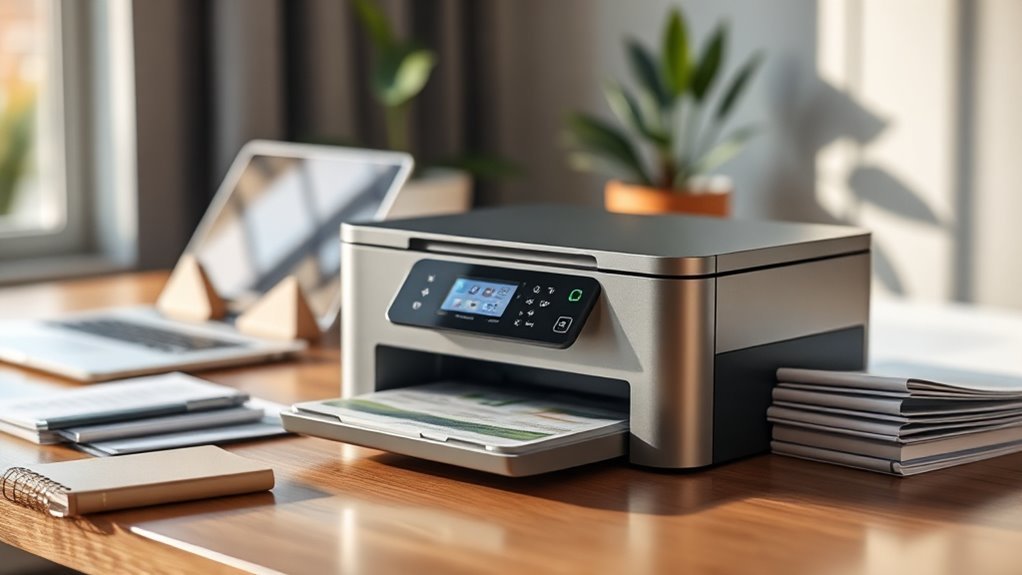
When choosing the most economical home printer, you’ll want to compare print quality and factor in ink or toner costs.
Speed and wireless connectivity can save you time, while paper handling capacity guarantees the printer meets your daily needs.
Keeping these points in mind helps you find a printer that balances cost and performance effectively. It’s all about getting the best value for your money without sacrificing what you need.
Print Quality Comparison
Although print quality depends on several factors, understanding resolution, printer technology, and color capabilities will help you choose the most economical home printer without sacrificing detail or color accuracy.
Higher dpi values mean finer detail, ideal for photos and graphics, while standard dpi suits everyday text. Inkjet printers use liquid inks, offering superior color gradients and photo quality, whereas laser printers produce sharper, high-contrast text.
Consider color gamut and output depth too; wider gamuts and deeper color bits deliver more realistic, vivid prints. Keep in mind print speed can impact quality—slower modes usually yield better results.
Finally, the type of paper you use plays a big role: glossy or photo papers enhance saturation and sharpness, while plain paper limits the quality, no matter how good your printer is.
Ink and Toner Costs
Calculate ink and toner costs carefully to choose the most economical home printer for your needs. Begin by dividing the price of replacement cartridges or toner by their page yield to get a cost per page, using ISO coverage figures when available.
Compare standard and high-yield options—high-yield cartridges often save money despite a higher upfront cost. If you’re considering inkjet refillable-tank systems, factor in their larger ink volumes and long-term page yields, as they usually offer much lower costs per page.
Don’t forget to include color printing expenses, since combined CMY and black ink use can increase costs markedly. Also, account for indirect consumables like printheads, drum units, and waste ink pads, since their replacement frequency impacts your overall printing cost over time.
Printer Speed Efficiency
Boost your productivity by choosing a printer with efficient speed features that match your home printing demands. Look for models offering high pages per minute (ppm)—20 to 30 ppm if you print large jobs often, or a quicker first-page-out time if you mostly print short documents.
Duplex printing is a smart feature, letting you print on both sides automatically, which saves time and effort. Also, check if the printer has a draft mode that speeds up text printing while conserving ink and energy.
Keep in mind that connection type affects speed too; wired or strong dual-band Wi-Fi connections deliver more consistent throughput than crowded 2.4 GHz networks. This helps large or high-resolution jobs finish faster.
These factors guarantee your printer keeps pace with your needs efficiently.
Wireless Connectivity Options
After considering speed and efficiency, you’ll want to explore wireless connectivity options that keep your printer accessible and reliable. Look for dual-band Wi‑Fi (2.4 GHz and 5 GHz) to enjoy faster, less-congested connections from multiple devices.
Wi‑Fi Direct comes in handy when you need quick mobile printing without relying on a home router. Smartphone apps, AirPrint, or Mopria simplify wireless printing and remote scan/copy, though they may require occasional updates and permissions.
Built-in network features that automatically detect and fix connection issues can save you time and frustration. Also, consider wired USB or Ethernet options as backups for stable, high-throughput tasks or initial setup when wireless signals falter. That way, your printer stays connected no matter the situation.
Paper Handling Capacity
Many home printers offer input tray capacities ranging from 60 to 250 sheets, so you’ll want to choose one that fits your typical monthly print volume to minimize frequent refills. Also, consider the output tray’s capacity to make certain your prints stack neatly without overflow, especially if you often print in bulk.
Look for automatic duplexing to save paper and avoid manually flipping pages. Check supported paper sizes and types—like letter, legal, envelopes, cardstock, or photo paper—and any maximum media thickness to prevent jams.
If you print on various media, having extra trays or a multi-purpose feed slot can save you time by letting you switch paper types without constant reloading. Balancing these paper handling features makes certain your printer runs smoothly and economically at home.
Device Compatibility Features
Choosing a home printer that easily connects with all your devices can save you time and frustration. Make sure it supports dual-band Wi-Fi (2.4 GHz and 5 GHz) for reliable wireless connections and less network congestion.
Check if it offers mobile printing options like AirPrint, Mopria, or vendor apps. That way, you can print or scan directly from your smartphone or tablet without extra drivers.
Don’t overlook wired options such as USB or Ethernet for stable connections, especially if Wi-Fi is spotty. It’s good to have a backup plan, right?
If multiple users need access, look for cloud features like email-to-print or cloud storage integration. Finally, confirm the printer supports your operating systems—Windows, macOS, Linux, iOS, Android—and that the manufacturer provides regular driver updates to keep things running smoothly.
Environmental Sustainability Standards
While shopping for a home printer, you’ll want to take into account its environmental sustainability to save money and reduce your ecological footprint. Look for ENERGY STAR certification, which guarantees the printer uses less power both in standby and active modes.
Also, check for EPEAT registration to confirm the device meets environmental impact standards across its lifecycle. Prefer models made with recycled plastics, cutting down on virgin material use.
Choose printers with user-replaceable, recyclable cartridges and clear recycling programs to keep waste out of landfills. And don’t forget to pick devices that support automatic duplex printing and high-yield or refillable ink options, which minimize paper and consumable waste.
These factors help you select an economical printer that’s kinder to the planet and your wallet over time. It really pays off in the long run!
Frequently Asked Questions
How Do I Recycle Used Printer Cartridges Responsibly?
You can recycle used printer cartridges responsibly by returning them to manufacturer recycling programs, dropping them off at local e-waste centers, or using mail-in recycling services.
Don’t throw them in the trash to avoid harmful environmental impact. It’s really easy to do your part, and every little bit helps!
What Is the Average Lifespan of a Home Printer?
You can expect your home printer to last about 3 to 5 years on average.
Notably, regular maintenance can extend its life by up to 30%, so don’t skip cleaning and proper cartridge handling. It really makes a difference!
Are There Printers Compatible With Both Windows and macOS?
Yes, you’ll find many printers compatible with both Windows and macOS. Manufacturers design them to support multiple operating systems, so you won’t have trouble connecting your printer regardless of whether you’re using a PC or a Mac.
It’s pretty convenient, right? This way, you can easily switch between devices without worrying about compatibility issues. Most modern printers are built with this flexibility in mind.
How Do Printers Affect Indoor Air Quality?
Printers can be a double-edged sword, releasing tiny particles and volatile compounds that affect indoor air quality.
You’ll want to keep your space ventilated and choose models with low emissions to breathe easier while printing.
It’s all about making simple changes to keep the air fresh and safe around your printer.
Can I Print Directly From My Smartphone Without Wi-Fi?
Yes, you can print directly from your smartphone without Wi-Fi by using printers that support Bluetooth or USB OTG connections.
Just connect your phone to the printer, and you’ll be able to print quickly and easily.
It’s pretty straightforward once you have the right setup.
No need to worry about finding a Wi-Fi network!
Conclusion
Choosing the right home printer is like planting a garden—you want tools that grow with you, saving both time and money. Just as a well-tended garden thrives with the right care, your printing needs flourish when you pick a printer that fits your lifestyle and budget.
With these top economical options, you’re set to harvest crisp prints and smooth scans. Every page will bloom with quality without draining your resources.
Finding the best and most economical home printers for 2027 means balancing cost, efficiency, and reliability. Whether you need a printer for occasional documents or daily tasks, these choices help you save on ink and energy. So, get ready to enjoy seamless printing that suits your home and wallet perfectly.