4 Best All-in-One Printers for Seniors in 2027 (Easy to Use)
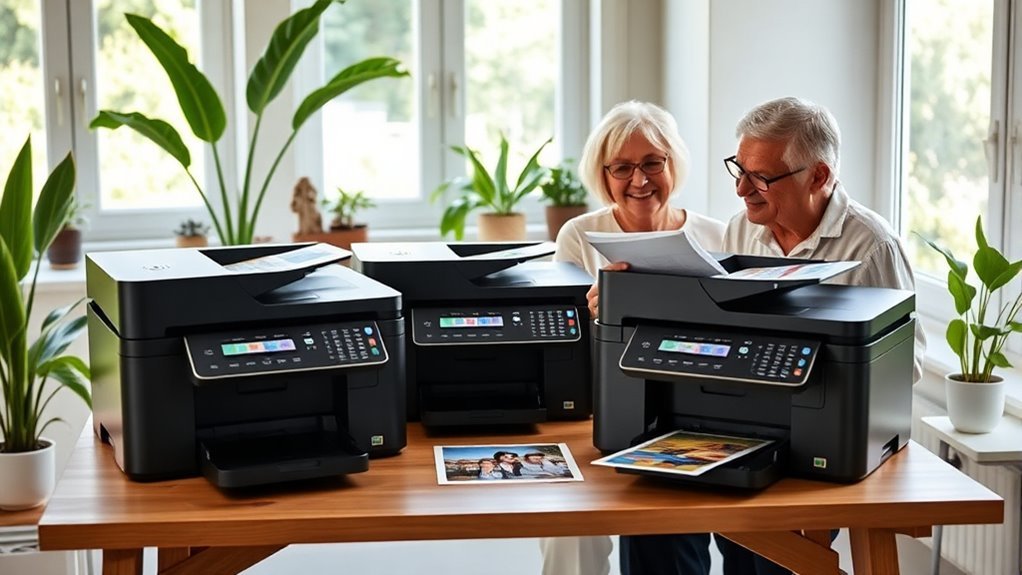
You’ll want an easy-to-use all-in-one printer that simplifies tasks and saves ink. Finding the best all-in-one printer for seniors means looking for features like straightforward controls, quick setup, and efficient ink usage. These printers make printing, scanning, and copying hassle-free, especially if you’re not tech-savvy.
The HP OfficeJet Pro 8125 offers quick setup with a smartphone-like touchscreen and fast duplex printing.
Canon’s MegaTank G3270 features a refillable ink system for long-term savings and straightforward copying.
The PIXMA TS4320 supports wireless photo printing, while the TR8620a adds voice control and a responsive touchscreen. Keep exploring to find the perfect fit tailored to your needs.
| Image | Name | Editor's Rating | Price |
|---|---|---|---|

|
|
||

|
|
||

|
|
||

|
|
HP OfficeJet Pro 8125 Wireless All-in-One Printer
- FROM AMERICA'S MOST TRUSTED PRINTER BRAND – The OfficeJet Pro 8125 is perfect for home offices printing professional-quality color documents like business documents...
- 3 MONTH TRIAL OF INSTANT INK INCLUDED – Subscribe to the Instant Ink delivery service to get ink delivered directly to your door before you run out, and you save up to...
- KEY FEATURES – Fast color printing, scan, copy, auto 2-sided printing, auto document feeder, and a 225-sheet input tray
- 2.7-INCH TOUCHSCREEN – Quickly navigate your printer with a large color touchscreen and a phone-like user interface
- WIRELESS PRINTING – Stay connected with our most reliable dual-band Wi-Fi, which automatically detects and resolves connection issues

The HP OfficeJet Pro 8125 Wireless All-in-One Printer offers a seamless way to manage your printing, scanning, copying, and faxing tasks. Its user-friendly 2.7-inch color touchscreen lets you navigate functions quickly, much like a smartphone. This intuitive design helps reduce setup time and simplifies everyday use.
Printing is fast and efficient, with speeds up to 20 pages per minute in black. The printer supports automatic duplex printing, which helps save paper and lowers your environmental footprint. Wireless connectivity lets you print directly from your phone using the HP app or AirPrint, eliminating cables and making remote work easier.
Maintenance is straightforward but keep in mind that the fax function works through a mobile app rather than built-in hardware. Also, the printer requires original HP ink cartridges, which may limit third-party options. Despite this, its eco-conscious design with over 45% recycled plastic and ink-saving features supports sustainable use.
This device suits those needing a reliable, all-in-one printer for home or small office use, combining functionality with thoughtful environmental considerations.
Best for: Home office users and individuals seeking an easy-to-use, wireless all-in-one printer with eco-friendly features.
What We Like:
- Fast print speeds with automatic two-sided printing
- Intuitive touchscreen interface similar to smartphones
- Uses recycled plastic and offers ink-saving options
- Wireless printing via HP app and AirPrint
Specification:
| Feature | Details |
|---|---|
| Manufacturer | HP |
| Dimensions | Approx. 17.4 x 14.4 x 9.6 in |
| Weight | Around 14.6 lb (6.6 kg) |
| Material | Includes over 45% recycled plastic |
| Color Options | Black and white |
Canon MegaTank G3270 All-in-One Wireless Color Printer
- Wireless Print/Copy/Scan
- Up to 2 years of ink included (2)
- Print up to 6,000 black & white / 7,700 color pages using a single set of inks! (1)
- Save up to $1,000 on ink (1)
- 1.35” Square LCD display
Experience hassle-free printing with the Canon MegaTank G3270, designed to simplify your everyday tasks. This all-in-one wireless color printer delivers sharp, vibrant prints that bring your documents and photos to life. Its clear LCD screen and intuitive wireless setup make copying and scanning straightforward, saving you time and effort.
The MegaTank system is a game-changer for maintenance. It holds enough ink for up to two years, drastically reducing the need for frequent refills and helping you save around $1,000 on cartridges. This refillable tank minimizes interruptions and keeps your printer running smoothly without the usual cartridge hassles.
With a compact design, the printer fits neatly into any home office or small workspace. It supports various paper sizes and connects effortlessly to smartphones via Wi-Fi, letting you print directly from your mobile devices. Energy Star certification also ensures eco-friendly operation, making it a responsible choice for your office.
While it offers impressive print quality, note that it prints up to 11 pages per minute in black and white and 6 ppm in color. The printer only supports single-sided printing and has a 100-sheet paper tray, which may require regular refilling for larger tasks.
Best for: Home users and small home offices needing an affordable, high-quality color printer with wireless convenience and low ink costs.
What We Like:
- Vibrant color printing at up to 4800 x 1200 dpi resolution
- Refillable MegaTank system reduces ink costs and maintenance
- Wireless setup with smartphone app control and easy-to-read LCD display
- Compact design fits well in limited spaces
- Energy Star certified for eco-friendly use
Specification:
| Feature | Details |
|---|---|
| Manufacturer | Canon |
| Dimensions (W×D×H) | Compact size (exact size not specified) |
| Weight | Not specified |
| Printing Technology | Inkjet |
| Max Print Resolution | 4800 x 1200 dpi |
| Print Speed | Up to 11 ppm (black), 6 ppm (color) |
| Paper Tray Capacity | 100 sheets |
| Connectivity | Wireless (Wi-Fi) |
| Color Options | Color |
Canon PIXMA TS4320 – Wireless Color Inkjet Printer with Print, Copy, Scan
- Affordable Versatility - A budget-friendly all-in-one printer perfect for both home users and hybrid workers, offering exceptional value
- Crisp, Vibrant Prints - Experience impressive print quality for both documents and photos, thanks to its 2-cartridge hybrid ink system that delivers sharp text and vivid...
- Effortless Setup & Use - Get started quickly with easy setup for your smartphone or computer, so you can print, scan, and copy without delay
- Reliable Wireless Connectivity - Enjoy stable and consistent connections with dual-band Wi-Fi (2.4GHz or 5GHz), ensuring smooth printing from anywhere in your home or...
- Scan & Copy Handling - Utilize the device’s integrated scanner for efficient scanning and copying operations
The Canon PIXMA TS4320 is designed to make printing, scanning, and copying straightforward and hassle-free. Its compact and stylish design fits easily into any home space, helping you keep your workspace organized and clutter-free. With wireless dual-band Wi-Fi, you can print directly from your smartphone or tablet using popular mobile apps, eliminating the need for cables.
This printer delivers sharp color prints up to 1200 dpi, perfect for vibrant photos and clear documents. Automatic duplex printing saves time and paper by printing on both sides without manual effort. You can also print borderless photos up to letter size, making it ideal for casual photo projects.
Maintenance is simple with its 2-cartridge hybrid ink system, though color printing may require frequent cartridge replacements. While it lacks an automatic document feeder and an OLED display, it supports various media types, offering flexibility for everyday home use.
Best for: Seniors and home users who want a budget-friendly, easy-to-use wireless printer for everyday tasks without advanced features.
What We Like:
- Compact design fits well in small spaces
- Wireless dual-band Wi-Fi with mobile printing app support
- Automatic duplex and borderless photo printing
Specification:
| Feature | Details |
|---|---|
| Manufacturer | Canon |
| Dimensions | Approx. 12.0 x 14.5 x 5.0 in (30.5 x 36.8 x 12.7 cm) |
| Weight | Approx. 10.3 lbs (4.7 kg) |
| Ink System | 2-cartridge hybrid ink |
| Connectivity | Dual-band Wi-Fi, USB |
| Media Types | Plain paper, photo paper, envelopes, labels |
Canon PIXMA TR8620a All-in-One Printer Black
- Never run out of ink. Connect your printer to Alexa and receive notifications when you’re running low. Alexa can even place a smart reorder from Amazon on your behalf...
- Enrolling in Smart Reorders with Alexa ensures that you never have too much or too little ink supplies. No subscription needed.
- Wireless 4-in-1 (Print | Copy | Scan | Fax)
- 15 / 10 ipm Print Speed
- 200 Sheet Capacity (100 Cassette, 100 Rear Feed)
The Canon PIXMA TR8620a redefines home and small office printing with its versatile all-in-one design. This printer simplifies everyday tasks by combining printing, scanning, copying, and faxing into one compact device. Its wireless connectivity allows easy setup and operation from smartphones or voice assistants, making printing more accessible for everyone.
Designed to save time, the PIXMA TR8620a features automatic two-sided printing and a 20-sheet automatic document feeder. These functionalities reduce manual effort, especially when handling multiple pages. The sharp 4.3-inch touchscreen provides intuitive control, streamlining workflow management.
Maintenance is straightforward thanks to five individual ink tanks, which help cut down on waste and lower replacement costs. The printer supports various media types and sizes up to 8.5 x 14 inches, catering to diverse printing needs. With a maximum print resolution of 4800 x 1200 dpi, it delivers crisp text and vibrant photos.
While the device handles up to 200 sheets and offers moderate print speeds, it is best suited for light to moderate daily use rather than heavy office workloads. Its compact footprint fits well in home offices or senior users’ spaces without sacrificing functionality.
Best for: Seniors and home office users seeking a user-friendly, wireless all-in-one printer with versatile media handling.
What We Like:
- Automatic two-sided printing and 20-sheet ADF enhance efficiency.
- Five individual ink tanks reduce ink waste and lower costs.
- Responsive 4.3-inch touchscreen with wireless options including AirPrint, Android, and Alexa.
- Compact design fits easily into small workspaces.
- Supports multiple media types with sharp print quality.
Specification:
| Feature | Details |
|---|---|
| Manufacturer | Canon |
| Dimensions (W×D×H) | Approx. 15.0 x 12.0 x 7.5 inches |
| Weight | Approx. 13.0 lb (5.9 kg) |
| Color | Black |
| Maximum Media Size | 8.5 x 14 inches |
| Print Resolution | Up to 4800 x 1200 dpi |
| Paper Capacity | 200 sheets |
| Connectivity | Wireless, AirPrint, Android, Alexa |
Factors to Consider When Choosing an All in One Printer for Seniors
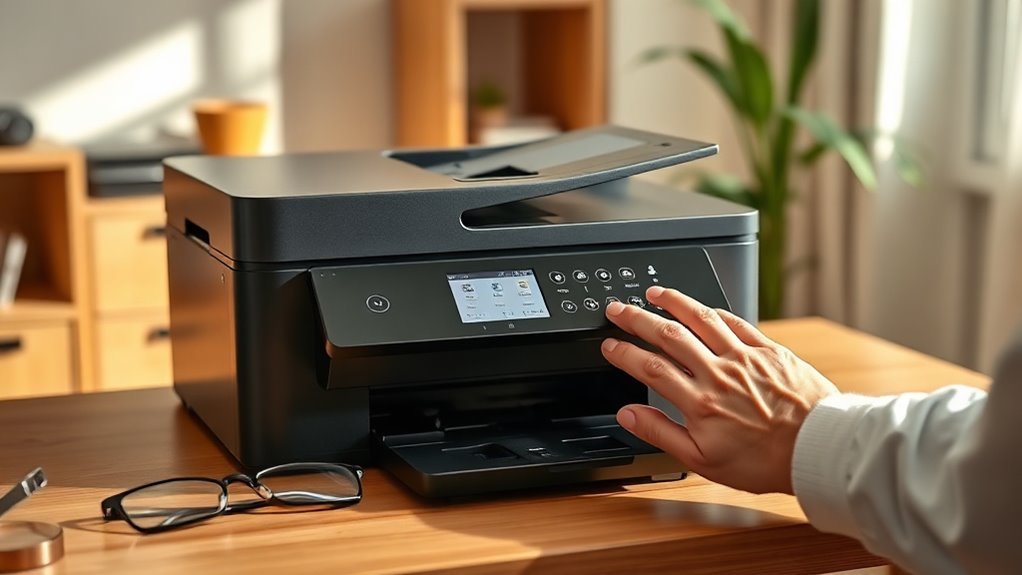
When choosing an all-in-one printer, you’ll want one that’s easy to use with a large, clear display screen. Simple connectivity options and reliable paper handling are key to avoiding frustration.
Don’t forget to look for sharp print quality to guarantee your documents and photos always come out crisp. It really makes a difference when everything looks just right.
Ease of Use
Choosing an all-in-one printer that’s easy to operate can make a huge difference in your daily tasks. Look for models with a simple color touchscreen or clearly labeled buttons to speed up copying, scanning, and printing.
Automatic document feeders and one-touch presets save you from bending and repetitive steps, especially when handling multi-page jobs. Features like automatic duplexing and single-tray paper loading with clear guides reduce manual page handling and jams.
You’ll appreciate straightforward wireless setup options like WPS or QR code pairing, plus mobile printing support so you can print directly from your phone or tablet without hassle. Clear status indicators, audible prompts, and easy ink or toner refill paths make maintenance and troubleshooting straightforward, keeping your printer running smoothly.
Large Display Screen
Because steering through small screens can be frustrating, selecting an all-in-one printer with a large, high-contrast touchscreen makes a big difference for seniors. Aim for a screen at least 3 inches diagonally with bright, clear icons that are easy to read and tap.
Adjustable brightness and large-font display settings help reduce eye strain. Look for intuitive home screens with one-touch buttons for common tasks like copy or scan, so you don’t get overwhelmed negotiating menus.
Tilt or adjustable-angle displays let you position the screen to avoid glare and improve viewing while seated. Also, choose a printer with plain-language prompts, large status indicators, and audible confirmations to keep you informed about ink levels or errors, making operation simple and stress-free.
Simple Connectivity Options
Setting up a printer shouldn’t turn into a tech headache, especially for seniors. Choose printers with straightforward wireless setups like WPS or guided apps, or stick with simple USB connections to avoid complex network configurations.
Look for models supporting AirPrint or native mobile printing so you can print directly from tablets or phones without installing drivers. If your home network is shared or weak, opt for printers with built-in Ethernet ports or reliable dual-band Wi-Fi to prevent dropped prints.
Also, make sure the printer offers “wireless direct” or hotspot printing modes, letting you print even if the home Wi-Fi goes down. Finally, pick printers with clearly labeled ports and a basic front-panel interface featuring one-button or touchscreen shortcuts for easy reconnection and printing tasks.
Clear Print Quality
Clear print quality makes all the difference when reading documents or photos, especially if your eyesight isn’t what it used to be. You should look for printers offering at least 600–1200 dpi resolution to guarantee sharp text and clear images.
High-contrast, true black text and crisp grayscale help make reading easier. Plus, bold or dark-mode print settings let you darken text without increasing font size.
Adjustable print density is another useful feature if you want darker text. Also, pick printers that produce consistent, smear- and water-resistant output to keep your prints legible even after handling or small spills.
Finally, choose devices with drivers that preserve font fidelity. It’s great if they allow scaling or enlargement without losing sharpness, so you can comfortably read larger print materials.
Reliable Paper Handling
When choosing an all-in-one printer, you’ll want to focus on reliable paper handling to make printing, scanning, and copying easier for seniors. Look for a model with an automatic document feeder (ADF) that holds at least 20 sheets. That way, multi-page documents feed automatically without any manual effort.
Automatic duplex printing is a must—it prints on both sides, cutting down paper handling and page flipping. Aim for a printer with a 100–200 sheet input tray to reduce frequent refills.
A straight-through or front-to-back paper path helps prevent jams and makes clearing them simpler. Also, check that the tray supports common paper sizes and offers easy, clearly marked adjustments. This makes switching between letter, photo, or envelope paper hassle-free.
Reliable paper handling keeps everyday tasks smooth for seniors. It really makes a difference in keeping things simple and stress-free.
Low Maintenance Needs
Because seniors benefit most from simplicity, choosing an all-in-one printer with low maintenance needs makes printing less of a hassle. Look for printers with simple cartridge or tank systems that have clear low-ink indicators, so refilling or replacing ink happens infrequently and easily.
Models with automatic duplexing and large input trays (100+ sheets) reduce how often you reload paper. Select devices featuring automatic firmware updates and reliable wireless reconnection to avoid troubleshooting network or software issues.
Make sure consumables are front-accessible and paper jams clear without tools or bending, keeping routine upkeep straightforward. Also, check for low power standby consumption and long intervals between maintenance tasks, like head cleanings, to save time and costs.
This guarantees your printing experience stays smooth and stress-free.
Affordable Ink Solutions
Many all-in-one printers now offer refillable-tank or high-yield cartridge systems that can print thousands of pages per refill. This feature helps you save substantially on ink costs.
When choosing a printer, look for models supporting XL cartridges. Calculate the cost per page to get a better idea of long-term expenses.
Consider subscription or ink-delivery programs that send ink before you run out. Just make sure to check the monthly fees and cancellation policies carefully.
Prioritize printers with individual color and black ink tanks. This way, you only replace what’s needed, which reduces waste and cost.
Also, think about the local availability and shipping costs of replacement ink. Hard-to-find cartridges or expensive shipping can quickly eat into any upfront savings.
Compact and Lightweight
Although all-in-one printers offer multiple functions, choosing a compact and lightweight model makes setup, handling, and storage much easier for seniors. Aim for printers weighing between 13 and 18 pounds with dimensions under 15 inches deep, 18 inches wide, and 10 inches tall.
This guarantees you can easily lift and move the device, fitting it comfortably on small desks or shelves. Opt for a simple one-tray design with minimal protruding parts to reduce complexity and save space.
Look for a small control panel featuring a 1–3 inch screen and large, well-spaced buttons for straightforward operation. Choose models with paper feeders holding around 100–225 sheets to balance fewer refills and a smaller footprint.
Wireless printing and mobile app support let you print directly from your phone or tablet, avoiding clutter. It’s a super convenient feature that keeps everything neat and simple.
Frequently Asked Questions
How Do All-In-One Printers Connect to Smartphones?
You connect all-in-one printers to smartphones using Wi-Fi, Bluetooth, or a USB cable.
Just enable the printer’s wireless mode, install its app, and you can easily print, scan, or copy directly from your phone.
It’s pretty straightforward and super convenient!
What Is the Average Lifespan of an All-In-One Printer?
They say, “a stitch in time saves nine.” Your all-in-one printer typically lasts 3 to 5 years with regular use.
Taking care of it prevents breakdowns, so you’ll enjoy smooth printing without frequent replacements. It’s really about keeping up with maintenance. That way, you get the most out of your device!
Are There Voice-Controlled All-In-One Printers for Seniors?
Yes, you can find voice-controlled all-in-one printers designed for seniors. They let you print, scan, or copy using simple voice commands.
This makes tasks easier without needing to navigate complicated menus or buttons. It’s pretty handy if you want something straightforward and user-friendly.
How Do I Recycle Printer Ink Cartridges Responsibly?
You can recycle printer ink cartridges responsibly by returning them to the manufacturer’s program, dropping them off at local recycling centers, or using mail-back services.
Don’t toss them in the trash—it harms the environment.
It’s pretty simple once you know where to take them.
Many stores and brands even offer incentives for recycling, so it’s a win-win!
Can These Printers Print Photos Directly From a Memory Card?
Yes, many all-in-one printers let you print photos directly from a memory card. You’ll just insert the card into the slot, select your photos on the printer’s screen, and start printing quickly and easily.
It’s pretty straightforward and saves you the hassle of transferring files to a computer first. So, if you want a quick photo print, this feature is super handy!
Conclusion
Choosing the right all-in-one printer means finding one that’s easy to use, reliable, and packed with the features you need. You want a printer that saves you time, reduces frustration, and fits seamlessly into your daily routine.
Whether you prioritize wireless convenience, clear print quality, or simple setup, these options deliver. Trust yourself to pick the best, enjoy hassle-free printing, and stay connected with ease every time you print, scan, or copy.
When looking for the best all-in-one printer for seniors, focus on simplicity and efficiency. A user-friendly design makes printing, scanning, and copying straightforward, so you can stay productive without any hassle.
Choosing an all-in-one printer that combines wireless convenience, easy setup, and clear print quality ensures you get the most out of your device. With these features, your printing experience will be smooth and enjoyable every time.