3 Best All-in-One Plotter Printers for 2027
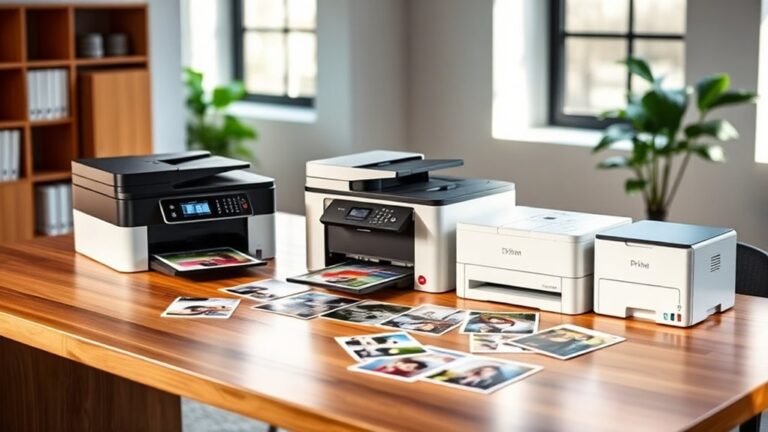
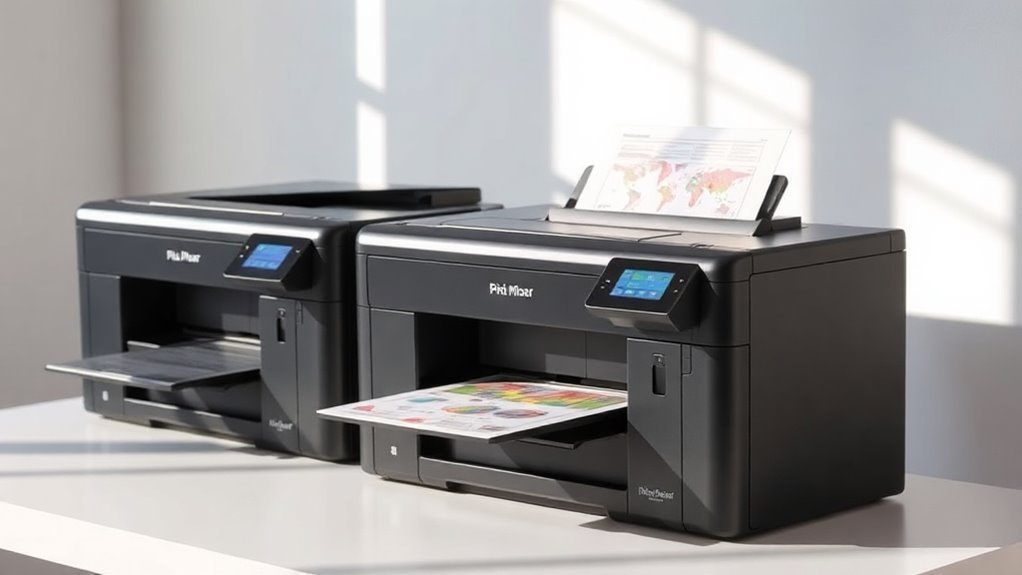
If you’re on the lookout for the best all-in-one plotter printers in 2027, you want something that balances speed, quality, and versatility.
The Canon imagePROGRAF TC-21M is a great choice for large-format prints and comes with a handy flatbed scanner, making it super convenient for various tasks.
Then there’s the Epson EcoTank Photo ET-8550, which delivers vibrant colors and offers cartridge-free efficiency.
It’s perfect if you’re aiming for photo-quality output without the hassle of constantly changing ink.
And if fast technical drafts and cost-effective ink use are your priorities, the HP DesignJet T650 really shines.
It even features automatic media handling to make your printing workflow smoother.
Keep reading to find out what makes these plotters stand out and which might be the best fit for you!
| Image | Name | Editor's Rating | Price |
|---|---|---|---|

|
|
||

|
|
||

|
|
Canon imagePROGRAF TC-21M – 24″ Large Format Multifunction Printer
- ENLARGE COPY - Make enlargements of smaller originals directly from a letter flatbed scanner in a few simple steps.
- USB FLASH DRIVE PORT - Easily print in large format by just inserting a USB Flash Drive.
- 2.7” TOUCHSCREEN LCD - Get the job done with an easy to use tiltable 2.7” touchscreen LCD.
- CLOUD PRINTING & SCANNING - Easily print to or scan from the cloud directly from the printer.
- AUTO SHEET FEEDER - Automatically load up to 100 sheets of letter size paper or up to 50 sheets of 11” x 17” paper for greater print flexibility.

Discover the Canon imagePROGRAF TC-21M, a versatile large-format multifunction printer designed to streamline your printing and scanning tasks. This model handles roll media up to 24 inches wide, making it ideal for producing posters, banners, CAD drawings, and labels without hassle. It delivers sharp prints at resolutions up to 2400 x 1200 dpi, helping you achieve professional-quality results every time.
The printer offers fast output speeds—8 pages per minute in color and 16 in black and white—so you can complete projects efficiently. Its flatbed scanner enlarges smaller originals, expanding your document handling capabilities. Connectivity options include USB, Wi-Fi, and Ethernet, allowing flexible setup in various workspaces.
Maintenance is straightforward, though high-volume users should note the 70 ml ink bottle capacity, which may require more frequent refills. The flatbed scanner is efficient but may not match the speed of sheet-fed scanners for bulk document scanning. The 2.7-inch tiltable touchscreen simplifies operation, making adjustments quick and intuitive.
Best for: professionals and businesses needing reliable large-format printing and scanning with flexible media handling and connectivity.
What We Like:
- Supports roll media up to 24” and sheets up to A1 size
- High print resolution of 2400 x 1200 dpi with fast print speeds
- User-friendly 2.7” tiltable touchscreen LCD
- Multiple connectivity options: USB, Wi-Fi, Ethernet
Specification:
| Feature | Details |
|---|---|
| Manufacturer | Canon |
| Max Media Width | 24 inches |
| Print Resolution | Up to 2400 x 1200 dpi |
| Print Speed | 8 ppm color, 16 ppm B&W |
| Ink Bottle Capacity | 70 ml per color |
| Scanner Type | Flatbed |
| Connectivity | USB, Wi-Fi, Ethernet |
| Touchscreen | 2.7-inch tiltable LCD |
Epson EcoTank Photo ET-8550 Wireless Wide-Format All-in-One Tank Printer
- CARTRIDGE-FREE PRINTING — Print lab-quality photos, graphics and creative projects; Get vibrant colors and sharp text with Epson's high-accuracy printhead and Claria ET...
- INK BOTTLES — Save on photos1 and creative projects with affordable in-house printing; All-in-one printer allows you to print 4" x 6" photos for about 4 cents each vs...
- LESS FREQUENT INK REPLACEMENT — Replacement ink bottles don't have to be changed nearly as often as ink cartridges¹; Printer, scanner and copier lets you print up to...
- PRINT FOR LONGER — Up to 2 years of ink in the box² (and with every replacement ink set) for fewer out-of-ink frustrations with this wireless printer
- ZERO CARTRIDGE WASTE — Epson EcoTank printer helps reduce the amount of cartridge waste ending up in landfills; Cartridge-free printer uses high-yield ink bottles; Each...
The Epson EcoTank Photo ET-8550 is designed for photographers and creatives who demand high-quality, wide-format prints without the hassle of frequent ink changes. It produces stunning images up to 13 x 19 inches, making it ideal for large photo projects. Its wireless all-in-one design lets you print, scan, and copy with ease, streamlining your workflow.
This printer’s cartridge-free, 6-color Claria ET Premium Ink system ensures vibrant colors and sharp details at 1440 dpi. With high-yield ink bottles, you save money and reduce waste, as ink lasts up to two years. This setup minimizes interruptions, letting you focus on your creative work instead of maintenance.
Connectivity options are versatile, supporting USB, smartphones, and easy app control. You can print from multiple devices seamlessly, enhancing convenience and productivity. The printer supports various media types, adding flexibility to your projects.
While its size requires ample desk space, the ET-8550 balances performance and versatility for serious photo printing needs. Moderate print speeds mean it’s best suited for quality over quick volume.
Best for: Photographers and creatives needing a wireless wide-format all-in-one printer that delivers vibrant, cost-effective prints with minimal ink upkeep.
What We Like:
- Cartridge-free 6-color ink system delivers sharp, vibrant prints up to 13 x 19 inches
- High-yield ink bottles lower running costs and reduce refill frequency
- Multiple connectivity options including USB and smartphone compatibility
- User-friendly app control for efficient printing from various devices
Specification:
| Feature | Details |
|---|---|
| Manufacturer | Epson |
| Dimensions (W x D x H) | 22.4 x 14.9 x 9.8 inches |
| Weight | 18.1 lbs |
| Ink System | 6-color Claria ET Premium |
| Print Resolution | Up to 1440 dpi |
| Maximum Print Size | 13 x 19 inches |
| Connectivity | Wireless, USB, Smartphone |
HP DesignJet T650 24-inch Large Format Printer
- Onsite Support Included: Rest assured with 2-years of onsite and phone support to get you up and running should you experience a covered issue with your printer.
- Ideal for: Technical line-drawings, renders requiring precise, accurate line-quality and crisp text, posters, and maps. This printer is popular among architects...
- Media Sizes: Up to 24-inch wide media rolls (large format), and up to 13-inch by 19-inch sheets (wide format) using the included automatic sheet feeder accessory.
- Media Handling: Sheet feed, roll feed, automatic sheet/roll switch, media bin, automatic horizontal cutter.
- Simple & Cost Effective: Print multi-size projects automatically, without needing to manually switching the media source. Cost saving efficiencies like using 95% less ink...
The HP DesignJet T650 is designed to streamline large-format printing for architects and engineers. Its 24-inch printing width perfectly suits technical drawings, posters, and maps, delivering precise and clear output. This plotter helps reduce wait times with prints as fast as 26 seconds per A1 page, boosting productivity on tight schedules.
Maintenance is simplified with efficient ink usage that cuts routine consumption by 95%, minimizing downtime and lowering operating costs. The printer supports both roll and sheet media with automatic feeding and cutting, making it easy to handle various project types without manual adjustments.
Connectivity options like Gigabit Ethernet, USB, and Wi-Fi offer flexible integration into different work environments. Features such as drag-and-drop printing and PDF error checking help prevent common printing mistakes, ensuring smooth operation and high-quality results every time.
While the 24-inch width limits larger format needs and the 1GB memory might challenge very complex files, the T650 remains a reliable choice for precise, fast, and efficient large-format printing. Its inkjet technology is ideal for indoor use, especially on technical and presentation materials.
Best for: Architects, engineers, and construction professionals needing accurate and efficient large-format printing for technical documents and visual presentations.
What We Like:
- Fast printing with up to 26 seconds per A1 page
- Supports both roll and sheet media with automatic feeding and cutting
- Multiple connectivity options including Ethernet, USB, and Wi-Fi
- Efficient ink use reduces maintenance and operating costs
Specification:
| Feature | Details |
|---|---|
| Manufacturer | HP |
| Maximum Print Width | 24 inches (61 cm) |
| Print Technology | Inkjet |
| Connectivity | Gigabit Ethernet, USB, Wi-Fi |
| Onboard Memory | 1 GB |
| Media Handling | Roll and sheet feeder with cutter |
Factors to Consider When Choosing an All in One Plotter Printer
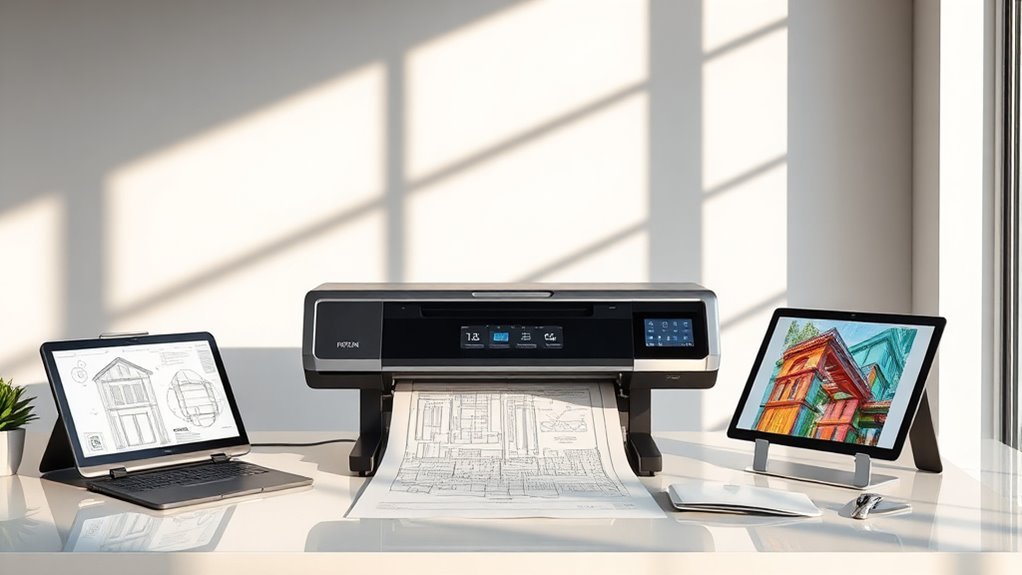
When choosing an all-in-one plotter printer, you’ll want to focus on print quality and resolution to guarantee your designs come out sharp. Consider media handling capabilities, speed, and efficiency to match your workflow needs.
Don’t forget to check connectivity options and the ink system’s cost to keep your setup both flexible and budget-friendly. It’s all about finding the right balance for what you need!
Print Quality And Resolution
Print quality plays an essential role in choosing an all-in-one plotter printer, especially if you need sharp images and detailed technical drawings. You should look for a high resolution, typically measured in dots per inch (dpi); something like 2400 x 1200 dpi guarantees crisp details.
The ink system matters, too—six-color setups offer a wider color range and better tonal accuracy than standard four-color systems. While speed is important, remember that faster prints can sometimes reduce detail, so balance speed with resolution for the best results.
Calibration tools and software features like PDF error checking and true print previews help you make certain your prints match your design perfectly. Prioritize these factors to get the precise, professional-quality output you need.
Media Handling Capabilities
Since your projects may require diverse media types and sizes, choosing an all-in-one plotter printer with versatile media handling capabilities is essential. Look for models that support both roll media and sheets, ranging from standard letter size up to larger formats like A1 or 13 x 19 inches.
The ability to automatically switch between roll and sheet feeds boosts convenience and saves time, especially if you handle varied print jobs. A reliable automatic sheet feeder should hold up to 100 sheets, minimizing interruptions.
Advanced features like automatic horizontal cutters and media bins streamline your workflow, reducing manual tasks. These capabilities guarantee your printer adapts to different media smoothly, helping you maintain productivity without compromising quality.
Speed And Efficiency
Handling various media types smoothly sets the stage, but how fast and efficiently your all-in-one plotter printer produces those prints matters just as much. You’ll want a model that can print an A1/D size sheet in as little as 26 seconds. That means you can tackle up to 82 prints per hour when demand spikes.
Efficiency also hinges on smart ink management systems that cut routine maintenance ink use by up to 95%, saving you money in the long run. Look for features like auto sheet feeders and roll feeds to keep your workflow moving without constant manual input.
And while print resolution affects detail quality, these speed and efficiency factors guarantee you get both quick turnaround and professional results every time.
Connectivity Options Available
When choosing an all-in-one plotter printer, you’ll want to evaluate the connectivity options it offers, as these directly impact how easily you can integrate the device into your workflow. Look for models with USB ports, Wi-Fi, and Ethernet to support flexible printing setups in different environments.
Wireless connectivity lets you print remotely from multiple devices, boosting convenience and accessibility. Cloud printing capabilities allow you to print directly from online storage services, which can really streamline your tasks.
Check for support of interface standards like USB 2.0 and Gigabit Ethernet to guarantee fast, reliable data transfer. Also, compatibility with mobile apps can simplify printing and management, making your operations smoother and more efficient.
Prioritizing these connectivity features will definitely help you stay productive and connected. It’s worth taking the time to find a model that fits your needs perfectly.
Ink System And Cost
Ink systems play an essential role in determining the overall cost and convenience of an all-in-one plotter printer. You’ll want to look for models offering high-yield ink bottles that match the output of about 100 individual cartridges. This cuts down on replacements and saves money.
Cartridge-free systems can be even more economical, letting you print photos for as little as 4 cents each. Consider printers that include up to two years of ink in the box to avoid frequent refills and downtime.
Also, check for printers that reduce ink used in maintenance by up to 95%. This boosts efficiency and cuts costs.
If sustainability matters to you, opt for systems designed to minimize cartridge waste. They help reduce environmental impact while keeping expenses low.
Warranty And Support
Because a plotter printer represents a significant investment, you’ll want a robust warranty that covers defects and operational issues for at least one to two years. Make certain the warranty includes onsite service or phone support, so you can quickly resolve technical problems without hassle.
Check if the manufacturer offers extended warranties or service plans, especially if you expect heavy use. Don’t overlook the return policy—a 30-day guarantee lets you test the printer’s performance and confirm it fits your needs.
Also, verify whether the warranty covers third-party ink or media, as using these can affect both performance and warranty validity. Prioritizing thorough warranty and support guarantees your investment stays protected and your workflow stays smooth.
Frequently Asked Questions
What Is the Average Lifespan of All-In-One Plotter Printers?
You can expect an average lifespan of around 5 to 7 years for all-in-one plotter printers, depending on usage and maintenance.
If you take good care of yours, it’ll likely last even longer. Just keep up with regular upkeep, and you should be good to go!
Can These Plotter Printers Handle 3D Printing Tasks?
You won’t find these plotter printers moonlighting as 3D printers—they’re built for flat, detailed designs, not sculpting layers.
If you want 3D printing, you’ll need a specialized machine that builds objects layer by layer.
Are There Specific Maintenance Routines to Prolong Printer Life?
Yes, you should regularly clean print heads, calibrate the printer, update firmware, and use quality ink.
Also, keep the printer covered when not in use and perform scheduled inspections to catch issues early, prolonging its life effectively.
Do These Printers Support Third-Party Ink Cartridges?
Most all-in-one plotter printers don’t officially support third-party ink cartridges, but you can often use them with some risk.
You’ll want to check compatibility carefully to avoid voiding warranties or causing print quality issues.
It’s a bit of a gamble, really. So, weigh the pros and cons before you decide!
What Are the Environmental Impacts of Using Large Format Printers?
You’ll notice large format printers consume significant energy and produce waste from ink cartridges and paper.
Choosing eco-friendly inks, recycling supplies, and using energy-efficient models helps you reduce your environmental impact effectively.
It’s all about making smarter choices that are better for the planet without sacrificing quality.
Conclusion
Choosing the perfect all-in-one plotter printer might feel like chasing a unicorn, but it doesn’t have to be mythical. Whether you need the precision of the Canon imagePROGRAF TC-21M, the eco-friendly efficiency of the Epson EcoTank ET-8550, or the reliable power of the HP DesignJet T650, your ideal match is out there.
Remember, understanding your needs turns this tech quest into a smooth, rewarding journey. When shopping for the best all-in-one plotter printer, consider what features matter most—print quality, speed, or cost-efficiency.
Ready to print your masterpiece? With the right all-in-one plotter printer, you’re set to bring your big ideas to life effortlessly. So go ahead, choose wisely and watch your creativity flow with top-notch performance and versatility.