9 Best AirPrint Enabled Printers for 2027 That Streamline Printing
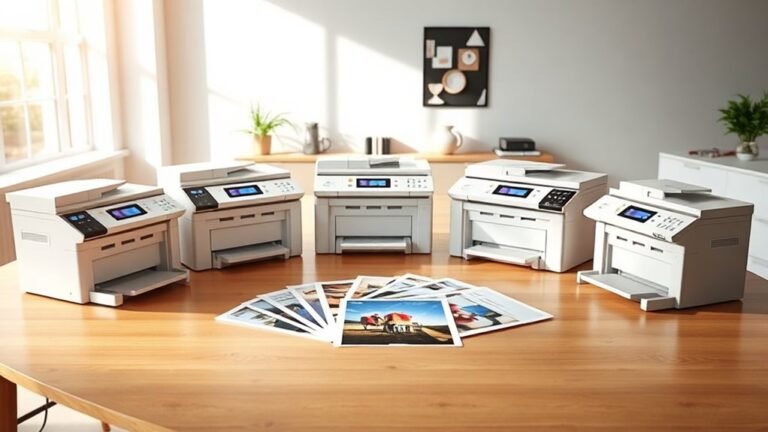
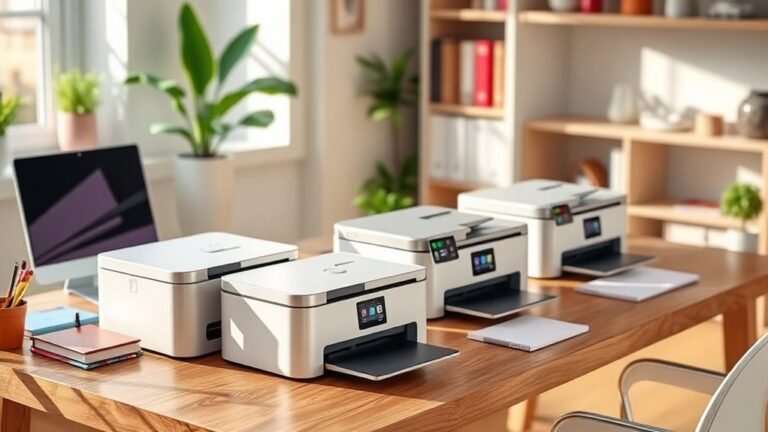
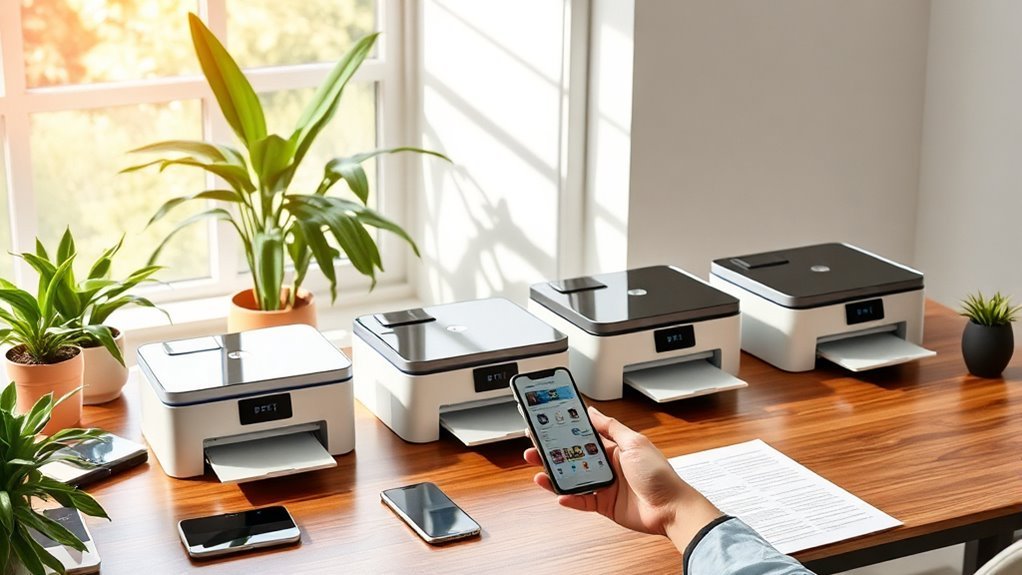
You’ll want an AirPrint-enabled printer that fits your needs, like Canon’s PIXMA TS6520 or TS4320. These versatile all-in-ones deliver crisp color prints and offer easy wireless setup, making printing a breeze.
The TS5320 and TS6420 feature compact designs with OLED displays, perfect if you’re short on space but still want quality.
Meanwhile, the PIXMA TS9520 and TR8620a provide premium photo quality alongside multifunction features, ideal for more detailed projects.
If your work involves a lot of black-and-white printing, the imageCLASS D1620 and D1650 are great choices. They deliver impressive speed and capacity for heavy monochrome tasks.
So, explore beyond the basics to find features that truly streamline your printing experience.
| Image | Name | Editor's Rating | Price |
|---|---|---|---|

|
|
||

|
|
||
|
|
||
|
|
||

|
|
Canon PIXMA TS6520 Wireless Color Inkjet Printer, 1.42″ OLED Display, White
- Affordable Versatility - A budget-friendly all-in-one printer perfect for both home users and hybrid workers, offering exceptional value
- Crisp, Vibrant Prints - Experience impressive print quality for both documents and photos, thanks to its 2-cartridge hybrid ink system that delivers sharp text and vivid...
- Effortless Setup & Use - Get started quickly with easy setup for your smartphone or computer, so you can print, scan, and copy without delay
- Reliable Wireless Connectivity - Enjoy stable and consistent connections with dual-band Wi-Fi (2.4GHz or 5GHz), ensuring smooth printing from anywhere in your home or...
- Scan & Copy Handling - Utilize the device’s integrated scanner for efficient scanning and copying operations

The Canon PIXMA TS6520 is an ideal solution for those needing a versatile, compact printer that fits seamlessly into home or small office spaces. Its all-in-one functionality lets you print, scan, and copy with ease, while the bright 1.42″ OLED display keeps you informed with clear status updates. This printer simplifies everyday tasks, reducing the hassle of managing multiple devices.
Connectivity is smooth and reliable thanks to its dual-band Wi-Fi support, which ensures faster and more stable connections. You can print directly from your smartphone or tablet, and even use voice commands through Amazon Alexa, making it easier to send print jobs without interrupting your workflow.
Maintaining the PIXMA TS6520 is straightforward with its 2-cartridge ink system, designed to produce sharp, detailed prints up to 1200 x 1200 dpi. The printer supports automatic duplex printing, saving paper and time, while borderless printing lets you create professional-quality photos and documents without extra trimming.
While it excels in convenience and design, the single paper tray may require frequent refills during heavy use. Also, its scan resolution and speed are tailored for everyday needs rather than professional-grade tasks. Overall, it’s an efficient, space-saving device for users with moderate printing demands.
Best for: Families, students, and home office users who want an easy-to-use, compact all-in-one printer for regular printing, scanning, and copying.
What We Like:
- Compact design with a clear 1.42″ OLED display for easy navigation
- Dual-band Wi-Fi and mobile printing enable flexible connectivity
- Auto duplex and borderless printing enhance convenience and print quality
- Compatible with Amazon Alexa for hands-free printing commands
Specification:
| Feature | Description |
|---|---|
| Manufacturer | Canon |
| Dimensions | Compact (exact size not provided) |
| Weight | Lightweight (exact weight not provided) |
| Ink System | 2-cartridge hybrid system |
| Display | 1.42″ OLED |
| Connectivity | Dual-band Wi-Fi, Mobile, Amazon Alexa compatible |
| Print Resolution | Up to 1200 x 1200 dpi |
| Paper Handling | Single paper tray, auto duplex printing |
Canon PIXMA TS4320 – Wireless Color Inkjet Printer with Print, Copy, Scan
- Affordable Versatility - A budget-friendly all-in-one printer perfect for both home users and hybrid workers, offering exceptional value
- Crisp, Vibrant Prints - Experience impressive print quality for both documents and photos, thanks to its 2-cartridge hybrid ink system that delivers sharp text and vivid...
- Effortless Setup & Use - Get started quickly with easy setup for your smartphone or computer, so you can print, scan, and copy without delay
- Reliable Wireless Connectivity - Enjoy stable and consistent connections with dual-band Wi-Fi (2.4GHz or 5GHz), ensuring smooth printing from anywhere in your home or...
- Scan & Copy Handling - Utilize the device’s integrated scanner for efficient scanning and copying operations
The Canon PIXMA TS4320 is a compact all-in-one printer designed to simplify home printing, copying, and scanning. Its user-friendly features make it easy to produce sharp color and black-and-white prints, improving your workflow for photos, school projects, and everyday documents.
This printer’s wireless connectivity, including dual-band Wi-Fi and Apple AirPrint, allows you to print directly from smartphones or tablets without hassle. Automatic duplex printing saves time and paper by handling double-sided prints efficiently. The sleek and space-saving design fits nicely in small home offices or living areas.
Maintenance is straightforward with the PIXMA Print Plan ink subscription, which helps reduce ink costs and keeps your printer ready to use. However, the single paper tray holds up to 100 sheets, which might require frequent refills for heavy users. Also, it lacks an automatic document feeder, meaning multi-page scanning or copying requires manual handling.
With its balance of functionality and convenience, the PIXMA TS4320 is ideal for users seeking reliable printing without complex features.
Best for: Home users needing an affordable, easy-to-use all-in-one printer for everyday printing, copying, and scanning.
What We Like:
- Compact design with automatic duplex printing for efficient double-sided output
- High-quality prints up to 1200 x 1200 dpi for clear photos and documents
- Flexible wireless options including dual-band Wi-Fi and Apple AirPrint
- Budget-friendly ink management through PIXMA Print Plan subscription
Specification:
| Feature | Details |
|---|---|
| Manufacturer | Canon |
| Dimensions (W×D×H) | Approx. 12.0 x 9.0 x 5.0 in (30.5 x 22.9 x 12.7 cm) |
| Weight | Approx. 8.8 lb (4.0 kg) |
| Color Options | White |
| Print Resolution | Up to 1200 x 1200 dpi |
| Paper Tray Capacity | 100 sheets |
| Connectivity | Dual-band Wi-Fi, Apple AirPrint, Canon PRINT App |
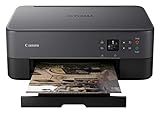
Canon TS5320 Wireless All-in-One Printer Black
- With a 1.44 inch OLED display & LED status bar easily navigate and view your printer status; The OLED display displays deep, accurate color and the LED status bar...
- The Pixma TS5320 has a compact & stylish design that fits your space and personality; Not only is it small, but it comes in 4 distinct colors; Black, white, green, and...
- Designed for ease of use and simple replacement, the Pixma TS5320 only needs 2 fine cartridges for great print quality; Enjoy sharp text documents and great looking...
- With Air Print, easily print from your iPhone, iPad, and Mac without additional apps; (4) Air Print allows you to wirelessly print photos and documents without the need...
Experience efficient, high-quality printing with the Canon TS5320 Wireless All-in-One Printer Black. Its compact, foldable design makes it ideal for small spaces, while offering versatile functions that meet everyday printing needs. Whether for documents or photos, it delivers sharp results with minimal effort.
This printer supports wireless connectivity through Wi-Fi, Bluetooth, and AirPrint, allowing easy printing directly from smartphones or tablets. You can also use voice commands to control printing, adding convenience to your workflow. The 1.44″ OLED screen simplifies navigation and setup.
Maintenance is straightforward thanks to its hybrid ink system, which balances sharp text and vibrant colors. Automatic duplex printing reduces paper waste and streamlines multi-page jobs. However, the device has a moderate print speed and a single paper tray with a 100-sheet capacity, which may require regular refills in busy settings.
Best for: users seeking a compact, versatile all-in-one printer that combines wireless convenience with quality photo and document output.
What We Like:
- Space-saving foldable design for easy placement and storage
- High-resolution printing with automatic duplex scanning and copying
- Multiple wireless options including AirPrint and Bluetooth
- Voice control enhances hands-free operation
Specification:
| Feature | Details |
|---|---|
| Manufacturer | Canon |
| Dimensions (W × D × H) | Approx. 14.7 × 11.7 × 5.6 inches |
| Weight | Approx. 11.9 lb |
| Color Options | Black |
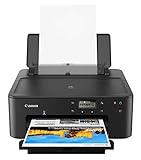
Canon PIXMA TS702a Wireless Print-Only Printer Black
- Efficient Everyday Printing: It can print great looking borderless photos and even supports various paper types & sizes, from 3.5” x 3.5” Square up to legal size...
- Print Connectivity: Whether that is a smartphone, tablet or computer. Have peace of mind and connect with AirPrintFootnote4, Mopria Print ServiceFootnote...
- Big Performance with Compact Design: With a 350 SHEET plain paper capacity the PIXMA TS702 is ready to take on large print jobs.
- Wireless Single-Function: Print only featuring Auto 2-Sided (Duplex) Printing.
- Sharp Text: The hybrid ink system combines dye ink for rich colors and black pigment ink.
The Canon PIXMA TS702a is designed to simplify your printing tasks with sharp text and vibrant colors. Its wireless connectivity lets you print effortlessly from smartphones and tablets, enhancing convenience in your home or small office. The printer’s hybrid ink system ensures that documents and photos come out clear and vivid, making it easy to achieve professional-quality results.
This print-only inkjet offers automatic duplex printing, allowing you to save paper and time by printing on both sides without manual intervention. It supports a variety of paper sizes up to legal and even enables borderless photo printing, so you can handle diverse printing needs without hassle.
Maintenance is straightforward with this model, though it’s important to note it does not include scanning or copying capabilities. With a single paper tray and a one-sheet output capacity, it suits users who prioritize quality over multitasking features or high-volume output.
Overall, the PIXMA TS702a enhances productivity by focusing on excellent print quality and wireless ease of use, making everyday printing smooth and efficient.
Best for: users needing a wireless, print-only inkjet printer that delivers crisp text and vivid colors for home or small office use.
What We Like:
- Automatic duplex printing conserves paper and cuts printing time.
- Hybrid ink system produces sharp black text and vibrant colors.
- Compatible with AirPrint and Mopria for seamless mobile printing.
Specification:
| Feature | Details |
|---|---|
| Manufacturer | Canon |
| Dimensions | Approx. 17.1 x 12.0 x 5.3 in (43.4 x 30.5 x 13.5 cm) |
| Weight | Approx. 8.8 lb (4.0 kg) |
| Color | Black |
| Paper Capacity | Single tray (various sizes up to legal) |
| Printing Speed | Up to 15 ppm (black) |
| Resolution | Up to 4800 x 1200 dpi |
Canon PIXMA TS9520 Wireless All-in-One Printer
- The PIXMA TS9520 has a 5 Color Individual Ink System, that means it's ready for sharp black text and great looking photos. It can even support various paper types and...
- You can print from all your favorite devices, whether that is a smartphone, tablet or computer. With AirPrint , Mopria Print Service, Wi Fi, and Ethernet the PIXMA TS...
- With 11 inches x 17 inches paper support, booklet layout copy, oversized scanning and Auto Document Feeder for multi page documents, the PIXMA TS9520 is extremely...
- For numbers listed in product description see “specification sheet” in technical specification section below
- Scanner Type Flatbed & ADF (Auto Document Feeder). Max. Document Size Flatbed 8.5 x 11.7 (Letter/A4), ADF 8.5 x 14.0 (Legal)
The Canon PIXMA TS9520 Wireless All-in-One Printer offers a versatile printing solution designed to meet diverse needs. Whether you’re printing photos or important legal documents, this printer handles tasks with ease and precision. Its ability to print borderless up to 11×17 inches lets you create vibrant, detailed prints without trimming.
This printer simplifies your workflow with print, scan, and copy functions accessible via a clear 4.3″ touch LCD or voice commands through Alexa. Connectivity options like Wi-Fi, Bluetooth, Ethernet, and an SD card slot allow seamless integration into home or office setups. Automatic duplexing saves time and paper by printing on both sides efficiently.
Maintenance is straightforward, but keep in mind the 100-sheet paper capacity requires regular refills during heavy use. Also, borderless printing is limited for some media like envelopes and T-shirt transfers. Print speeds are moderate, making it well-suited for personal or small office environments rather than high-volume tasks.
Overall, the Canon PIXMA TS9520 combines convenience, quality, and flexibility in one compact device, helping you streamline printing and scanning with smart features and multiple connectivity options.
Best for: users needing a versatile all-in-one printer that supports large-format photo printing and document handling with mobile and cloud connectivity.
What We Like:
- Large-format borderless printing up to 11×17 inches with automatic duplexing
- Easy operation via 4.3″ touch LCD and Amazon Alexa voice control
- Multiple connectivity options including Wi-Fi, Bluetooth, Ethernet, and SD card slot
Specification:
| Feature | Details |
|---|---|
| Manufacturer | Canon |
| Dimensions | Approximately 17.9 x 14.7 x 6.0 inches |
| Weight | Around 14.2 lbs (6.45 kg) |
| Ink System | 5-color individual ink cartridges |
| Connectivity | Wi-Fi, Bluetooth, Ethernet, SD card slot |
| Display | 4.3-inch touch LCD |
Canon TS6420 All-in-One Wireless Printer, Black

- Easy Setup for smartphone and computer so you can get to work faster
- Print, copy, scan and navigate the features you need using the clear, brightly-lit1.44" OLED Screen
- Easily print from any room -from laptops, tablets, and smartphones -with built-inWi-Fi(R)[1]
- Print from your favorite mobile devices using the Canon PRINT app[3], Apple AirPrint(R)[4], and Mopria(R)[5]
- You can also download the Easy-PhotoPrint Editor app[6] or Canon Creative Park App[22] for creative printing options
The Canon TS6420 All-in-One Wireless Printer, Black offers a smart solution for those who need reliable, versatile printing in a compact space. Its dual paper trays allow you to switch easily between standard documents and square photo prints, making it ideal for varied tasks. This printer handles everyday jobs efficiently, with print speeds of 13 ppm for black and 6.8 ppm for color.
Wireless connectivity options like Wi-Fi, Bluetooth, and AirPrint enable seamless printing from multiple devices without hassle. The 1.44″ OLED display provides clear status updates, while Canon’s PRINT app simplifies operation and maintenance. Automatic duplex printing helps save paper and time, enhancing productivity.
Maintenance is straightforward, though the printer’s 100-sheet paper capacity means frequent refills for heavy use. Ink cartridges are easy to replace but may have shipping restrictions, and some features require an internet connection. Its compact design fits well in home offices or small workspaces without sacrificing performance.
This printer balances functionality and convenience, making it a dependable choice for users who need efficient, wireless printing with photo-quality options.
Best for: users needing a compact, versatile wireless all-in-one printer with automatic duplexing for home or small office use.
What We Like:
- Dual paper trays supporting various paper sizes, including square photo prints
- Fast print speeds with automatic double-sided printing
- Multiple wireless connectivity options, including Bluetooth and AirPrint
- User-friendly 1.44″ OLED display and intuitive Canon PRINT app
Specification:
| Feature | Details |
|---|---|
| Manufacturer | Canon |
| Dimensions (W×D×H) | 14.7 × 12.6 × 5.1 inches |
| Weight | 12.4 lbs (5.6 kg) |
| Color Options | Black |
| Paper Capacity | 100 sheets (dual trays) |
Canon imageCLASS D1620 Wireless Laser Printer
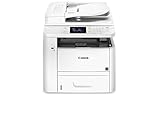
- Print at speeds of up to 45 pages per minute, with your first print in your hands in approximately 6 seconds
- Supports mobile solutions, including Apple AirPrint, Canon PRINT Business, Mopria Print Service, and Google Cloud Print. Connect mobile devices without a router using...
- 5-Inch, Color Touch LCD for easy navigation
- Paper capacity allows for up to 2,300 sheets
The Canon imageCLASS D1620 Wireless Laser Printer is designed to boost productivity in busy work environments. Its fast print speed of up to 45 pages per minute ensures quick turnaround for large print jobs. The first-page-out time of about six seconds helps reduce waiting, keeping your workflow smooth and efficient.
This monochrome laser printer offers multifunction capabilities, allowing you to print, copy, and scan with ease. The Automatic Document Feeder simplifies handling multi-page documents, while duplex automatic printing cuts paper usage, making it ideal for offices focused on cost efficiency.
Connectivity is versatile with options like Wi-Fi, Wi-Fi Direct, Ethernet, and Apple AirPrint, enabling seamless wireless printing from various devices. The 5-inch color touch LCD provides intuitive control and easy customization of settings, minimizing maintenance time.
While the printer is relatively heavy at 42 pounds and limited to monochrome output, its robust design and starter cartridge yield of 2,300 sheets support sustained high-volume use. This machine is built for reliability and consistent performance in demanding workspaces.
Best for: Offices and professionals needing a fast, dependable monochrome laser printer with flexible connectivity and multifunction features.
What We Like:
- Fast print speed with quick first-page output
- Multifunction features including scan, copy, and duplex print
- Multiple wireless and wired connectivity options
- User-friendly 5-inch color touchscreen
- High starter cartridge yield supports heavy use
Specification:
| Feature | Details |
|---|---|
| Manufacturer | Canon |
| Dimensions (W×D×H) | 16.5 × 15.6 × 12.6 in |
| Weight | 42 lb (19.05 kg) |
| Printing Technology | Monochrome laser |
| Connectivity | Wi-Fi, Wi-Fi Direct, Ethernet, Apple AirPrint |
| Display | 5-inch color touch LCD |
Canon imageCLASS D1650 Wireless Laser Printer
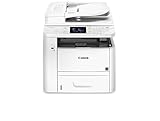
- Print at speeds of up to 45 pages per minute, with your first print in your hands in approximately 6 seconds
- Supports mobile solutions, including Apple AirPrint, Canon PRINT Business, Mopria Print Service, and Google Cloud Print. Connect mobile devices without a router using...
- 5-Inch, Color Touch LCD for easy navigation
- Paper capacity allows for up to 2,300 sheets
- Touch and Print using NFC Capability
The Canon imageCLASS D1650 Wireless Laser Printer is designed to keep small to mid-size workgroups productive and efficient. It tackles everyday printing challenges with fast monochrome output at speeds up to 45 pages per minute. This reliable printer helps reduce wait times and keeps your team moving.
Its sharp 1200 x 1200 dpi resolution ensures clear, professional-looking documents. Automatic duplex printing cuts paper use in half without extra effort. The 5-inch color touch LCD and NFC Touch and Print make controlling tasks simple and intuitive, while wireless options like Apple AirPrint and Mopria enable seamless mobile printing.
Maintenance is straightforward, with a starter cartridge yielding 2,300 sheets to support busy offices. The expandable paper capacity further reduces downtime by accommodating larger print volumes. Although it only offers monochrome printing and has limited wired connectivity via a single USB 2.0 port, its robust build balances speed and quality well.
Best for: Small to mid-size workgroups needing fast, reliable monochrome printing with wireless connectivity and expandable paper capacity.
What We Like:
- Fast printing speed of up to 45 pages per minute
- Crisp 1200 x 1200 dpi monochrome output
- Automatic duplex printing saves paper effortlessly
- Easy wireless printing via Apple AirPrint, Mopria, and NFC
- Large paper capacity supports high-volume environments
Specification:
| Feature | Details |
|---|---|
| Manufacturer | Canon |
| Dimensions (W×D×H) | 16.5 × 15.4 × 13.3 inches |
| Weight | 42 lb (19.05 kg) |
| Print Technology | Wireless Monochrome Laser |
| Max Print Speed | 45 ppm |
| Resolution | 1200 x 1200 dpi |
| Connectivity | Wireless, USB 2.0 |
| Paper Capacity | Up to 2,300 sheets |
| Display | 5-inch Color Touch LCD |
Canon PIXMA TR8620a All-in-One Printer Black

- Never run out of ink. Connect your printer to Alexa and receive notifications when you’re running low. Alexa can even place a smart reorder from Amazon on your behalf...
- Enrolling in Smart Reorders with Alexa ensures that you never have too much or too little ink supplies. No subscription needed.
- Wireless 4-in-1 (Print | Copy | Scan | Fax)
- 15 / 10 ipm Print Speed
- 200 Sheet Capacity (100 Cassette, 100 Rear Feed)
Discover the Canon PIXMA TR8620a All-in-One Printer Black, designed to streamline your home office or small business tasks. This versatile device combines printing, copying, scanning, and faxing to handle multiple functions effortlessly. Its compact design fits neatly on your desk, saving space without sacrificing performance.
Maintenance is simplified with its efficient ink system, although standard ink tanks may require regular replacement, especially with frequent use. The printer supports automatic duplex printing, reducing paper waste and saving time on double-sided documents. A 20-sheet auto document feeder allows smooth handling of multi-page tasks, enhancing workflow efficiency.
Connectivity is seamless with wireless options including AirPrint and Alexa integration. This means you can print directly from your smartphone or issue voice commands, making everyday tasks more convenient. The printer produces sharp, borderless prints up to 8.5 x 11 inches at a high 4800 x 1200 dpi resolution, ensuring professional-quality results.
Keep in mind, the PIXMA TR8620a is best suited for moderate printing needs, with a monthly duty cycle of up to 1,000 pages and an output tray capacity of 20 sheets. This limits its use for very high-volume printing environments but fits well in small office settings.
Best for: Small business owners and home office users who need a reliable all-in-one printer with wireless and voice-command features for everyday document management.
What We Like:
- 4-in-1 functionality with automatic duplex printing and 20-sheet auto document feeder
- Crisp, borderless prints with high-resolution output
- Wireless connectivity including AirPrint and Alexa voice control
- Compact design ideal for limited desk space
Specification:
| Feature | Details |
|---|---|
| Manufacturer | Canon |
| Dimensions | Approx. 15 x 12 x 7 inches |
| Weight | Approx. 13 lbs |
| Color | Black |
| Print Resolution | Up to 4800 x 1200 dpi |
| Paper Capacity | 200 sheets |
| Auto Document Feeder | 20 sheets |
| Monthly Duty Cycle | Up to 1,000 pages |
Factors to Consider When Choosing an Airprint Enabled Printer
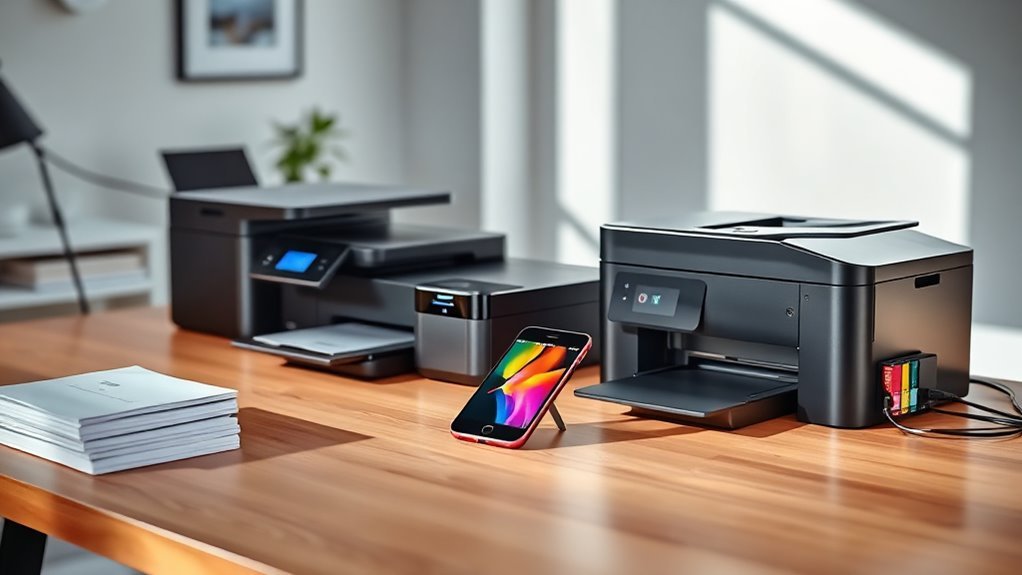
When picking an AirPrint enabled printer, you’ll want to check if it works smoothly with your devices and offers reliable wireless connectivity.
Don’t overlook print quality, speed, and how efficiently it uses ink, since these impact your overall experience and cost.
Keeping these factors in mind helps you find a printer that fits your needs perfectly.
Compatibility With Devices
Although AirPrint makes wireless printing convenient, you need to make sure your devices run compatible operating systems like iOS, iPadOS, or macOS that support AirPrint.
Also, confirm all your devices connect to the same local Wi-Fi network or support peer-to-peer Wi-Fi since AirPrint relies on network discovery protocols.
Check that your mobile apps or system print dialogs actually show AirPrint options—some older or custom apps might not.
Think about the types of devices you use, too, because AirPrint doesn’t install drivers. Print settings depend on what your device supports, like resolution or color profiles.
And if you’re using corporate or school-managed devices, double-check that network policies, VPNs, or firewalls aren’t blocking Bonjour/mDNS or necessary ports (usually TCP 631 for IPP). That way, AirPrint discovery and printing will work smoothly.
Wireless Connectivity Options
Since your printer’s wireless connectivity directly impacts its performance and convenience, you’ll want to prioritize features like dual-band Wi-Fi, Wi-Fi Direct, and support for modern security protocols. Dual-band Wi-Fi guarantees reliable connections on both 2.4 GHz and 5 GHz networks, offering faster printing with less interference.
Wi-Fi Direct lets you print directly from mobile devices without joining a network, which is perfect for guests or quick jobs. Make sure the printer supports WPA2 or WPA3 security standards and IPv6 compatibility to keep your data safe.
If your environment demands a stable wired connection, check for Ethernet options. Finally, confirm your printer supports AirPrint and Mopria protocols for seamless native printing from iOS and Android devices without extra drivers.
Print Quality and Resolution
Choosing an AirPrint enabled printer means paying close attention to print quality and resolution to get the best results. Look for printers with at least 1200 x 1200 dpi for sharp text and 2400–4800+ x 1200 dpi if you want high-quality photos.
Ink type matters too—pigment black inks deliver crisp, smudge-resistant text, while dye-based color inks offer vivid photo gradations. Also, consider the printer’s color gamut and bit depth, as they affect how accurately colors and subtle tones appear.
Don’t forget that paper choice and print mode influence output; using heavyweight or glossy paper with high-resolution settings produces noticeably better prints. And finally, effective color management through printer drivers guarantees your prints match what you see on screen, giving consistent and accurate results every time.
Print Speed Performance
Print quality matters a lot, but you’ll also want to pay attention to print speed performance when selecting an AirPrint enabled printer. Look for higher pages-per-minute (ppm) ratings—around 15+ ppm for black-and-white and 10–15 ppm for color—to fit your workload.
Don’t overlook first-page-out times; 6–9 seconds is typical, and faster starts mean less waiting for quick mobile prints. Also, check the duty cycle and monthly capacity to avoid throttling if you print heavily.
Printers often list separate speeds for text versus graphics or photos, so consider your typical print jobs. Finally, make sure the printer supports stable dual-band Wi-Fi (2.4/5 GHz) to minimize network delays, as real-world AirPrint speed depends heavily on connectivity quality alongside raw ppm numbers.
Ink Efficiency and Cost
Maximize your savings by focusing on ink efficiency when selecting an AirPrint enabled printer. Choose models with individual color and black cartridges so you only replace the depleted color, cutting per-page ink costs.
Opt for pigment black ink, which lasts longer and yields sharper text than dye-based options. Printers with duplex printing and large tray capacities help reduce paper use, indirectly lowering ink consumption.
Always check the manufacturer’s stated page yield and calculate the cost per page by dividing the cartridge price by yield to compare true ink costs. Consider subscription or auto-replenishment plans, which can slash cartridge prices by up to 70%.
Just be mindful of eligibility requirements and ongoing service needs. This approach guarantees you get both quality and economical printing.
Additional Features and Functions
When you need more than just basic printing, an AirPrint-enabled printer with multi-function capabilities—like scanning, copying, and even faxing—can become your all-in-one office or home hub.
Look for automatic duplex printing and an auto document feeder to handle multi-page jobs efficiently, saving you time and paper.
Consider printers with multiple paper trays and high sheet capacities if you work with varied media or large volumes.
Connectivity options like Ethernet, Bluetooth, or Wi-Fi Direct enhance flexibility beyond AirPrint, while mobile and cloud app support streamlines your workflow.
Advanced features such as touchscreens, status displays, voice-assistant compatibility, and USB or memory card slots offer easy standalone use and quick access to files from removable media.
Frequently Asked Questions
How Does Airprint Technology Work With Different Apple Devices?
AirPrint lets you print wirelessly from your Apple devices by connecting them to the same Wi-Fi network as your printer. You don’t need extra drivers; just select AirPrint, and your document prints instantly.
It’s super simple. Just pick the AirPrint option when you hit print, and you’re good to go. No fuss, no hassle—just quick printing right from your iPhone, iPad, or Mac.
Can Airprint Printers Connect to Multiple Wi-Fi Networks Simultaneously?
No, you can’t connect AirPrint printers to multiple Wi-Fi networks simultaneously. You connect, print, and switch networks one at a time.
If you want to use different Wi-Fi connections, you’ll need to manually change the settings each time. It’s a bit of a hassle, but that’s how it works for now.
Are There Any Subscription Fees for Using Airprint Features?
No, you won’t face any subscription fees for using AirPrint features. It’s built into Apple devices and compatible printers, letting you print wirelessly without extra costs or subscriptions.
This makes it simple and cost-effective for you. So, you can just print away without worrying about any hidden charges!
What Types of Paper Sizes Are Supported by Airprint Printers?
You might think AirPrint limits your options, but it actually supports various paper sizes—from standard letter and legal to envelopes and photo sizes.
How Secure Is the Data Sent Through Airprint Printing?
You can trust AirPrint to keep your data secure; it uses encryption like TLS to protect information during printing.
However, always make sure your network is secure to prevent unauthorized access or interception of your print jobs. It’s a good idea to double-check your Wi-Fi settings and use strong passwords.
That way, your print jobs stay private and safe from prying eyes.
Conclusion
Now that you’ve seen the top AirPrint-enabled printers for 2027, the real question is—which one will transform your printing experience? Whether you crave vibrant color, sharp laser quality, or versatile all-in-one functions, there’s a perfect match waiting.
Don’t rush—your ideal printer is closer than you think, and it’s ready to make your life easier in ways you hadn’t imagined. Ready to unleash seamless printing?
The choice is yours. With the best AirPrint printers, you get convenience, speed, and top-notch quality all at once. So, pick the one that fits your needs and start enjoying effortless printing today!