5 Best Budget Home 3D Printers for 2027
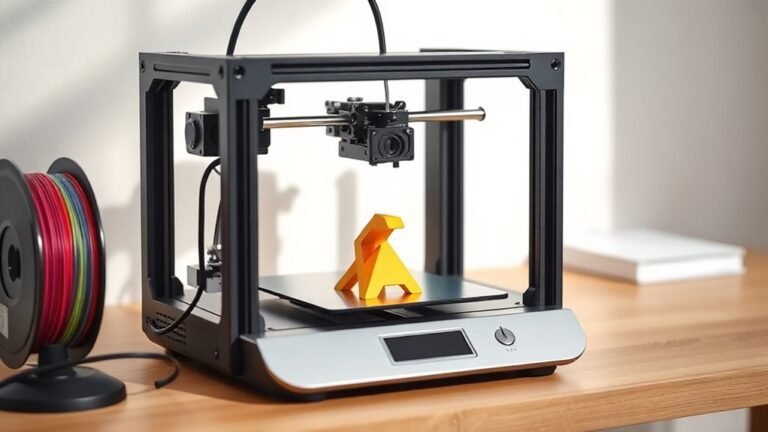
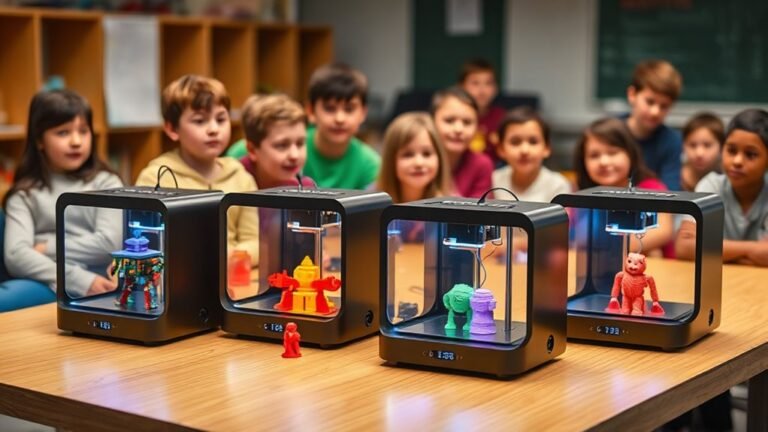
You’ll find five great budget home 3D printers in 2027 tailored for ease and reliability. These printers are perfect for hobbyists, educators, and anyone looking to get started with 3D printing without breaking the bank. Whether you want quick setup, classroom-safe features, or multicolor printing, there’s something here for you.
The Entina Tina2 Plus offers quick WiFi printing with classroom-safe features. TINA2C gets you printing in five minutes, perfect for beginners. Creality Ender 3 V3 SE speeds up prints and improves stability.
Anycubic Kobra X lets you print multicolor models effortlessly. Plus, compact FDM printers fit tight spaces with easy setup. Keep going to explore which fits your creative needs best.
| Image | Name | Editor's Rating | Price |
|---|---|---|---|

|
|
||

|
|
||

|
|
||

|
|
||

|
|
Entina Tina2 Plus Fast WiFi 3D Printer
- 【Start Printing in Minutes – Beginner Friendly】No setup required. Tina2 Plus 3d printer comes fully assembled and ready to use out of the box. With included TF card...
- 【Fast 250mm/s Printing Performance】This Tina2 Plus high speed 3D printer print speeds up to 250 mm/s help reduce waiting time and support fast project turnaround...
- 【WiFi App Control & STEM Model Library】Powered by the Poloprint Cloud app, this WiFi-enabled 3D printer gives access to 3,500+ printable models and 25+ creative DIY...
- 【40-Second Fast Heat Ceramic Hotend】High-efficiency ceramic hotend heats up in just 40 seconds for faster start-up and less downtime. The quick-swap nozzle design...
- 【Compact 3D Printer for Home & Classroom】Designed with a space-saving footprint while maintaining practical print capacity, this compact 3D printer fits easily on...
The Entina Tina2 Plus Fast WiFi 3D Printer makes 3D printing accessible and easy for beginners. Its fully assembled design eliminates setup hassles, allowing you to start printing immediately with preloaded models on the included TF card. This plug-and-play approach solves the common problem of complex assembly and software setup.
With WiFi connectivity and the Poloprint Cloud app, controlling prints remotely becomes simple. You can browse thousands of ready-to-print models, enhancing creativity without the need for advanced technical skills. This feature improves workflow and keeps users engaged, especially in learning environments.
The compact and safe design fits neatly on desks, making it ideal for classrooms and homes. Auto-leveling ensures smooth printing results with minimal intervention. Maintenance is straightforward, supporting supervised use and reducing downtime.
While the build volume is small and print speed moderate, the Entina Tina2 Plus is designed primarily for educational and beginner use. Its safety features and user-friendly interface make it a practical choice for guided learning rather than professional printing demands.
Best for: Beginners, students, and educators seeking a compact, easy-to-use 3D printer for home or classroom STEM projects.
What We Like:
- Fully assembled for immediate printing with preloaded models
- WiFi-enabled with mobile app for remote control and model access
- Compact footprint with safety features suitable for supervised use
Specification:
| Feature | Details |
|---|---|
| Manufacturer | Entina |
| Dimensions | Compact, desk-friendly size |
| Weight | Not specified |
| Material | Not specified |
| Color Options | Not specified |
TINA2C 3D Printer Beginner Friendly, Easy-Ready to Print in 5 Mins
- 【BEGINNER FRIENDLY-READY TO PRINT】Hephi3d Tina2C 3d printer friendly for home, fully assembled, factory preset, auto leveling, ready to print right out of the box, no...
- 【EASY TO USE-ONE TAP PRINTING】Tina2C mini 3d printer provides 3500+ online massive ready to print model library, new designs update every day. You can print in one...
- 【UNLIMITED CREATIVITY-EASY DIY】Tina2C beginner friendly 3d printer with APP provides STEM Learning Module and 25+ design modules for simply customizing. AIGC & Photo...
- 【FULLY OPEN SOURCE-NO LIMITS】Tina2C beginner 3d printer is no software lock-In. Print you way freely with Wiibuilder or Cura on PC and laptops, one-click wifi upload...
- 【FAMILY & BEGINNER FRIENDLY】 Tina2c compact 3d printer for home can print anytime anywhere, space save. Silent Printing and Auto Detect Bed function give more safe...
The TINA2C 3D Printer is designed to get beginners printing quickly with minimal effort. Its fully assembled and factory preset setup eliminates the hassle of complicated installation. You can start printing in about five minutes, making it ideal for users who want immediate results without technical barriers.
This printer’s auto-leveling system and included PLA filament simplify maintenance and ensure smooth first prints. The compact, silent design fits well in any home, providing a quiet and reliable printing experience. The quick-release hotend also makes cleaning and part replacement straightforward.
Control is streamlined through a mobile app, offering one-tap printing and access to over 3,500 daily updated models. The app’s AI-generated 3D design tools and STEM learning features add educational value and creative flexibility for users of all ages.
While primarily optimized for PLA filament, advanced users may find the presets somewhat limiting. Dependence on the mobile app might also be less convenient for those who prefer desktop-only workflows. However, its ease of use and ready-to-print nature make it a practical choice for beginners.
Best for: Beginners and hobbyists seeking a user-friendly, ready-to-print 3D printer with app control and creative customization options.
What We Like:
- Fully assembled with factory presets for quick setup and use
- Mobile app with one-tap printing and extensive model library
- Silent and compact design with auto-leveling and resume printing
- Easy maintenance with quick-release hotend and included tools
Specification:
| Feature | Details |
|---|---|
| Manufacturer | TINA |
| Dimensions | Compact (exact size not specified) |
| Weight | Not specified |
| Material | PLA filament (included) |
| Color Options | Not specified |
Creality Ender 3 V3 SE 3D Printer Upgrade
- 【250mm/s High-speed Printing】Creality Ender 3 V3 SE 3d printer supports a maximum printing speed of 250mm/s, 2500mm/s² acceleration.The speed has been greatly...
- 【Powerful ""Sprite"" Direct Extruder】Ender 3 V3 SE is the upgrade of ender 3, ender 3 v2, ender 3 pro, ender 3 neo, ender 3 v2 neo, ender 3 s1, ender 3 s1 pro etc 3d...
- 【Worry-free CR Touch Auto Leveling & Strain Sensor】Creality Ender 3 upgraded 3d printer features a CR Touch sensor for auto leveling and a strain sensor for auto...
- 【Stable Dual Z-axis & Y-axis Linear Shafts】High-precision dual Z-axis lead screws reduce Z wobbling effectively, avoid printing deviation in single-axis printing...
- 【Quick Assembly & Easy to Use】Preassembly has solved those hassles and worries of parts assembly, It only takes 3 steps to complete the assemble the ender-3 v3 se 3d...

Experience faster and more reliable 3D printing with the Creality Ender 3 V3 SE upgrade. Designed to reduce print times by up to 73%, this upgrade boosts speed to 250 mm/s and accelerates at 2500 mm/s², ideal for precise home projects that demand efficiency.
The full-metal Sprite dual-gear extruder ensures smooth handling of materials like PLA, TPU, and PETG. Its automatic filament loading and unloading save time and reduce hassle, making maintenance straightforward and user-friendly.
Enhanced motion stability comes from dual Z-axis lead screws and steel Y-axis shafts. Combined with the CR Touch sensor and strain sensor, bed leveling and Z-offset adjustments become effortless, ensuring consistent print quality.
Setup is quick with preassembly taking only about 20 minutes, making it easy to upgrade your Ender 3 without a steep learning curve. This upgrade is tailored for users looking to improve performance while maintaining simplicity.
Best for: Ender 3 users seeking a fast, stable, and easy-to-maintain upgrade for high-quality home 3D printing.
What We Like:
- Fast printing speeds with significant time savings
- Smooth, reliable filament handling with auto loading/unloading
- Precise bed leveling and motion stability enhancements
- Quick and simple installation process
Specification:
| Feature | Details |
|---|---|
| Manufacturer | Creality |
| Print Speed | Up to 250 mm/s |
| Acceleration | 2500 mm/s² |
| Extruder Type | Full-metal dual-gear |
| Filament Compatibility | PLA, TPU, PETG |
| Bed Leveling Sensors | CR Touch, strain sensor |
| Motion Stability | Dual Z-axis lead screws, steel Y-axis shafts |
| Setup Time | Approximately 20 minutes |
Anycubic Kobra X Multicolor 3D Printer, Easy One-Click Printing
- 【Vivid 19-Color and Versatile Materials】Unleash creativity beyond limits. The Kobra X supports 4-color standard and expands up to 19 colors with 4 ACE 2 Pro for...
- 【600mm/s High Speed Performance】Don't let slow speeds limit your creativity. This high-speed FDM 3D printer reaches up to 600mm/s, completing tasks significantly...
- 【True Plug & Play Experience】Start your first project in as little as 15 minutes. The Kobra X arrives with a user-friendly setup and LeviQ 3.0 automatic bed leveling...
- 【LeviQ 3.0 Perfect First Layer】Forget the frustration of manual bed leveling that plagues beginner machines. The LeviQ 3.0 system utilizes 49-point full-auto leveling...
- 【Quiet & Reliable for Home】The ultra-quiet ≤48 dB operation ensures the living or learning space remains peaceful. Combined with power loss recovery and filament...
Experience seamless multicolor 3D printing with the Anycubic Kobra X Multicolor, designed to simplify creative projects. This printer allows easy printing in up to 4 colors right out of the box, with the option to expand up to 19 colors using add-ons. Its adaptive extrusion system smoothly transitions colors, bringing vibrant, detailed models to life without manual adjustments.
Setup and maintenance are straightforward. LeviQ 3.0 automatic bed leveling gets you printing in about 15 minutes, reducing downtime and ensuring reliable first layers. The hardened steel nozzle supports temperatures up to 300°C, accommodating a range of materials like TPU, PLA, PETG, and ASA, making it versatile for various projects.
The built-in 720p camera and AI-powered monitoring enhance print reliability by detecting issues early, helping users avoid failed prints. Quiet operation at ≤48 dB means it fits comfortably in home or classroom environments without causing distractions.
While the build volume of 260 × 260 × 260 mm suits most hobbyist and educational needs, very large projects may require other options. Expanding to full 19-color printing requires additional hardware, which may not suit all users.
Best for: Hobbyists and educators seeking a user-friendly multicolor 3D printer with automatic leveling and smart monitoring.
What We Like:
- Supports up to 4 colors standard, expandable to 19 for detailed multicolor prints
- Easy setup with LeviQ 3.0 automatic leveling for consistent print quality
- AI-powered monitoring and 720p camera reduce print failures
- Quiet operation at ≤48 dB ideal for shared spaces
Specification:
| Feature | Details |
|---|---|
| Manufacturer | Anycubic |
| Build Volume | 26 × 26 × 26 cm (10.24 × 10.24 × 10.24 in) |
| Nozzle Material | Hardened Steel |
| Max Nozzle Temp | 300°C |
| Supported Materials | TPU, PLA, PETG, ASA |
| Color Printing | Up to 4 colors standard, expandable to 19 |
| Bed Leveling | LeviQ 3.0 Automatic |
| Camera | 720p with AI monitoring |
| Noise Level | ≤48 dB |
Portable Compact FDM 3D Printer for Beginners
- Foolproof Setup with Video Guides – Never get stuck! We provide a crystal-clear Quick Start Guide and step-by-step video tutorials. Watch them online to get started.
- Simple Assembly with Video Guide – Requires quick modular setup (watch our step-by-step video). Comes with 10m PLA filament, TF card, tools, and 12V Type-C power...
- Versatile Filament Compatibility – Unleash your creativity with both PLA and flexible TPU (1.75mm). The reliable 0.4mm nozzle and precise 0.05-0.3mm layer thickness...
- Reliable Performance & Compact Design – Features stable FDM technology and a removable build plate for easy model removal. The perfect 100x100x100mm build volume is...
- Complete Package – No Hidden Costs – Includes printer, 10m PLA filament, 8GB TF card + reader, tools, illustrated manual, and 12V Type-C power adapter. Plus free...
Experience the ease of 3D printing with a compact, portable FDM printer designed for beginners and students. Its small size and lightweight build fit neatly into tight spaces, making it ideal for home or classroom use. You can quickly set it up using clear instructions and video tutorials, allowing you to start printing without hassle.
This 3D printer simplifies model removal with a removable build plate and ensures detailed prints thanks to a 0.4 mm nozzle. It works smoothly with PLA and TPU filaments, producing stable layers between 0.05 and 0.3 mm thickness. These features help users achieve precise results without complex adjustments.
Maintenance is straightforward, with easily accessible components and included tools to keep the printer in good condition. The compact design and portability mean you can move it conveniently as needed, supporting creative projects anywhere.
While the build volume of 100 x 100 x 100 mm limits larger prints, it suits small-scale models perfectly. The printer’s focus on PLA and TPU filaments narrows material options but ensures consistent output quality.
Best for: Beginners, students, and hobbyists looking for a reliable, easy-to-use portable 3D printer for small projects.
What We Like:
- Compact, lightweight design ideal for limited spaces
- Clear setup guides with helpful video tutorials
- Supports PLA and TPU filaments for detailed prints
- Removable build plate simplifies model removal
Specification:
| Feature | Details |
|---|---|
| Manufacturer | Not specified |
| Dimensions | 6.8 x 6.1 x 8.3 inches |
| Weight | Not specified |
| Supported Filaments | PLA, TPU |
| Nozzle Size | 0.4 mm |
| Layer Resolution | 0.05–0.3 mm |
| Build Volume | 100 x 100 x 100 mm |
Factors to Consider When Choosing a Budget Home 3D Printer
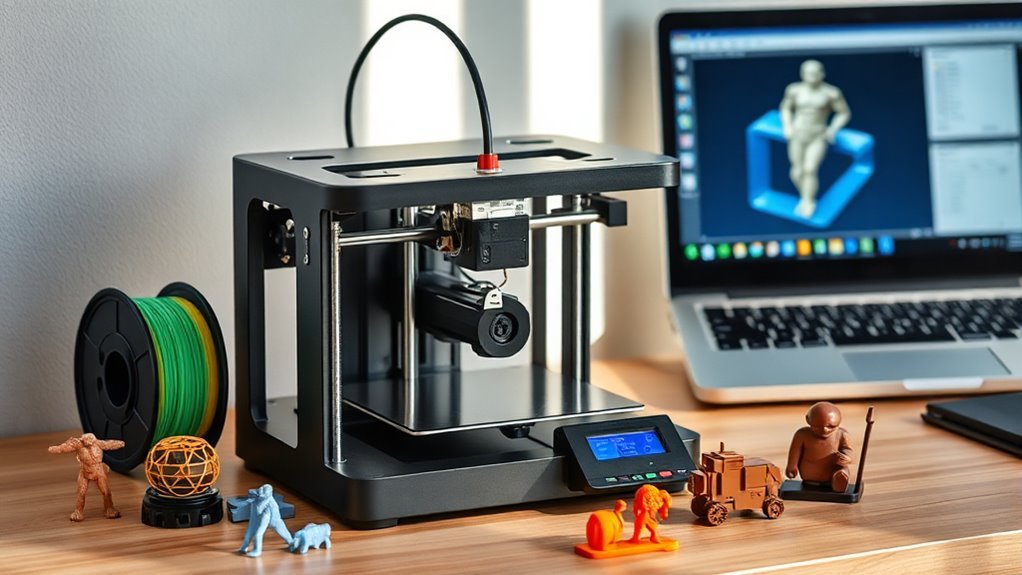
When choosing a budget home 3D printer, you’ll want to focus on print quality and speed to get the best results without waiting too long. It’s all about finding that sweet spot between detail and efficiency.
Consider how easy it is to set up and the connectivity options that fit your workflow. You don’t want to spend hours just trying to get it connected or running.
Don’t forget to check safety features and build volume size to guarantee the printer meets your needs. After all, a safe and spacious printer makes the whole experience much better.
Print Quality and Speed
Mastering print quality and speed is essential when picking a budget home 3D printer because these factors directly impact your final model’s appearance and how quickly you get results.
Layer height controls surface smoothness—lower values like 0.05 mm offer finer detail but slow printing. Print speed typically ranges from 50 to 250 mm/s; pushing it too high can harm accuracy and finish.
Nozzle diameter balances detail with speed. Smaller nozzles (0.2–0.3 mm) sharpen features, while standard 0.4 mm nozzles print faster and stronger.
Look for printers with sturdy motion systems, quality rails, and dual Z-axis setups to reduce layer shifting and wobble at faster speeds. Also, a responsive hotend and efficient part cooling guarantee consistent extrusion and sharp overhangs, especially when printing quickly.
Ease Of Setup
Although budget home 3D printers often come with some trade-offs, you don’t have to struggle with complicated setups. Choose models that arrive fully assembled or require just 3–20 minutes of minimal preassembly to save time and avoid needing extra tools.
Look for auto or guided bed leveling, so you won’t wrestle with manual calibration for that vital first layer. Make certain the printer includes preloaded sample models on an SD or TF card, or offers one-tap print functions via an app, letting you start printing quickly.
Clear startup guides, video tutorials, and on-device prompts will walk you through filament loading and bed leveling with ease. These features guarantee your 3D printing journey begins smoothly, even if you’re new to the hobby.
Connectivity Options
Since reliable connectivity shapes your 3D printing experience, choosing a budget printer with versatile connection options is essential. Look for Wi-Fi and mobile app support to start prints remotely and upload models without a computer.
However, make sure the printer also offers local fallback options like TF/SD cards or USB, so you can print offline if the network fails. Direct USB-C or USB-A connections provide stable, low-latency transfers, which is great when Wi-Fi is unstable or unavailable.
An onboard TF/SD card slot with preloaded models lets you print offline—perfect for classrooms or kids. Also, check for compatibility with cloud slicing and third-party slicers to ensure open file support.
Plus, features like resume-after-power-loss and filament run-out detection really enhance print reliability across all connection types. It’s all about keeping your prints going smoothly, no matter what.
Safety Features
When choosing a budget home 3D printer, you’ll want to prioritize safety features that protect both you and your environment. Look for enclosed or partially enclosed frames to separate hot components and moving parts. This helps reduce burn risk and contains fumes.
Make sure the printer includes thermal protection like fast-heating sensor cutoff or thermal runaway protection. These features shut off heaters if temperatures get unsafe. Certified electrical safety is also important, such as grounded power supplies and overcurrent protection.
Plus, power-loss recovery helps prevent hazards and print failures. Filament run-out detection and print-resume features are great—they avoid issues with unattended hot nozzles. If kids are around, choose models with cool-touch exteriors and accessible power switches.
Also, clear safety instructions are a must. And don’t forget to consider smoke or air quality controls and ventilation, especially if you’re working with higher-temperature materials. Keeping your space safe is key!
Build Volume Size
Considering your typical projects helps you choose the right build volume size for a budget home 3D printer. If you mostly print small desktop models or toys, a 100 × 100 × 100 mm build volume usually suffices.
But for larger prototypes or functional parts, look for at least 200–300 mm in one axis. Keep in mind, usable build space is often smaller than stated due to bed clips, enclosures, or multi-material setups.
Larger volumes mean longer print times, more filament, and higher warping risk, so balance size with your patience and budget. You can also print big objects in parts and assemble them later.
Finally, make certain your printer’s firmware, bed leveling, and mechanical stability can handle the chosen volume to avoid layer-shift and wobble issues.
Frequently Asked Questions
What Materials Are Compatible With Budget Home 3D Printers?
You’ll typically use PLA, ABS, and PETG with budget home 3D printers. These materials are affordable, easy to print, and widely supported.
Some printers also handle TPU for flexible prints, but check compatibility before buying. It’s always good to double-check what your specific printer can handle to avoid any surprises.
How Do I Maintain and Clean a Home 3D Printer?
You should regularly clean the print bed and remove filament residue from the nozzle. This helps keep your prints looking great and prevents clogs.
Also, don’t forget to lubricate the moving parts to ensure everything runs smoothly. Keeping the firmware updated is important too, so your printer has the latest fixes and features.
Check the belts and screws often to avoid any loose parts that might cause print failures. A little maintenance goes a long way in keeping your 3D printer in top shape!
Can These Printers Be Used for Educational Purposes?
You can absolutely use these printers for educational purposes. Remember, “knowledge is power.”
3D printing empowers you to bring concepts to life, making learning interactive, hands-on, and engaging for students of all ages. It’s a great way to get everyone excited about learning!
What Software Is Best for Designing 3D Print Models?
You’ll want to use software like Tinkercad for beginners or Fusion 360 for advanced designs. Both let you create precise 3D models easily.
They’re compatible with most 3D printers, so printing goes smoothly. It’s pretty straightforward once you get the hang of it!
Are Replacement Parts and Upgrades Readily Available?
Oh, no, you’ll never find replacement parts or upgrades easily—just kidding!
You’ll actually find plenty available online, making it simple to keep your printer running smoothly.
Plus, you can even customize it as you grow more confident with your prints.
Conclusion
Choosing the right budget home 3D printer is like finding your own Excalibur—it’s all about the perfect fit for your needs and skill level. Whether you’re diving into the Entina Tina2 Plus or exploring the simplicity of the Portable Compact FDM,
remember that the best printer empowers you to bring your creativity to life without breaking the bank.
So gear up, pick wisely, and start crafting your own legendary projects! When choosing a budget home 3D printer, consider factors like ease of use, print quality, and material compatibility.
With the right choice, you’ll enjoy endless hours of creative fun and practical uses right at home.
Invest smartly in a budget home 3D printer, and you’ll unlock a world of possibilities without overspending.