3 best budget fdm printer 2026
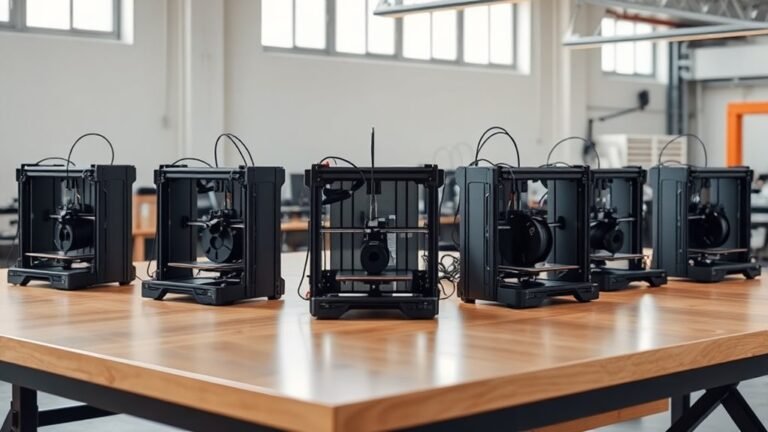
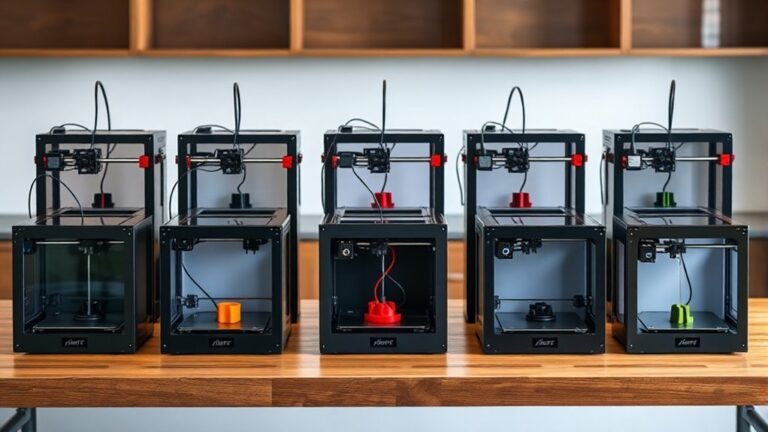
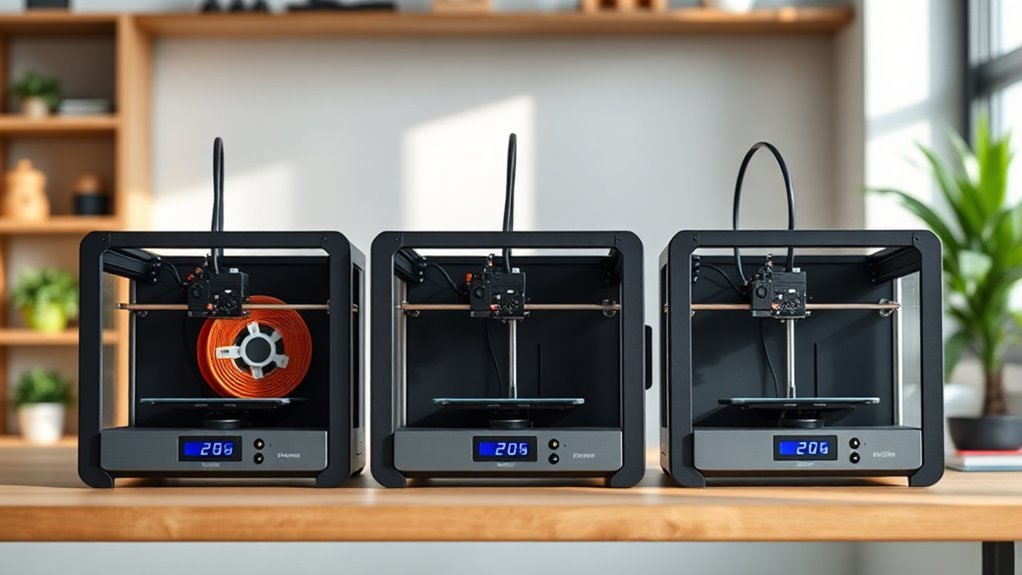
If you’re looking for budget-friendly FDM printers in 2026, you’ve got some great options to consider. These affordable 3D printers deliver solid performance without breaking the bank, making them perfect for beginners, hobbyists, and educators alike. Whether you want vibrant multicolor prints or a large build volume, there’s something here that fits your needs.
The Anycubic Kobra X Multicolor is a fantastic choice if you want easy, vibrant 4-color printing. It’s super user-friendly, making it ideal for hobbyists and educators who want to bring projects to life with bright, multicolor designs.
Stepping it up a notch, the Anycubic Kobra 4 Combo with ACE 2 Pro offers quiet, enclosed native 4-color printing and smart monitoring features. This printer is great if you want a bit more precision and control.
For larger projects, the LONGER LK10 Plus delivers a huge build volume and fast, precise prints. It’s perfect when you need to print bigger models without sacrificing quality.
Keep exploring these options, and you’ll uncover key factors to help pick the best fit for your needs.
| Image | Name | Editor's Rating | Price |
|---|---|---|---|

|
|
||

|
|
||

|
|
Anycubic Kobra X Multicolor 3D Printer, Easy One-Click Printing
- 【Vivid 19-Color and Versatile Materials】Unleash creativity beyond limits. The Kobra X supports 4-color standard and expands up to 19 colors with 4 ACE 2 Pro for...
- 【600mm/s High Speed Performance】Don't let slow speeds limit your creativity. This high-speed FDM 3D printer reaches up to 600mm/s, completing tasks significantly...
- 【True Plug & Play Experience】Start your first project in as little as 15 minutes. The Kobra X arrives with a user-friendly setup and LeviQ 3.0 automatic bed leveling...
- 【LeviQ 3.0 Perfect First Layer】Forget the frustration of manual bed leveling that plagues beginner machines. The LeviQ 3.0 system utilizes 49-point full-auto leveling...
- 【Quiet & Reliable for Home】The ultra-quiet ≤48 dB operation ensures the living or learning space remains peaceful. Combined with power loss recovery and filament...
Discover how the Anycubic Kobra X Multicolor 3D printer transforms multicolor printing into a simple and efficient process. This printer is designed to tackle the challenges of complex color models by supporting up to four colors out of the box. With optional expansion to 19 colors using the ACE 2 Pro, it enables more creative freedom without complicating the workflow.
Maintenance is straightforward thanks to the automatic LeviQ 3.0 bed leveling system, ensuring consistent first layers and reducing setup errors. The adaptive extrusion force compensator smooths color transitions, allowing for high-quality prints without manual adjustments. Its compatibility with popular filaments like TPU, PLA, and PETG broadens the range of projects you can undertake.
The printer’s true plug-and-play design minimizes the time and effort needed to get started. AI-powered monitoring actively detects print errors, helping to avoid failed prints and filament waste. While the 260 × 260 × 260 mm build volume suits most hobby projects, larger builds may require alternative solutions. Additionally, the nozzle’s 300°C max temperature limits use with some specialty materials.
Best for: hobbyists and educators seeking a user-friendly multicolor 3D printer that balances functionality and ease of use.
What We Like:
- Supports up to 4 colors standard, expandable to 19 for detailed multicolor prints
- Automatic LeviQ 3.0 bed leveling ensures reliable print setup
- AI-powered print monitoring reduces errors and material waste
- Adaptive extrusion force compensator for smooth color transitions
Specification:
| Feature | Details |
|---|---|
| Manufacturer | Anycubic |
| Build Volume | 260 × 260 × 260 mm |
| Max Nozzle Temperature | 300°C |
| Supported Materials | TPU, PLA, PETG, and more |
| Color Capability | 4 colors standard, expandable |
Anycubic Kobra 4 Combo 3D Printer with ACE 2 Pro, Native 4-Color Printing
- 【Fun Family Printing Experience】The Kobra 4 features simple setup and stable printing for family use. Print school projects, decorations, and DIY models together...
- 【LeviQ 3.0 Auto Leveling】 Smart auto leveling improves first-layer adhesion by compensating for uneven surfaces automatically. Reduce setup time and failed prints...
- 【Large Build Volume for Creativity】 The 260×260×260mm³ print area supports larger models, cosplay props, educational models, and multi-part projects. Print bigger...
- 【Quiet & Beginner Friendly】 Built for home use, the Kobra 4 combines quieter operation with intuitive controls and simple workflows. Easy operation makes it ideal for...
- 【Fast & Stable Home Printing】The optimized motion system supports faster printing with smooth surfaces and stable details. Finish projects with less waiting time...
The Anycubic Kobra 4 Combo is designed to bring multi-color 3D printing into your creative space with ease. Its native 4-color printing capability lets you produce vibrant, detailed models without complex setups. This feature solves the common challenge of color limitations in 3D printing, broadening your design possibilities.
Its gantry structure offers 360° visibility, making monitoring and routine maintenance straightforward. The enclosed frame keeps the printing environment stable and safe, ideal for home, classroom, or office use. The pre-assembled design means you can start printing in about 15 minutes, minimizing downtime.
The ACE 2 Pro unit supports seamless native 4-color printing and can expand up to 8 colors, addressing the need for more detailed multi-color projects. Intelligent auto-leveling ensures reliable first layers, which is especially helpful for beginners. You can also remotely monitor your prints via a smart app, enhancing workflow management.
While the enclosed design limits access for larger prints, and setup requires a brief 15-minute preparation, the compact and ultra-quiet operation at 48 dB provides a safe and unobtrusive presence in any workspace.
Best for: Creators, educators, and hobbyists seeking a beginner-friendly, multi-color 3D printer with reliable performance and compact design for home, classroom, or office use.
What We Like:
- Native 4-color printing with easy expansion to 8 colors.
- Intelligent auto-leveling for consistent first layers.
- Remote print monitoring and control via smart app.
- 360° gantry design for easy maintenance and visibility.
- Ultra-quiet operation at 48 dB for minimal disruption.
Specification:
| Specification | Details |
|---|---|
| Manufacturer | Anycubic |
| Dimensions | Not specified |
| Weight | Not specified |
| Material | Enclosed frame (material not specified) |
| Color Options | Native 4-color printing, expandable to 8 colors |
LONGER New LK10 Plus 3D Printer,320×320×400mm Large Printer Volume
- 【Large Build Volume 320×320×400mm】 Featuring a large 3D printer build volume of 320×320×400mm (12.59"×12.59"×15.75"), LK10 Plus allows you to print large models...
- 【500mm/s High-Speed Printing】 Powered by Klipper firmware, LK10 Plus delivers up to 500mm/s printing speed and 10000mm/s² acceleration. This high-speed FDM 3D...
- 【High-Flow Direct Drive Extruder】 The upgraded dual-gear direct drive extruder provides strong extrusion performance and smooth filament feeding with a high flow...
- 【Auto Bed Leveling & Smart Z Offset】 Equipped with eddy current sensor technology, LK10 Plus automatically detects bed surface conditions and compensates in real...
- 【Smart Printing Experience】 Built-in filament runout detection and power-loss recovery help prevent failed prints. Dual-band WiFi (2.4GHz & 5GHz) enables stable...

The LONGER LK10 Plus 3D printer is designed to handle large-scale projects with ease. Its impressive 320×320×400mm build volume allows you to create bigger, more complex models without hassle. This spacious build area solves the common limitation of small print beds, expanding your creative possibilities.
Precision and reliability are key with the dual Z-axis design and a high-flow dual-gear direct-drive extruder. These features ensure consistent filament feeding and accurate layers, whether you’re printing with PLA, ABS, or Nylon. The printer’s silent TMC2209 stepper drivers combined with Klipper firmware deliver smooth, fast printing speeds up to 500 mm/s, reducing wait times.
Maintenance is simplified through smart features like filament runout detection and power-loss recovery, preventing failed prints and material waste. The eddy current auto bed leveling system also helps maintain a perfectly calibrated print surface, improving first-layer adhesion and overall print quality.
With built-in dual-band WiFi, you can monitor and control your prints remotely, adding convenience to your workflow. While it weighs 30.5 lb, which might limit portability, this sturdy design supports stable and precise printing for serious makers.
Best for: Professionals and makers who need a large-volume 3D printer with reliable, fast, and precise performance for advanced projects.
What We Like:
- Large 320×320×400mm build area for big prints
- Quiet operation with TMC2209 drivers and Klipper firmware
- Smart features like filament runout detection and power-loss recovery
- Eddy current auto bed leveling for consistent print quality
- Dual-band WiFi for remote monitoring and control
Specification:
| Feature | Details |
|---|---|
| Manufacturer | LONGER |
| Build Volume | 320 × 320 × 400 mm |
| Weight | 13.8 kg (30.5 lb) |
| Extruder Type | High-flow dual-gear direct drive |
| Firmware | Klipper |
| Connectivity | Dual-band WiFi |
Factors to Consider When Choosing a Budget FDM Printer 2026
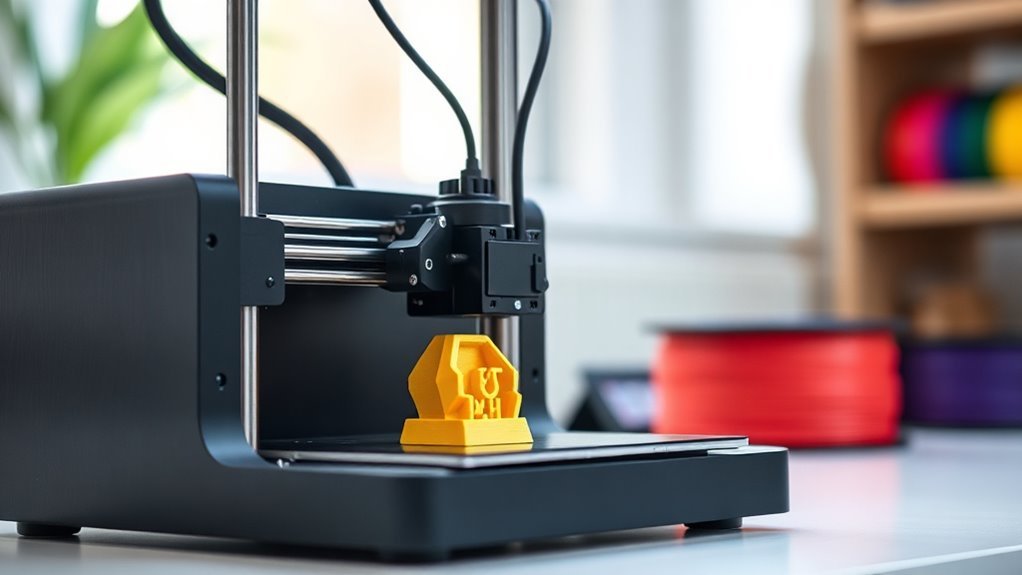
When choosing a budget FDM printer, you’ll want to bear in mind print volume capacity and material compatibility to match your projects. Pay attention to print speed and first-layer adhesion since they affect both quality and efficiency.
Also, don’t overlook noise level, especially if you plan to print in shared spaces. It can make a big difference in comfort and convenience while working.
Print Volume Capacity
Since print volume directly impacts the size and complexity of your projects, choosing a build area that fits your typical needs is essential.
Budget FDM printers usually offer build volumes from about 220×220×250 mm for hobby prints up to 320×320×400 mm for larger functional parts. Remember, bigger volumes mean longer print times and higher filament costs, so balance size with material use and print failure risk.
Check the usable Z-height and effective XY print area—nominal specs can be misleading due to bed clips or margins. Also, consider how easy it is to access the chamber and remove parts, since larger beds often need frequent leveling and a sturdy frame.
If you plan multi-part assemblies or scaling production, opting for a slightly larger volume lets you nest parts efficiently in one run. It’s all about finding that sweet spot between size and convenience.
Material Compatibility Range
Choosing the right build volume sets the foundation for your projects, but the range of materials your printer can handle shapes what you can create. First, check which filaments the printer supports—PLA, PETG, ABS, TPU, Nylon, or PVA—since some need specific extruder and hotend capabilities.
Verify the maximum nozzle temperature (usually 250–300°C) and heated bed specs to guarantee compatibility with high-temp materials like Nylon and ABS. Also, consider whether it uses a direct-drive or Bowden extruder; direct-drive handles flexible filaments like TPU better, while Bowden excels in speed.
Look for hardened steel nozzles or all-metal hotends if you plan to print abrasive or high-temp filaments often. Finally, features like filament runout detection, PTFE-lined paths, and enclosures boost success with tricky materials prone to warping or moisture absorption.
Print Speed Efficiency
Maximizing print speed can dramatically cut your project time, but it requires balancing several factors to maintain quality. You’ll want a printer with higher maximum travel speeds—around 300–600 mm/s—to speed up simple parts, but only if its motion system is sturdy and well-tuned to prevent ringing and artifacts.
Acceleration and jerk settings also play a role: pushing these higher shortens print time but risks vibration and ghosting. Consider the extruder type, too; direct-drive offers better control at speed for flexible filaments, while Bowden setups allow lighter print heads for faster movement.
Firmware features like input shaping and vibration compensation help maintain quality at high speeds. Finally, balance your speed gains with layer height and nozzle size—larger nozzles and thicker layers print faster but reduce detail, so pick settings based on your part’s fidelity needs.
First-Layer Adhesion Quality
Even if your printer boasts fast speeds and sharp detail, poor first-layer adhesion can ruin a print before it really starts. To guarantee consistent adhesion, look for reliable auto-leveling that probes multiple points to map the bed and adjust in real time.
A stable, well-calibrated Z-offset is essential—just 0.05–0.1 mm off can cause issues, so automatic or easy manual calibration helps a lot. Pay attention to heated bed settings tailored to your filament—PLA around 50–60°C, PETG 70–80°C, ABS 90–110°C—to improve wetting and reduce warping.
Also, choose the right build surface, like PEI sheets or glass with adhesives, and keep it clean. Finally, mechanical stability—rigid gantry, minimal vibration, and flat bed—guarantees an even nozzle height for a uniform first layer.
Noise Level Operation
Noise often plays a bigger role in your printing experience than you might expect, especially in home or classroom settings. Budget FDM printers usually run between 40–60 dB, so choosing one under 50 dB helps keep noise from becoming a distraction.
Key noise comes from stepper motors, fans, and vibrations through the frame. Look for models with silent stepper drivers like TMC-series, quality bearings, and vibration-damping mounts.
Enclosed printers or those with insulated panels reduce noise and stabilize temperature better than open frames. Print speed and acceleration also affect sound—faster settings create louder noises, so tuning firmware for quieter motion helps.
Regular maintenance, like tightening belts and lubricating rods, prevents rattles and keeps noise levels down over time. This ensures a smoother, quieter printing process.
Setup And Calibration
How easy a printer is to set up and calibrate can make or break your experience, especially if you’re new to FDM printing. Look for printers with automated bed leveling, like multi-point or mesh probing, to skip tedious manual adjustments and get consistent first layers.
Automatic Z-offset calibration or simple software-guided height adjustments help you avoid nozzle-scraping or under-extrusion right from the start. Features like filament runout detection and power-loss recovery protect long calibration prints from failure, saving you time and frustration.
Also, check if the firmware allows live tuning of flow rate, temperature, and Z-offset during printing—this lets you fine-tune settings on the fly without restarting. Finally, prioritize models with clear setup guides and pre-calibrated profiles for a true plug-and-play experience that gets you printing fast.
Connectivity And Control
Where will you be managing your prints from—next to the machine or miles away? If you need remote control, prioritize printers with dual-band Wi-Fi (2.4 GHz and 5 GHz) or Ethernet for faster, reliable transfers.
Multiple control options matter—look for onboard touchscreens, USB/SD card slots, plus app or web-based interfaces so you can manage prints locally or remotely. Features like live camera streaming and push notifications alert you about print status, errors, or filament runout, helping prevent failed prints.
Compatibility with popular print server protocols like OctoPrint or proprietary apps enables job queueing, slicing profiles, and remote start/stop, streamlining your workflow. Also, check for robust firmware with OTA updates, open APIs, and easy log access to troubleshoot and integrate your printer effortlessly.
Reliability And Support
Once you’ve settled on how you’ll control and connect to your printer, it’s equally important to make certain it can handle long prints without constant supervision. Look for automatic recovery features like filament run-out detection and power-loss resume to save your prints from unexpected interruptions.
Reliable first-layer systems, such as multi-point auto bed leveling and automatic Z-offset calibration, also help minimize adhesion failures. Check that the firmware is regularly updated and compatible with popular options like Marlin or Klipper for ongoing improvements.
Quality components, including quiet TMC stepper drivers and robust motion hardware like dual Z axes or reinforced gantries, reduce wear and maintain accuracy. Finally, assess manufacturer support, warranty coverage, and access to replacement parts or community resources to guarantee quick troubleshooting and repairs whenever needed.
Frequently Asked Questions
How Do I Maintain My FDM Printer for Long-Term Use?
You should clean the nozzle regularly, lubricate moving parts, and calibrate the bed often.
Keep firmware updated, store filament properly, and avoid dust buildup.
Doing these will keep your FDM printer running smoothly for years.
Trust me, a little regular maintenance goes a long way!
What Types of Filaments Are Compatible With Budget FDM Printers?
Like mixing smooth silk with rough burlap, budget FDM printers usually handle PLA and ABS filaments best.
You’ll also find PETG and TPU compatible, but exotic materials might challenge your printer’s limits and require upgrades.
Can Budget FDM Printers Be Upgraded With Additional Features?
Yes, you can upgrade budget FDM printers with features like better nozzles, improved build plates, and enhanced firmware.
Doing this will boost performance and print quality without spending a fortune on a new machine.
It’s a smart way to get more from your printer without breaking the bank.
How Noisy Are Budget FDM Printers During Operation?
You won’t hear these budget FDM printers sounding like a steam locomotive, but they can be a bit noisy during operation.
You’ll notice fan whirs and stepper motor hums, so consider noise dampening if that bugs you.
What Safety Precautions Should I Take When Using an FDM Printer?
You should always use your FDM printer in a well-ventilated area. This helps reduce exposure to any fumes that might be released during printing.
Also, avoid touching hot parts because they can cause burns. It’s important to keep the printer away from flammable materials to prevent any fire hazards.
Make sure to supervise the printer while it’s running. And don’t forget to wear safety glasses to protect your eyes from any debris that might fly around.
Conclusion
Choosing the right budget FDM printer is like planting a seed—you want something that’ll grow with your skills and projects. For example, a friend started with the Anycubic Kobra X, and within months, their creations blossomed into complex multicolor prints.
Remember, the right printer isn’t just about specs; it’s about how easily you can bring your ideas to life. Pick one that fits your needs, and watch your creativity take root in 2026!
When looking for the best budget FDM printer in 2026, focus on ease of use, reliability, and print quality. These factors ensure you get the most value without breaking the bank. With the right choice, your printing journey will be smooth and rewarding.
So, whether you’re a beginner or upgrading, investing in a budget FDM printer that grows with you is key. Make your mark in 3D printing by choosing wisely and let your projects flourish!