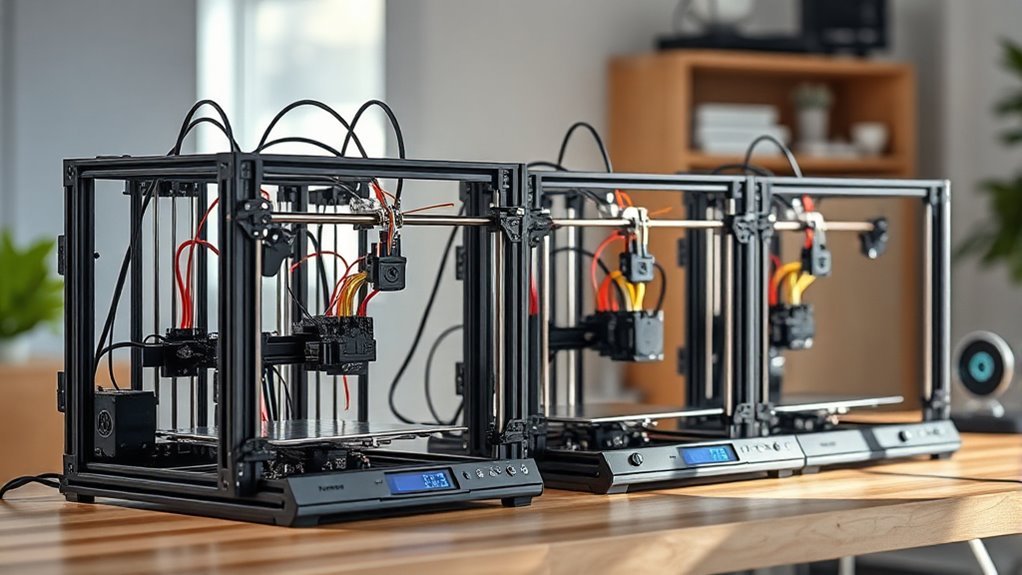
4 Best 3D Printer Kits Under $300 for 2027
You’ll find the Mini 3D Printer Starter Kit perfect if you want something ready out of the box with easy auto-leveling and one-touch filament loading.
It’s ideal for beginners who want a hassle-free experience right away.
The Entina Tina2C offers quick setup and quiet operation plus an AI-powered app for simple model creation.
It’s great if you like tech-savvy features that help you design effortlessly.
If you want speed and upgraded features, the Creality Ender 3 V3 SE brings reliable precision.
This one’s perfect for those who need consistent performance without breaking the bank.
For high-speed, multicolor projects with tools included, the Creality K2 SE is a strong choice.
Keep exploring to discover what fits your 3D printing needs best.
| Image | Name | Editor's Rating | Price |
|---|---|---|---|

|
|
||

|
|
||

|
|
Mini 3D Printer Starter Kit for Kids & Beginners
No products found.
Discover the Mini 3D Printer Starter Kit, designed to make 3D printing accessible and enjoyable for beginners and kids. This compact printer arrives fully assembled, eliminating the frustration of complicated setup. It comes equipped with everything needed to start printing right away, including a roll of PLA filament and an SD card.
The printer’s one-button auto-leveling and one-touch filament loading simplify the process, so users can focus on creativity rather than technical hurdles. It prints quickly at 250mm/s, delivering precise models with an accuracy of 0.01mm. This balance of speed and detail helps users achieve satisfying results without long waits.
Maintenance is straightforward thanks to the automatic nozzle cleaning feature and a PEI heated bed that ensures models stick well during printing but release easily afterward. These features reduce downtime and keep the printer running smoothly.
While the kit is ideal for learning and small projects, it supports only PLA filament included in the package. Additional filament holders need to be 3D printed using the provided files, which might require some extra effort.
Best for: Beginners and kids interested in learning 3D printing with an easy-to-use, fully assembled starter kit.
What We Like:
- Fast print speed with high precision for detailed models
- User-friendly features that simplify setup and operation
- Automatic maintenance tools for hassle-free performance
- Compact design perfect for small projects and learning
- Inclusive starter materials to begin printing immediately
Specification:
| Feature | Details |
|---|---|
| Manufacturer | Mini 3D Printer Co. |
| Dimensions | 12 x 10 x 10 inches (30x25x25 cm) |
| Weight | 4.5 lb (2.04 kg) |
| Material | Metal frame with plastic parts |
| Color Options | White with blue accents |
Entina Tina2C Mini 3D Printer for Beginners
- 【Easy to Use 3D Printer – Ready in 5 Minutes】 Meet the Entina Tina2C, a plug-and-play mini 3D printer designed for first-time users. Fully assembled with factory...
- 【3500+ 3D Models & Easy One-Tap Printing】 Explore 3500+ ready-to-print 3D models and 25+ DIY projects in the Poloprint Cloud app, with new designs added daily...
- 【Smart WiFi 3D Printer & AI-Powered App】 Connect via 2.4GHz WiFi and enjoy convenient 3D printer app control through Poloprint Cloud. Explore models, manage prints...
- 【Auto Leveling 3D Printer & Power-Loss Recovery】 Automatic bed leveling helps improve first-layer adhesion and reduces manual adjustments for a smoother 3D printing...
- 【Flexible Magnetic Print Bed & Quick-Swap Nozzle】 The flexible magnetic build plate makes finished 3D prints easier to remove with a gentle bend. A removable...
The Entina Tina2C Mini 3D Printer is designed to make 3D printing accessible and straightforward for beginners and kids. Its fully assembled, plug-and-play design means you can start printing within minutes, eliminating setup frustrations. The printer’s auto-leveling feature ensures consistent print quality without manual calibration.
Using the AI-powered Poloprint app, users can easily create 3D models from text or photos, opening up creative possibilities without needing design skills. The app also provides access to over 3,500 ready-to-print models, making it simple to find projects that inspire learning and fun.
This compact printer fits comfortably in small spaces and operates quietly, making it ideal for home or educational environments. Features like power-loss recovery and a magnetic print bed help maintain smooth printing sessions and reduce print failures.
Maintenance is straightforward due to its simple design and reliable components. However, the small build volume limits larger projects, and WiFi connectivity supports only 2.4GHz networks, which might restrict some users. Advanced users may find customization options limited.
Best for: Beginners and children seeking an easy-to-use, compact 3D printer with smart app integration and quick setup.
What We Like:
- Ready to print in 5 minutes with guided setup
- AI-driven app for text-to-3D and photo-to-3D model creation
- Quiet operation with compact footprint fits any space
- Auto leveling and power-loss recovery for hassle-free printing
- Magnetic print bed simplifies print removal
Specification:
| Feature | Details |
|---|---|
| Manufacturer | Entina |
| Dimensions | 7.9 x 7.9 x 7.9 inches |
| Weight | 4.4 lbs (2 kg) |
| Build Volume | 3.9 x 3.9 x 3.9 inches |
| Connectivity | WiFi (2.4 GHz only) |
| Color Options | White |
Creality Ender 3 V3 SE 3D Printer Upgrade
- 【250mm/s High-speed Printing】Creality Ender 3 V3 SE 3d printer supports a maximum printing speed of 250mm/s, 2500mm/s² acceleration.The speed has been greatly...
- 【Powerful ""Sprite"" Direct Extruder】Ender 3 V3 SE is the upgrade of ender 3, ender 3 v2, ender 3 pro, ender 3 neo, ender 3 v2 neo, ender 3 s1, ender 3 s1 pro etc 3d...
- 【Worry-free CR Touch Auto Leveling & Strain Sensor】Creality Ender 3 upgraded 3d printer features a CR Touch sensor for auto leveling and a strain sensor for auto...
- 【Stable Dual Z-axis & Y-axis Linear Shafts】High-precision dual Z-axis lead screws reduce Z wobbling effectively, avoid printing deviation in single-axis printing...
- 【Quick Assembly & Easy to Use】Preassembly has solved those hassles and worries of parts assembly, It only takes 3 steps to complete the assemble the ender-3 v3 se 3d...

The Creality Ender 3 V3 SE is designed to bring faster and more precise 3D printing to budget-conscious makers. It tackles the common challenge of slow print times with a maximum speed of 250mm/s, helping you complete projects significantly faster. This printer also supports prints up to 8.66×8.66×9.84 inches, providing ample space for most hobbyist needs.
Its Sprite full metal dual-gear extruder ensures smooth and reliable filament feeding, which reduces print failures and material waste. Maintenance is simplified with automatic CR Touch leveling and dual Z-axis lead screws, which enhance accuracy and keep the printer stable during long jobs. This reduces the need for frequent manual adjustments.
Setup is quick and hassle-free thanks to preassembled parts and automatic filament loading. You can start printing in about 20 minutes, making it ideal for users who want to jump straight into their projects. The sturdy build quality also supports consistent performance over time.
While the print volume might limit larger projects, the Ender 3 V3 SE excels with PLA, TPU, and PETG filaments. It may require upgrades for those needing ultra-high precision or specialized materials, but it covers essential needs reliably.
Best for: Makers and hobbyists seeking a fast, accurate, and easy-to-use 3D printer with dependable filament feeding and solid build quality on a budget.
What We Like:
- High printing speed of up to 250mm/s with significant time savings
- Automatic CR Touch leveling and dual Z-axis lead screws for enhanced accuracy
- Preassembled design with automatic filament loading for quick setup
- Reliable full metal dual-gear extruder compatible with common filaments
- Compact yet sufficient build volume for most hobbyist projects
Specification:
| Feature | Details |
|---|---|
| Manufacturer | Creality |
| Maximum Print Size | 8.66 x 8.66 x 9.84 inches |
| Printing Speed | Up to 250 mm/s |
| Supported Filaments | PLA, TPU, PETG |
| Leveling System | Automatic CR Touch |
| Extruder Type | Full metal dual-gear |
| Setup Time | Approximately 20 minutes |
Creality K2 SE 3D Printer Bundle with 74Pcs 3D Printing Tool Wrap Kit
- 【500mm/s High-Speed Fast Printing】Driven by a lightweight CoreXY motion system, the Creality K2 SE delivers up to 500mm/s high-speed printing with 20,000mm/s...
- 【Solid Metal Build—High Precision & Stable Printing】Featuring a die-cast aluminum alloy frame, corner gussets, and dual-side crossbeams, the K2 SE offers...
- 【Expandable Multicolor Printing—Compatible with Creality CFS】K2 SE is the upgrade of K1 SE 3d printer, the K2 SE is fully compatible with the Creality CFS...
- 【16 COLORS TO ENHANCE YOUR CREATIVITY】The Creality Filament System (CFS) has a connection hub on the back. By connecting up to four CFS units together, you can print...
- 【Professional Versatility & Wide Application】Disassemble, assemble, connect, grind, cut, cleaning, scrape, shovel.This 3D Printer Tool Wrap Kit Pro contains the tools...
Experience rapid and precise 3D printing with the Creality K2 SE, designed to meet the needs of hobbyists and professionals alike. Its lightweight CoreXY motion system allows printing speeds up to 500mm/s, reducing wait times while maintaining high-detail output. The built-in vibration sensor enhances stability, ensuring smooth and accurate layers every time.
The sturdy die-cast aluminum frame provides exceptional rigidity, minimizing flex during fast movements. This solid construction leads to consistent, professional-quality finishes. For users interested in multicolor projects, the K2 SE supports connecting up to four CFS units, enabling prints with up to 16 colors and expanding creative possibilities.
Maintenance is straightforward with the included 74-piece tool wrap kit, which has all the essential tools needed for routine upkeep and fine-tuning. This comprehensive set helps keep the printer in optimal condition, reducing downtime and improving reliability.
Overall, the Creality K2 SE bundle combines speed, stability, and versatility into a reliable 3D printing solution that adapts to various project demands. Its design focuses on enhancing user experience by balancing performance with ease of maintenance.
Best for: hobbyists and professionals seeking a fast, precise 3D printer with multicolor printing capabilities and a complete tool kit for maintenance.
What We Like:
- High-speed CoreXY system delivers fast, detailed prints.
- Die-cast aluminum frame ensures stable, professional results.
- Supports up to 16 colors via multiple CFS units.
- Comprehensive 74-piece tool kit included for easy maintenance.
Specification:
| Feature | Details |
|---|---|
| Manufacturer | Creality |
| Dimensions | Not specified |
| Weight | Not specified |
| Frame Material | Die-cast aluminum alloy |
| Maximum Print Speed | Up to 500 mm/s |
| Multicolor Support | Up to 16 colors (with CFS) |
| Included Accessories | 74-piece 3D printing tool kit |
Factors to Consider When Choosing a 3D Printer Kit Under 300
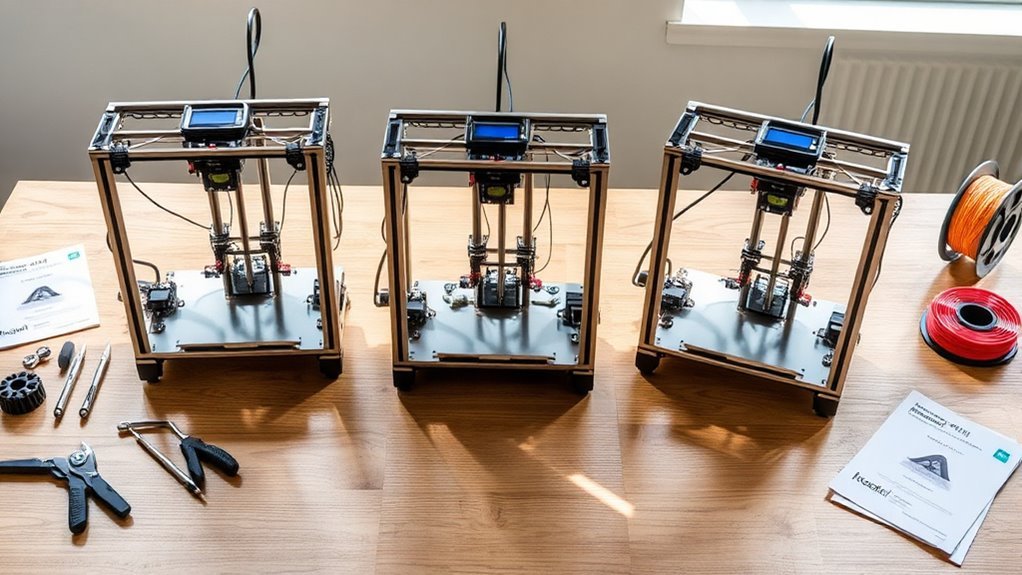
When choosing a 3D printer kit under $300, you’ll want to focus on printing speed and precision to get the quality you need. It’s important to find a balance that works for your projects.
Also, consider ease of use, build volume, and size to make sure it fits your space and skill level. You don’t want something too complicated or too big for your setup.
Don’t forget to check connectivity options and software compatibility. Plus, it’s always a good idea to look into the support and warranty offered, just in case you need help down the line.
Printing Speed And Precision
Consider how printing speed and precision directly affect the quality and efficiency of your 3D projects. Printing speed, measured in millimeters per second (mm/s), can reach up to 500mm/s on some kits, cutting down print times considerably, especially for larger models.
Precision hinges on layer height, with the finest resolutions at 0.01mm delivering intricate details. Acceleration rate also matters—it determines how quickly your printer hits max speed without quality loss.
You want a balance between speed and precision to avoid unwanted effects like ringing or resonance, ensuring smooth surfaces and sharp details. Features like automatic leveling and advanced extruders further boost both speed and precision by securing first-layer adhesion and consistent filament flow.
That way, your prints turn out reliable and high-quality every time.
Ease Of Use
Three key features can make a 3D printer kit under $300 much easier to use, especially if you’re new to 3D printing. First, look for fully assembled kits that minimize setup time—some models are ready to print in as little as five minutes.
Next, opt for printers with automatic bed leveling to guarantee strong first-layer adhesion without manual tweaks. One-touch filament loading is another must-have, simplifying the process and reducing frustration.
Additionally, consider printers with user-friendly apps that guide you through setup and offer access to ready-to-print models, making your experience smoother. Finally, devices supporting offline printing let you print directly from a TF card, so you’re not tied to a constant computer or Wi-Fi connection.
These features keep things simple and hassle-free. It really helps to have your printer ready to go without too much fuss!
Build Volume And Size
Your choice of build volume and printer size plays a crucial role in what you can create with a 3D printer kit under $300. Build volume sets the maximum size for your prints, ranging from compact 3.9 x 3.9 x 3.9 inches to larger models exceeding 8.66 x 8.66 x 9.84 inches.
If you want to print bigger prototypes or detailed models, opt for a larger build volume. However, consider your available space—compact printers typically measure around 6.5 x 8 x 10 inches and fit better in small rooms or desks.
Matching the printer’s size to your needs is key; for example, educational kits often favor smaller sizes for easier handling. Also, keep portability and setup ease in mind if you plan to move the printer between different locations.
Connectivity And Software
Anyone looking for a 3D printer kit under $300 should prioritize connectivity and software features that enhance usability. Choose a printer with WiFi connectivity so you can control it remotely via apps, which adds convenience.
Make sure it supports popular slicing software like Cura or Simplify3D. This lets you customize designs and manage prints efficiently without any hassle.
Offline printing is another must-have. Look for models that print directly from a TF card without needing constant internet access.
Also, check if the software offers guided setup and AI-powered tools to simplify model creation and selection. These features can save you a lot of time and frustration.
If you share the printer, consider ones that connect to multiple networks or devices simultaneously. This adds flexibility in multi-user environments and keeps things running smoothly.
Support And Warranty
Connectivity and software features can make a huge difference in your 3D printing experience, but support and warranty should also be top of mind when choosing a kit under $300. Look for a 30-day return and replacement policy to guarantee you can easily return the printer if it doesn’t meet your expectations.
A 12-month free repair service offers peace of mind, covering defects or issues during your first year. Lifetime professional technical support with a quick, 24-hour response time will help you troubleshoot or set up without hassle.
Make sure warranty details are clear so you know exactly what’s covered and for how long. Finally, extensive support options, like online resources and direct contacts, can be a huge help, especially if you’re new to 3D printing.
Frequently Asked Questions
What Maintenance Is Required for 3D Printer Kits Under $300?
You’ll need to clean the nozzle, lubricate moving parts, tighten belts, and check bed leveling regularly.
Also, update firmware when available and replace worn components to keep your 3D printer running smoothly and producing quality prints.
Keeping up with these simple steps can really make a difference in your printing experience. Just a little bit of maintenance goes a long way!
Can These 3D Printers Print With Flexible Filaments?
Yes, you can print with flexible filaments on many budget 3D printers. But you’ll need to adjust settings and possibly upgrade the extruder for better control.
Flexible materials can be tricky to feed consistently. So, a little tweaking goes a long way to get smooth results.
Are There Any Software Compatibility Issues With These Printers?
You won’t face major software compatibility issues since 85% of these printers support popular slicers like Cura and PrusaSlicer.
Just make sure your chosen printer’s firmware matches your preferred software for smooth operation. That way, everything runs without a hitch.
How Noisy Are These 3D Printer Kits During Operation?
You won’t find these 3D printer kits too noisy; most operate quietly, around 40-50 decibels.
You can comfortably print without much disturbance. Though, some models might get louder during fast or complex prints.
What Is the Typical Print Speed of These Budget 3D Printers?
You can expect typical print speeds around 40-60 mm/s with these budget 3D printers. They’re not the fastest but balance quality and speed well.
You’ll want to adjust settings for detailed or larger prints. It’s all about finding that sweet spot between speed and precision.
Conclusion
Choosing the right 3D printer kit under $300 can seem tricky, but it doesn’t have to be. With options like the Mini 3D Printer Starter Kit or the Creality Ender 3 V3 SE, you’re set for creativity without breaking the bank.
Don’t forget to evaluate ease of use, build volume, and upgrade potential. These factors can make a big difference in your overall experience.
After all, why settle for less when you can get quality and value in one package? Your perfect 3D printing journey starts here! Finding the best 3D printer kits under $300 means balancing affordability with features that matter. Whether you’re a beginner or looking to upgrade, these budget-friendly kits offer great performance without compromising on reliability or print quality. So go ahead, dive into the world of 3D printing with confidence and create amazing projects while staying within your budget.