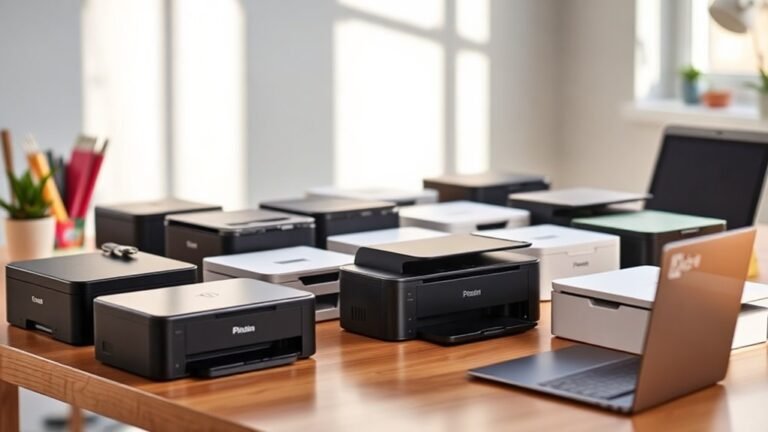
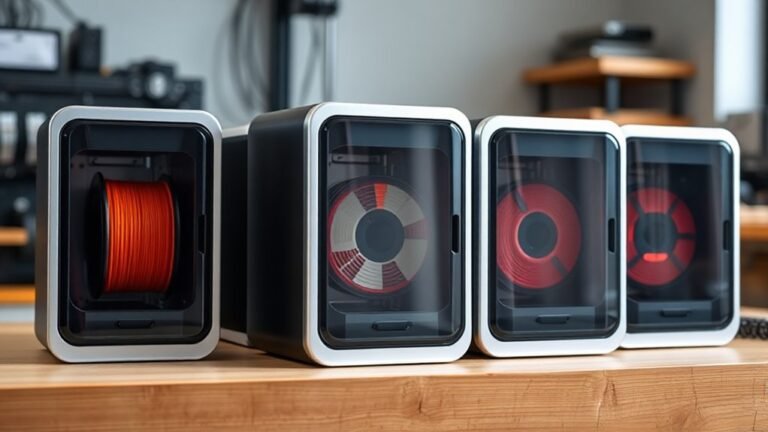
4 Best 3D Printers Under $500 for 2027: Affordable & Reliable
You want a 3D printer under $500 that’s reliable, fast, and easy to set up without breaking the bank. Finding an affordable and reliable 3D printer can be tricky, but we’ve got you covered. Whether you’re a beginner or looking for something compact and efficient, there are great options out there.
The Creality Ender 3 V3 SE offers speedy prints and auto bed leveling. Plus, its beginner-friendly features make it a solid choice if you’re just starting out. The portable compact FDM model fits small spaces perfectly and comes with a removable plate for easy maintenance.
Anycubic’s Kobra X supports multi-color printing and smart features, adding versatility to your projects. For beginners, the Ender 3 V3 SE Beginner-Friendly version includes auto leveling and quiet operation. Discover more details and features to find your perfect fit.
| Image | Name | Editor's Rating | Price |
|---|---|---|---|

|
|
||

|
|
||

|
|
||

|
|
Creality Ender 3 V3 SE 3D Printer Upgrade
- 【250mm/s High-speed Printing】Creality Ender 3 V3 SE 3d printer supports a maximum printing speed of 250mm/s, 2500mm/s² acceleration.The speed has been greatly...
- 【Powerful ""Sprite"" Direct Extruder】Ender 3 V3 SE is the upgrade of ender 3, ender 3 v2, ender 3 pro, ender 3 neo, ender 3 v2 neo, ender 3 s1, ender 3 s1 pro etc 3d...
- 【Worry-free CR Touch Auto Leveling & Strain Sensor】Creality Ender 3 upgraded 3d printer features a CR Touch sensor for auto leveling and a strain sensor for auto...
- 【Stable Dual Z-axis & Y-axis Linear Shafts】High-precision dual Z-axis lead screws reduce Z wobbling effectively, avoid printing deviation in single-axis printing...
- 【Quick Assembly & Easy to Use】Preassembly has solved those hassles and worries of parts assembly, It only takes 3 steps to complete the assemble the ender-3 v3 se 3d...

Experience faster and more precise 3D printing with the Creality Ender 3 V3 SE Upgrade. Designed to enhance your printing workflow, this model reduces setup time and minimizes common print issues, helping you create detailed projects efficiently. Its generous build volume lets you tackle most hobbyist and beginner tasks with ease.
The printer’s full-metal dual-gear Sprite extruder ensures consistent filament feeding, preventing jams and improving print quality. Dual Z-axis lead screws stabilize the print head, reducing wobble for sharper results. This design improves reliability and lowers maintenance needs over time.
Setup is straightforward thanks to CR Touch auto bed leveling, which removes the guesswork from calibration. Auto filament loading and unloading simplify material changes, so you spend more time printing and less time adjusting. The printer reaches speeds up to 250 mm/s, ideal for those who want quicker turnaround without sacrificing detail.
While assembly requires about 20 minutes and some basic skills, the process is supported by clear instructions. The moderate print volume might limit very large projects but suits most creative and functional prints well.
Best for: hobbyists and beginners who want a fast, accurate, and easy-to-use 3D printer with smart features that streamline operation.
What We Like:
- High-speed printing up to 250 mm/s with good acceleration.
- Smooth filament feeding from full-metal dual-gear extruder.
- Stable dual Z-axis lead screws for improved print precision.
- Automatic bed leveling and filament handling reduce setup hassle.
Specification:
| Feature | Details |
|---|---|
| Manufacturer | Creality |
| Print Volume | 8.66 x 8.66 x 9.84 inches |
| Max Print Speed | 250 mm/s |
| Extruder Type | Full-metal dual-gear Sprite |
| Z-axis | Dual lead screws |
| Auto Bed Leveling | CR Touch |
| Assembly Time | Approx. 20 minutes |
Portable Compact FDM 3D Printer with Removable Plate
- Foolproof Setup with Video Guides – Never get stuck! We provide a crystal-clear Quick Start Guide and step-by-step video tutorials. Watch them online to get started.
- Simple Assembly with Video Guide – Requires quick modular setup (watch our step-by-step video). Comes with 10m PLA filament, TF card, tools, and 12V Type-C power...
- Versatile Filament Compatibility – Unleash your creativity with both PLA and flexible TPU (1.75mm). The reliable 0.4mm nozzle and precise 0.05-0.3mm layer thickness...
- Reliable Performance & Compact Design – Features stable FDM technology and a removable build plate for easy model removal. The perfect 100x100x100mm build volume is...
- Complete Package – No Hidden Costs – Includes printer, 10m PLA filament, 8GB TF card + reader, tools, illustrated manual, and 12V Type-C power adapter. Plus free...
Discover how this portable compact FDM 3D printer with a removable plate transforms your creative space. Its small footprint fits neatly into tight areas, ideal for homes, classrooms, or workshops with limited room.
Enjoy precise, smooth prints thanks to the 100 x 100 x 100 mm build volume combined with a 0.4 mm nozzle. The printer handles layer heights from 0.05 to 0.3 mm, ensuring detailed results without complexity.
Setup is straightforward with modular assembly, a clear illustrated manual, and helpful video tutorials. This ease of use empowers beginners, students, and hobbyists to start printing quickly without frustration.
Maintenance is simple. The removable plate allows for easy print removal and cleaning, reducing downtime and keeping your workflow smooth. Compatible with PLA and flexible TPU filaments, it supports a range of creative projects.
The included 10 m PLA filament, tools, and an 8 GB TF card mean you can begin printing immediately. However, the modest build volume and basic nozzle size may limit larger or ultra-fine projects.
Best for: Beginners, students, and hobbyists seeking a compact, user-friendly FDM 3D printer suited for small spaces and educational purposes.
What We Like:
- Compact, portable design fits limited spaces and classrooms
- Easy setup with modular parts and clear tutorials
- Supports versatile filaments like PLA and flexible TPU
- Removable plate simplifies print removal and maintenance
Specification:
| Feature | Details |
|---|---|
| Manufacturer | – |
| Build Volume | 100 x 100 x 100 mm |
| Nozzle Diameter | 0.4 mm |
| Supported Filaments | PLA, Flexible TPU |
| Included Filament | 10 meters PLA |
| Accessories | Tools, 8 GB TF card |
| Design | Portable, compact, removable plate |
Anycubic Kobra X Multicolor 3D Printer, Easy Setup, Native 4-Color
- 【 Newest Level - 19-Color with 4 ACE 2 Pro】Why settle for one color when you can have multicolor? The Kobra X comes born with 4 colors built-in. It is innovative 3D...
- 【 Savings 2X Time】Stop wasting hours and filament on purging! Kobra X impresora 3D reduces the filament and machine travel path by 81.25%, so 2X the Speed, and...
- 【Hardened Precision & High Speed 】 Equipped with a high-durability hardened steel nozzle and vibration compensation, the Kobra X ensures every layer remains smooth...
- 【Flawless First Layer with LeviQ 3.0】The LeviQ 3.0 and auto bed leveling system uses a 49-point calibration and advanced leveling algorithm to ensure 100% bed...
- 【Smart AI Monitoring & Large Model Library】APP remote control, features Spaghetti detection and foreign object detection. The innovative top-mount spool holder...
The Anycubic Kobra X Multicolor 3D Printer transforms your creative process with its native 4-color printing capability. It enables vivid, multi-material designs without the hassle of complicated setups. Setting up the printer takes only about 15 minutes, letting you start your projects quickly and effortlessly.
This printer delivers precise results through its LeviQ 3.0 auto bed leveling system and a hardened steel nozzle. It supports a 260 × 260 × 260 mm print volume, suitable for a variety of medium-sized projects. The design reduces filament travel, which cuts waste and speeds up printing—completing models like Benchy in just 14 minutes.
Maintenance is straightforward, aided by smart AI monitoring and dual-band Wi-Fi connectivity. These features allow remote oversight and help prevent printing errors. However, filament is sold separately, and the machine’s size may limit larger-scale creations.
Best for: Creators, educators, and professionals seeking an easy-to-use, fast multicolor 3D printer that balances performance with convenience.
What We Like:
- Native 4-color printing with expansion options up to 19 colors.
- Quick 15-minute setup and silent operation at 45 dB.
- Filament travel reduction speeds up prints and reduces waste.
- Advanced auto bed leveling ensures consistent print quality.
- Remote monitoring via dual-band Wi-Fi and AI technology.
Specification:
| Feature | Details |
|---|---|
| Manufacturer | Anycubic |
| Print Volume | 26 × 26 × 26 cm |
| Nozzle Material | Hardened Steel |
| Noise Level | 45 dB |
| Setup Time | Approximately 15 minutes |
| Connectivity | Dual-band Wi-Fi |
Creality Ender 3 V3 SE Beginner-Friendly 3D Printer with Auto Leveling
- 250mm/s High-Speed Printing: Print at speeds of up to 250mm/s with 2500mm/s² acceleration, helping you complete prototypes, functional parts, and everyday projects...
- Easy Setup with Auto Leveling: Designed for a fast and straightforward setup, the Ender 3 V3 SE can be assembled in just a few simple steps. CR Touch Auto Leveling and...
- Proven Sprite Direct Drive Extruder: The upgraded Sprite Direct Drive Extruder provides smooth and consistent filament feeding for PLA, PETG, and TPU. Its proven design...
- Stable Motion System for Consistent Results: Dual synchronized Z-axis lead screws and precision Y-axis linear shafts work together to help reduce vibration and Z...
- Quiet Operation with Easy Print Removal: A 32-bit silent mainboard helps reduce operating noise for a more comfortable printing experience, while the flexible PC spring...
The Creality Ender 3 V3 SE brings 3D printing within reach for beginners by simplifying setup and operation. Its auto leveling system removes the guesswork from bed calibration, ensuring your first layer sticks perfectly every time. Automatic filament loading further reduces hassle, letting you focus on creating rather than tinkering.
This model uses a Sprite Direct Drive Extruder, which handles popular filaments like PLA, PETG, and TPU with smooth, consistent feeding. Its dual Z-axis screws and stable motion system keep prints precise and reduce vibrations, even at speeds up to 250 mm/s. The printer operates quietly thanks to its 32-bit mainboard, making it suitable for home or office use.
Maintenance is straightforward with a flexible spring steel bed that makes removing finished prints easy and quick. While it supports common filaments well, it may not handle more advanced materials. The compact design and clear interface cater to hobbyists and newcomers alike, offering reliable performance without complexity.
Best for: Beginners and hobbyists seeking a user-friendly 3D printer with reliable auto leveling and smooth filament handling.
What We Like:
- Auto leveling and automatic filament loading simplify use.
- Dual Z-axis screws provide stable, high-quality prints.
- Quiet operation with a 32-bit silent mainboard.
- Flexible spring steel bed for easy print removal.
Specification:
| Attribute | Detail |
|---|---|
| Manufacturer | Creality |
| Dimensions | Not specified |
| Weight | Not specified |
| Material Compatibility | PLA, PETG, TPU |
| Color Options | Not specified |
Factors to Consider When Choosing a 3D Printer for Under 500
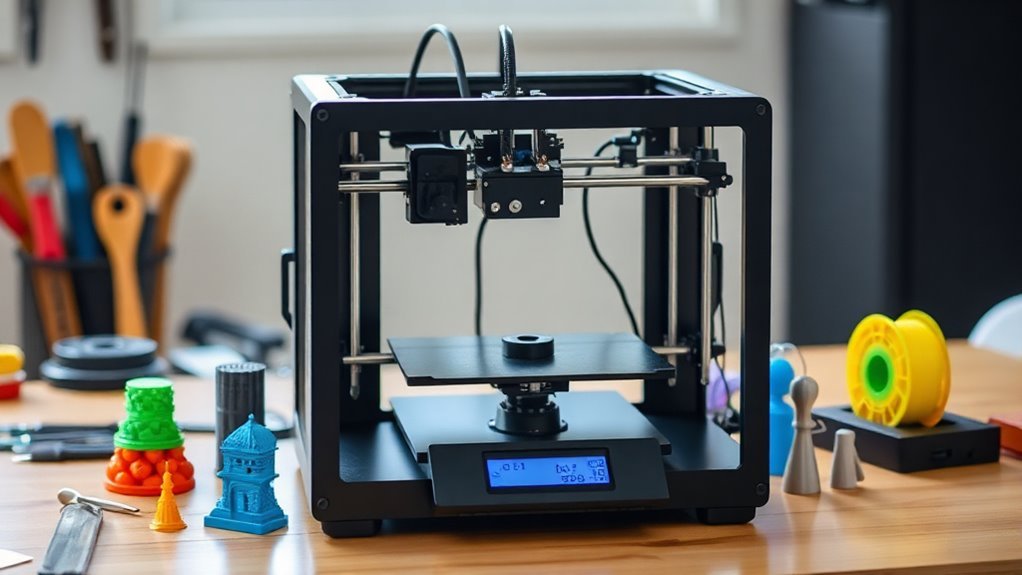
When choosing a 3D printer under $500, you’ll want to take into account the print volume to match your project sizes and the types of materials it supports. Speed and ease of assembly can save you time, while automation features like auto-leveling make printing smoother.
Focusing on these factors helps you find a reliable printer that fits your needs without overspending. It’s all about balancing what you want with what’s available in your budget. That way, you get the best bang for your buck!
Print Volume Needs
Although you might focus on smaller projects like toys or miniatures, matching your 3D printer’s build volume to your typical print size guarantees efficiency and quality. For small items, a build area around 100 × 100 × 100 mm to 150 × 150 × 150 mm usually suffices.
If you plan larger prototypes or functional parts, aim for 200–300 mm in one or more axes. Keep in mind usable print volume shrinks due to print margins and bed clamps, so pick a printer with a slightly bigger nominal build area than your biggest part.
If you expect to scale up projects, prioritize printers with larger Z-height or bed footprint now to avoid upgrading soon. Also, consider your available space because bigger build plates need more room and sometimes better temperature control.
Material Compatibility Options
Exploring material compatibility is key to getting the most out of your sub-$500 3D printer. Most budget models handle PLA effortlessly, thanks to its low printing temps (190–220°C) and minimal warping—ideal for beginners.
If you want flexible prints, TPU requires a direct-drive or fine-tuned Bowden extruder and temps around 200–230°C to guarantee smooth extrusion. It might take a bit of tweaking, but it’s totally doable.
PETG offers stronger, impact-resistant parts but demands higher temps (230–250°C) and careful bed adhesion and cooling to prevent stringing. So, you’ll want to keep an eye on those settings.
Specialty filaments like nylon or carbon-fiber blends usually need hardened nozzles and higher temps (above 250°C), which budget printers often lack. Just something to keep in mind if you’re eyeing advanced materials.
Also, check if your printer supports 1.75 mm filament diameter, has a heated bed for better adhesion, and offers wear-resistant nozzles if you plan to use abrasive materials. These features can make a big difference in print quality and longevity.
Printing Speed Performance
Choosing a 3D printer under $500 means balancing speed with print quality. Budget models typically max out between 40 and 150 mm/s—far below high-end machines.
You should remember that maximum speed ratings show the fastest possible head travel but don’t reflect practical print speeds for detailed parts. Factors like acceleration and jerk settings influence how quickly the printer reaches top speed but can cause vibration and surface defects if set too high.
Layer height affects speed too. Thinner layers (0.1–0.2 mm) need slower speeds (30–60 mm/s) for detail, while thicker layers allow faster printing.
Also, cooling, extrusion capability, and firmware motion planning limit usable speed. Pushing beyond these causes under-extrusion or poor adhesion.
Real-world print times on benchmarks give you a better gauge than peak specs.
Ease of Assembly
Speed matters, but getting your 3D printer up and running quickly can save you even more time. Look for models advertised as “preassembled” or “modular” with step-by-step guides. These often cut setup from hours to under 30 minutes.
Make sure the package includes clear quick-start guides, video tutorials, and labeled hardware. This helps reduce errors and speeds up assembly.
Prioritize printers with tool-less or minimal-tool bed and extruder attachments plus pre-wired connectors. That way, mechanical and electrical work is much simpler.
Also, confirm they offer auto bed leveling or built-in calibration routines like auto Z-offset. This means you won’t spend ages manually leveling before your first print.
And don’t forget to check for accessible support channels and spare parts included. Fast help and replacements make troubleshooting assembly issues way easier.
Automation Features Included
While affordability is key, you shouldn’t have to sacrifice convenience when picking a 3D printer under $500. Look for automation features like auto bed leveling sensors, which save time by probing the build surface and adjusting for any unevenness. This ensures consistent first layers every time.
Automatic Z-offset calibration simplifies nozzle height setup, eliminating manual adjustments. Filament runout detection pauses your print if the filament runs out or breaks, preventing failed prints and wasted material.
Some models offer auto-loading and unloading routines, letting you feed or retract filament with a single button press. This reduces the chance of nozzle clogs, making your printing experience smoother.
Also, print-resume after power loss or thermal interruptions lets you continue long prints from the last saved point. It’s a real time saver and helps you avoid wasting filament. These features boost reliability without adding complexity.
Noise Level Output
Though budget 3D printers under $500 typically operate at noise levels similar to a quiet office or normal conversation (around 40–60 dB), you’ll want to take into account how factors like stepper motors, fans, and vibrations contribute to overall sound output.
Stepper motors and cooling fans, especially high-speed ones, often dominate noise, with fans producing high-frequency sounds. Choosing a printer with silent stepper drivers, like those from the TMC series, and a well-damped frame can cut noise by 5–15 dB.
Additionally, features like enclosures, rubber feet, and vibration-dampening mounts reduce resonance and low-frequency vibrations traveling through desks. To guarantee a quieter experience, check manufacturer noise ratings or user-measured levels at standard distances, since actual noise varies with print speed, cooling, and part design.
Support and Warranty
When choosing a 3D printer under $500, you should carefully review the warranty terms and support options. Check the warranty length—typically 6 to 12 months—and what it covers, including parts like the hotend, motherboard, and power supply.
Make sure to confirm if wear items such as nozzles and belts are excluded or limited. Also, look into technical support channels—email, phone, live chat, or forums—and their responsiveness for troubleshooting or replacement parts.
Understand return, repair, and replacement policies, including who covers shipping costs and repair turnaround times. Finally, prioritize manufacturers or sellers with easily accessible spare parts and active user communities.
These resources can save you time and money by reducing downtime and easing problem-solving. It’s always good to have support that’s just a message or call away!
Frequently Asked Questions
What Types of Filaments Are Compatible With These 3D Printers?
You’ll find these 3D printers compatible with common filaments like PLA, ABS, and PETG. Some also support flexible TPU and wood-filled filaments, giving you plenty of options for different projects without breaking your budget.
It’s pretty cool because you can switch things up depending on what you’re working on. Whether it’s something sturdy or a bit more flexible, these printers have you covered.
How Do These Printers Handle Software Updates and Compatibility?
Like clockwork, these printers regularly send you software updates that you can easily install. They’re designed to stay compatible with popular slicing software, so you won’t have to wrestle with outdated or unsupported programs.
It’s pretty convenient, right? You get the latest features and fixes without any hassle. Plus, keeping your setup current means smoother printing every time.
What Is the Average Printing Speed of These Budget 3D Printers?
You’ll find the average printing speed ranges from 40 to 60 millimeters per second. These budget printers balance speed and quality, so you won’t have to compromise too much while staying affordable and reliable for everyday projects.
They’re pretty good at keeping things moving without sacrificing detail. So, if you’re new to 3D printing or just need something for casual use, these speeds are just right.
Are Replacement Parts and Accessories Readily Available for These Models?
You’ll find replacement parts and accessories for these models as easy to grab as candy at a store.
Most manufacturers and third-party sellers keep them well-stocked, so you won’t be left stranded when you need upgrades or repairs.
Can These Printers Be Used for Commercial or Professional Projects?
You can use these printers for small-scale commercial or professional projects, but they might not handle heavy-duty tasks or large production runs.
They’re great for prototypes, hobbyist work, and low-volume custom pieces. So, if you’re working on something that doesn’t require massive output, these printers can definitely do the job.
Conclusion
Choosing the right 3D printer under $500 is like picking the perfect tool to bring your ideas to life. Whether you prioritize ease of use, multi-color options, or portability, these models offer affordable reliability without compromising quality.
With options like the Creality Ender 3 V3 SE and Anycubic Kobra X, you’re well-equipped to plunge into creative projects confidently. Trust your instincts, and watch your designs take shape effortlessly. When looking for the best 3D printers under $500, it’s all about balancing features and budget.
These affordable and reliable printers make it easier than ever to start 3D printing at home or for small projects. So, if you want a 3D printer that delivers quality without breaking the bank, these picks are your go-to choices for 2027.