7 Best All-in-One Printer Canon Models for 2027
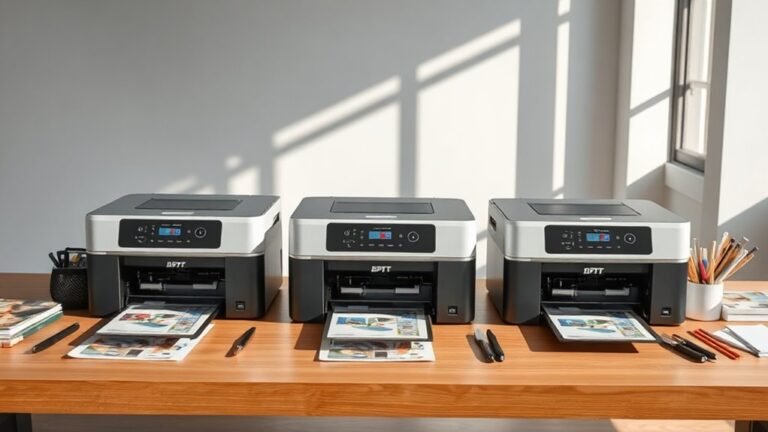
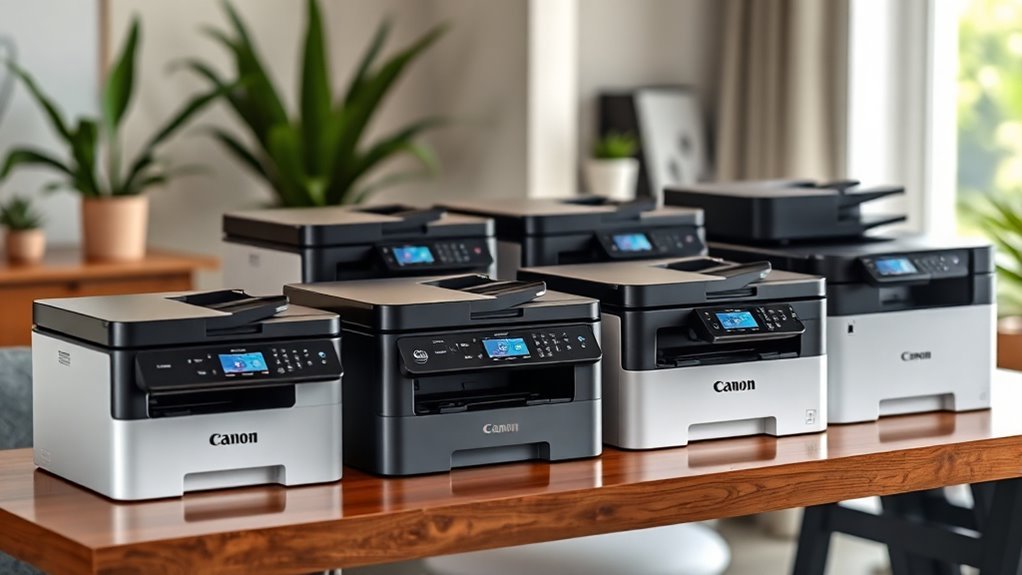
For 2027, the 7 best Canon all-in-one printers deliver fast speeds, sharp print quality, and smart ink management designed for both home and office use.
Whether you need wireless printing, duplexing, or cost-effective ink systems, Canon has you covered with versatile options.
Models like the PIXMA TR8620a and MegaTank G3270 stand out for their reliable performance and user-friendly features.
From compact designs that fit perfectly in small spaces to high-yield printers built for heavy use, there’s something for everyone.
These all-in-one printers make printing, scanning, and copying easy without breaking the bank.
Keep exploring to find the perfect Canon printer that matches your exact needs and budget.
You’ll love how these models combine convenience and quality in one package!
| Image | Name | Editor's Rating | Price |
|---|---|---|---|

|
|
||

|
|
||

|
|
||

|
|
||

|
|
Canon PIXMA TR8620a All-in-One Printer Black
- Never run out of ink. Connect your printer to Alexa and receive notifications when you’re running low. Alexa can even place a smart reorder from Amazon on your behalf...
- Enrolling in Smart Reorders with Alexa ensures that you never have too much or too little ink supplies. No subscription needed.
- Wireless 4-in-1 (Print | Copy | Scan | Fax)
- 15 / 10 ipm Print Speed
- 200 Sheet Capacity (100 Cassette, 100 Rear Feed)

Experience seamless printing, scanning, and faxing with the Canon PIXMA TR8620a All-in-One Printer. Designed to simplify busy tasks, this printer delivers fast black and color prints with speeds of 15 ipm and 10 ipm, respectively. Its auto two-sided printing feature helps reduce paper waste, making it both efficient and eco-conscious.
The printer supports wireless connectivity, including AirPrint, Android, and Alexa voice controls. This allows you to print easily from various devices without tangled cords. A micro SD card slot adds extra flexibility for direct printing and scanning.
Maintenance is straightforward with smart ink management that tracks usage and sends low ink alerts—no subscription needed. Its 200-sheet input capacity and 1,000-page monthly duty cycle fit well with moderate volume needs but may require frequent refills during heavier use.
The Canon PIXMA TR8620a blends functionality with convenience, making it ideal for home offices or small businesses. Its compact design and ENERGY STAR certification add to its practicality and environmental friendliness.
Best for: Busy home offices or small businesses needing a versatile, efficient all-in-one printer with wireless and voice control features.
What We Like:
- Fast print speeds with auto two-sided printing to save paper.
- Wireless support for AirPrint, Android, and Alexa voice commands.
- Smart ink management without subscription and timely low ink notifications.
- Convenient micro SD slot for easy direct printing and scanning.
Specification:
| Feature | Details |
|---|---|
| Manufacturer | Canon |
| Dimensions (W x D x H) | Approx. 15.0 x 12.0 x 7.5 inches |
| Weight | Approx. 14.3 lbs |
| Color Options | Black |
| Paper Capacity | 200 sheets |
| Monthly Duty Cycle | 1,000 pages |
Canon PIXMA TR4720 Wireless All-in-One Printer
- Wireless 4-in-1 (print | copy | scan | fax)..Power Consumption: 7W (0.8W Standby / 0.3W Off)
- Print speed up to: 4" x 6" Borderless Photo (PP-201): Approx. 65.0 Seconds / Black Document (Letter/Simplex): Approx. 8.8 ipm / Color Document (Letter/Simplex): Approx...
- Designed for easy ink cartridge installation and replacement.
- Auto 2-sided printing and auto document feeder.
- Produce quality documents, photos and boarderless prints up to 8.5" x 11".
The Canon PIXMA TR4720 is designed to simplify your home or small office printing tasks. This wireless all-in-one printer manages printing, scanning, copying, and faxing efficiently. Its auto 2-sided printing and 100-sheet auto document feeder save you time on multi-page jobs.
Maintaining the printer is straightforward with easy ink cartridge replacement. The energy-efficient design helps reduce power consumption. Mobile printing and Alexa integration keep you connected, allowing convenient ink notifications and smart reordering.
This printer produces borderless photos quickly and handles black document printing at a steady pace. While color print speed is modest, it meets everyday needs without hassle. Its compact size fits well in limited spaces, supporting standard letter-size documents.
The Canon PIXMA TR4720 offers practical functionality and smart features to improve workflow. Its design focuses on ease of use and cost savings with the PIXMA Print Plan. This makes it a versatile choice for users who need reliable wireless printing with simple maintenance.
Best for: users seeking a versatile, wireless all-in-one printer with efficient performance and smart connectivity for home or small office use.
What We Like:
- 4-in-1 functionality with auto 2-sided printing and 100-sheet feeder
- Mobile printing and Alexa integration for easy ink management
- Energy-efficient with simple ink cartridge replacement
- Quick borderless photo printing and steady black document output
Specification:
| Feature | Details |
|---|---|
| Manufacturer | Canon |
| Dimensions (W x D x H) | 17.7 x 12.3 x 7.5 in |
| Weight | 11.7 lb |
| Color Options | Black |
| Print Speed (Black) | Up to 9 pages per min |
| Print Speed (Color) | Up to 4.4 pages per min |
| Max Print Size | Letter (8.5 x 11 in) |
Canon MegaTank G3270 All-in-One Wireless Color Printer
- Wireless Print/Copy/Scan
- Up to 2 years of ink included (2)
- Print up to 6,000 black & white / 7,700 color pages using a single set of inks! (1)
- Save up to $1,000 on ink (1)
- 1.35” Square LCD display
The Canon MegaTank G3270 is designed to make everyday printing, copying, and scanning simple and cost-effective. Its refillable ink system reduces the hassle of frequent cartridge replacements and ensures you can print thousands of pages without interruption. This helps save both time and money, especially for users with steady printing needs.
With sharp 4800 x 1200 dpi resolution, your documents and images come out clear and vibrant. The printer supports wireless connections, allowing easy printing from smartphones, tablets, or computers without tangled cables. This flexibility fits well in both home and small office environments.
Maintenance is straightforward thanks to the MegaTank ink bottles, which are easy to refill and help avoid waste. The printer also supports various paper types and borderless printing, adding versatility to your projects. Its compact design and low energy use make it a practical choice for daily tasks.
While the print speed is moderate and the paper tray holds up to 100 sheets, the overall balance of quality, convenience, and cost efficiency makes this printer a reliable all-in-one solution.
Best for: Small offices and home users who need a versatile, affordable all-in-one printer with long-lasting ink and wireless capabilities.
What We Like:
- Long-lasting refillable MegaTank ink system for cost-effective printing
- Wireless printing compatibility with smartphones and tablets
- High-resolution printing with borderless photo support
- Compact design with low energy consumption
Specification:
| Feature | Details |
|---|---|
| Manufacturer | Canon |
| Dimensions | Not specified |
| Weight | Not specified |
| Color Options | Not specified |
| Print Resolution | 4800 x 1200 dpi |
| Print Speed | 11 ppm (black), 6 ppm (color) |
| Paper Capacity | 100 sheets |
| Connectivity | Wi-Fi, USB |
Canon MegaTank MAXIFY GX2020 Wireless All-in-One Printer
- Wireless Print/Copy/Scan/Fax (2)
- Print up to 3,000 black & white / 3,000 color pages using a single set of inks! (1)
- 2.7” LCD Color Touchscreen
- Auto 2-sided printing
- ADF – 35 sheet Auto Document Feeder
The Canon MegaTank MAXIFY GX2020 is designed to tackle the challenges of high-volume printing with ease. It keeps your workflow smooth by delivering up to 3,000 pages per ink set, reducing the hassle of frequent refills. This means less downtime and more focus on your work.
Its 4-color pigment system ensures sharp text and vibrant photos, making every print clear and professional. The printer’s automatic duplexing feature helps save paper effortlessly, which is ideal for busy offices aiming to reduce waste.
Compact and efficient, the GX2020 fits neatly into your workspace without sacrificing functionality. A 2.7-inch touchscreen makes navigation simple, while wireless dual-band WiFi and USB connectivity offer flexible options to stay connected.
Maintenance is straightforward, thanks to the MegaTank ink system that is easy to refill and maintain. Its 35-sheet automatic document feeder adds convenience for scanning or copying multiple pages quickly.
Best for: busy professionals and small offices needing efficient, high-volume printing with minimal interruptions.
What We Like:
- High page yield minimizes ink refills
- Automatic duplexing saves paper and time
- Compact design fits small office spaces
- Wireless dual-band WiFi and USB offer versatile connectivity
- 35-sheet ADF streamlines multi-page tasks
Specification:
| Feature | Details |
|---|---|
| Manufacturer | Canon |
| Dimensions (W×D×H) | Compact size (exact not specified) |
| Weight | Not specified |
| Ink System | 4-color pigment MegaTank |
| Maximum Media Size | Up to 8 x 10 inches |
| Paper Capacity | Up to 250 sheets |
| Connectivity | Wireless dual-band WiFi, USB, Chromebook compatible |
| Display | 2.7-inch touchscreen |
Canon PIXMA TS4320 – Wireless Color Inkjet Printer with Print, Copy, Scan
- Affordable Versatility - A budget-friendly all-in-one printer perfect for both home users and hybrid workers, offering exceptional value
- Crisp, Vibrant Prints - Experience impressive print quality for both documents and photos, thanks to its 2-cartridge hybrid ink system that delivers sharp text and vivid...
- Effortless Setup & Use - Get started quickly with easy setup for your smartphone or computer, so you can print, scan, and copy without delay
- Reliable Wireless Connectivity - Enjoy stable and consistent connections with dual-band Wi-Fi (2.4GHz or 5GHz), ensuring smooth printing from anywhere in your home or...
- Scan & Copy Handling - Utilize the device’s integrated scanner for efficient scanning and copying operations
The Canon PIXMA TS4320 is designed to bring sharp, professional-quality printing into compact spaces. It solves the common issue of bulky printers that take up too much room, fitting neatly on any desk or shelf. Its hybrid ink system ensures clear text and vibrant color, making documents and photos look crisp without complicated setups.
Maintaining the printer is straightforward thanks to its two-cartridge design, which reduces ink waste and simplifies replacement. The fast print speeds help you stay productive, while automatic duplex printing cuts paper use, supporting eco-friendly habits. Wireless connectivity is smooth and reliable, allowing direct printing from smartphones or tablets with ease.
This printer also handles scanning and copying tasks clearly, accommodating various media types. Although it supports standard letter-sized paper, it may not suit those needing larger formats. Weighing 15.5 pounds, it is better suited for a fixed spot than frequent travel.
Best for: Home users and small offices needing a compact, efficient printer that provides quality color prints and versatile wireless functionality.
What We Like:
- Crisp text and vibrant photos with hybrid ink technology
- Fast printing with automatic double-sided output
- Simple wireless connection via Canon PRINT App, Apple AirPrint, and Mopria
- Easy maintenance with a two-cartridge system
- Compact design fits well in limited spaces
Specification:
| Feature | Details |
|---|---|
| Manufacturer | Canon |
| Dimensions (W×D×H) | 12.0 × 14.8 × 5.0 inches |
| Weight | 15.5 pounds |
| Ink System | 2-cartridge hybrid ink |
| Max Print Resolution | 1200 x 1200 dpi |
| Media Size | Up to 8.5” x 11” (Letter) |
| Connectivity | Dual-band Wi-Fi, Mobile printing support |
Canon Color imageCLASS MF665Cdw – Wireless, All-in-One Duplex Laser Printer

- Color, Wireless, Duplex 4-in-1: Print, scan, copy, fax.
- Fast Print Speeds: Print up to 26 ppm in both color and monochrome and spend less time waiting with a quick first print time of approximately 10.3 seconds.
- Easy Wireless Setup: Setup your wireless connection and get up and running in just a few steps.
- 5-inch Color Touchscreen: Get the job done quickly with Application Library - an intuitive and easy to use customizable access to the features you use most.
- Mobile Device Printing: Print from your compatible mobile devices using the free Canon PRINT app, Apple AirPrint and Mopria Print Service.
Experience fast, reliable printing designed to keep your small or home office running smoothly. The Canon Color imageCLASS MF665Cdw tackles everyday printing challenges with ease, delivering up to 26 pages per minute in both color and monochrome. Quick first prints, ready in about 10 seconds, mean less waiting and more productivity.
This wireless all-in-one laser printer combines printing, scanning, copying, and faxing in one compact device. Its 250-sheet cassette and 50-sheet duplex automatic document feeder help maintain uninterrupted workflows. Mobile printing is effortless, supporting Canon PRINT app, Apple AirPrint, and Mopria for convenient access from smartphones and tablets.
Designed for ease of use, the 5-inch touchscreen simplifies navigation, while Canon’s Genuine Toner 075 ensures consistent, high-quality output. Though it supports duplex scanning and printing, the print resolution of 600 x 600 dpi may not suit ultra-high detail photo needs. The multipurpose tray holds only one sheet at a time, which might slow media switching, and the maximum media size is limited to legal.
Best for: Small or home offices and hybrid work environments requiring reliable, wireless all-in-one printing with duplex functionality.
What We Like:
- Fast printing at up to 26 ppm in color and monochrome
- Duplex automatic document feeder for efficient double-sided scanning
- Wireless mobile printing via Canon PRINT, Apple AirPrint, and Mopria
- Intuitive 5-inch touchscreen for easy operation
- Genuine Toner 075 delivers consistent print quality
Specification:
| Feature | Details |
|---|---|
| Manufacturer | Canon |
| Dimensions (W x D x H) | 16.5 x 18.5 x 17.7 inches |
| Weight | 42.3 lbs (19.2 kg) |
| Print Speed | Up to 26 ppm (color & mono) |
| Print Resolution | 600 x 600 dpi |
| Paper Capacity | 250-sheet cassette, 1-sheet multipurpose tray |
| Duplex | Yes, automatic both sides |
| Connectivity | Wireless, mobile print support |
Canon PIXMA TS9521Ca – Wireless Home All-in-One Inkjet Printer

- ALL-IN-ONE: Print, Copy, Scan features for full control at your fingertips. Comes with a 1 year limited warranty.
- FAST PRINT SPEEDS: Print approximately 15 (black) / 10 (color) images per minute.
- EASY SETUP and INSTALL: Get running in just a few minutes thanks to a streamlined and easy setup process out of the box. The five individual ink system makes it easy to...
- USER-FRIENDLY TOUCHSCREEN: Get the job done with an intuitive and easy to use 4.3” touch LCD screen.
- AUTO 2-SIDED PRINTING: Built in auto duplex printing for convenience & paper savings.
The Canon PIXMA TS9521Ca is designed for users who need flexible printing options without compromising quality. It handles various media sizes, from small 3.5” x 3.5” prints to large 11” x 17” banners and envelopes. This versatility helps you tackle creative projects and everyday printing with ease.
Wireless connectivity through Wi-Fi, USB, and Ethernet ensures smooth integration into your home or small office setup. The printer also supports mobile printing via the Canon PRINT app, letting you print directly from your smartphone or tablet. The 4.3” touchscreen interface makes operation straightforward and intuitive.
Print quality is sharp, with resolutions up to 4800 x 1200 dpi. While color print speeds are moderate at 10 pages per minute, the device balances speed and detail well for both photos and documents. Duplex printing and a 200-sheet capacity reduce interruptions, keeping your workflow efficient.
Maintenance is simple thanks to the all-in-one inkjet design, though the 20-sheet auto document feeder may limit productivity for heavy scanning or copying tasks. This model suits creative home users or small business owners who need reliable, versatile printing without complex upkeep.
Best for: creative home users and small business owners needing versatile media handling and sharp wireless printing.
What We Like:
- Handles media sizes up to 11” x 17” including banners and envelopes
- High print resolution with balanced speed for black and color prints
- Multiple connectivity options including Wi-Fi, USB, Ethernet, and mobile printing
- Easy-to-use 4.3” touchscreen interface
Specification:
| Feature | Details |
|---|---|
| Manufacturer | Canon |
| Model | PIXMA TS9521Ca |
| Print Resolution | Up to 4800 x 1200 dpi |
| Print Speed | 15 ppm (black), 10 ppm (color) |
| Media Sizes Supported | 3.5” x 3.5” to 11” x 17” |
| Auto Document Feeder | 20 sheets |
| Paper Capacity | 200 sheets |
| Connectivity | Wi-Fi, USB, Ethernet, Mobile Printing |
| Display | 4.3” touchscreen |
Factors to Consider When Choosing an All in One Printer Canon
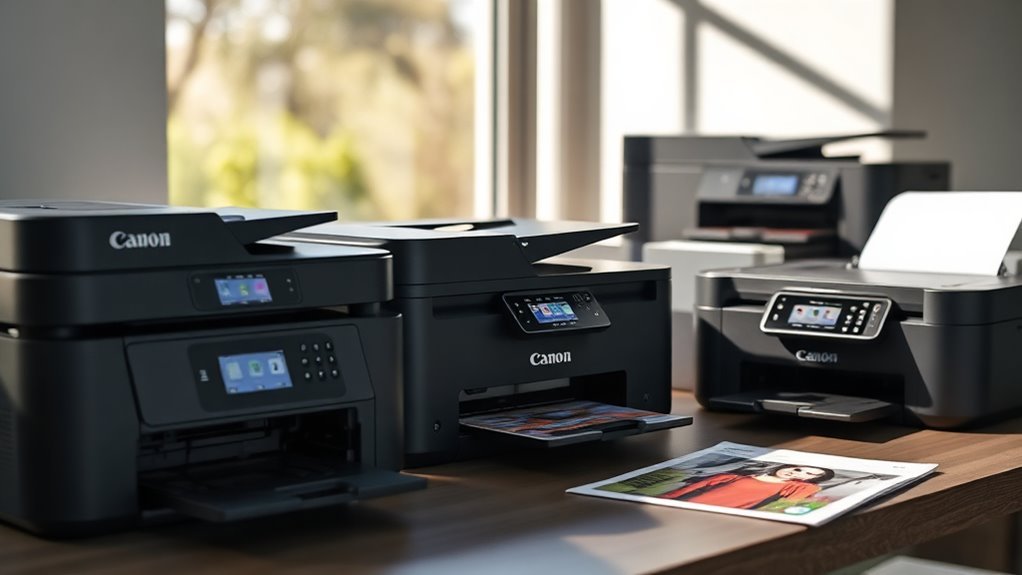
When choosing a Canon all-in-one printer, you’ll want to focus on print quality and speed to match your needs. These two factors really make a difference depending on what you plan to print most often.
Also, check the connectivity options and ink costs to make sure it fits your workflow and budget. It’s annoying when a printer looks great but ends up costing too much to maintain.
Don’t forget to evaluate media handling features and the warranty for long-term support. Having reliable customer service can save you a lot of headaches down the road.
Print Quality And Speed
Choosing the right Canon all-in-one printer means balancing print quality and speed to fit your needs. Look for models offering high resolution, like 4800 x 1200 dpi, to guarantee sharp images and vivid colors—ideal if you print photos often.
Consider print speed, measured in images per minute (ipm). Some Canon printers deliver around 8.8 ipm for black and white and 4.4 ipm for color prints.
Faster first-page times, about 10.3 seconds on select models, also help when you need prints quickly. Automatic duplex printing is a bonus, cutting paper use by printing double-sided without extra effort.
Finally, check the maximum print size your tasks demand—Canon printers typically handle up to 8.5 x 14 inches. This covers standard and larger documents efficiently.
Connectivity Options Available
Many Canon all-in-one printers now offer versatile connectivity options that make printing more convenient and flexible. You can easily print wirelessly from your smartphone, tablet, or laptop without any cables.
Mobile printing apps like Apple AirPrint, Canon PRINT App, and Mopria Print Service guarantee seamless printing on the go. If you need a more stable connection, some models support dual-band Wi-Fi, working on both 2.4 GHz and 5 GHz networks.
For direct and reliable connections, USB ports are standard on most Canon printers. And if your wireless network is unreliable or unavailable, many printers include Ethernet ports for wired connections.
These connectivity options let you choose the best way to print based on your environment and what devices you prefer. It’s all about making printing easier for you!
Ink Efficiency And Cost
Since ink costs can quickly add up, understanding ink efficiency is essential for managing your printing expenses. Some Canon printers offer impressive page yields—up to 7,700 color pages from a single ink set. This helps you cut down on ink replacements.
Models with refillable ink systems like MegaTank technology can save you up to $1,000 over time compared to traditional cartridges. Plus, subscription ink plans reduce costs by up to 70%, so you never run out unexpectedly.
Smart ink management features notify you when ink runs low and can automatically reorder supplies. This keeps your workflow smooth and hassle-free.
Keep in mind, pigment-based inks improve print quality and durability. This influences overall cost-effectiveness depending on your output needs. Choose wisely to balance quality and savings.
Media Handling Capabilities
When selecting a Canon all-in-one printer, you’ll want to evaluate its media handling capabilities carefully. Consider models with larger paper capacities—some hold 250 sheets or more—so you spend less time refilling during heavy printing.
Look for printers with automatic document feeders (ADF) to speed up copying and scanning of multi-page documents. It really makes a difference when you have a stack of papers to deal with.
Check if the printer supports various media sizes, from standard letter to 11 x 17 inches. This way, you can print everything from everyday documents to posters without a hitch.
Also, see if it handles specialty media like glossy photo paper, envelopes, or card stock for professional-quality results. It’s great when your printer is this versatile.
Finally, automatic duplex printing is a valuable feature that cuts paper use by printing on both sides. This helps you save money and reduce waste, which is always a win.
Warranty And Support
After ensuring your printer meets your media handling needs, you’ll want to pay close attention to the warranty and support options available. Canon all-in-one printers typically come with a one- to three-year warranty covering defects in materials and workmanship.
Many models include service and support within this limited warranty, so you can get help if problems arise. Keep in mind that warranty terms might depend on usage, such as page count limits, which can affect coverage duration.
If you want extra peace of mind, consider purchasing an extended warranty for additional protection. Also, Canon offers multiple customer support channels, including online resources, phone support, and community forums, making it easier for you to troubleshoot any issues and keep your printer running smoothly.
Frequently Asked Questions
What Is the Environmental Impact of Canon All-In-One Printers?
You’ll find Canon all-in-one printers use energy-efficient technology and recyclable materials, but their cartridges create waste.
You should recycle cartridges and choose energy-saving settings to reduce your environmental impact while printing responsibly.
Are Canon Printers Compatible With Linux Operating Systems?
Yes, Canon printers often support Linux, but compatibility varies by model. You’ll want to check specific drivers and community support to guarantee smooth installation and operation on your Linux system before purchasing.
It’s a good idea to do a bit of research first. That way, you can avoid any surprises and make sure your printer will work just right with your setup.
How Does Canon Handle Printer Recycling Programs?
Think of Canon’s recycling like planting a seed for tomorrow—they offer free cartridge take-back programs, so you can easily return used parts.
What Warranty Options Are Available for Canon Printers?
Canon offers standard one-year warranties on most printers, but you can extend coverage with Canon CarePAK plans. These options protect against defects and provide peace of mind.
They make sure your printer stays reliable longer. So, if you want extra protection, the CarePAK plans are definitely worth considering.
Can Canon Printers Be Used for 3D Printing Tasks?
You can’t use Canon printers for 3D printing—they’re not designed for it!
They handle paper tasks like a wizard, but if you want to print in 3D, you’ll need a specialized 3D printer instead.
Conclusion
Choosing the perfect Canon all-in-one printer isn’t just about specs—it’s about making your life easier. Whether you need speed, vibrant color, or wireless convenience, there’s a model ready to fit your unique rhythm.
Imagine the freedom of seamless printing, copying, and scanning all in one device—your productivity’s new best friend. So, why wait?
Let a Canon printer turn your daily tasks into effortless moments of joy and efficiency. With the best Canon all-in-one printer models for 2027, you’re not just buying a machine—you’re investing in smooth, reliable performance that matches your lifestyle. From home offices to busy workspaces, these printers offer everything you need in one sleek package. Choose the right Canon all-in-one printer and watch how it transforms your workflow with convenience, quality, and speed.