How Is a Thermal Printer Used in Retail?
You use thermal printers in retail to speed checkout by quickly printing high-quality receipts with crisp barcodes, QR codes, and coupons. These printers are perfect for creating price tags and shelf labels on demand, which helps with inventory management. Thermal printers connect easily to POS systems and mobile devices via Bluetooth, Wi-Fi, or USB.
Plus, they’re energy-efficient and low-maintenance, running smoothly with minimal downtime. This means fewer interruptions during busy hours. Keep exploring to discover how to maximize their benefits and streamline your retail operations. It’s all about making your workflow faster and more efficient!
Key Takeaways
- Thermal printers quickly produce receipts, barcodes, and QR codes to speed up checkout and reduce customer wait times. They print high-contrast, scannable receipts with logos, coupons, and personalized codes using direct thermal technology without ink or toner.
- They also enable on-demand creation of barcode labels and shelf tags, which helps streamline inventory management and restocking. This makes keeping track of products a lot easier.
- Portable Bluetooth thermal printers support mobile POS systems, so you can print instantly without needing drivers. This is super handy for printing right on the sales floor or in the stockroom.
- Plus, when integrated with cloud systems and POS–CRM, thermal printers can print tailored marketing receipts. They also support centralized printer management, making things more efficient overall.
What Thermal Printers Do in Retail
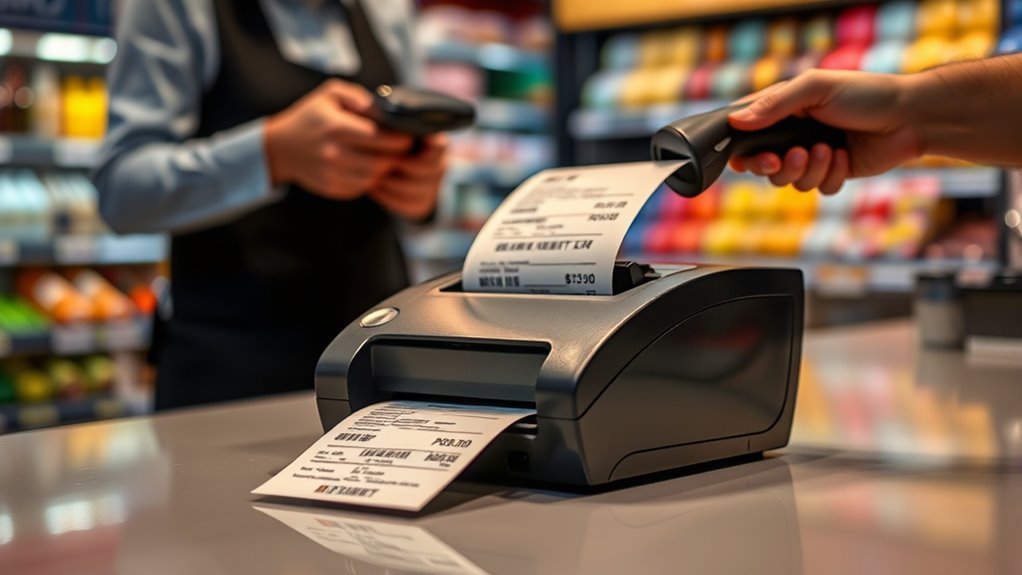
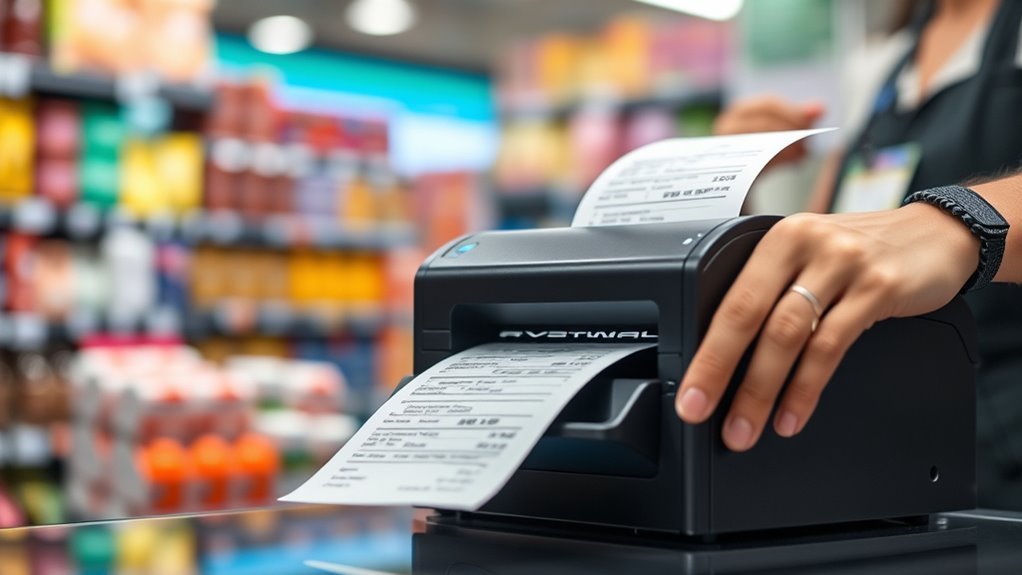
Thermal printers speed up your checkout process by quickly producing clear receipts, barcodes, and QR codes that support loyalty programs and mobile payments. With thermal receipt printers, you can print at speeds up to 250 mm/s, reducing wait times and keeping lines moving.
These printers deliver high-contrast text and images, making barcodes and QR codes easy to scan. Beyond receipts, you can use them to create barcode stickers, shelf labels, and price tags on demand. This helps you maintain accurate inventory and pricing.
Since they use direct thermal technology, these printers require no ink or toner, lowering your consumable costs and maintenance needs. Just keep in mind, direct thermal prints use heat-sensitive paper that may fade over time. So, you might need to reprint proof-of-purchase receipts for returns or warranties.
Integrating Thermal Printers With POS and Mobile Devices
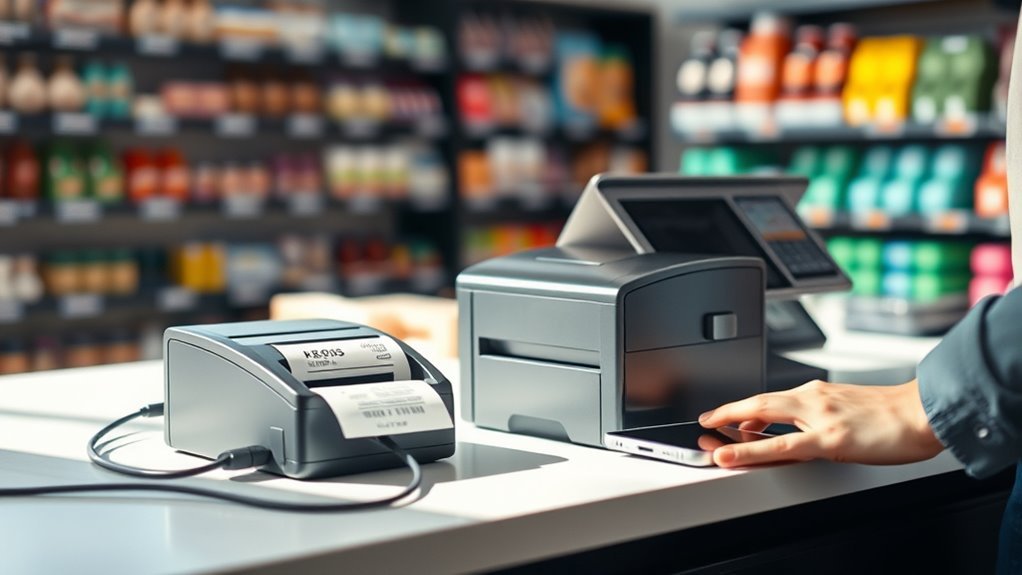
You’ll want your thermal printer to connect smoothly with your POS system, whether through USB, Ethernet, or wireless options like Bluetooth and Wi-Fi.
Integrating with mobile payment apps lets you print receipts and labels right from your smartphone or tablet. This speeds up checkout and makes things super convenient.
Plus, cloud-based printing solutions help you manage multiple printers across locations with ease and consistency. It’s a real time-saver!
Seamless POS Connectivity
Connecting your receipt printer to POS and mobile devices has never been easier thanks to versatile options like USB, Ethernet, Bluetooth, and Wi-Fi.
Whether you’re using a stationary POS terminal or a mobile tablet, you can quickly connect via USB for reliable wired printing or Wi‑Fi for flexible networked setups.
Bluetooth is perfect for portable printers, letting you print receipts on the sales floor without being tethered.
Modern thermal printers support standard protocols and drivers, so you can plug and play across Windows, macOS, iOS, and Android systems.
Plus, Wi‑Fi or Ethernet connections allow sharing printers among multiple POS stations, streamlining operations during busy hours.
This seamless connectivity guarantees your retail environment runs smoothly, boosting checkout speed and customer satisfaction.
Mobile Payment Integration
Integrate your receipt printer seamlessly with mobile POS systems to speed up transactions and enhance customer experience. A portable thermal printer with Bluetooth connectivity pairs instantly with your smartphone or tablet, enabling quick, driver-free printing from iOS or Android apps.
This setup supports embedded QR codes on receipts for digital promotions, loyalty programs, or surveys, boosting engagement at checkout. High-speed thermal printers print receipts within seconds, reducing wait times during busy periods.
Using direct thermal paper means no ink or toner is needed, cutting costs and simplifying maintenance—perfect for pop-up shops or kiosks. By integrating your portable thermal printer with mobile POS, you streamline payments and improve efficiency, making your retail operations more agile and customer-friendly.
Cloud-Based Printing Solutions
While many retail operations rely on traditional printing setups, cloud-based thermal printing solutions offer a smarter, more flexible way to handle receipts and labels. With cloud-based printing, your thermal printers connect seamlessly to cloud POS systems and mobile devices via Wi-Fi or Ethernet, eliminating the need for local drivers.
This integration lets you manage devices remotely and apply centralized firmware updates, reducing downtime and maintenance across multiple locations. Mobile POS apps paired with Bluetooth or Wi-Fi printers speed up transactions by printing receipts or pick labels directly on the sales floor.
Plus, cloud workflows enable dynamic receipts with personalized offers and real-time CRM data. Secure APIs guarantee PCI compliance while tracking print metrics helps you optimize operations and scale efficiently.
How Thermal Printers Speed Up Retail Transactions
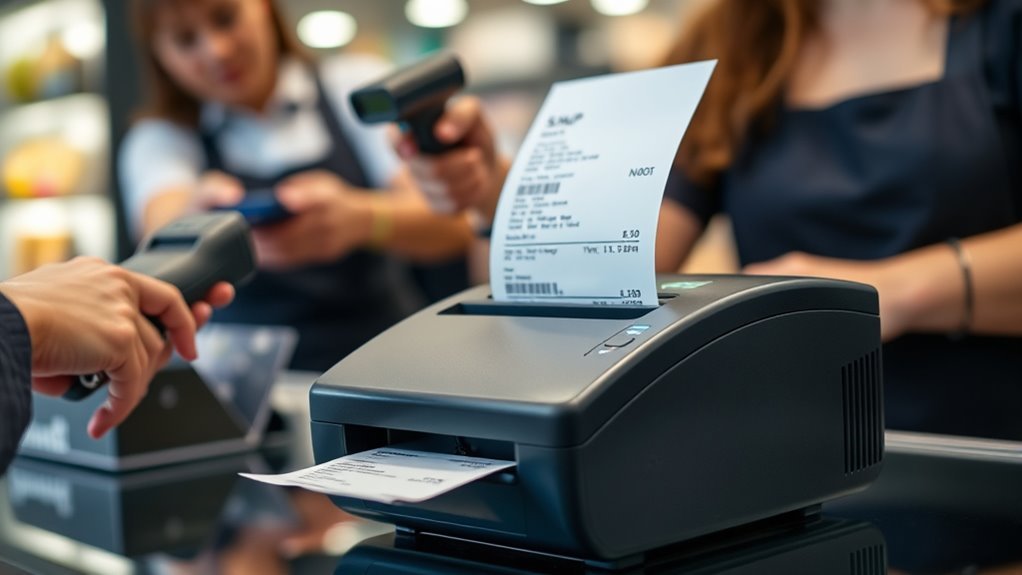
You’ll notice thermal printers speed up transactions by printing receipts almost instantly, cutting down wait times at checkout. Their fast, quiet operation lets you hand over receipts and coupons without slowing the process.
This streamlined flow keeps lines moving smoothly, especially during busy hours. It really helps make the checkout experience quicker and less stressful for everyone.
Rapid Receipt Printing
Thermal printers consistently speed up retail transactions by producing full receipts in just one to three seconds, keeping your checkout lines moving smoothly. A Thermal Receipt Printer’s rapid receipt printing relies on high printing speed—typically 200 to 250 mm/s—allowing customers to get their receipts almost instantly.
Because these printers don’t need ink or toner, you avoid cartridge changes and reduce downtime, ensuring continuous operation during busy hours. The crisp, high-resolution printheads deliver clear text, barcodes, and QR codes fast, speeding up scanning at checkout.
Plus, multi-connectivity options like USB and Bluetooth let your POS systems send print jobs with minimal delay. This combination of speed and reliability means you can serve more customers efficiently, cutting wait times without sacrificing receipt quality.
Streamlined Checkout Process
Speeding up receipt printing is just one way to enhance your retail checkout experience. Thermal printers deliver exceptional print speed—up to 250 mm/s—letting cashiers print receipts almost instantly, which slashes customer wait times.
With multiple connectivity options like USB, Ethernet, and Bluetooth, you can easily integrate these printers with your POS system or mobile checkout devices. This means you can enable transactions anywhere on the sales floor.
Since thermal printers use heat instead of ink, you avoid downtime for consumable replacements. That keeps your checkout running smoothly during busy periods.
Their high-resolution printheads create crisp, scannable receipts that speed returns and promotions. It makes the entire checkout process faster and more efficient.
Printing Price Tags, Shelf Labels, and Receipts
Print crisp receipts, price tags, and shelf labels quickly to keep your retail operations running smoothly. A thermal printer speeds up printing by producing sharp 80 mm receipts at up to 250 mm/s, ideal for fast checkouts.
You can create price tags and shelf labels directly with direct thermal printing—no ink or ribbons needed. This cuts costs and simplifies storage.
For more durable price tags and barcode labels, thermal transfer printers use ribbons to guarantee long-lasting prints that withstand handling and light exposure.
Portable thermal printers with Bluetooth or Wi-Fi let your staff print price checks and update shelf labels instantly on the floor. This helps reduce customer wait times.
Thermal printers also deliver high-resolution barcodes and QR codes for easy scanning and efficient inventory management.
Customizing Receipts With Branding, Coupons, and QR Codes
Beyond creating clear price tags and labels, you can enhance customer engagement by customizing receipts with your branding, special offers, and interactive elements.
Using a 300 dpi thermal printer, you’ll print branded receipts featuring your logo and store colors, reinforcing brand identity at checkout.
You can add time-limited coupons or personalized discount codes right below transaction details. This boosts redemption rates by linking offers directly to purchases.
Embedding QR codes on receipts lets customers scan for surveys, digital receipts, loyalty sign-ups, or returns. Thermal paper reliably renders scannable codes, so no worries there.
Plus, integrating your POS with CRM systems allows printing loyalty points or targeted recommendations. This turns each receipt into a tailored marketing tool.
This approach not only drives sales but also strengthens customer loyalty effectively. It’s a win-win!
Using Thermal Printers to Streamline Inventory Management
When managing inventory, you can rely on thermal printers to create barcode labels and shelf tags quickly and accurately. This speeds up restocking and receiving processes.
Using high-resolution thermal labels guarantees scannable barcodes, which reduces errors during picking and cycle counts. Plus, mobile Bluetooth or Wi-Fi thermal printers let you print labels right on the sales floor or in the stockroom. This cuts turnaround from hours to minutes.
You can also integrate these printers with your inventory management system. That way, label generation is automated, and stock levels update in real time.
For durability, use thermal transfer labels on long-lived assets. Direct thermal labels work great for short-term inventory, helping you balance cost and lifespan.
| Feature | Benefit |
|---|---|
| Thermal labels | Sharp, scannable barcodes |
| Thermal transfer | Long-lasting for durable assets |
| Mobile printers | Fast, on-the-spot labeling |
Choosing Energy-Efficient Thermal Printers and Eco-Friendly Paper
Energy-efficient thermal printers and eco-friendly paper choices play a vital role in reducing both operational costs and environmental impact in retail.
Understanding how a thermal printer works helps you select models with low-power modes and peak printing draws under 30 W, saving electricity.
Choosing thermal printers with low-power modes and peak draws under 30 W reduces energy consumption effectively.
When choosing, focus on:
- ENERGY STAR-rated printers with automatic sleep/wake features to minimize standby power.
- Eco thermal rolls that are biodegradable, FSC-certified, and chlorine-free, balancing sustainability with durability.
- Compatibility testing to make sure eco paper works well without sacrificing receipt longevity or print quality.
Though energy-efficient printers and eco thermal rolls may cost more upfront, they lower utility bills and waste disposal fees.
Keeping Your Thermal Printers Running Smoothly
Choosing the right thermal printer and eco-friendly paper sets a strong foundation. But keeping your printers running smoothly guarantees consistent performance and longevity.
Regular maintenance is key. Clean the thermal printhead with isopropyl alcohol every 1,000–3,000 prints to avoid streaks and extend its life.
Always use manufacturer-recommended thermal paper. And make sure to replace rolls before they run out during busy hours.
Monthly inspections of cutter blades, rollers, and feed paths minimize jams and downtime. It’s all about staying ahead of potential issues.
| Task | Frequency |
|---|---|
| Clean printhead | Every 1,000–3,000 prints |
| Replace paper rolls | Before peak hours run out |
| Inspect blades & rollers | Monthly |
| Update firmware & train staff | Regularly |
Following these steps assures your thermal printers perform reliably in retail environments. It really makes a difference!
Frequently Asked Questions
Does a Thermal Printer Work?
A thermal printer works by using heat to create images on special paper. You either heat the paper directly or melt ink from a ribbon onto it.
This process produces fast, clear prints without needing ink cartridges or toner. It’s pretty convenient and hassle-free!
What Does a Thermal Printer Cost?
You’ll find entry-level thermal printers cost $70–$150, while advanced models with Bluetooth or higher resolution range $200–$500.
Portable options usually run $100–$300, and label printers start around $300, rising with features.
Do You Have to Refill a Thermal Printer?
You don’t have to refill ink or toner in a direct thermal printer, but you do need to replace paper rolls regularly.
For thermal transfer printers, you’ll also swap out ribbons to keep printing smoothly and clearly. It’s pretty straightforward once you get the hang of it!
What Is the Difference Between a Thermal Printer and a Label Printer?
You’ll find thermal printers mainly print receipts using heat-sensitive paper. They’re simple and quick, perfect for things like receipts at stores.
Label printers, on the other hand, produce adhesive labels. They use either thermal or thermal-transfer technology, which makes the labels more durable and able to support barcodes.
This makes them ideal for product identification and inventory management. So, while both use heat in some way, they serve different purposes depending on what you need.
Conclusion
In retail, thermal printers power productivity by printing price tags, receipts, and labels with precision and speed. You’ll streamline sales, simplify stock tracking, and strengthen your store’s style with customized coupons and QR codes.
By choosing energy-efficient equipment and eco-friendly paper, you’ll protect the planet while promoting professionalism. Keep your thermal printers primed and performing perfectly to maintain momentum.
With these smart solutions, you’ll swiftly satisfy shoppers and sustain seamless sales success. Thermal printers are essential tools that help retail businesses run smoothly, from checkout to inventory management. Using them effectively means faster service, better organization, and a polished brand image—all while being eco-conscious. So, investing in reliable thermal printing technology not only boosts efficiency but also enhances customer experience, making your retail operations both productive and sustainable.