Does a Thermal Printer Need Ink and How to Print Without It
You don’t need ink to print with a thermal printer if you use the direct thermal method. This type of printing creates images by heating special coated paper that darkens with heat—so no ribbons or ink are required. Just load the thermal paper correctly, connect your printer, and you’ll get sharp text or barcodes quickly.
Thermal printers are super convenient because they eliminate the hassle of replacing ink cartridges. However, if you’re using a thermal transfer printer, you will need ink ribbons. But for inkless printing, direct thermal is the way to go—it’s simple, efficient, and cost-effective.
Want to keep your printer in top shape? Keep exploring to find out how to maintain your printer and choose the right materials for the best results. It’s easier than you might think!
Key Takeaways
- Direct thermal printers do not need ink; they use heat-sensitive paper that darkens when heated to create images.
- Thermal transfer printers require ink ribbons that melt solid ink onto labels for durable prints.
- To print without ink, use a direct thermal printer with specially coated thermal paper.
- Load thermal paper with the coated side facing the print head and keep the print head clean for the best quality prints.
- You can connect via USB, Bluetooth, or Wi-Fi. Just use compatible apps to send your print jobs to inkless thermal printers.
How Do Thermal Printers Create Images Without Ink?
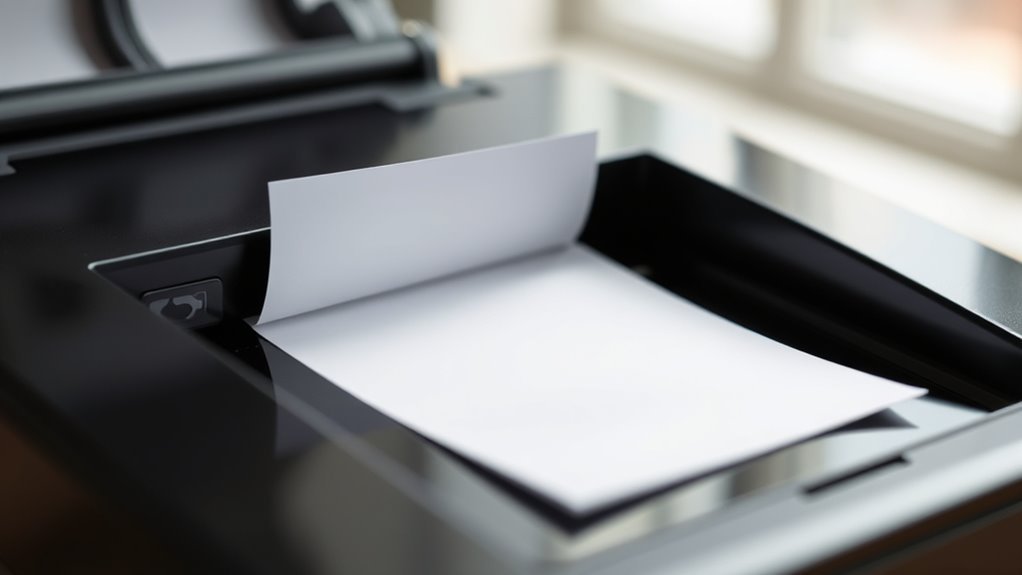
Although thermal printers don’t use traditional ink cartridges, they create images through heat. With direct thermal printers, you rely on thermal paper coated with a heat-sensitive coating that reacts when the print head selectively heats tiny elements.
Thermal printers create images using heat and heat-sensitive paper, eliminating the need for traditional ink cartridges.
This process darkens specific spots on the paper, producing sharp text and barcodes without any ink—this is true inkless printing. Instead of ink, the image forms through a chemical reaction within the paper’s coating itself.
On the other hand, thermal transfer ribbon technology uses a different method: it melts a solid ink ribbon to transfer ink onto the label material, but the ink isn’t in a cartridge either. Both methods depend on heat to produce clear images.
But direct thermal printers specifically work by activating that heat-sensitive coating on thermal paper. So, while they don’t use ink, heat is the key to making those images appear.
What’s the Difference Between Direct Thermal and Thermal Transfer Printing?
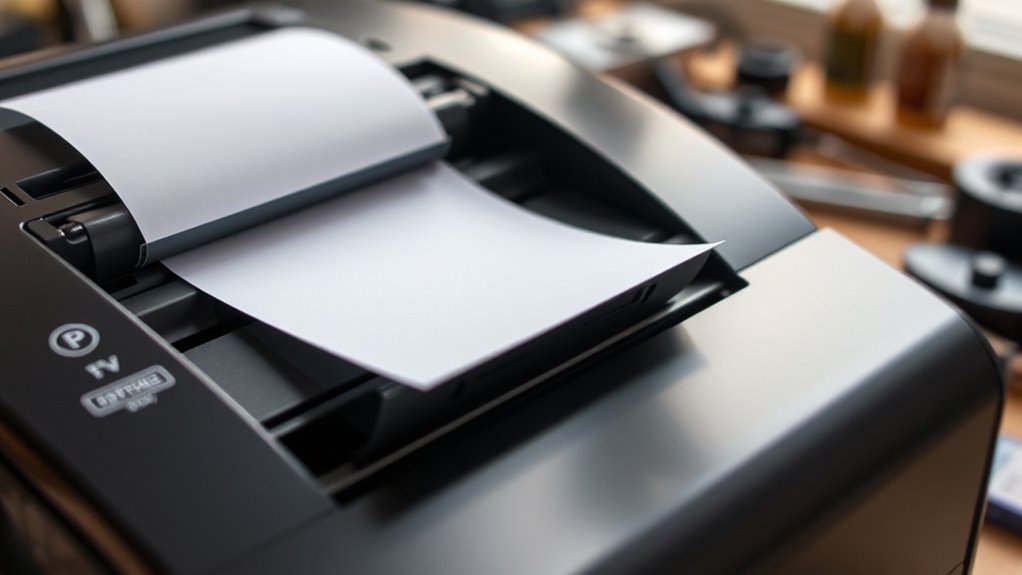
You’ll notice that direct thermal printing uses heat to darken special paper without any ribbon, while thermal transfer melts ink from a ribbon onto the label.
Each method needs different consumables—direct thermal requires coated paper, and thermal transfer needs both label stock and a ribbon.
Depending on your needs, one offers short-term prints that can fade, and the other produces durable, long-lasting labels.
Printing Mechanism Differences
When choosing between direct thermal and thermal transfer printing, it helps to understand how each mechanism works.
Direct thermal printing uses a heated print head to activate a heat-sensitive coating on special paper, creating images inkless—no ribbon or ink needed.
Thermal transfer printing relies on a ribbon coated with solid ink that melts onto various label materials, producing durable, smudge-resistant prints.
Direct thermal is ideal for short-term uses since heat-sensitive paper can fade, while thermal transfer offers long-lasting results with more substrate flexibility.
Knowing these differences lets you pick the best option for your needs, whether you want the simplicity of inkless direct thermal or the durability of thermal transfer with a ribbon.
Consumable Requirements Explained
Understanding the consumable requirements is key to choosing between direct thermal and thermal transfer printing. With direct thermal printing, you use an inkless printer that relies solely on heat-sensitive thermal paper. The print head darkens the paper’s coating, so you don’t need ink or ribbons.
You just replace thermal paper rolls as they run out. Thermal transfer printing, on the other hand, requires a thermal transfer ribbon containing wax, resin, or wax-resin ink. The print head melts the ribbon’s ink onto labels, making it essential to replace ribbons regularly depending on usage.
While direct thermal printing is simpler, thermal transfer ribbon offers more options for durable labels. So, your choice depends on whether you prefer low-maintenance inkless printing or need the versatility of ribbons for longer-lasting prints.
Durability and Applications
Although both direct thermal and thermal transfer printing create clear images, they serve very different durability needs and applications. Direct thermal uses heat-sensitive paper that darkens with heat, making it ideal for short-term tasks like receipts.
Thermal transfer relies on a ribbon to melt ink onto labels, producing long-lasting, durable prints.
Consider these differences:
- Durability: Direct thermal labels fade within months or years, while thermal transfer labels can last 5–10+ years.
- Consumables: Direct thermal needs no ribbon, reducing cost but limiting lifespan; thermal transfer requires specific ribbons (wax, wax-resin, resin) for durability.
- Use cases: Use direct thermal for temporary labels and thermal transfer for outdoor, chemical-resistant, or long-term identification.
Understanding these helps you choose the best printing method for your needs.
How to Print With an Inkless Thermal Printer
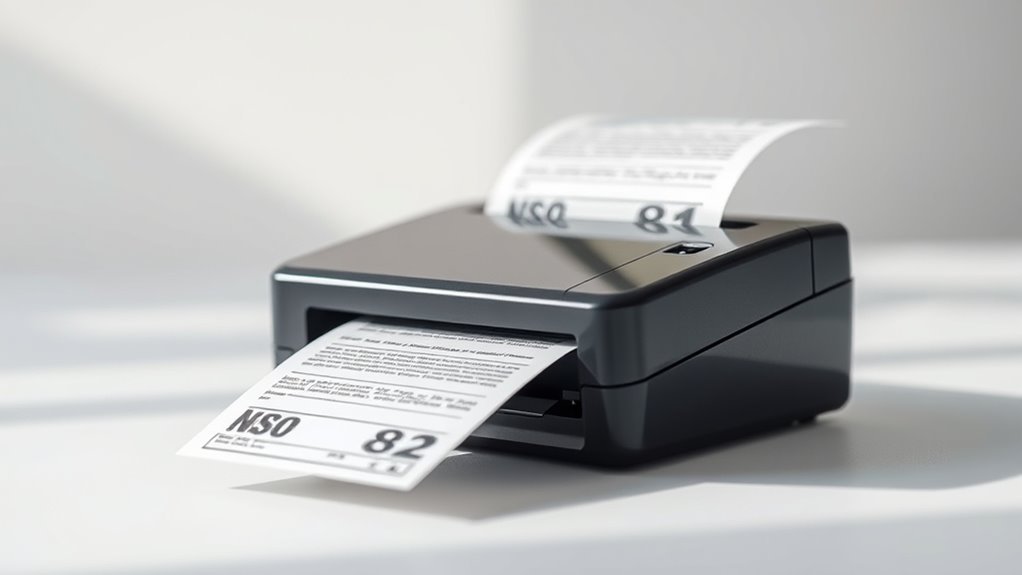
To print with an inkless thermal printer, start by loading the correct thermal paper designed for your device.
Next, connect your printer to your computer or mobile device using the recommended method, whether USB, Bluetooth, or Wi-Fi.
Finally, use compatible thermal printing apps to send your print jobs and adjust settings for the best results.
Preparing Thermal Paper
When you prepare thermal paper for printing, you need to use direct thermal paper coated with heat-sensitive dye and developer. This coating darkens when heated—meaning no ink is necessary.
To guarantee peak results, follow these steps carefully:
- Store thermal paper rolls in a cool, dark place below 25°C (77°F). Keep them away from sunlight and oils to prevent premature darkening.
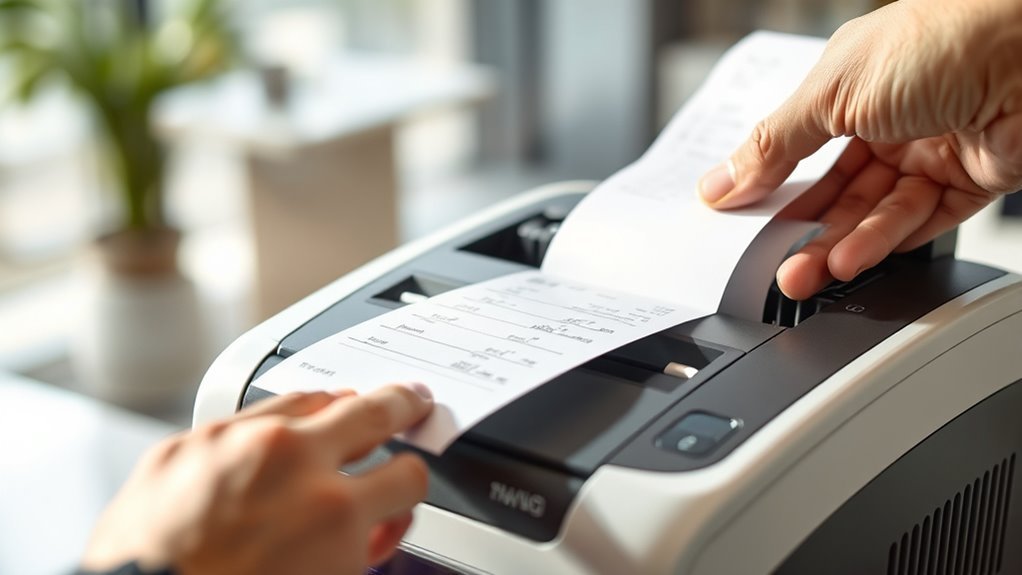
- Load the paper with the coated, slightly glossy side facing the thermal print head. Loading it backward will produce blank prints.
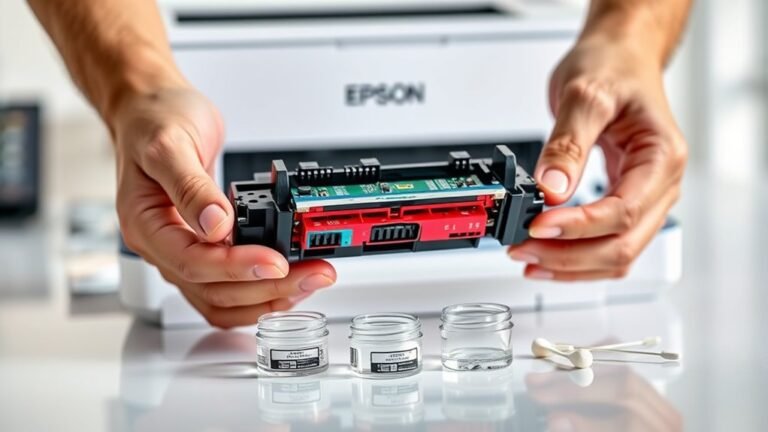
- Keep the thermal print head clean by gently wiping it with isopropyl alcohol swabs. Avoid abrasives to maintain sharp print quality.
Connecting The Printer
Getting your thermal printer hooked up is straightforward once you know the connection options your model supports—whether USB, Bluetooth, or Wi-Fi.
First, identify if your printer connects via USB or Bluetooth; for example, some models like the Phomemo M08F support both. If you’re using USB, install the correct driver on your computer. Then, select the printer and set the media type to “thermal” with the right paper width matching your thermal paper roll.
For Bluetooth, pair the printer in your device’s settings, open the printer’s app, choose the paper size, and send your print job.
Always load thermal paper with the heat-sensitive side facing the print head. Then run a test print to confirm everything’s aligned and clear. Easy, right?
Using Thermal Printing Apps
Although thermal printers don’t use ink, you’ll rely on specialized apps to format and send your print jobs. A companion app, like Phomemo Print Master, converts your designs into one-bit black-only images that the printer can handle.
To print effectively with direct thermal paper, you need to connect your printer via Bluetooth or USB and select the correct paper type and size in the app. It’s pretty straightforward once you get the hang of it.
You can use the app’s barcode generator or import data for crisp, scalable barcodes and labels. This makes your prints look professional every time.
Don’t forget to adjust darkness, contrast, and print speed settings. Tweaking these helps improve print quality and also keeps the thermal head in good shape longer.
Following these steps will guarantee your thermal printer produces sharp, inkless prints every time with peak efficiency. It’s all about working smart with the right tools!
Which Paper and Ribbons Work With Thermal Printers?
To get the best results from your thermal printer, you need to pick the right paper and ribbons. Direct thermal printers require direct thermal paper, which is specially coated to darken when heated—plain copy paper just won’t work.
Thermal transfer printers, on the other hand, need a thermal transfer ribbon. These ribbons come in wax, wax-resin, or resin types. They melt under the print head, transferring durable images onto thermal printer media like synthetic label stock.
For long-lasting, chemical- and UV-resistant labels, it’s best to pair wax-resin ribbons with synthetic substrates such as polyester or polypropylene. And if you want two-color or specialty prints, you can use specially formulated ribbons or dual-roll thermal papers.
One last thing—always match the ribbon width, core size, and media thickness to your printer’s specs. This helps avoid jams and keeps your print quality top-notch.
When and How to Replace Thermal Printer Consumables
Choosing the right paper and ribbons sets the foundation for quality prints, but knowing when and how to replace these consumables keeps your thermal printer running smoothly.
Selecting the proper paper and ribbons is essential for high-quality prints and printer longevity.
For direct thermal printers, replace the thermal paper roll when it runs out or prints fade. Thermal transfer printers need ribbon replacement when streaking or banding appears, or after the recommended ribbon length.
Always power down your printer before replacing consumables to avoid damage.
- Clean the print head with isopropyl alcohol every ribbon change or after every 1–3 rolls of thermal paper to maintain print quality.
- Store direct thermal paper in cool, dark, low-humidity conditions to prevent premature fading.
- Keep spare rolls and ribbons on hand, matched to your typical print sizes, to avoid interruptions.
Why Don’t Thermal Printers Run Out of Ink?
You might wonder why thermal printers never seem to run out of ink like traditional printers. With direct thermal printers, you don’t need ink at all. Instead, the heated print head darkens a heat-sensitive coating on special thermal paper, so the image forms directly on the paper itself.
That means you only run out of paper, not ink. Thermal transfer printers do use ink, but it’s not liquid cartridges—it’s a solid film ribbon. Heat melts the ribbon and transfers the ink onto the label, consuming the ribbon steadily rather than drying it out.
Advantages of Inkless Thermal Printing
Inkless thermal printing cuts down on many hassles you’re used to with traditional ink-based printers. With direct thermal technology, you don’t need ink or ribbons; the heat-sensitive thermal paper darkens where heated, simplifying the process and lowering costs.
Inkless thermal printing uses heat-sensitive paper, eliminating ink and ribbons for a simpler, cost-effective printing solution.
Here are key advantages:
- Reduced Maintenance: No clogged nozzles, drying cartridges, or ribbon replacements means less downtime and easier upkeep.
- Lower Consumable Costs: You only replace thermal paper rolls, avoiding ongoing ink or ribbon expenses typical of thermal transfer printers.
- Simplified Operation: Inkless printing streamlines workflows, especially in fast-paced environments like retail or logistics.
While thermal transfer still requires a ribbon for durability, direct thermal eliminates liquid ink altogether. So, inkless printing is a cost-effective and efficient choice for many applications.
Best Uses for Inkless Thermal Printers
The advantages of inkless thermal printing really shine when you consider the specific tasks it handles best. If you need high-volume receipts or shipping labels, direct thermal printers are perfect since they only require thermal paper rolls and print quickly without ink.
For short-term items like retail receipts or event tickets, direct thermal offers crisp prints with low maintenance. When you require durable labels that withstand chemicals, abrasion, or outdoor conditions, thermal transfer printers are your go-to, using wax or resin ribbons for long-lasting results.
Inkless labelers, especially mobile ones like the Phomemo D30, excel for on-the-go tasks such as price tags and pantry organization by printing adhesive tags via Bluetooth. In sum, choose direct thermal for speed and simplicity, and thermal transfer for durable labels that last years.
Frequently Asked Questions
How Do Thermal Printers Print Without Ink?
Thermal printers print without ink by heating specific areas on special paper or melting ink from a ribbon.
You’ll see images form as heat triggers color changes or transfers solid ink onto the label’s surface.
It’s a pretty neat process that makes printing quick and mess-free!
What Is the Downside of a Thermal Printer?
You’ll notice thermal prints fade quickly with heat or sunlight, and colors are limited. Thermal paper costs more, needs careful storage, and print heads wear out.
Plus, thermal transfer uses ribbons, adding expense and waste. It’s something to keep in mind if you’re thinking about long-term use.
Can a Thermal Printer Print on Normal Paper?
You can’t just feed a thermal printer plain paper and expect a telegram-style print. It needs special thermal paper or ribbons; otherwise, your printouts will be faint or vanish fast—
no magic scrolls here!
How Long Will Thermal Printing Last?
Your thermal prints last 6 months to 3 years indoors, but fading speeds up with heat, sunlight, or oils.
If you want them to last longer, try using thermal transfer labels with ribbons. Also, storing prints in cool, dark, dry places really helps.
Conclusion
So, no, thermal printers don’t guzzle ink like your old office printer—lucky you! Instead, they use heat to create images, making ink cartridges about as useful as a chocolate teapot. You just need the right paper and maybe a ribbon if you’re fancy.
So go ahead, print without the mess and drama of ink spills. Who knew saving ink could be this simple—and this satisfying? Thermal printers are a game-changer because they don’t require ink at all.
Welcome to the future of printing, where printing without ink is not only possible but easy and efficient. By using heat-sensitive thermal paper, thermal printers eliminate the need for ink cartridges or ribbons in most cases. This means less maintenance, lower costs, and cleaner printing. So if you’re wondering how to print without ink, switching to a thermal printer might just be your best bet!