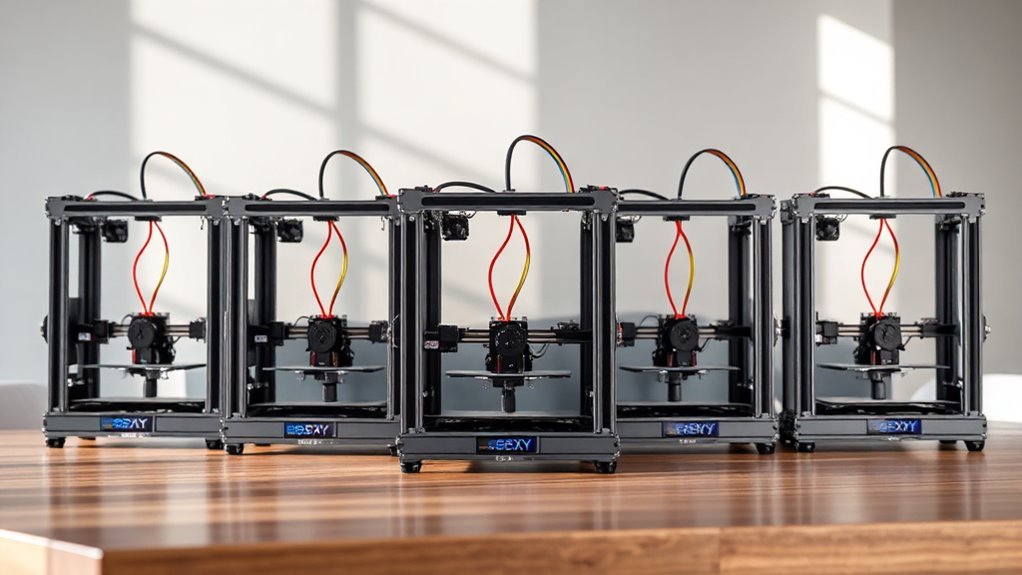
5 Best CoreXY Printer Kits for 2027
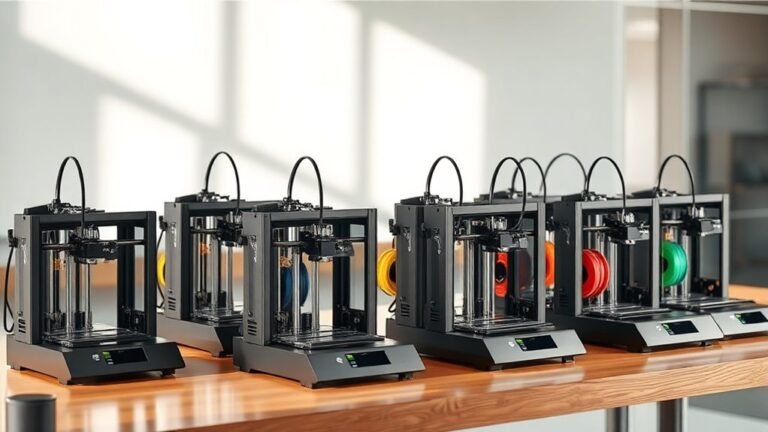
If you want fast, precise 3D prints in 2027, consider the Original Prusa CORE One+. Its sturdy all-steel enclosed frame ensures durability, while the high-speed CoreXY system delivers excellent print quality and speed. This printer kit is perfect for those who value reliability and performance in their 3D printing projects.
The MakeBuddy Smart5 AI is a great choice for beginners. It offers a plug-and-play setup that’s super easy to get started with. Plus, its AI features help optimize prints without the hassle.
For those looking to upgrade, the One.1 Creality Ender5 Pro Plus and Creality Plus Mercury One.1 kits are excellent options. They improve speed and accuracy thanks to CNC-machined parts that enhance precision.
Lastly, the Compatible Creality CoreXY DIY Kit simplifies motion and electronics, making it a solid pick for DIY enthusiasts. Explore these options and find the perfect CoreXY printer kit to fit your needs!
| Image | Name | Editor's Rating | Price |
|---|---|---|---|

|
|
||

|
|
||

|
|
||

|
|
||

|
|
Original Prusa CORE One+ DIY Enclosed High-Speed CoreXY 3D Printer Kit
- [REWARDING DIY EXPERIENCE] Master your 3D printer by building it yourself with our detailed step-by-step photographic guide. This kit includes 1:1 scale hardware...
- [PRO-GRADE SPEED & QUALITY] Elevate your workshop with this high-speed CoreXY professional 3d printer. The all-steel exoskeleton frame ensures maximum stability for...
- [SMART PLUS UPDATES] The CORE One+ features a redesigned easy-flex loading system and bayonet spool holder. Enjoy a smoother, autonomous experience with the latest...
- [ADVANCED THERMAL CONTROL] Perfect 3d printer for hobby and pros. The enclosed chamber reaches 55°C with active control. The automatic top vent regulates airflow for...
- [SECURE OFFLINE OPERATION] Protect your intellectual property with a 100% offline-capable system. Features a removable Wi-Fi module and local processing. Ideal for...

Experience a new level of precision and efficiency with the Original Prusa CORE One+ CoreXY 3D printer kit. Its enclosed design solves common issues like temperature fluctuations and print warping, making it ideal for both home and professional settings. The sturdy all-steel frame enhances stability, ensuring consistent, high-quality prints every time.
This printer’s compact frame is designed to save valuable workspace while increasing print volume by 30%. The high-speed CoreXY system accelerates your printing tasks without sacrificing accuracy. Maintenance is simplified thanks to the solder-free assembly process and clear photographic guides, letting you focus on your projects rather than complicated setup.
The enclosure maintains stable temperatures up to 55°C, enabling you to work confidently with advanced materials such as Carbon Fiber and Nylon. This controlled environment reduces print failures and broadens your material options, supporting more demanding applications.
While assembly requires a fair time investment, the process is rewarding and well-documented. The printer’s weight, at nearly 54 pounds, offers stability but limits portability compared to smaller models. Overall, the Original Prusa CORE One+ is a reliable choice for users seeking precision, durability, and material versatility in a compact CoreXY printer.
Best for: Professionals and beginners who need a high-speed, enclosed CoreXY 3D printer kit with advanced material support for home or commercial use.
What We Like:
- Enclosed all-steel frame ensures consistent print quality and supports high-temperature materials.
- Compact design increases print volume by 30% while saving workspace.
- Clear, solder-free assembly with step-by-step photographic instructions.
- Stable temperature control up to 55°C supports advanced filament types.
Specification:
| Feature | Details |
|---|---|
| Manufacturer | Original Prusa |
| Dimensions | Not specified |
| Weight | 53.9 lb (24.4 kg) |
| Material | All-steel frame |
| Print Volume | 30% larger than comparable kits |
| Enclosure Temp | Up to 55°C |
MakeBuddy Smart5 AI 3D Printer for Beginners, Plug & Play, High Speed
- 【Designed for Beginners】 MakeBuddy Smart5 3d printer arrives fully assembled and enclosed, so there is no kit to build. Guided app setup and automatic bed leveling...
- 【Easy to Start – Beginner Friendly 3D Printer】From unboxing to your first print in just 15 minutes. Features the leveling technology inherited from QIDI’s...
- 【Safe & Low-Noise Home 3D Printer】The QIDI Smart5 features a sealed enclosure that covers the hot end and moving gantry while lowering operating noise, so the printer...
- 【AI 3D Printer with One-Tap Printing】 The MakeBuddy Smart5 AI 3D printer turns a photo into a printable model: capture an object with a phone or tablet, let the AI...
- 【Complete Starter Kit with Filament and Course Access】 Smart5 ships with 4 PLA filaments, LED and clock DIY build kits, and access to a regularly updated STEAM...
The MakeBuddy Smart5 AI 3D Printer is designed to simplify 3D printing for beginners. Its fully assembled, enclosed design lets you start printing in just 15 minutes. This eliminates the usual setup headaches and gets you creating faster.
The printer uses a CoreXY motion system that achieves high speeds up to 600 mm/s. This means you get precise and repeatable prints within its 180 × 180 × 180 mm build area. The sealed enclosure also reduces noise and keeps the air clean during operation.
AI-powered features let you create 3D models from photos without needing CAD skills. This makes the design process accessible and intuitive. However, AI model generation requires significant computing power and has limited free credits.
Maintenance is straightforward thanks to the enclosed design and reliable mechanics. While the build volume suits most small projects, it might feel restrictive for larger prints. Weighing 31.6 pounds, it offers stability but less portability.
Best for: Beginners and hobbyists seeking an easy-to-use, fast 3D printer with AI-assisted modeling and consistent CoreXY performance.
What We Like:
- Fully assembled and enclosed for quick setup
- High-speed CoreXY system with precise prints
- AI-driven model creation from photos without CAD
- Quiet operation with sealed enclosure
- Manageable maintenance and reliable mechanics
Specification:
| Feature | Details |
|---|---|
| Manufacturer | MakeBuddy |
| Build Volume | 180 × 180 × 180 mm |
| Max Print Speed | 600 mm/s |
| Weight | 31.6 lb (14.3 kg) |
| Design | Fully assembled, enclosed |
One.1 Creality Ender5 Pro Plus 3D Printer Kit
- For 1.1 Designed specifically for the Ender5 Pro Plus MERCURY 1.1, this kit ensures perfect fit and seamless integration with your upgraded 3D printer setup.
- core-XY conversion kit The features a core-XY system conversion for enhanced print accuracy and speed, ideal for advanced users seeking improved performance.
You want to enhance your Ender5 Pro Plus MERCURY 1.1 with a precise and efficient Core-XY printing system. The One.1 Creality Ender5 Pro Plus Kit offers a seamless upgrade that improves both speed and accuracy. Its design ensures a perfect fit, eliminating compatibility concerns.
This kit uses CNC machined aluminum alloy parts to boost durability and precision. By switching to the Core-XY system, you reduce mechanical complexity and increase printing performance. The upgrade addresses common limitations in speed and print quality without requiring a full printer replacement.
Maintenance is straightforward thanks to high-quality components built to last. However, installation demands experience due to the technical nature of the Core-XY conversion. After setup, some tuning and calibration are necessary for optimal results.
The kit includes everything needed for the conversion, making it ideal for advanced users aiming to push their 3D printing capabilities further. This upgrade is a practical solution to achieve faster, more accurate prints on your Ender5 Pro Plus MERCURY 1.1.
Best for: Advanced 3D printing enthusiasts seeking a high-speed, precision Core-XY upgrade for the Ender5 Pro Plus MERCURY 1.1.
What We Like:
- Durable, precision CNC machined aluminum alloy parts
- Improves print speed and accuracy with Core-XY system
- Complete kit for smooth integration
- Designed specifically for Ender5 Pro Plus MERCURY 1.1
Specification:
| Feature | Details |
|---|---|
| Manufacturer | Creality |
| Dimensions | Compatible with Ender5 Pro Plus MERCURY 1.1 |
| Weight | Not specified |
| Material | CNC machined aluminum alloy |
| Color Options | Not specified |
Compatible for Creality Plus Mercury One.1 CoreXY Conversion Kit
- Converts Cartesian to CoreXY for Enhanced Performance: This kit transforms the original Cartesian motion system into a CoreXY design. CoreXY systems are known for faster...
- Implements the Popular Mercury One.1 Open-Source Design: Based on the widely recognized and community-supported Mercury One.1 modification project, offering a proven...
- High-Strength Aluminum CNC Machined Components: Key structural parts are precision CNC-machined from aluminum alloy. This provides superior rigidity, durability, and...
- Complete Kit for a Comprehensive Printer Transformation: Includes the necessary mechanical components to overhaul the printer's X and Y axes. This provides a structured...
- Designed for a Direct and Logical Upgrade Path: Specifically engineered for Ender 5 series printers, this kit offers a clear and focused conversion process to achieve the...
Upgrade your Ender 5 series printer with the Creality Plus Mercury One.1 CoreXY Conversion Kit and experience a significant boost in printing performance. This kit transforms your printer’s Cartesian motion system into a CoreXY setup, allowing for faster print speeds and more precise details.
Designed with high-strength CNC-machined aluminum parts, the kit ensures greater rigidity and durability than plastic components. This robust construction reduces toolhead mass, which improves motion control and print accuracy. Maintenance is straightforward, thanks to the quality materials that resist wear over time.
The CoreXY conversion is based on the open-source Mercury One.1 design, providing access to a strong community for support and customization. All necessary components are included to overhaul the X and Y axes, offering a reliable upgrade path that modernizes your printer.
Installation requires some mechanical skill and familiarity with printer modifications. While it’s tailored specifically for the Ender 5 series, the upgrade delivers a noticeable improvement in speed and print quality.
Best for: Makers and enthusiasts looking to enhance their Ender 5 printer with a durable, precision-focused CoreXY motion system.
What We Like:
- Boosts print speed and quality with CoreXY architecture
- CNC-machined aluminum parts for superior strength
- Open-source design with strong community support
- Complete kit with all components for X/Y axis upgrade
Specification:
| Specification | Details |
|---|---|
| Manufacturer | Creality |
| Compatible Models | Ender 5 series |
| Material | CNC-machined aluminum |
| Design Base | Mercury One.1 (open-source) |
| Dimensions | Kit components sized for Ender 5 |
| Color Options | Metallic aluminum finish |
Compatible for Creality CoreXY DIY Kit 3D Printer
- CoreXY motion structure enables smooth and precise movement, reducing mechanical vibration and improving the dimensional accuracy of printed models .
- Integrates motion and electronic components as an all-in-one conversion solution, simplifying the DIY upgrade process without extra parts.
- V1.2 optimized design enhances compatibility with target printers, ensuring stable performance and seamless integration with existing systems.
- Supports higher printing speed through efficient motion control, shortening the time required for large or complex printing projects .
- Lightweight motion design minimizes inertia during operation, avoiding distortion and offset to maintain consistent print quality .
Experience enhanced performance with this upgrade designed specifically for the Creality CoreXY DIY Kit 3D Printer. It addresses common issues like vibration and print inconsistencies by combining motion and electronic components into one streamlined solution. You’ll notice smoother, more precise movements that directly improve dimensional accuracy.
The V1.2 design offers a lightweight and compact setup, reducing inertia that can distort prints. This ensures your printer produces consistent, high-quality results with less effort. Additionally, the improved motion control allows for faster printing speeds, helping you complete complex projects more efficiently.
Maintenance is simple thanks to the integrated design, which requires no additional parts for installation. The straightforward setup minimizes downtime, letting you focus on printing rather than troubleshooting. While it’s tailored for the Creality CoreXY DIY Kit, users with basic technical skills will find installation manageable.
This upgrade balances functionality and ease of use, though it may limit customization options for users seeking advanced modifications. It’s an all-in-one enhancement that significantly boosts your printer’s reliability and output quality.
Best for: Creality CoreXY DIY Kit 3D Printer owners seeking an efficient, integrated upgrade to improve print precision and speed.
What We Like:
- V1.2 design ensures seamless compatibility and easy installation.
- Reduces vibration for better dimensional accuracy.
- Lightweight components enable faster print speeds.
- Integrated motion and electronic parts simplify maintenance.
- Designed specifically for Creality CoreXY DIY Kit for optimal fit.
Specification:
| Feature | Details |
|---|---|
| Manufacturer | Compatible for Creality |
| Dimensions | Fits standard CoreXY kits |
| Weight | Lightweight design |
| Material | Integrated electronic and motion components |
| Color Options | Standard Creality colors |
Factors to Consider When Choosing a Corexy Printer Kit
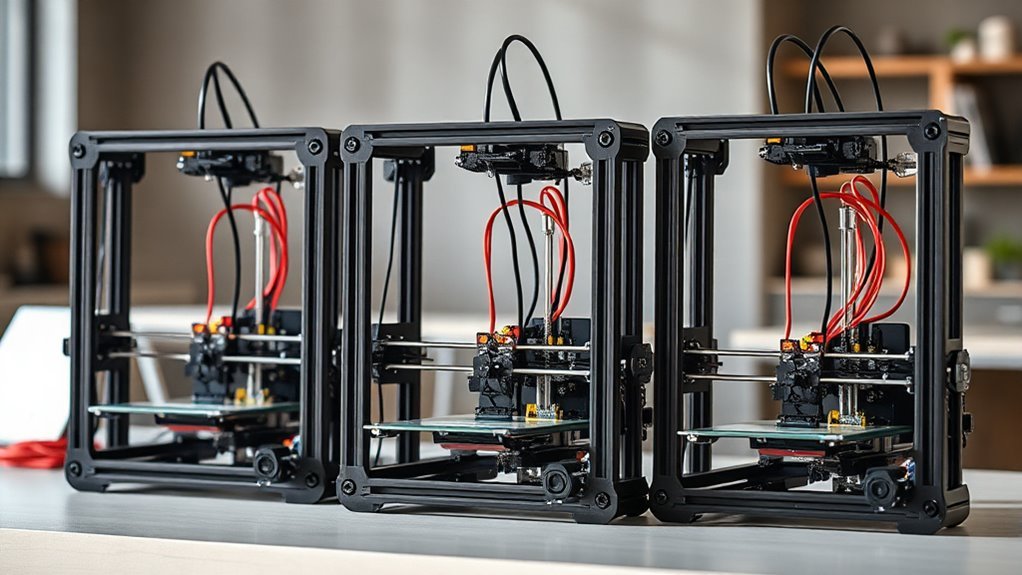
When selecting a CoreXY printer kit, you’ll want to focus on build quality and materials to guarantee durability. Take into account the print volume and size to match your project needs.
Also, check how simple the assembly and setup process is. It can make a big difference if you’re new to this.
Don’t forget to assess the motion system’s performance and the connectivity options. Plus, make sure the software it supports is compatible with what you prefer to use.
Build Quality And Materials
Because CoreXY printers rely heavily on precise motion and fast speeds, you’ll want a sturdy frame made from all-steel or CNC-machined aluminum. This helps maintain alignment during long prints.
Also, pay attention to materials that handle thermal resistance well, especially if you plan to enclose your printer to keep chamber temperatures stable around 55°C. This setup helps reduce warping with tricky filaments like nylon or ASA blends.
Look for motion components using metal hardware—aluminum alloy plates and brackets are best. They avoid flex and improve durability under acceleration.
And don’t forget to check if the design minimizes moving mass at the toolhead. Lighter parts reduce vibration and enhance print quality.
Finally, prioritize kits with precision-fit hardware and clear part identification. This makes assembly easier and helps maintain overall build quality.
Print Volume And Size
How much space do you really need for your prints? Start by checking the maximum build volume (X×Y×Z), as it limits the largest single part you can print without splitting.
Don’t be fooled by footprint size alone—compare the actual usable volume and how compact the printer is while delivering that space.
If your prints require height, be sure the Z dimension meets your needs, since some kits have constrained Z heights despite large X and Y.
Planning to print in an enclosure? Consider chamber size and temperature targets, like 55°C, to fit large parts comfortably.
For production or farm setups, larger volumes cut down on slicing and assembly time, letting you print bigger parts faster and more efficiently.
Assembly And Setup Ease
Selecting a CoreXY printer kit that’s easy to assemble can greatly reduce your hours of frustration and get you printing sooner. Look for kits with clear, beginner-friendly instructions—step-by-step photos and 1:1 hardware templates help you avoid part-matching errors.
If you want to skip soldering, choose kits designed for solder-free assembly; this can notably cut setup time compared to typical 15–20 hour builds. Consider plug-and-play models with app-guided setup and automatic bed leveling to reduce manual calibration and get to your first print faster—some even promise printing within 15 minutes of unboxing.
Also, check if the enclosure and controls come preassembled to avoid extra mechanical integration. Finally, make sure the kit offers guided motion calibration and easy commissioning workflows, like Wi-Fi setup or one-click printing, to streamline early use.
Motion System Performance
Once your printer is assembled and set up, its motion system performance becomes a key factor in print quality and speed. You should focus on frame rigidity and moving-mass balance, as CoreXY designs reduce toolhead mass for smoother, faster motion.
Check specs like travel speed—up to 600 mm/s—and acceleration, which can reach 20,000 mm/s², to ensure the system handles rapid moves without losing stability. Kits with rigid metal parts, such as aluminum alloys, limit flex and improve dimensional accuracy, especially at high speeds.
Also, consider how well the printer minimizes vibration and inertia by using lightweight, rigid components to maintain sharp details. A stable CoreXY frame ensures repeatability over long prints, reducing layer shifts and dimensional drift for consistent results.
Connectivity And Software
When choosing a CoreXY printer kit, you’ll want to ensure connectivity and software features that streamline your workflow and enhance control. Check if the kit supports Wi-Fi or app control, and look for one-click printing options to minimize setup friction.
Opt for software ecosystems offering guided first-time setups, including automatic bed leveling and simple connection steps. This way, you can start printing quickly without hassle.
If protecting your intellectual property matters, consider kits that support offline printing and local processing. Keeping your models off the cloud adds an extra layer of security.
Verify the included connectivity hardware, like removable Wi-Fi modules. Also, confirm whether AI or camera-based model generation runs locally or remotely, since this affects latency and consistency.
These factors help ensure a smooth, efficient printing experience tailored to your needs. It’s all about making your 3D printing as easy and reliable as possible.
Enclosure And Thermal Control
Beyond connectivity and software, controlling your printing environment plays a big role in achieving high-quality results. Look for a fully enclosed chamber with active thermal control that can maintain around 55°C and features airflow regulation like an automatic top vent. This prevents warping caused by temperature fluctuations.
Make sure the enclosure retains heat not just around the hot end but also the motion area. That way, you avoid thermal gradients that can destabilize longer prints. If you plan to print engineering plastics such as carbon fiber, nylon, ASA, or PC blends, confirm the printer supports stable enclosed temperatures.
Also, evaluate how ventilation balances chamber stability and safety without relying on open-frame cooling. Keep in mind that larger, heavier enclosures improve thermal steadiness but require more space and reduce portability. So, consider your workspace and needs before choosing.
Noise And Air Filtration
Although thermal management is important, you shouldn’t overlook noise and air filtration when choosing a CoreXY printer kit. Look for an enclosed chamber with active temperature and air management to improve ventilation and reduce odors during printing.
Prioritize models featuring active filtration systems like HEPA combined with activated carbon filters. These effectively capture ultrafine particles and minimize printing smells—especially if you print indoors.
Check the printer’s noise ratings. Sealed enclosures and refined motion systems can *greatly* lower operating noise, making your workspace more comfortable.
Make sure the filtration is built-in and actively managed rather than relying on passive vents, which often fall short. *Finally*, choose kits with automatic vent or airflow control, ensuring consistent filtration whether the printer is running or idle.
Upgrade And Compatibility Options
A critical step in choosing a CoreXY printer kit is verifying its upgrade and compatibility options to ensure a seamless fit with your current hardware. Make sure the kit explicitly supports your printer model, as CoreXY integration depends on matching mechanical and mounting interfaces.
Opt for complete X/Y motion conversion packages that include all mechanical parts and necessary electronics to avoid installation headaches. Check that your controller firmware, wiring, and endstop configuration support the new CoreXY motion layout.
If you prefer an all-in-one DIY kit, confirm it doesn’t require extra components for full functionality. Also, consider your enclosure’s dimensions and airflow since CoreXY motion changes may affect clearance and filtration setups.
Prioritizing these factors ensures a smooth, reliable upgrade experience. It’s worth taking the time now to avoid issues later.
Frequently Asked Questions
How Does Corexy Motion Compare to Delta Printers?
CoreXY motion offers faster, more precise movements with a rigid frame. It’s great when you need accuracy and reliability in your prints.
On the other hand, delta printers really shine in speed and handling tall builds. They’re naturally suited for flexible, large-height prints.
What Materials Are Best for Printing With Corexy Kits?
You’ll find PLA, PETG, and ABS perform perfectly with CoreXY kits. These materials maintain stability and strength, letting you craft complex creations confidently.
Just remember to manage temperature and bed adhesion carefully for consistent, clean prints. It’s all about finding that balance to get the best results every time.
Can Corexy Printers Be Upgraded With Dual Extrusion?
Yes, you can upgrade CoreXY printers with dual extrusion. You’ll need compatible hardware and firmware updates, but adding a second extruder lets you print multi-material or multi-color objects.
This upgrade really boosts your printing versatility. It’s a great way to get more creative with your prints without switching machines.
How Energy-Efficient Are Corexy 3D Printer Kits?
CoreXY 3D printer kits are generally energy-efficient because their lightweight moving parts require less power. You’ll notice shorter print times and reduced energy consumption compared to traditional designs.
This means you can save electricity without sacrificing print quality. It’s a win-win! Plus, the efficiency often translates into smoother prints and less wear on the machine overall.
What Safety Precautions Are Needed When Assembling Corexy Kits?
Assembling CoreXY kits is like traveling a maze—stay grounded by unplugging power, wearing safety goggles, and handling tools carefully.
Don’t rush; double-check connections to avoid sparks or damage. Your safety’s your best print quality!
Conclusion
Choosing the right CoreXY printer kit can feel like finding a maze, but it’s really about finding the perfect match for your needs and skill level. Whether you’re after speed, ease of use, or versatility, these options gently guide you toward a rewarding 3D printing journey.
Embrace the adventure, knowing each kit offers a unique way to bring your creative ideas to life with impressive precision and flair. With the best CoreXY printer kits for 2027, you’re not just buying a machine—you’re unlocking a world of possibilities in 3D printing.
No matter if you’re a beginner or a seasoned maker, these kits provide the right balance of performance and customization. So dive in, and watch your projects come alive with the accuracy and speed that CoreXY systems are known for.