6 Best Cheapest HP Printers for 2027
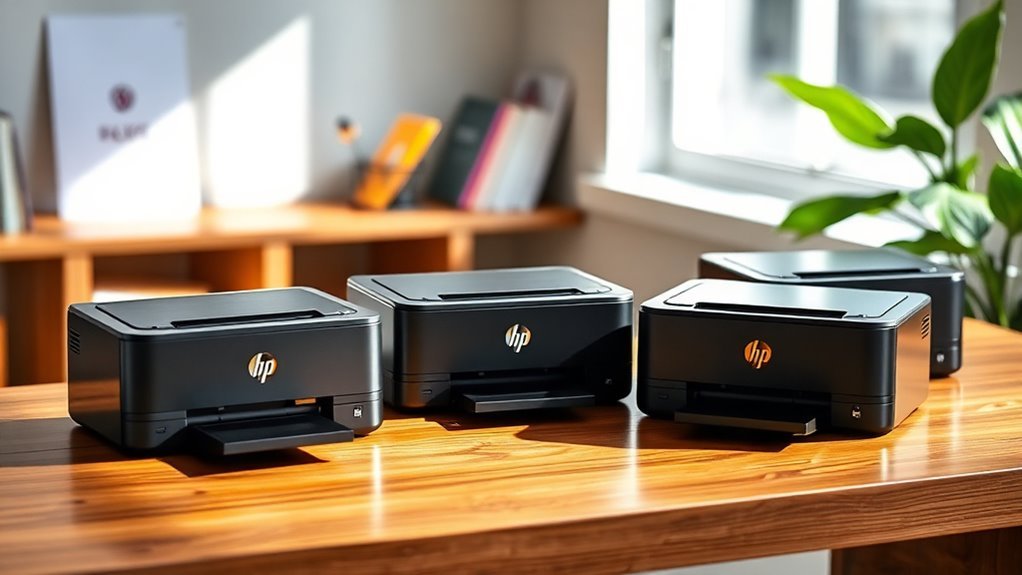
If you’re on the hunt for the best cheap HP printers in 2027, you’ve got some great options to consider. These printers offer a perfect mix of affordability, quality, and useful features, making them ideal for home or office use.
Whether you need something compact, wireless, or eco-friendly, HP has you covered. Models like the HP DeskJet 2923 and 2955 stand out with their wireless convenience and environmentally friendly designs.
The HP Envy 6155 is a bit faster and even includes a handy touchscreen, which makes printing tasks easier and more intuitive.
For those watching their budget, the DeskJet 2855e and its renewed version deliver solid all-in-one functionality without breaking the bank.
And if you prefer laser printing, the LaserJet MFP M140w offers reliable wireless laser printing that won’t disappoint.
Each of these printers balances cost, quality, and features nicely. Keep exploring to find the perfect fit for your needs!
| Image | Name | Editor's Rating | Price |
|---|---|---|---|

|
|
||

|
|
||

|
|
||
|
|
||

|
|
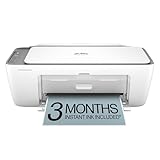
HP DeskJet 2923 Color Inkjet Printer | Wireless | All-in-One
- Perfect for basic printing needs – Print everyday color documents like to-do lists, letters, financial documents and recipes
- KEY FEATURES – Color print, copy, scan, and a 60-sheet input tray, plus mobile and wireless printing
- OPTIMIZE PRINT FORMATTING WITH HP AI – Print web pages and emails with precision—no wasted pages or awkward layouts; HP AI easily removes unwanted content, so your...
- ICON LCD – Print your basic documents with ease from the intuitive control panel
- PRINT SPEED – Up to 7.5 ppm black, 5.5 ppm color

The HP DeskJet 2923 is an ideal solution for those needing a compact, easy-to-use printer that fits seamlessly into any home workspace. This all-in-one color inkjet printer handles printing, scanning, and copying with simplicity, making everyday tasks more efficient and less time-consuming.
Its wireless connectivity through dual-band Wi-Fi and mobile app compatibility allows you to print from virtually anywhere in your home. This flexibility reduces the hassle of cables and lets you focus on your work without interruptions. The printer’s compact design, weighing just 7.6 pounds, saves space while maintaining versatile functionality.
Maintenance is straightforward with this model. It supports various paper sizes and media types, but the 60-sheet input tray means you’ll need to refill more often during larger projects. Print speeds are moderate, reaching up to 7.5 ppm in black and 5.5 ppm in color, which suits everyday home use but may feel slow for bulk printing.
Built with sustainability in mind, the DeskJet 2923 contains at least 70% recycled plastics and is ENERGY STAR certified. It’s a practical choice for those prioritizing eco-friendly technology alongside reliable performance.
Best for: individuals and families seeking a compact, affordable all-in-one printer for everyday wireless printing, scanning, and copying at home.
What We Like:
- Compact and lightweight for small spaces
- Wireless printing with dual-band Wi-Fi and mobile app support
- Eco-friendly design using recycled plastics and ENERGY STAR certification
- Simple multifunction capabilities for basic home tasks
Specification:
| Feature | Details |
|---|---|
| Manufacturer | HP |
| Dimensions | Not specified |
| Weight | 7.6 lb (3.45 kg) |
| Printer Type | Color Inkjet, All-in-One |
| Connectivity | Dual-band Wi-Fi, Mobile app compatible |
| Input Tray Capacity | 60 sheets |
HP DeskJet 2955 Color Inkjet Printer | Wireless | All-in-One
- PERFECT FOR BASIC PRINTING NEEDS – Print everyday color documents like to-do lists, letters, financial documents and recipes
- KEY FEATURES – Color print, copy, scan, and a 60-sheet input tray, plus mobile and wireless printing
- OPTIMIZE PRINT FORMATTING WITH HP AI – Print web pages and emails with precision—no wasted pages or awkward layouts; HP AI easily removes unwanted content, so your...
- ICON LCD – Print your basic documents with ease from the intuitive control panel
- PRINT SPEED – Up to 7.5 ppm black, 5.5 ppm color
The HP DeskJet 2955 is a compact all-in-one printer designed to fit seamlessly into small spaces. Its recycled-plastic body not only saves room but supports eco-friendly use. This printer handles everyday printing, copying, and scanning with ease, making it ideal for home or small office environments.
With wireless dual-band Wi-Fi and mobile app connectivity, you can print directly from multiple devices without hassle. The intuitive icon LCD simplifies operation, so managing your tasks is straightforward. Print speeds reach up to 7.5 ppm for black and 5.5 ppm for color, balancing efficiency with convenience.
Maintenance is simple thanks to the Instant Ink program, which automatically delivers ink before you run out, reducing interruptions and cost. AI-enhanced document layouts help ensure your prints look professional every time. The printer supports moderate volume work but has a 60-sheet input tray and a 9-copy limit per run, which may require frequent refills for larger jobs.
Best for: Compact, budget-conscious users seeking an eco-friendly all-in-one printer for everyday home or small office printing needs.
What We Like:
- Compact design using recycled materials fits tight spaces
- Wireless dual-band Wi-Fi and HP app enable easy mobile printing
- Instant Ink program automates ink supply, cutting costs and hassle
Specification:
| Feature | Details |
|---|---|
| Manufacturer | HP |
| Dimensions | Compact size (specifics not provided) |
| Weight | Not specified |
| Material | Recycled plastic |
| Color Options | Not specified |
HP Envy 6155 Wireless All-in-One Color Printer
- FROM AMERICA'S MOST TRUSTED PRINTER BRAND – The Envy 6155 is perfect for homes printing everyday high-quality color documents like homework and borderless photos. Print...
- 3 MONTH TRIAL OF INSTANT INK – Subscribe to the Instant Ink delivery service to get ink delivered directly to your door before you run out, and you save up to 50% on...
- KEY FEATURES – Color print, copy and scan, plus auto 2-sided printing and a 100-sheet input tray
- HP'S MOST INTUITIVE COLOR TOUCHSCREEN – Smoothly navigate your printer with the easy-to-use 2.4" touchscreen
- WIRELESS PRINTING – Stay connected with our most reliable dual-band Wi-Fi, which automatically detects and resolves connection issues
The HP Envy 6155 Wireless All-in-One Color Printer brings convenience and efficiency to small households and home offices. It simplifies everyday tasks by combining printing, scanning, and copying in one compact device. With wireless connectivity, you can print directly from your smartphone or tablet using the HP app, reducing clutter and cables.
This printer handles moderate workloads with speeds of up to 10 pages per minute in black and 7 in color. Its 2.4-inch color touchscreen makes it easy to navigate menus and settings without hassle. Dual-band Wi-Fi ensures stable connections, minimizing interruptions during important tasks.
Maintenance is straightforward, but it requires original HP cartridges, which helps maintain print quality and device longevity. The Envy 6155 also supports duplex printing, saving paper and making it eco-friendly. Its construction includes 60% recycled plastic, reflecting a commitment to sustainability without sacrificing performance.
Firmware updates keep the printer secure and up to date. Weighing just 11.2 pounds, it fits comfortably in small spaces while holding up to 100 sheets of paper. This balance of design and functionality makes it a practical choice for users who want reliable wireless printing with eco-conscious elements.
Best for: Small households or home offices needing a compact, wireless all-in-one printer that combines versatility with eco-friendly design.
What We Like:
- Reliable all-in-one functionality with wireless and duplex printing
- Dual-band Wi-Fi and mobile app support for seamless connectivity
- Eco-conscious design using 60% recycled plastic
- Easy-to-use 2.4-inch color touchscreen
- Firmware updates enhance security and performance
Specification:
| Feature | Details |
|---|---|
| Manufacturer | HP |
| Dimensions | Not specified |
| Weight | 11.2 lb (5.08 kg) |
| Material | 60% recycled plastic |
| Color Options | Not specified |
HP DeskJet 2855e Color Inkjet Printer | Wireless | All-in-One
- The DeskJet 2855e is perfect for homes printing to-do lists, letters, financial documents and recipes. Print speeds up to 5.5 ppm color, 7.5 ppm black
- PERFECTLY FORMATTED PRINTS WITH HP AI – Print web pages and emails with precision—no wasted pages or awkward layouts; HP AI easily removes unwanted content, so your...
- KEY FEATURES – Color printing, copy, scan, and a 60-sheet input tray
- WIRELESS PRINTING – Stay connected with our most reliable Wii-Fi, which automatically detects and resolves connection issues.This printer is only 2.4 ghz capable.
- 3 MONTHS OF INSTANT INK WITH HP+ ACTIVATION – Subscribe to Instant Ink delivery service to get ink delivered directly to your door before you run out. After 3 months...
The HP DeskJet 2855e is designed to simplify everyday printing tasks at home. Its all-in-one capabilities let you print, scan, and copy with ease, reducing the need for multiple devices. This compact printer fits neatly in small spaces, making it ideal for home offices or dorm rooms.
With wireless connectivity via 2.4 GHz Wi-Fi and USB, you can print directly from your smartphone or tablet. The mobile app control streamlines your workflow, helping you manage tasks without hassle. The printer supports various media types, including envelopes and glossy photo paper, for versatile home use.
Maintenance is straightforward with a 60-sheet input tray that holds enough paper for routine jobs but may require refilling during heavier use. Print speeds are moderate, up to 7.5 ppm in black and 5.5 ppm in color, suitable for basic documents and photos.
Activating HP+ gives you three months of free Instant Ink, which helps avoid unexpected cartridge replacements. While it lacks dual-band Wi-Fi, this model offers reliable connectivity for simple home printing needs.
Best for: users looking for an affordable, compact all-in-one printer with wireless and mobile printing features for everyday home use.
What We Like:
- Compact design fits well in small spaces
- Wireless printing through 2.4 GHz Wi-Fi and mobile app
- Three months of free Instant Ink with HP+ activation
Specification:
| Feature | Details |
|---|---|
| Manufacturer | HP |
| Dimensions | Compact size (exact not specified) |
| Weight | Not specified |
| Connectivity | Wireless 2.4 GHz Wi-Fi, USB |
| Input Tray Capacity | 60 sheets |
| Print Speed | Up to 7.5 ppm (black), 5.5 ppm (color) |
| Functionality | Print, scan, copy |
HP DeskJet 2855e Wireless All-in-One Printer (Renewed)
The HP DeskJet 2855e Wireless All-in-One Printer offers a practical solution for everyday home printing needs. Its compact design fits well in small spaces, making it ideal for apartments or home offices. With wireless connectivity, you can easily print from multiple devices without the hassle of cables.
This renewed model combines printing, scanning, and copying functions, helping you manage documents efficiently. It prints sharp, clear pages with a resolution up to 4800 x 1200 dpi. Although it supports single-sided printing only, it handles standard letter-sized paper smoothly from its 60-sheet tray.
Maintenance is straightforward, especially with the included 3-month HP Instant Ink trial. This service helps reduce ink costs and simplifies refills. Weighing just 7.6 pounds, the printer is lightweight and portable, allowing you to move or reposition it as needed.
Best for: individuals seeking an affordable, compact, and easy-to-use all-in-one printer for home use with wireless capabilities.
What We Like:
- Wireless printing and USB connectivity for versatile device support
- 3-month HP Instant Ink trial reduces initial ink expenses
- Compact and lightweight design fits small spaces
Specification:
| Feature | Details |
|---|---|
| Manufacturer | HP |
| Dimensions | Approx. 16.46 x 6.69 x 11.61 inches (41.8 x 17 x 29.5 cm) |
| Weight | 7.6 lbs (3.45 kg) |
| Paper Capacity | 60 sheets |
| Print Speed | Up to 7.5 ppm (black), 5.5 ppm (color) |
| Print Resolution | Up to 4800 x 1200 dpi |
| Connectivity | Wireless, USB |
| Duplex Printing | Manual (single-sided only) |
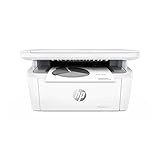
HP Laserjet MFP M140w Wireless All-in-One Printer
- All-in-One Functionality: The HP LaserJet MFP M140w offers the convenience of printing, copying, and scanning in a single, compact device, saving valuable space in your...
- Wireless Connectivity for Easy Printing: Enjoy the flexibility of wireless printing with seamless Wi-Fi connectivity. You can easily print documents from your phone...
- Fast, High-Quality Monochrome Printing: Achieve clear, sharp, black-and-white prints with fast print speeds, making this printer perfect for handling high-volume tasks...
- Effortless Setup and User-Friendly Operation: The HP LaserJet MFP M140w is designed for quick and simple setup. With a user-friendly interface, you'll be up and running...
- Energy-Efficient with Auto-On/Off Technology: Save on energy costs with HP’s Auto-On/Off technology, which automatically powers the printer on when you send a print job...
The HP LaserJet MFP M140w is designed to simplify printing tasks in tight spaces. Its compact, wireless all-in-one design combines printing, copying, and scanning, making it ideal for home or small office use. This printer helps reduce clutter and enhances productivity with an easy-to-use interface.
Printing is fast and clear, with speeds up to 21 pages per minute at 600 x 600 dpi resolution. You can handle everyday documents quickly without sacrificing quality. Wireless connectivity lets you print directly from your smartphone, tablet, or laptop, eliminating the need for cables.
Maintenance is straightforward thanks to its simple setup and energy-saving auto-on/off feature. The printer supports media sizes up to 8.5 x 14 inches, fitting most standard document needs. However, it only prints in monochrome and holds up to 150 sheets, which may require more frequent refills in heavy-use scenarios.
Best for: Individuals or small offices needing a space-saving, wireless monochrome all-in-one that supports essential document tasks with mobile convenience.
What We Like:
- Compact, lightweight design fits limited work areas
- Fast print speeds with clear monochrome output
- Easy wireless printing from multiple devices
- Energy-efficient auto-on/off for cost savings
Specification:
| Feature | Details |
|---|---|
| Manufacturer | HP |
| Dimensions | Not specified |
| Weight | 11.9 lb (5.4 kg) |
| Print Speed | Up to 21 ppm |
| Print Resolution | 600 x 600 dpi |
| Media Size | Up to 8.5 x 14 inches |
| Connectivity | Wireless (Wi-Fi) |
Factors to Consider When Choosing the Cheapest HP Printer
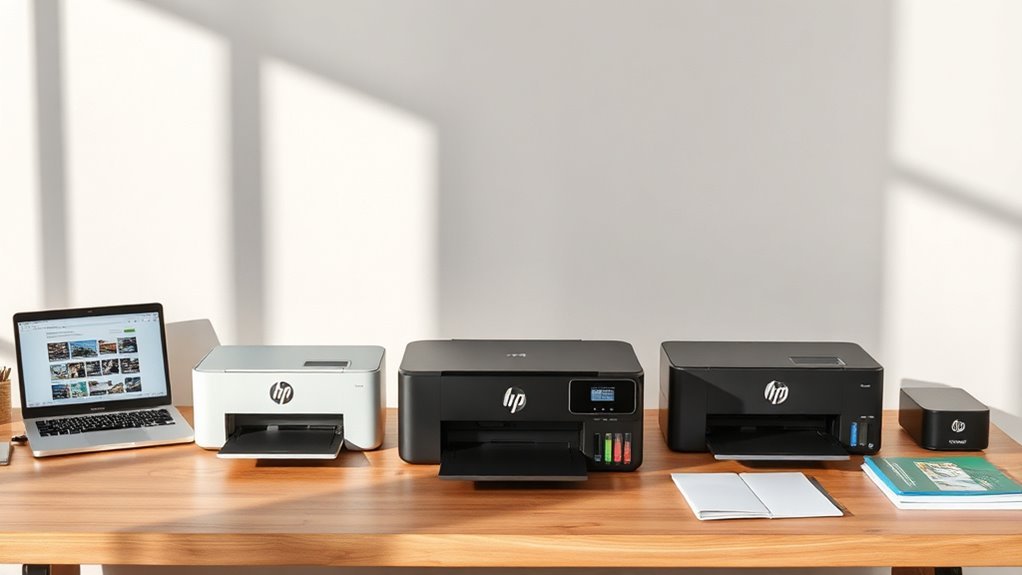
When choosing the cheapest HP printer, you’ll want to focus on print speed and connectivity options to match your needs. Don’t forget to evaluate ink costs, as they can add up quickly over time.
Also, think about the printer’s size, weight, and whether you need multi-function features to get the best value. It’s all about finding the right balance for what you actually use.
Print Speed Importance
Print speed plays an essential role in choosing the cheapest HP printer, especially if you often handle numerous documents. You’ll want to evaluate pages per minute (ppm) since inkjet printers typically print up to 7.5 ppm in black and 5.5 ppm in color.
If you print high volumes regularly, a monochrome laser printer might suit you better, as some models reach speeds up to 21 ppm. Keep in mind, simpler documents print faster than those with detailed images or graphics.
Selecting a printer with the right print speed prevents workflow bottlenecks, boosting your efficiency. So, match the printer’s speed to your printing demands to keep your tasks running smoothly without unnecessary delays or frustration.
Connectivity Options Variety
Although affordability is key, a budget HP printer should still offer versatile connectivity options like USB, Wi-Fi, and mobile printing to fit your devices and workflow. Look for models with dual-band Wi-Fi to guarantee reliable wireless connections and minimize interruptions.
Compatibility with popular mobile printing protocols such as Apple AirPrint and Mopria makes printing directly from your smartphone or tablet effortless. Printers featuring automatic connection troubleshooting can save you time and frustration during setup or maintenance.
Additionally, consider options that support direct printing without a network, especially if you often work in places with limited Wi-Fi access. Having a variety of connectivity options guarantees your printer adapts to different devices and environments, making your printing experience smoother and more flexible.
Ink Cost Efficiency
How much you spend on ink can make a huge difference in the overall cost of owning an HP printer. To keep costs low, focus on the price per page, which is usually cheaper with laser printers if you print a lot.
Consider printers that offer high-yield cartridges—they cost more upfront but save money over time by reducing the cost per page. Subscription services with automatic ink delivery can cut your ink expenses by up to 50%, ensuring you never run out.
Also, pick models compatible with third-party or remanufactured cartridges to save even more. Finally, print regularly and maintain your printer to avoid ink drying out and wasting ink.
These steps will help you maximize ink cost efficiency with your HP printer.
Printer Size And Weight
When choosing the cheapest HP printer, size and weight play a key role in where you can place it and how easily you can move it. Compact models usually measure around 11.97D x 16.73W x 6.06H inches and weigh between 7.6 to 11.9 pounds.
If you need a printer that’s easy to reposition, especially in smaller spaces or shared environments, opt for one closer to 7.6 pounds. Make sure the printer fits comfortably on your desk; ideally, it should be less than 12 inches in both depth and width.
Heavier models over 11 pounds often require dedicated, sturdy surfaces to avoid stability issues. Knowing these dimensions and weight helps you plan installation and storage efficiently, ensuring your printer fits your space without hassle.
Multi-Functionality Benefits
Anyone looking for the cheapest HP printer should consider multi-functionality, as these devices combine printing, scanning, and copying in one unit. This versatility means you won’t need multiple machines, saving space and reducing clutter—perfect for tight home or office setups.
Many models include wireless connectivity, letting you print directly from your smartphone or tablet, which adds convenience. Automatic duplex printing helps you save paper and cut printing costs without extra effort.
Some printers even feature AI technology that optimizes print formatting, ensuring professional-quality results every time. Choosing a multi-function HP printer means you get more value, enhanced efficiency, and a compact solution that handles all your document needs.
Frequently Asked Questions
What Is the Average Cost of HP Printer Ink Cartridges?
You’ll usually pay around $20 to $40 for standard HP ink cartridges, but prices vary depending on the model and cartridge type.
Buying multipacks or high-yield cartridges can save you money in the long run. It’s a smart way to get more ink without spending a lot each time.
How Long Do HP Printers Typically Last With Regular Use?
HP printers typically last 3 to 5 years with regular use, but while they endure daily tasks, their lifespan depends on maintenance and usage.
If you care for yours well, it can outlast many expectations. So, a little attention goes a long way!
Are HP Printers Compatible With Both Windows and Mac Systems?
Yes, HP printers are compatible with both Windows and Mac systems. You’ll find drivers and software for both platforms on HP’s website.
This makes setup and operation smooth, no matter which operating system you’re using. So, whether you’re on a PC or a Mac, you’re covered!
Do HP Printers Support Mobile Printing Apps?
Yes, HP printers support mobile printing apps like HP Smart, letting you print, scan, and manage your printer right from your phone or tablet.
You’ll find it easy to print documents and photos on the go. It really makes handling your printing tasks super convenient.
What Warranty Options Are Available for HP Printers?
Coincidentally, HP offers standard one-year warranties on most printers, but you can also grab extended plans for extra coverage.
You’ll find options like accidental damage protection, so you’re covered no matter what surprises happen. It’s great peace of mind, right?
Conclusion
Choosing the right HP printer is like picking the perfect tool for your creative garden. Each model—whether inkjet or laser—acts as a reliable watering can, nurturing your ideas with precision and ease.
By focusing on affordability without sacrificing quality, you’re planting seeds that promise vibrant prints and smooth wireless convenience.
So, go ahead and water your projects wisely. The cheapest HP printer will help your creativity bloom beautifully in 2027, offering great value without breaking the bank. With affordable options that deliver crisp prints and easy setup, these printers make staying productive simple and enjoyable.
In 2027, finding the best cheapest HP printer means you don’t have to compromise on quality or features. Whether for home or office use, these budget-friendly HP printers combine reliability, wireless connectivity, and excellent print performance. Choosing one wisely will keep your ideas flowing and your projects looking sharp all year long.