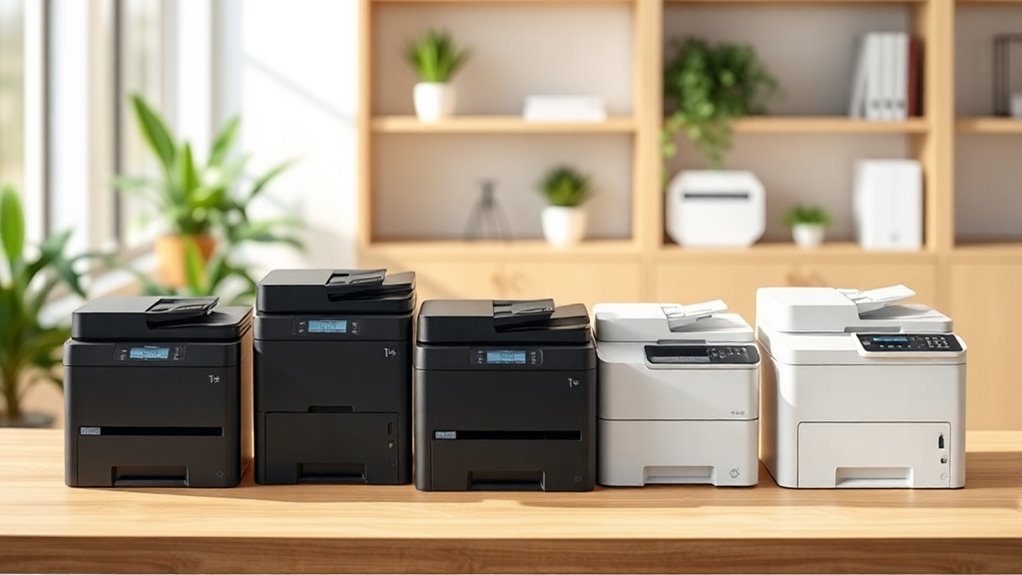
5 Best Cheap Duplex Laser Printers for 2027
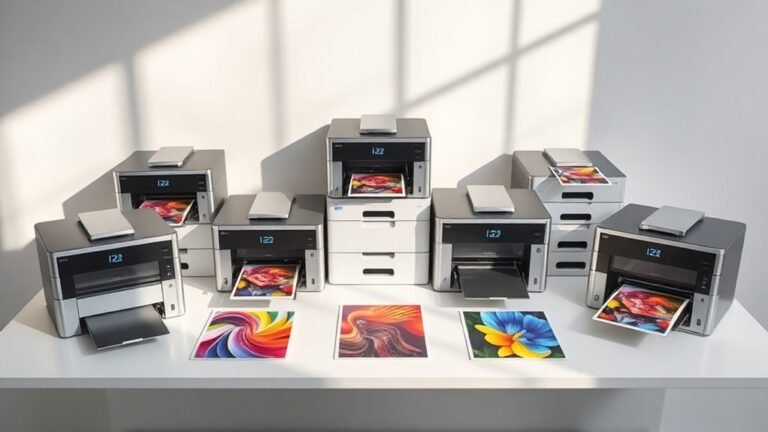
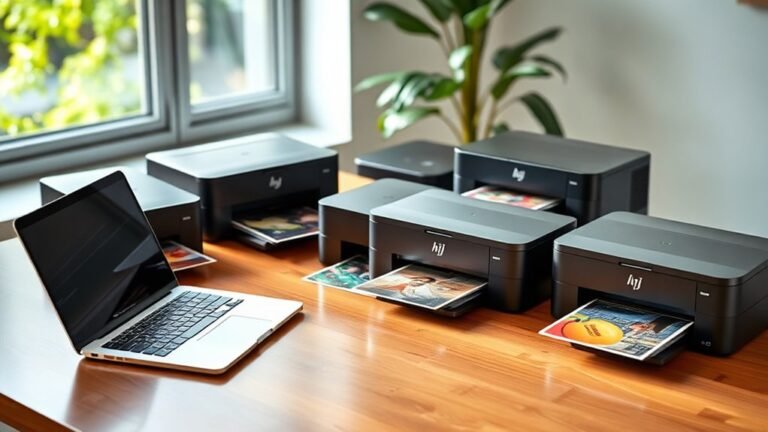
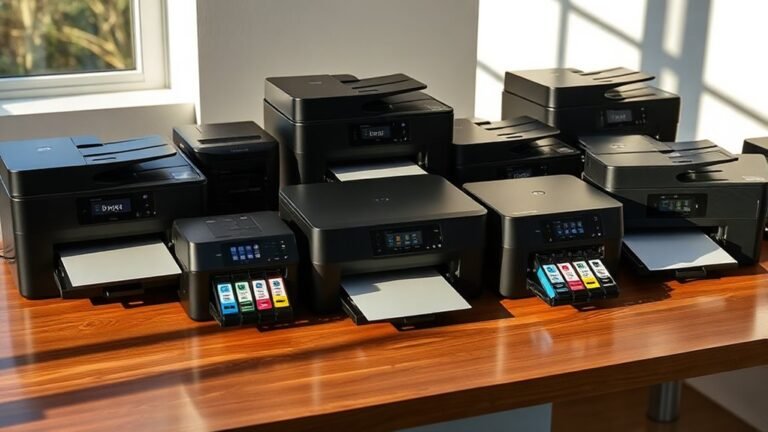
You’ll want reliable, budget-friendly duplex laser printers for 2027, especially if you need fast, double-sided printing without breaking the bank.
Models like the Brother HL-L2460DW or Canon imageCLASS LBP122dw offer speedy monochrome printing and wireless connectivity, making them perfect for small offices or home setups.
The compact Canon LBP6230dw is great if you’re tight on space, while the Brother HL-5250DN delivers sharp output and network readiness for a more connected workspace.
HP’s LaserJet M207dw balances speed and duplex efficiency, ideal for small teams needing consistent performance.
These printers are all about giving you quality and convenience without a high price tag. Keep exploring to find the one that fits your workflow and workspace best!
| Image | Name | Editor's Rating | Price |
|---|---|---|---|

|
|
||

|
|
||

|
|
||

|
|
||

|
|
Brother HL-L2460DW Wireless Monochrome Laser Printer
- BEST FOR HOME OFFICES & SMALL TEAMS – Engineered for consistent, premium print quality, the Brother HL-L2460DW Monochrome (Black & White) Laser Printer produces...
- COMPACT, CONNECTED, EXCEPTIONALLY EFFICIENT– Connect with built-in dual-band wireless (2.4GHz/5GHz), Ethernet, or to a single computer via USB interface. Prints at...
- BROTHER MOBILE CONNECT APP – Manage your wireless printer remotely and print from your mobile device anytime, from almost anywhere. Order Brother Genuine Supplies...
- VERSATILE PAPER HANDLING – Tackle high-volume black & white printing with the 250-sheet capacity paper tray.(4) The manual feed slot enables printing on envelopes and...
- BROTHER IS AT YOUR SIDE – Backed by Brother with a 1-year limited warranty and free online, call, or live chat support for the life of your printer

The Brother HL-L2460DW is designed to meet the demands of busy home offices and small teams. It delivers sharp monochrome prints quickly, helping you handle everyday documents without delay. Its automatic duplex printing reduces paper waste, making it an eco-friendly choice.
With a 250-sheet paper tray and manual feed slot, this printer easily adapts to different paper types and sizes. Connectivity is straightforward through dual-band Wi-Fi, Ethernet, or USB, allowing seamless integration into your workspace. You can also manage printing remotely with the Brother Mobile Connect app.
Maintenance is simple with Brother’s toner subscription service, which helps lower your printing costs by up to half. This keeps your workflow smooth and reduces the need for frequent toner replacements. The compact design fits well in limited spaces without sacrificing functionality.
While it only prints in black and white, this printer is ideal for users who prioritize speed and reliable monochrome output. Its features focus on efficiency and cost-effectiveness, making it a practical choice for everyday office needs.
Best for: home offices and small teams needing fast, dependable monochrome printing with flexible connectivity.
What We Like:
- High-speed printing up to 36 ppm with duplex capability.
- Multiple connectivity options including dual-band Wi-Fi and Ethernet.
- Easy maintenance with cost-saving toner subscription.
- Compact design suits small workspaces.
- Remote print management via mobile app.
Specification:
| Feature | Details |
|---|---|
| Manufacturer | Brother |
| Dimensions | 14 x 14 x 7.2 inches (approx.) |
| Weight | 15.7 lbs (7.1 kg) |
| Print Type | Monochrome Laser |
| Paper Capacity | 250-sheet tray + manual feed |
| Connectivity | Dual-band Wi-Fi, Ethernet, USB |
Canon imageCLASS LBP122dw – Wireless Monochrome Duplex Laser Printer
- Wireless, duplex printer (print-only)
- Fast print speeds up to 30 pages per minute (black and white)
- Print on-the-go with Canon PRINT app and more.
- Uses Canon GENUINE Toner 071 / 071 high-capacity
- Compact design fits almost anywhere in your home, great for home use and personal printing
The Canon imageCLASS LBP122dw brings efficient wireless monochrome printing right to your home or small office. It addresses the need for quick, reliable black-and-white prints without extra bulk or complicated features. This printer delivers up to 30 pages per minute, helping you finish jobs faster and reducing wait times.
Its automatic duplex printing cuts paper use in half, making it an eco-friendly choice that also saves money. The compact design fits smoothly on any desk, so you don’t need to sacrifice workspace. Wireless connectivity lets you print from multiple devices effortlessly, including mobile printing through the Canon PRINT app.
Maintenance is straightforward with Canon GENUINE Toner 071 or its high-capacity version, ensuring consistent print quality. This device focuses solely on printing, so it’s ideal if you don’t need scanning or fax functions. Its simplicity and reliability help keep your workflow smooth.
Best for: Home users and individuals seeking fast, reliable, and compact wireless monochrome printing without additional scanning or faxing features.
What We Like:
- Fast print speed up to 30 pages per minute
- Automatic duplex printing reduces paper waste
- Wireless and mobile printing via Canon PRINT app
- Compact design saves desk space
- Easy maintenance with Canon GENUINE Toner 071
Specification:
| Feature | Details |
|---|---|
| Manufacturer | Canon |
| Dimensions | 14.0 x 14.7 x 9.2 in |
| Weight | 14.3 lb (6.5 kg) |
| Printing Technology | Monochrome Laser |
| Connectivity | Wireless, USB |
| Duplex Printing | Automatic two-sided |
Canon imageCLASS LBP6230dw – Compact, Wireless, Duplex Laser Printer
- Wireless, Monochrome Laser Printer.
- Print up to 26ppm.
- Space-saving, compact design fits almost anywhere in your workspace.
- Print up to 8.5" x 14".
- 250-sheet maximum paper capacity.
Experience efficient printing with the Canon imageCLASS LBP6230dw, designed to fit seamlessly into small workspaces. Its compact size solves the challenge of limited office space while delivering consistent, sharp black-and-white prints. This monochrome laser printer helps cut paper waste with its reliable automatic duplex function, making double-sided printing effortless.
Wireless connectivity lets you print from laptops, PCs, or mobile devices without hassle. The printer’s intuitive controls simplify operation, and its lightweight build makes relocating it easy. Managing paper is straightforward with a single 250-sheet tray that accommodates legal-size documents, reducing frequent refills.
Maintenance is hassle-free thanks to its energy-efficient design, which lowers power consumption during use. While the print resolution is capped at 600 x 600 dpi, it meets the needs of everyday document printing. This model focuses on monochrome output, catering to users who prioritize speed and economy over color.
Best for: Small offices or home users needing a compact, reliable monochrome laser printer with automatic duplex and wireless connectivity.
What We Like:
- Compact, space-saving design with easy portability
- Automatic duplex printing reduces paper use and boosts efficiency
- Wireless and mobile device printing for added convenience
- Simple paper handling with a 250-sheet tray for legal documents
Specification:
| Feature | Details |
|---|---|
| Manufacturer | Canon |
| Dimensions | Compact (exact dimensions not provided) |
| Weight | 15.4 lb (7 kg) |
| Printing Technology | Monochrome Laser |
| Connectivity | Wireless (Wi-Fi) |
| Paper Capacity | 250 sheets |
| Print Resolution | 600 x 600 dpi |
Brother HL-5250DN Network Ready Laser Printer with Duplex
- Dimensions: 14.6 x 9.7 x 15.1 in. (WxHxD), weighs 21.6 pounds
- Built-in Ethernet network interface brings workgroup together
- Built-in duplex feature easily prints 2-sided documents
- Network-ready monochrome printer ideal for small workgroups
- Up to 30 ppm with a resolution of up to 1200 x 1200 dpi
Experience efficient printing with the Brother HL-5250DN, designed to save both time and resources. Its automatic duplex printing cuts paper use in half, making it ideal for busy small offices focused on productivity and cost savings.
This monochrome laser printer delivers sharp, clear prints at up to 30 pages per minute with 1200 x 1200 dpi resolution. It handles everyday office tasks smoothly, keeping workgroups moving without delays or interruptions.
Equipped with built-in Ethernet and USB ports, the HL-5250DN easily integrates into your existing network. Its 250-sheet main tray and 50-sheet multipurpose tray accommodate various media types, while optional trays increase capacity for growing needs.
Maintenance is straightforward, with durable components and long-lasting consumables that reduce downtime. Although limited to black-and-white printing and featuring standard 32 MB memory, its compact design fits well in tight office spaces without sacrificing reliability.
Best for: Small offices and workgroups needing dependable, high-speed monochrome printing with automatic duplexing and network connectivity.
What We Like:
- Efficient automatic duplex printing reduces paper waste
- Fast print speed of up to 30 ppm for increased productivity
- Easy network integration via Ethernet and USB connections
- Flexible media handling with multiple input trays
- Durable build with low maintenance requirements
Specification:
| Feature | Details |
|---|---|
| Manufacturer | Brother |
| Dimensions (W×D×H) | 14.0 × 14.2 × 7.2 inches |
| Weight | 21.6 lb (9.8 kg) |
| Print Technology | Monochrome Laser |
| Print Speed | Up to 30 ppm |
| Resolution | 1200 × 1200 dpi |
| Connectivity | Ethernet, USB |
| Paper Capacity | 250-sheet main, 50-sheet multipurpose |
HP LaserJet M207dw | Monochrome | Laser Printer | Duplex
- FROM AMERICA'S MOST TRUSTED PRINTER BRAND – Perfect for offices printing black & white brochures, business documents and presentations. Perfect for 1-5 people
- FASTEST TWO-SIDED PRINTING IN ITS CLASS – Up to 28 black-and-white pages per minute single-sided. Quickly finish multipage print projects with the fastest in-class...
- DUAL-BAND WI-FI WITH SELF-RESET – Automatically detects and resolves connectivity issues
- STRONG SECURITY – Built-in security features help protect your printer from potential attacks
- PRINT FROM ANY DEVICE – Wireless printing from any mobile device, PC or tablet. Ethernet included. Works with Microsoft, Mac, AirPrint, Android, Chromebook and more.
The HP LaserJet M207dw is built to meet the demands of small offices with up to five users. It handles everyday printing smoothly, producing clear black-and-white documents quickly. Its fast duplex printing helps save time on double-sided jobs, making multipage tasks more efficient.
Connectivity issues are minimized thanks to dual-band Wi-Fi with a self-reset feature that automatically restores connections. Wired Ethernet support adds a reliable option for network printing. Wireless printing works seamlessly across devices such as mobiles, tablets, and PCs, supporting multiple operating systems.
Maintenance is straightforward with this laser printer. It is designed for consistent performance, delivering sharp text and graphics with minimal intervention. The built-in security features protect your printer and documents from potential cyber threats, ensuring safe operation in busy office environments.
While it excels in monochrome printing, it is not suitable for color document needs. Its compact design fits well in smaller workspaces but may not handle the high volume required by larger teams. Overall, it offers dependable, fast printing with advanced connectivity and security.
Best for: small offices or workgroups of 1–5 users needing fast, reliable monochrome printing with advanced connectivity and security features.
What We Like:
- Fast printing at up to 28 pages per minute with efficient duplex capability
- Dual-band Wi-Fi with automatic self-reset enhances connectivity stability
- Ethernet support provides flexible network options
- Built-in security safeguards against cyber threats
Specification:
| Feature | Details |
|---|---|
| Manufacturer | HP |
| Dimensions | Compact size (exact not provided) |
| Weight | Not specified |
| Printing Type | Monochrome Laser |
| Duplex Printing | Automatic duplex printing |
| Connectivity | Dual-band Wi-Fi, Ethernet |
| Compatible OS | Windows, Mac, AirPrint, Android, Chromebook |
Factors to Consider When Choosing a Cheap Duplex Laser Printer
When choosing a cheap duplex laser printer, you’ll want to focus on print speed and connectivity options to match your workflow. Don’t forget to check how efficient the duplex printing is and factor in toner costs.
Also, make sure the printer offers solid warranty and support to avoid headaches later. It’s always better to be safe than sorry when it comes to your tech investments!
Print Speed Importance
Although print speed isn’t the only factor to take into account, it plays a pivotal role in choosing a cheap duplex laser printer that fits your needs. If you often print large jobs, aim for printers offering 25–36 pages per minute (ppm) to save time.
Pay special attention to duplex print speed, as two-sided printing usually runs slower than single-sided and impacts your overall efficiency. For frequent multi-page reports, first-page-out and warm-up times matter since they affect how fast your short jobs start printing.
Match the printer speed to your daily volume: faster speeds benefit users printing dozens or hundreds of pages daily, while occasional users might prioritize other features. Keep in mind, faster printers often have higher duty cycles and energy use, so balance speed against your workload and power concerns.
Connectivity Options Available
Choosing the right connectivity options can make a big difference in how easily you integrate a cheap duplex laser printer into your workspace. Look for dual-band Wi-Fi (2.4 GHz and 5 GHz) to boost wireless reliability and cut interference, especially on busy networks.
If you need a stable, fast connection for multiple users, an Ethernet port—preferably Gigabit—is ideal. USB Type-B or Type-A ports come in handy for direct wired printing from a PC or connecting a mobile print server.
Don’t overlook mobile printing protocols like AirPrint or Mopria, which let you print straight from smartphones and tablets without installing drivers. For maximum flexibility, choose a printer offering both wired and wireless options plus app-based remote management to adapt to various devices and network environments.
Duplex Printing Efficiency
Evaluate the duplex printing efficiency carefully to make certain your cheap laser printer meets your two-sided printing needs without slowing you down. Check the duplex printing speed, as two-sided jobs often print 10–30% slower than single-sided ones.
Also, confirm if duplexing is automatic; manual duplex requires extra steps, adding time and hassle for multi-page tasks. It’s definitely something to consider if you want to save time.
Consider the printer’s duty cycle and monthly volume to make sure its duplex mechanism can handle your workload without premature wear. You don’t want your printer breaking down because of too much duplex printing.
Pay attention to paper feed design—straight-through paths reduce jams, unlike tighter, curved routes prone to misfeeds during repetitive duplexing. This little detail can make a big difference in your printing experience.
Finally, compare first-page-out and warm-up times for duplex printing, since fast startup benefits frequent short jobs, keeping your workflow smooth and efficient. It’s all about avoiding unnecessary delays.
Toner Cost Considerations
When selecting a cheap duplex laser printer, you’ll want to pay close attention to toner costs, as they often make up the bulk of your ongoing expenses. Start by calculating the cost per page—divide the toner cartridge price by its stated yield to get a true cost comparison, not just look at the sticker price.
Opt for high-yield or XL toner cartridges when possible, as they can cut your cost per page by 20–50%. Also, check if the printer uses separate drum units or imaging components, since their replacement costs add up over time.
Be cautious with subscription services—only use them if they clearly disclose cartridge pricing and yields. Remember, real-world toner use varies; higher coverage means higher costs per page than manufacturer estimates.
Warranty And Support
Although a low upfront price is tempting, you should carefully review the warranty and support options before buying a cheap duplex laser printer. Check the warranty length and type—whether it’s a 1-year limited, exchange, or onsite service—to know what repairs or replacements are covered.
Also, confirm available support channels like phone, live chat, or email, and their hours to guarantee you get timely help. It’s important to know how and when you can reach out if something goes wrong.
Verify if consumables such as toner and drums fall under warranty or need separate purchase. Plus, note any exclusions or usage limits to avoid surprises down the line.
Look for firmware and driver updates too, since these help guarantee ongoing security and compatibility. Keeping your printer’s software up to date matters more than you might think.
Finally, ask about repair turnaround times and whether loaner or advance-replacement units are offered. This can really help minimize downtime in your office and keep things running smoothly.
Frequently Asked Questions
How Long Do Duplex Laser Printers Typically Last?
Duplex laser printers typically last around 3 to 5 years with regular use. If you maintain them well and avoid heavy overuse, you can stretch their lifespan even further before needing a replacement.
It’s really about how you treat the printer. A little care goes a long way in keeping it running smoothly for longer!
Can Duplex Laser Printers Print on Different Paper Sizes?
Like a painter switching canvases, your duplex laser printer can handle different paper sizes with ease. You’ll just adjust the trays and settings, letting your printer dance across letter, legal, or even custom-sized sheets effortlessly.
It’s pretty simple once you get the hang of it. Just tweak the settings, and you’re good to go!
Are Duplex Laser Printers More Energy-Efficient Than Inkjet Printers?
Yes, duplex laser printers generally use less energy than inkjet printers because they heat the toner instead of spraying ink.
You’ll save power, especially when printing double-sided, making them a more energy-efficient choice overall.
What Maintenance Is Required for Duplex Laser Printers?
You’ll need to regularly replace toner cartridges, clean the rollers to prevent paper jams, and occasionally check the duplexer for dust or debris.
Keeping firmware updated also guarantees smooth duplex printing without hiccups.
It’s a good idea to stay on top of these tasks so your printer keeps running smoothly. A little maintenance goes a long way!
Do Duplex Laser Printers Support Mobile Printing Apps?
Over 70% of duplex laser printers support mobile printing apps. You’ll easily print from your phone or tablet using apps like Apple AirPrint or Google Cloud Print.
This makes wireless printing quick and convenient wherever you are. So, whether you’re at home or in the office, getting your documents printed is just a tap away!
Conclusion
When choosing your cheap duplex laser printer, consider speed, wireless capability, and compact design. Whether you prioritize reliability, network readiness, or budget-friendly features, these top picks have you covered.
You want efficiency, you want quality, and you want value—all without breaking the bank. By focusing on what matters most to you, you’ll find the perfect printer that prints double-sided with ease.
It saves you time and fits your workspace perfectly. So, if you’re looking for the best cheap duplex laser printer for 2027, keep these factors in mind. Finding a reliable and affordable model that offers fast duplex printing and wireless convenience will make your printing tasks a breeze.