7 Best Cheap Computer Printers for 2027
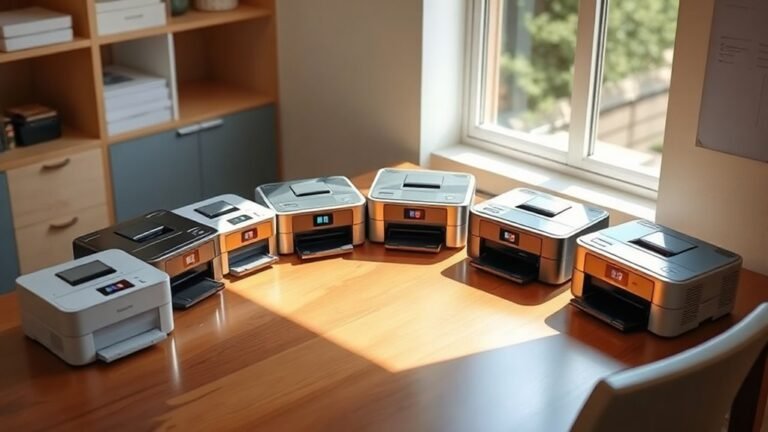
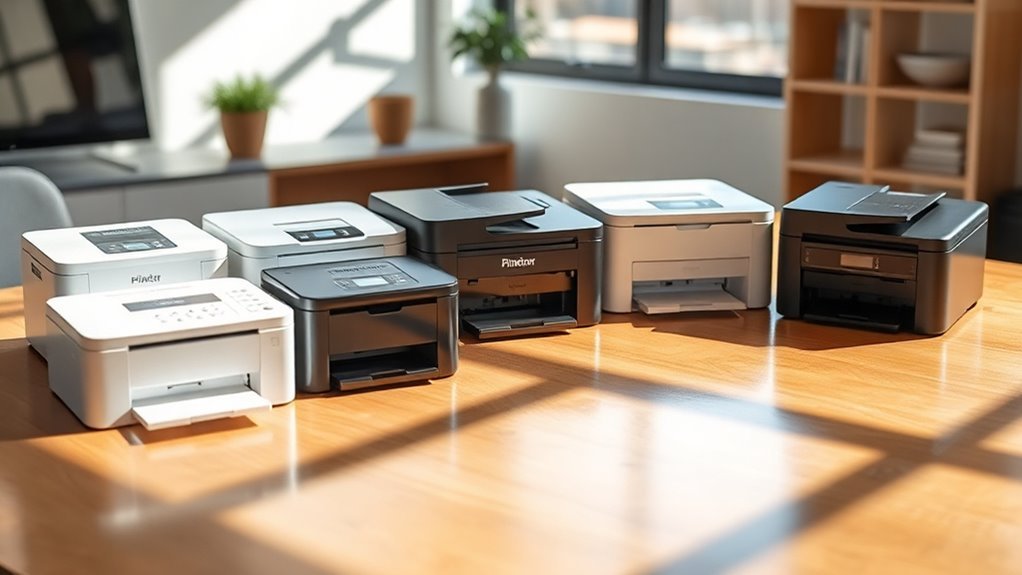
You’ll find top cheap printers like the HP DeskJet 2923 and Canon PIXMA TS4320 offer compact designs, wireless connectivity, and solid print quality for home or small offices. These affordable printers are perfect if you want great performance without breaking the bank.
The HP Envy 6155 balances eco-friendly features with user-friendly controls, making it a smart choice for everyday use. Epson’s XP-4205, meanwhile, really shines when it comes to photo printing.
If you need a budget-friendly monochrome printer, the Canon imageCLASS LBP122dw is fast and reliable. Want to discover which printer best fits your workspace and workflow? Keep exploring for key details.
| Image | Name | Editor's Rating | Price |
|---|---|---|---|

|
|
||

|
|
||

|
|
||

|
|
||

|
|
HP DeskJet 2923 Color Inkjet Printer | Wireless | All-in-One
- Perfect for basic printing needs – Print everyday color documents like to-do lists, letters, financial documents and recipes
- KEY FEATURES – Color print, copy, scan, and a 60-sheet input tray, plus mobile and wireless printing
- OPTIMIZE PRINT FORMATTING WITH HP AI – Print web pages and emails with precision—no wasted pages or awkward layouts; HP AI easily removes unwanted content, so your...
- ICON LCD – Print your basic documents with ease from the intuitive control panel
- PRINT SPEED – Up to 7.5 ppm black, 5.5 ppm color

The HP DeskJet 2923 is designed to fit seamlessly into your home workspace. Its compact size makes it easy to place almost anywhere, while still delivering full-color printing, scanning, and copying capabilities. This all-in-one printer helps you manage everyday tasks efficiently without taking up too much room.
Maintaining the DeskJet 2923 is straightforward. The icon LCD control panel simplifies navigation, so you can operate the printer with ease. Its wireless dual-band Wi-Fi allows smooth connection to your devices, and the HP App lets you print or scan directly from your smartphone, saving time and effort.
This printer is ideal for light to moderate use, with a 60-sheet input tray that suits typical home printing volumes. HP’s AI technology helps optimize ink and paper usage, making your printing more economical and environmentally friendly. The device is also built from recycled plastics and holds an ENERGY STAR certification.
While its print speeds are moderate, this model focuses on convenience and sustainability. After a 6-month Instant Ink trial, ongoing ink delivery requires a subscription unless you opt out. It’s a practical choice for users who prioritize ease of use and eco-conscious design.
Best for: Home users or families seeking a compact, wireless all-in-one printer with color capabilities and eco-friendly features.
What We Like:
- Color printing, scanning, and copying with easy icon LCD controls
- Wireless dual-band Wi-Fi and HP App support for mobile printing
- Eco-conscious design using recycled materials and ENERGY STAR certification
- AI-driven ink and paper optimization to reduce waste
Specification:
| Feature | Details |
|---|---|
| Manufacturer | HP |
| Dimensions | Compact size (exact size not specified) |
| Weight | Not specified |
| Material | Recycled plastics |
| Color Options | Not specified |
Canon PIXMA TS4320 – Wireless Color Inkjet Printer with Print, Copy, Scan
- Affordable Versatility - A budget-friendly all-in-one printer perfect for both home users and hybrid workers, offering exceptional value
- Crisp, Vibrant Prints - Experience impressive print quality for both documents and photos, thanks to its 2-cartridge hybrid ink system that delivers sharp text and vivid...
- Effortless Setup & Use - Get started quickly with easy setup for your smartphone or computer, so you can print, scan, and copy without delay
- Reliable Wireless Connectivity - Enjoy stable and consistent connections with dual-band Wi-Fi (2.4GHz or 5GHz), ensuring smooth printing from anywhere in your home or...
- Scan & Copy Handling - Utilize the device’s integrated scanner for efficient scanning and copying operations
The Canon PIXMA TS4320 offers a versatile solution for home and hybrid work environments where printing, copying, and scanning are essential. Its compact and stylish design fits easily in small spaces, helping you stay organized without clutter. This all-in-one inkjet printer delivers crisp color and black-and-white prints at a high resolution of up to 1200 x 1200 dpi, ensuring your documents and photos look sharp.
Maintenance is straightforward with starter ink tanks included, though moderate or frequent printing may require more frequent replacements. The printer supports duplex printing, saving paper and reducing waste, which is ideal for eco-conscious users. It also handles various media types, such as photo paper and labels, expanding your creative options.
Wireless dual-band Wi-Fi and USB connectivity provide flexible printing options. You can print directly from smartphones, tablets, or computers using the Canon PRINT app, AirPrint, or Mopria, making it easier to work from any device. Print speeds are suitable for light to occasional use, balancing performance and quiet operation.
With its reliable functionality and thoughtful design, the Canon PIXMA TS4320 is a practical choice for those needing a dependable all-in-one printer without taking up much space.
Best for: Home users and hybrid workers seeking a compact, stylish all-in-one printer for light to occasional color and black-and-white printing, copying, and scanning.
What We Like:
- Sharp, high-resolution printing for clear color and black-and-white output
- Wireless dual-band Wi-Fi and USB for versatile device connectivity
- Duplex printing to save paper and support eco-friendly practices
- Compact design fits easily in home or small office spaces
- Supports multiple media types including photo paper and labels
Specification:
| Feature | Details |
|---|---|
| Manufacturer | Canon |
| Dimensions | Compact (exact size not provided) |
| Weight | Not specified |
| Color Options | Not specified |
| Print Resolution | Up to 1200 x 1200 dpi |
| Scan Resolution | Up to 600 x 600 dpi |
| Connectivity | Dual-band Wi-Fi, USB |
| Print Speed | 14 ppm black, 9 ppm color |
| Paper Capacity | Single tray, up to 100 sheets |
HP Envy 6155 Wireless All-in-One Inkjet Printer
- FROM AMERICA'S MOST TRUSTED PRINTER BRAND – The Envy 6155 is perfect for homes printing everyday high-quality color documents like homework and borderless photos. Print...
- 3 MONTH TRIAL OF INSTANT INK – Subscribe to the Instant Ink delivery service to get ink delivered directly to your door before you run out, and you save up to 50% on...
- KEY FEATURES – Color print, copy and scan, plus auto 2-sided printing and a 100-sheet input tray
- HP'S MOST INTUITIVE COLOR TOUCHSCREEN – Smoothly navigate your printer with the easy-to-use 2.4" touchscreen
- WIRELESS PRINTING – Stay connected with our most reliable dual-band Wi-Fi, which automatically detects and resolves connection issues
The HP Envy 6155 Wireless All-in-One Inkjet Printer is designed to bring vibrant, high-quality prints to your home without breaking the bank. It solves the common hassle of managing multiple devices by combining printing, scanning, and copying in one compact unit. This printer’s automatic duplex feature helps reduce paper waste and saves time, making everyday tasks more efficient.
Navigating your print jobs is simple with the 2.4″ color touchscreen and HP AI print optimization. These features ensure your documents and photos come out looking their best without complicated setup. Wireless printing is seamless through dual-band Wi-Fi and the HP App, allowing you to print directly from your mobile devices with ease.
Maintenance is straightforward with a 3-month Instant Ink trial included, helping you avoid unexpected ink shortages. The printer is eco-friendly, constructed with 60% recycled plastic, which supports sustainable use. Its print speeds of up to 10 ppm for black and 7 ppm for color suit typical home printing needs.
One limitation is the cartridge compatibility, which is restricted to original HP chips, preventing third-party ink use. Also, after the Instant Ink trial, monthly fees apply unless you cancel the subscription.
Best for: budget-conscious home users needing reliable, vibrant color printing, scanning, and copying with wireless convenience and an eco-friendly design.
What We Like:
- Automatic duplex printing reduces paper use and speeds up tasks
- Easy navigation with 2.4″ color touchscreen and HP AI print optimization
- Convenient ink management via 3-month Instant Ink trial
- Eco-friendly design with 60% recycled plastic
Specification:
| Feature | Details |
|---|---|
| Manufacturer | HP |
| Dimensions | Approx. 17.32 x 12.28 x 6.14 inches |
| Weight | Approx. 13.78 lb (6.25 kg) |
| Material | Plastic (60% recycled content) |
| Color Options | White with black accents |
Canon PIXMA TS3720 Wireless All-in-One Printer White
No products found.
Discover a printer designed to simplify your everyday tasks. The Canon PIXMA TS3720 Wireless All-in-One Printer in white offers a reliable solution for home printing, scanning, and copying. Its compact size fits easily into small spaces, making it ideal for tight work areas.
This printer’s wireless capability ensures you can print from multiple devices without hassle. Dual-band Wi-Fi and mobile printing through the Canon PRINT app or AirPrint eliminate the need for cables and complex setups. The intuitive 1.5″ LCD screen streamlines operation and maintenance.
With a hybrid ink system, the TS3720 delivers crisp text and vibrant photos. Borderless printing enhances photo quality for projects and keepsakes. While it handles various paper sizes, keep in mind it supports single-sided printing only and has a modest paper tray capacity.
Maintenance is straightforward thanks to easy-to-replace cartridges and a clean design. This printer is a practical choice for everyday home use without extra bulk or complicated features.
Best for: Home users needing an affordable, compact all-in-one printer for basic printing and scanning tasks.
What We Like:
- Easy wireless setup with dual-band Wi-Fi and mobile app support
- Hybrid ink system produces sharp text and vivid photos
- Compact footprint fits small spaces comfortably
- Simple interface with a clear 1.5″ LCD screen
- Straightforward cartridge replacement and maintenance
Specification:
| Feature | Details |
|---|---|
| Manufacturer | Canon |
| Dimensions | 14.5 x 11.7 x 5.5 inches |
| Weight | 7.5 lbs (approximate) |
| Color Options | White |
| Connectivity | Dual-band Wi-Fi, USB |
| Display | 1.5-inch LCD |
| Paper Capacity | Up to 60 sheets |
| Max Media Size | 8.5 x 14 inches (legal size) |
Epson Expression Home XP-4205 Wireless Color All-in-One Inkjet Printer
- Remarkable Print Quality for Home and Photo Printing — Epson’s leading-edge imaging technology produces crisp documents, vibrant borderless photos with rich colors...
- Stress-Free Setup and Operation — Large 2.4" color display for effortless navigation, plus easy installation and operation through your smartphone or tablet using the...
- Convenient Connectivity — Supports easy wireless connections and printing from Android or iOS devices (2)
- Engineered for Reliability — Consistently delivers high-quality prints with heat-free technology and a permanent printhead designed to last the life of the printer
- Easy, Affordable Printing — Individual ink cartridges make it easy to only replace the ink you need
The Epson Expression Home XP-4205 offers a simple way to handle your printing, scanning, and copying needs all in one compact device. Its wireless connectivity lets you print effortlessly from your smartphone or tablet, eliminating the hassle of cables. Voice control with Alexa and Siri adds a hands-free option, making printing more accessible and convenient.
This all-in-one inkjet improves your workflow by allowing easy creation of searchable PDFs through the Epson ScanSmart software. Automatic two-sided printing helps reduce paper waste without compromising quality. With a high resolution of 5760 x 1440 dpi, it produces clear, vibrant documents and photos, ideal for home or small office tasks.
Maintenance is straightforward with individual Claria T232 ink cartridges, so you only replace the color you need. The compact design fits well in tight spaces and uses energy efficiently, helping to keep your workspace organized and eco-friendly.
Best for: home users or small office environments seeking a wireless, easy-to-use all-in-one printer with voice command features.
What We Like:
- Voice-activated printing via Alexa and Siri for hands-free use
- Automatic duplex printing reduces paper consumption
- High-quality prints with sharp color and black-and-white output
- Individual ink cartridges lower replacement costs
- Compact and energy-efficient design
Specification:
| Feature | Details |
|---|---|
| Manufacturer | Epson |
| Dimensions | Compact size (exact dimensions not provided) |
| Weight | Not specified |
| Ink Type | Claria T232 individual cartridges |
| Print Resolution | Up to 5760 x 1440 dpi |
| Connectivity | Wireless (Wi-Fi), voice control (Alexa, Siri) |
Canon imageCLASS LBP122dw – Wireless Monochrome Duplex Laser Printer
- Wireless, duplex printer (print-only)
- Fast print speeds up to 30 pages per minute (black and white)
- Print on-the-go with Canon PRINT app and more.
- Uses Canon GENUINE Toner 071 / 071 high-capacity
- Compact design fits almost anywhere in your home, great for home use and personal printing
The Canon imageCLASS LBP122dw is designed to simplify your printing tasks with fast, wireless monochrome output. It tackles the challenge of busy workdays by delivering sharp black-and-white prints at speeds up to 30 pages per minute. This helps you stay productive without waiting around for your documents.
Its automatic duplex printing reduces paper waste by printing on both sides effortlessly. This feature not only saves resources but also streamlines your workflow. The compact design fits easily into small spaces, making it ideal for home offices or personal use.
Wireless connectivity allows you to print directly from your smartphone using the Canon PRINT app. This convenience eliminates the need for cables and makes printing quick and easy wherever you are. Maintenance is straightforward, especially when using Canon’s genuine toner, ensuring consistent quality and long-lasting performance.
While it doesn’t offer scanning or faxing, this printer excels at reliable, on-the-go monochrome printing. It’s a focused solution for those who need fast, efficient black-and-white prints without extra features.
Best for: Home users and individuals who need a compact, efficient wireless monochrome printer with automatic duplex for everyday personal or small-volume printing.
What We Like:
- Fast printing speeds up to 30 pages per minute
- Automatic duplex printing to save paper
- Easy wireless printing via Canon PRINT app
- Compact size fits small workspaces
- Consistent quality with Canon genuine toner
Specification:
| Feature | Details |
|---|---|
| Manufacturer | Canon |
| Dimensions | 14.0 x 14.0 x 9.2 inches |
| Weight | 14.3 lbs |
| Printing Technology | Monochrome Laser |
| Connectivity | Wireless, USB |
| Duplex Printing | Automatic |
| Color Options | Monochrome (Black & White) |
Canon Pixma MG2522 All-in-One Inkjet Printer, Scanner & Copier

- Meet the PIXMA MG2522, a simple printer for your home printing needs
- The PIXMA MG2522 makes it easy to print documents and it even supports optional XL ink cartridges so you replace them less often
- Welcome to affordable home printing.
If you need a reliable device for everyday printing, scanning, and copying, the Canon Pixma MG2522 offers a straightforward solution. Its simple design and easy setup mean you can start working with minimal effort. This printer is ideal for basic document tasks around the home.
The flatbed scanner captures documents clearly, while the copier function works independently without a computer. This makes it convenient for quick duplicates. Maintenance is hassle-free thanks to support for XL ink cartridges, which reduce the frequency of replacements and help keep running costs low.
Designed for home users, the Canon Pixma MG2522 focuses on essential functions without unnecessary complexity. Its compact size and intuitive controls ensure it fits well in small spaces and is easy to operate. Although it lacks wireless connectivity, it reliably handles everyday printing needs.
This all-in-one inkjet printer balances simplicity and value, making it a practical choice for occasional use. It solves the common problem of juggling multiple devices by combining printing, scanning, and copying in one unit.
Best for: Home users seeking a compact, affordable all-in-one printer for light printing, scanning, and copying tasks.
What We Like:
- Easy setup and user-friendly controls
- Supports optional XL ink cartridges to lower ink replacement frequency
- Flatbed scanner and standalone copier for versatile document handling
Specification:
| Feature | Details |
|---|---|
| Manufacturer | Canon |
| Dimensions | Approx. 17.7 x 12.0 x 6.1 in (45 x 30.5 x 15.5 cm) |
| Weight | Approx. 6.1 lbs (2.8 kg) |
| Material | Plastic |
| Color Options | Black |
Factors to Consider When Choosing a Cheap Computer Printer
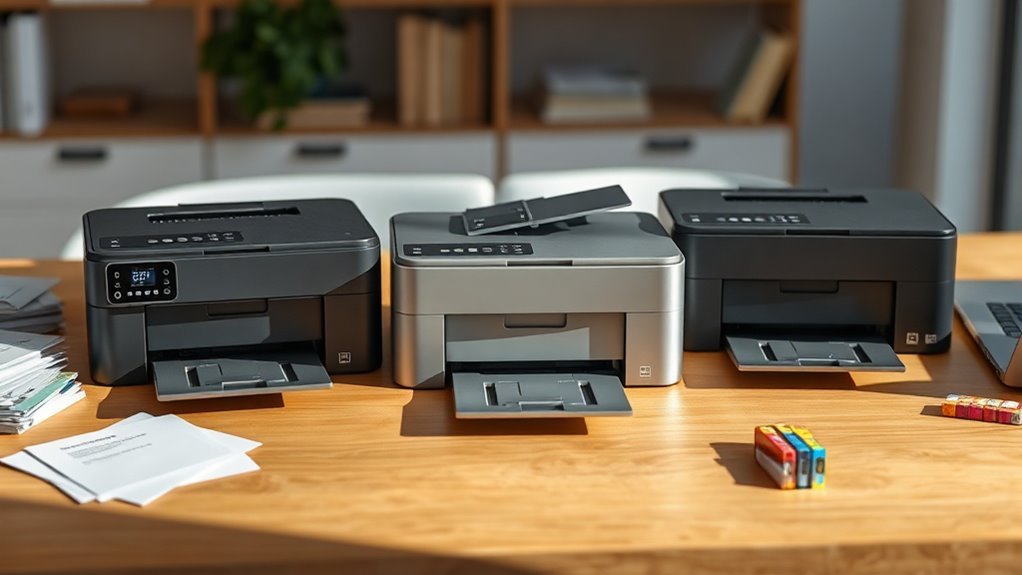
When choosing a cheap computer printer, you’ll want to focus on print quality and how efficiently it uses ink to keep costs low.
Check the connectivity options to make sure it works smoothly with your devices. Also, consider the speed and size to fit your workspace and needs.
These factors will help you find a printer that balances performance and budget. It’s all about getting the best value without overspending.
Print Quality Matters
How sharp and vibrant do you need your prints to be? Checking a printer’s maximum resolution, measured in dpi, is vital—1200 x 1200 dpi or higher delivers crisp text and detailed graphics. Meanwhile, 4800 x 1200 dpi or more is ideal for photo-quality prints.
Don’t overlook color depth and gamut support. Printers with greater bits per channel and wider color spaces produce smoother gradients and more accurate colors.
Keep in mind, faster print speeds often sacrifice quality. So, look for separate high-quality or photo modes, even if they print slower.
If you plan to scan or copy, a scanner resolution of 600 dpi or above preserves detail. Also, consider ink cartridge types and high-yield options, since ink formulation affects color consistency, longevity, and cost per page.
Connectivity Options Available
Print quality sets the foundation, but connectivity determines how easily you get those prints from your devices. Make sure your printer supports dual-band Wi-Fi (2.4 GHz and 5 GHz) for better range and less interference with other gadgets.
Look for features like Wi-Fi Protected Setup to connect your smartphone or laptop without hassle. If wired connections suit you better, check for USB 2.0/3.0 ports for single-computer use or Ethernet ports if multiple devices share the printer.
Don’t forget to verify mobile printing compatibility—AirPrint, Mopria, or proprietary apps make printing from phones and tablets seamless. Also, consider cloud printing and auto-duplex options for more flexible, hands-free workflows that fit your lifestyle perfectly.
Ink Cost Efficiency
Understanding ink cost efficiency can save you a significant amount on your printer’s operating expenses over time. To compare true costs, calculate the cost per page by dividing the replacement ink or toner price by its stated page yield.
Look for printers with individual color cartridges or separate pigment/dye systems so you only replace what’s empty. This way, you lower your average ink cost.
High-yield or XL cartridges and continuous ink systems (CISS) typically cut per-page costs by 2–5 times compared to standard cartridges. So, they’re definitely worth considering.
Don’t forget to factor in monthly fees and page limits if you use subscription or ink-delivery services. A low upfront price can be offset by ongoing charges.
Also, use duplex printing and draft/eco modes to reduce ink use when printing text documents. These small steps can really add up over time.
Speed And Performance
Consider the speed and performance of a printer carefully to match your printing needs without overspending. Check the pages per minute (ppm) for black and color printing—budget inkjets usually offer 5–15 ppm black and 4–10 ppm color, while entry-level monochrome lasers exceed 20–30 ppm.
Don’t overlook the first-page-out time; a fast ppm won’t help if each print starts after an 8–10 second delay. Also, consider the duty cycle and monthly volume limits; most cheap printers handle 500–1,000 pages monthly. Pushing beyond that can slow printing and wear out parts.
If you print two-sided often, note that automatic duplexing doubles print time per sheet. Finally, use draft mode for faster prints when quality isn’t critical—it can be 2–4 times quicker than high-quality settings.
Device Size Considerations
When choosing a cheap computer printer, you’ll want to measure your available desk or shelf space carefully to make certain the device fits comfortably. Compare your space to the printer’s footprint—depth, width, and height—while allowing extra clearance for open trays and cartridge access.
If you’re tight on space, prioritize compact models under 15 inches wide and lighter than 15 pounds for easier moving. Don’t forget to allow for vertical clearance for paper input/output and scanner lid movement.
For shared or small-office use, place the printer near power outlets and Wi-Fi to avoid cable clutter or weak signals. Also, opt for printers with tool-free access to ink and paper compartments, so you can maintain them easily even in cramped spots.
This way, you’ll avoid surprises and keep your workspace efficient.
Frequently Asked Questions
What Are the Environmental Impacts of Budget Printers?
You’ll find budget printers often use more plastic and less efficient ink, leading to higher waste and energy use. They might also lack eco-friendly features.
How Do Printer Ink Subscription Services Work?
Printer ink subscription services send ink automatically before you run out. You’ll save money with regular deliveries, avoid last-minute trips, and often get discounts.
Just sign up, and they’ll handle the rest for you. It’s super convenient and takes the stress out of running out of ink.
Can Cheap Printers Handle Heavy Printing Volumes?
Cheap printers usually can’t handle heavy printing volumes without frequent maintenance or ink replacements.
You’ll want a more durable model if you print a lot, or risk slower speeds and possible breakdowns over time.
What Are Common Printer Troubleshooting Tips?
When your printer throws a tantrum, don’t panic. Check connections and restart the device.
Also, update drivers and clear any paper jams you find. Make sure the ink or toner isn’t empty either.
These quick fixes often bring your printer back to life. Give them a try before calling for help!
Are Cheap Printers Compatible With All Operating Systems?
Cheap printers aren’t always compatible with all operating systems. You’ll want to check the printer’s specifications to make sure it supports your OS.
This is especially important if you use Mac, Linux, or a less common platform. Always double-check before buying to avoid any surprises.
Conclusion
Choosing the right cheap printer might feel like hunting for a unicorn in a tech jungle, but trust me, you don’t have to sacrifice quality for price. Whether you need blazing-fast prints or crisp scans, one of these gems will fit your budget and boost your productivity.
Don’t settle for less when the perfect printer is just a click away—your wallet and workflow will thank you endlessly! Finding the best cheap computer printer for 2027 means balancing affordability with reliable performance. With options that deliver great print quality, speed, and features, you can get more done without breaking the bank.
So, dive into this list and discover a printer that matches your needs perfectly. Your ideal cheap printer is out there, ready to elevate your work and save you money at the same time!