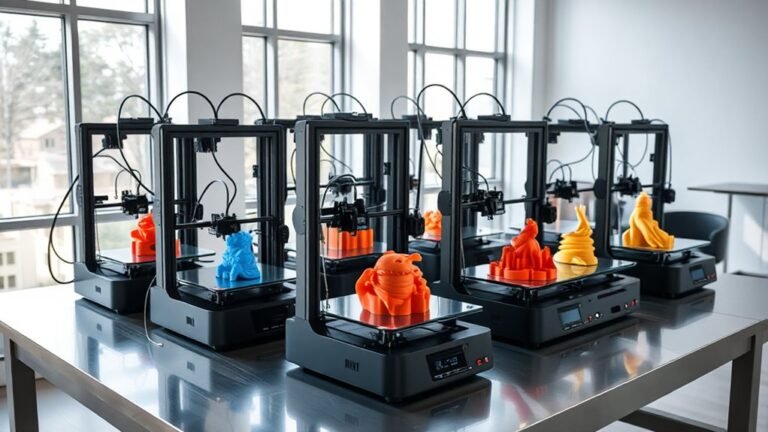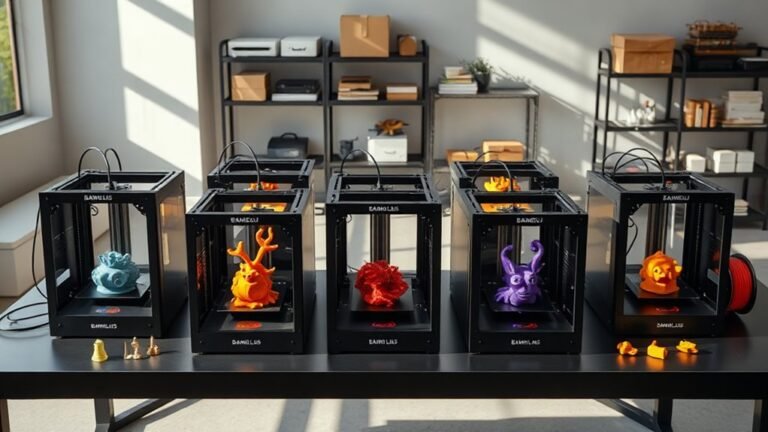
4 Best Budget Filament Printers for 2027
You’ll find the SUNLU PLA offers reliable, smooth printing with budget-friendly filament, perfect for most 1.75 mm printers. It’s a great choice if you’re looking to keep costs low without sacrificing quality.
The Creality Ender 3 V3 SE bundle lets you assemble quickly, with auto-leveling and fast, consistent results. This printer is ideal for those who want a hassle-free setup and dependable performance right out of the box.
For tight spaces, the Portable Compact FDM printer delivers easy use and portability. It’s perfect if you need something small but powerful enough to handle your projects on the go.
Meanwhile, the Mini 3D Printer Kit adds colorful versatility for beginners. It’s a fun way to explore 3D printing with a simple setup and a variety of filament options.
Keep going to explore how each fits your needs and setup preferences. You’ll find the perfect budget filament printer for 2027!
| Image | Name | Editor's Rating | Price |
|---|---|---|---|

|
|
||

|
|
||

|
|
||
|
|
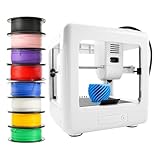
SUNLU PLA 3D Printer Filament, Black, 1KG
- ①【SUNLU PLA 3D Printer Filament】PLA material is the perfect choice for 3D printing enthusiasts! SUNLU PLA filament is reliable, versatile, and easy to use. No...
- ②【Neatly Wound 3D Filament Spool】SUNLU's self-developed neat winding device ensures that the filament is easy to use, with a 100% neat rate that reduces the risk of...
- ③【PLA Filament 1.75 mm】SUNLU 3D printer filament dimensional Accuracy +/- 0.02mm. SUNLU filament has wide compatibility due to the small diameter error, making it...
- ④【Filament Spool Diameter】Spool Diameter: 8.00", Spool Width: 2.50", Spool Hub Hole Diameter: 2.20". The size of the SUNLU filament spool is suitable for hanging on...
- ⑤【PLA Recommend Settings】To achieve the best printing results with SUNLU PLA filament, we recommend printing at a nozzle temperature of 200-230°C, a bed...

If you need a dependable filament that delivers consistent results, the SUNLU PLA 3D Printer Filament in Black is a solid choice. It offers precision printing with a tight dimensional tolerance of +/- 0.02 mm, ensuring smooth layers and strong adhesion. This helps avoid common issues like clogs or uneven extrusion.
The filament comes on a neatly wound 1 kg spool, designed with SUNLU’s proprietary winding device. This minimizes tangles and reduces the risk of jams during printing. It’s built for hassle-free use and reliable feeding in most FDM 3D printers.
SUNLU PLA performs well at standard settings, with recommended nozzle temperatures between 200–230°C and bed temperatures from 50–65°C. This range supports consistent extrusion and good layer bonding, making it ideal for everyday printing projects.
While it’s only available in black, the filament’s quality and ease of use make it a practical option for many makers. Note that there is no specific information on moisture resistance or drying needs, so proper storage is advised for best results.
Best for: Budget-conscious makers and hobbyists seeking reliable, smooth-printing PLA filament compatible with most 1.75 mm FDM 3D printers.
What We Like:
- Precise filament diameter (+/- 0.02 mm) for consistent print quality
- Neatly wound spool reduces tangles and feed issues
- Wide compatibility with standard FDM 3D printers
- Smooth extrusion at recommended temperature settings
Specification:
| Feature | Details |
|---|---|
| Manufacturer | SUNLU |
| Color | Black |
| Material | PLA |
| Filament Diameter | 1.75 mm ± 0.02 mm |
| Spool Weight | 1 kg |
| Recommended Nozzle Temp | 200–230°C |
| Recommended Bed Temp | 50–65°C |
Creality Ender 3 V3 SE 3D Printer Bundle
- 250MM/S HIGH-SPEED PRINTING: Ender 3 V3 SE 3d printer can print at up to 250mm/s speed with 2500mm/s²acceleration, faster than ender 3, ender 3 v2, ender 3 pro, ender...
- START PRINTING WITHIN 20Mins: Creality Ender 3 V3 SE 3D printer is easy to put together in 3 steps within about 20 minutes only. It equips CR Touch for auto leveling and...
- CAPABLE "SPRITE" DIRECT EXTRUDER: The "Sprite" Direct Extruder of Ender 3 V3 SE enables smooth feeding of various filaments, including PLA, PETG, and TPU. And the...
- High-Quality PLA Filaments: Made of high-quality PLA, a commonly used thermoplastic material features lower melting temperature and ease of use, low warp and shrinkage...
- Dimensional Accuracy & Consistency: Strict tolerances guarantee these PLA filaments of 1.75 mm diameter much smoother and more stable printing with the dimensional...
The Creality Ender 3 V3 SE Bundle is designed for users who value speed and simplicity in 3D printing. It helps reduce setup time with a straightforward three-step assembly, which can be completed in about 20 minutes. This means you can start printing quickly without hassle.
Its advanced CR Touch auto-leveling and strain sensor technology significantly cut the time spent calibrating the first layer by 73%. This feature ensures consistent print quality from the start, minimizing frustration and wasted material. The Sprite Direct Extruder reliably handles popular filaments like PLA, PETG, and TPU, offering versatility for different projects.
Maintenance is user-friendly, with low-warp, high-quality PLA filament included in two 1 kg spools, so you can begin printing right away. While only PLA is provided out of the box, the printer supports a range of filament types for future experimentation. The printer balances speed and quality with a top speed of 250 mm/s and a maximum acceleration of 2500 mm/s², suitable for most hobbyist needs.
Best for: hobbyists and beginners seeking a fast, easy-to-assemble 3D printer with reliable filament feeding and consistent print results.
What We Like:
- Efficient three-step assembly with quick setup
- CR Touch auto-leveling and strain sensor reduce calibration time
- Sprite Direct Extruder supports multiple filament types
- Includes two 1 kg spools of premium PLA filament
Specification:
| Feature | Details |
|---|---|
| Manufacturer | Creality |
| Dimensions | Standard Ender 3 size |
| Weight | Approx. 8 kg |
| Material | Metal frame, plastic parts |
| Color Options | Black |
Portable Compact FDM 3D Printer with Removable Plate
- Foolproof Setup with Video Guides – Never get stuck! We provide a crystal-clear Quick Start Guide and step-by-step video tutorials. Watch them online to get started.
- Simple Assembly with Video Guide – Requires quick modular setup (watch our step-by-step video). Comes with 10m PLA filament, TF card, tools, and 12V Type-C power...
- Versatile Filament Compatibility – Unleash your creativity with both PLA and flexible TPU (1.75mm). The reliable 0.4mm nozzle and precise 0.05-0.3mm layer thickness...
- Reliable Performance & Compact Design – Features stable FDM technology and a removable build plate for easy model removal. The perfect 100x100x100mm build volume is...
- Complete Package – No Hidden Costs – Includes printer, 10m PLA filament, 8GB TF card + reader, tools, illustrated manual, and 12V Type-C power adapter. Plus free...
This portable compact FDM 3D printer is designed to fit seamlessly into tight spaces without sacrificing performance. Its 0.4 mm nozzle and build volume of 100 x 100 x 100 mm allow you to create detailed models with ease. Whether you’re working with PLA or TPU filament, this printer delivers consistent results for everyday projects.
The removable build plate simplifies print removal, reducing the risk of damage to your models. Maintenance is straightforward, helping you keep the printer in good working order with minimal effort. Setup is easy thanks to the included Quick Start Guide and video tutorials, so you can begin printing quickly and confidently.
Weighing just 2.2 pounds, this printer is highly portable and ideal for users with limited space. It is perfect for beginners, students, and hobbyists who want a reliable tool for STEM learning and creative projects. Its compact design helps you stay organized while encouraging hands-on experimentation.
While the build volume may limit larger projects and filament options are restricted to PLA and TPU, this printer balances convenience and quality for small-scale printing needs. Layer thickness settings offer flexibility, though ultra-fine details may be challenging.
Best for: Beginners, students, and hobbyists seeking a compact, easy-to-use 3D printer for STEM education and small workspace environments.
What We Like:
- Lightweight, portable design fits small spaces easily
- Removable build plate eases print removal
- Clear setup resources enable quick start
- Supports PLA and TPU for versatile prototyping
Specification:
| Feature | Details |
|---|---|
| Manufacturer | Portable Compact FDM |
| Build Volume | 100 x 100 x 100 mm |
| Nozzle Size | 0.4 mm |
| Supported Filament | PLA, TPU |
| Weight | 2.2 lb (1.0 kg) |
| Layer Thickness | 0.05–0.3 mm |
Mini 3D Printer Kit with 8 Colors PLA Filament
- 🎨 All-in-One Starter 3D Printer Kit – Comes with 8 vibrant PLA filament colors (200g each), a fully equipped printing kit, and user-friendly instructions—perfect...
- 🖨️ Compact & Portable FDM Design – This mini desktop 3D printer uses FDM technology and is compact enough for any desk or workspace. Great for school, home, or...
- 🧠 Effortless Setup, Plug & Print – No complex calibration needed. Supports TF Card and USB connections, compatible with Windows and macOS using CURA, Easyware, or...
- 💡 Precise & Smooth Printing – Achieve detailed prints with 0.05-0.2mm accuracy. Features a 0.4mm nozzle, supports 1.75mm PLA, and even WOOD filament.
- 📦 Full Accessories Included – Package includes the printer components, 8-color filaments, TF card and reader, US power adapter, filament holder, screwdriver, and a...
Experience the ease of entry into 3D printing with this mini 3D printer kit designed for simplicity and creativity. Its compact size fits neatly on any desk, making it ideal for small workspaces where space is limited. The plug-and-print setup reduces the hassle of complicated assembly, so you spend less time preparing and more time creating.
This kit includes eight vibrant PLA filament colors, each 200 g, allowing you to start projects immediately without searching for additional materials. The 0.4 mm nozzle ensures reliable prints with good accuracy, suitable for beginners and hobbyists focusing on straightforward designs. Maintenance is minimal, thanks to its user-friendly design, making it easy to keep the printer in optimal condition.
Compatible with popular slicing software like CURA, it supports Windows and macOS platforms, enabling smooth workflow integration. While the print volume is modest and finer details may be limited by the nozzle size, this printer balances portability and function effectively. The filament weight encourages regular replenishment, which helps maintain print quality.
Whether you’re a student, hobbyist, or newcomer to 3D printing, this kit offers an accessible, colorful introduction to the craft without overwhelming complexity or large space demands.
Best for: Beginners, students, and hobbyists seeking a compact, easy-to-use 3D printer kit with multiple filament colors for creative projects in confined areas.
What We Like:
- Eight vibrant PLA filament colors included for immediate use
- Plug-and-print design with minimal setup and calibration
- Compatible with popular slicing software (CURA, Easyware, ORCA)
- Lightweight and portable, fits well in small workspaces
- Supports both Windows and macOS operating systems
Specification:
| Feature | Details |
|---|---|
| Manufacturer | Not specified |
| Dimensions | Compact (specific size not given) |
| Weight | Lightweight (exact value not given) |
| Material | PLA filament (8 colors, 200 g each) |
| Nozzle Size | 0.4 mm |
| Software Support | CURA, Easyware, ORCA |
| Compatibility | Windows and macOS |
Factors to Consider When Choosing a Budget Filament Printer
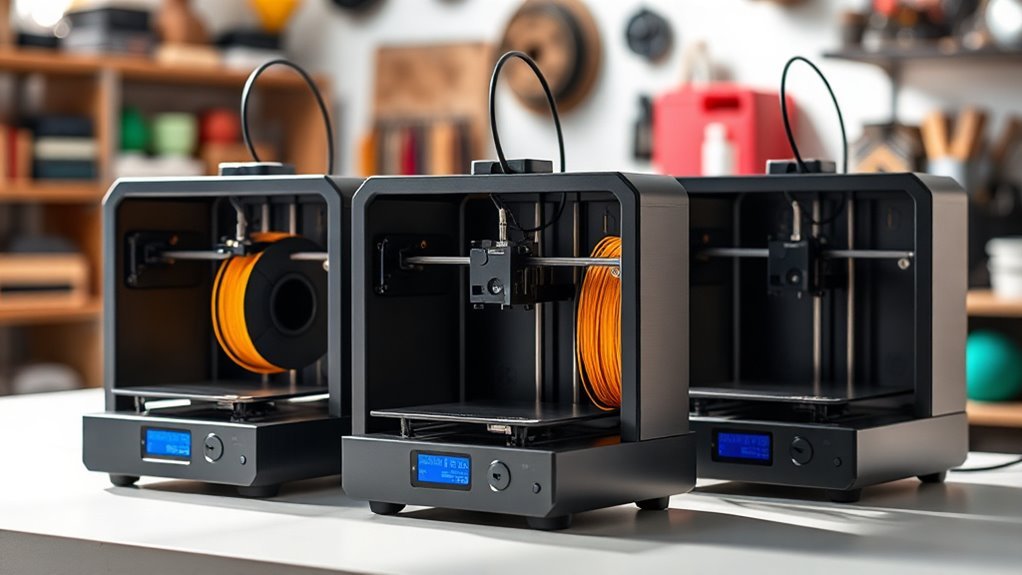
When choosing a budget filament printer, you’ll want to focus on print quality consistency and how many filament types it supports.
Also, think about how easy it is to set up and use, plus the printer’s speed and efficiency.
Don’t forget to check its maintenance needs and overall durability to make sure it lasts.
These factors can really make a difference in your 3D printing experience!
Print Quality Consistency
Consistently achieving high print quality depends heavily on several key factors you should consider when choosing a budget filament printer. First, pay attention to filament dimensional tolerance—a tight ±0.02 mm tolerance reduces diameter variations that cause over- or under-extrusion and surface defects.
Stable temperature control for both nozzle and heated bed is vital to prevent layer delamination and maintain consistent color and texture. You’ll also want a printer with reliable filament spooling to avoid tangles or micro-stretches that lead to uneven extrusion.
Additionally, motion stability and properly tuned acceleration help avoid ringing or layer misalignment. Finally, a uniform extrusion system with a well-calibrated extruder guarantees repeatable filament flow, so your prints stay dimensionally accurate and visually consistent across multiple jobs.
Filament Compatibility Range
Several key factors determine the range of filaments a budget printer can handle, and understanding these will help you choose one that fits your needs. Start by checking the supported filament diameter, usually 1.75 mm, and the printer’s tolerance for diameter variation—±0.02 mm guarantees smooth feeding.
Next, verify the extruder and hotend temperature range to match the filaments you plan to use, like PLA (180–230°C) or PETG (220–250°C). If you want to print flexible filaments like TPU, a direct-drive extruder is essential to avoid jams common with Bowden setups.
Don’t forget to take into account the heated bed type and max temperature, especially if you plan to print ABS or Nylon, which require 80–110°C. Finally, check print speeds; flexible materials need slower speeds to print cleanly.
Setup And Usability
Although budget filament printers often focus on affordability, ease of setup and usability should never be overlooked. You want a printer that assembles quickly, ideally within 15–30 minutes, with clear guides or videos and no need for advanced tools.
Features like auto-leveling and auto Z-offset simplify bed calibration, saving you time and frustration. A removable build plate makes removing prints easier and reduces damage risks, which is great if you’re new to 3D printing.
Intuitive controls and a user-friendly interface help you monitor and adjust prints smoothly without errors. Also, make certain the printer supports common filament diameters like 1.75 mm and has an easy filament loading system, such as direct drive or guided Bowden paths, to minimize jams and make daily use hassle-free.
Speed And Efficiency
Maximizing print speed and efficiency can save you hours on each project, but it’s important to balance these factors carefully.
Higher print speeds (150–250 mm/s) boost throughput but may lower surface quality and demand stronger motion systems to prevent ghosting.
Acceleration and jerk settings influence how fast your printer reaches top speed; higher acceleration (>1000–2000 mm/s²) cuts print time but can cause vibrations, requiring a sturdy frame.
Using thicker layers (0.2–0.3 mm) and larger nozzles speeds up printing but sacrifices detail.
Remember, your printer’s extrusion and cooling capabilities limit practical speeds—push too hard, and you risk under-extrusion.
Features like auto-leveling, rapid bed heating, and reliable filament feeding minimize downtime, enhancing overall efficiency and letting you print more in less time.
Maintenance And Durability
When choosing a budget filament printer, you need to take into account how easy it is to maintain and how durable its components are. Regularly clean and inspect the extruder and nozzle, replacing nozzles every 200–500 hours to prevent clogs and guarantee smooth extrusion.
Lubricate linear rods and lead screws every 50–100 hours with appropriate oil or grease to reduce wear and keep accuracy. Check belt tension and pulley screws weekly if you print heavily, or monthly otherwise, to avoid layer shifts.
Replace wear-prone parts like build plates, PTFE tubes, gears, and fans proactively after visible wear or 1–2 years to prevent sudden failures. Also, keep your printer in a dust-free, temperature-stable space and store filament with desiccants to extend component life and reduce maintenance.
Frequently Asked Questions
How Long Does the Warranty Last on Budget Filament Printers?
Warranties on budget filament printers usually last between 6 months and 1 year. You’ll want to check each brand carefully since coverage varies, but don’t expect long-term guarantees on lower-priced models.
It’s pretty common for these printers to have shorter warranty periods. So, if you’re looking for something with extended coverage, you might need to look beyond the budget options.
Can Budget Printers Handle Flexible Filaments Like TPU?
You might think budget printers can’t handle TPU, but many actually do. You’ll need a direct drive extruder and slow print speeds.
With the right settings, your flexible filament prints can come out smooth and strong. It’s definitely doable once you get the hang of it!
What Software Is Compatible With These Budget 3D Printers?
You’ll find budget 3D printers work well with popular slicer software like Cura, PrusaSlicer, and Simplify3D. These programs are user-friendly and regularly updated.
They support most printer models, making your printing experience smoother and more efficient. So, getting started with these slicers is pretty straightforward!
Are These Printers Noisy During Operation?
You won’t find these printers noisy; they hum quietly like a gentle breeze through leaves.
You’ll appreciate their low sound levels, making them perfect for home use without disturbing your focus or conversations during operation.
How Energy Efficient Are Budget Filament Printers?
Budget filament printers are generally energy efficient, using minimal power during printing. You’ll find they consume less electricity compared to larger machines.
This is especially true if you choose models with standby modes and optimized heating elements to save energy. It’s a smart way to keep your power bills low while printing.
Conclusion
You might think affordable means sacrificing quality, but these budget filament printers prove otherwise. While expensive models boast flashy features, these options deliver reliable performance without breaking the bank.
You don’t have to choose between cost and creativity—you can have both. Whether you’re a beginner or a hobbyist, these printers let you bring your ideas to life with ease and precision.
So, why wait? Quality and affordability can coexist, and your next masterpiece is just a click away. With the best budget filament printers for 2027, you get dependable results without overspending. These printers make 3D printing accessible and fun, letting you explore your creativity without worrying about cost. Ready to start printing? The perfect blend of value and performance is right here.