


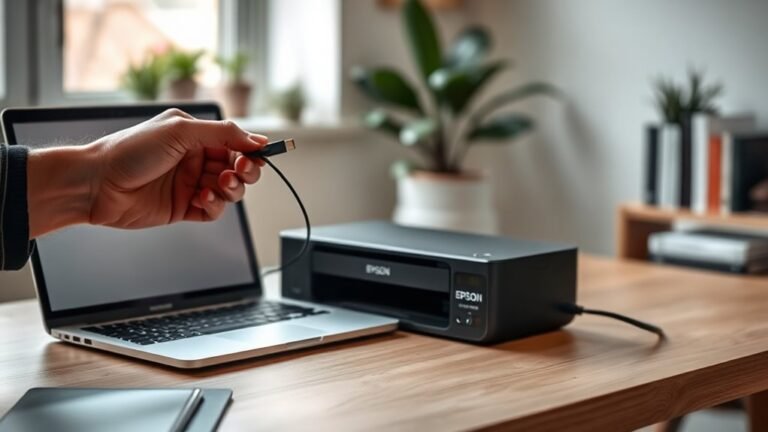
To add your Epson printer to your Mac in 5 easy steps, first make sure your macOS is compatible with the printer model. Then, select a USB or Wi-Fi connection and connect accordingly.
Next, download...
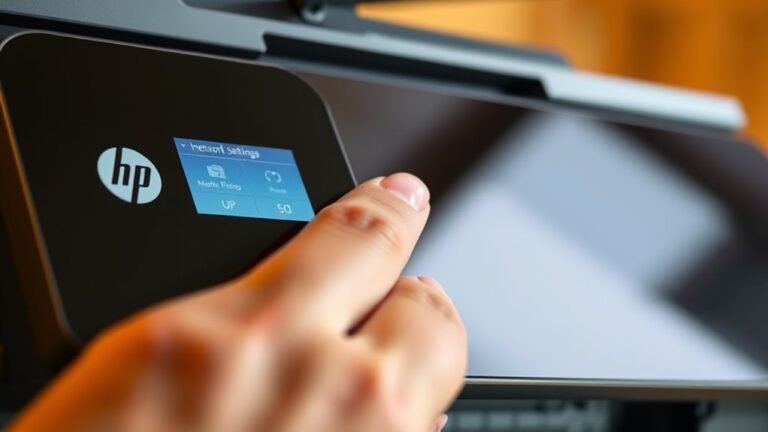
You can find your HP printer’s IP address easily in five simple steps. First, print a Network Configuration Page from the printer’s control panel or touchscreen.
Second, check the control panel...
You can start with quick, practical 3D prints like custom keychains, phone stands, or pet ID tags that take under 30 minutes and cost just cents.
Multicolor 3D printing can then bring your models to...
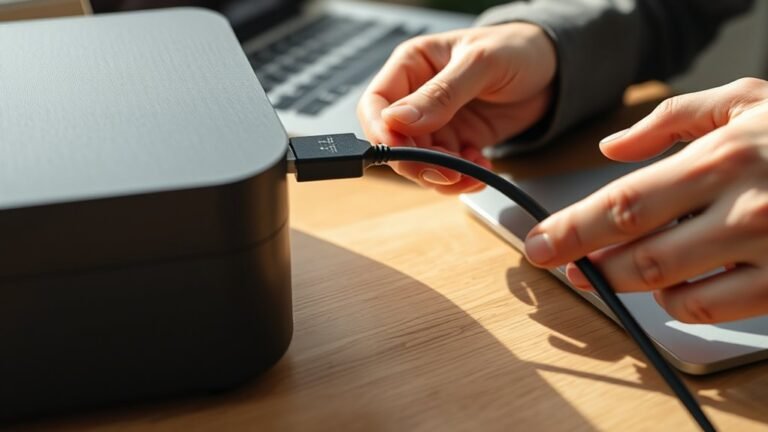
First, power on both your printer and computer. Then, connect them using a quality USB A-to-B cable—ideally 3 to 5 meters or shorter.
Next, download the correct driver from your printer...
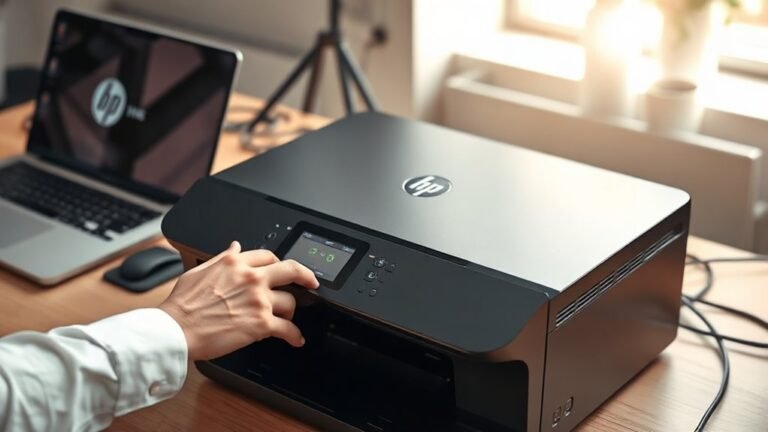
To resolve your HP printer offline, first restart both your printer and computer by powering them off and on.
Next, check your printer’s network or USB connections to ensure they’re secure and on the...
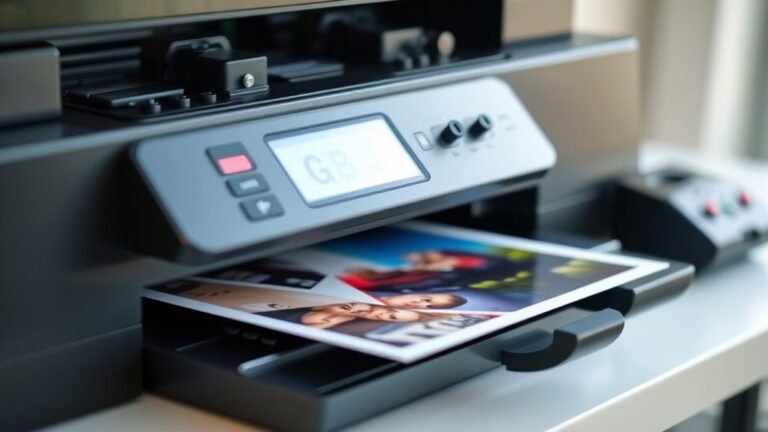
Printers are output devices because they take your digital files and turn them into tangible, permanent copies you can hold, share, or archive. Unlike screens, they provide hard-copy results on paper...
The drum on your Brother printer transfers toner onto paper to create your prints. Over time, it wears out, causing dull images and streaks. So, replacing it restores sharp, clear prints.
To replace...
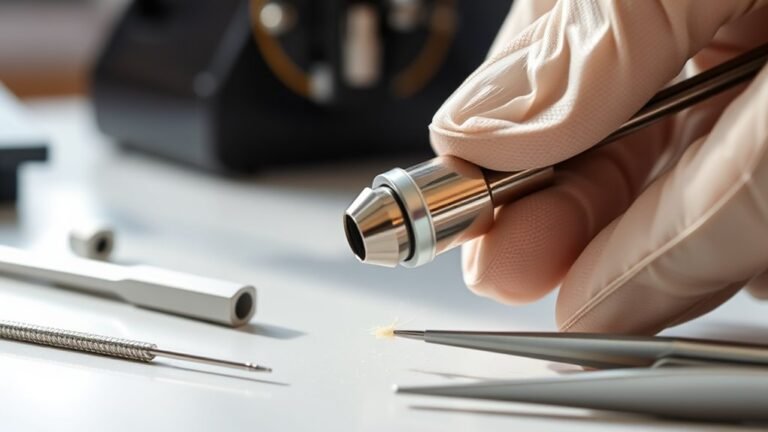
Start by identifying nozzle clogs through extrusion issues or residue. Heat your nozzle to printing temperature and purge softened filament manually.
Next, perform a cold pull by cooling and pulling...
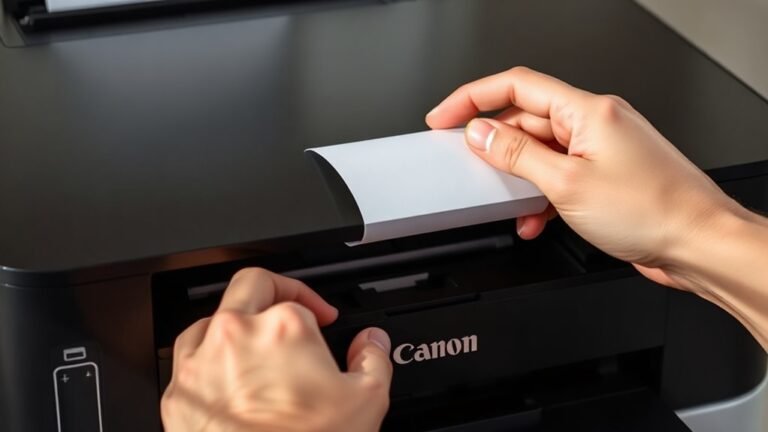
To fix your Canon printer paper jam, first power off and unplug it for safety. Open all covers—front, rear, and paper trays—to locate and carefully remove stuck paper without tearing it.
Check for...