3 best budget 3d printer for hobbyists 2026
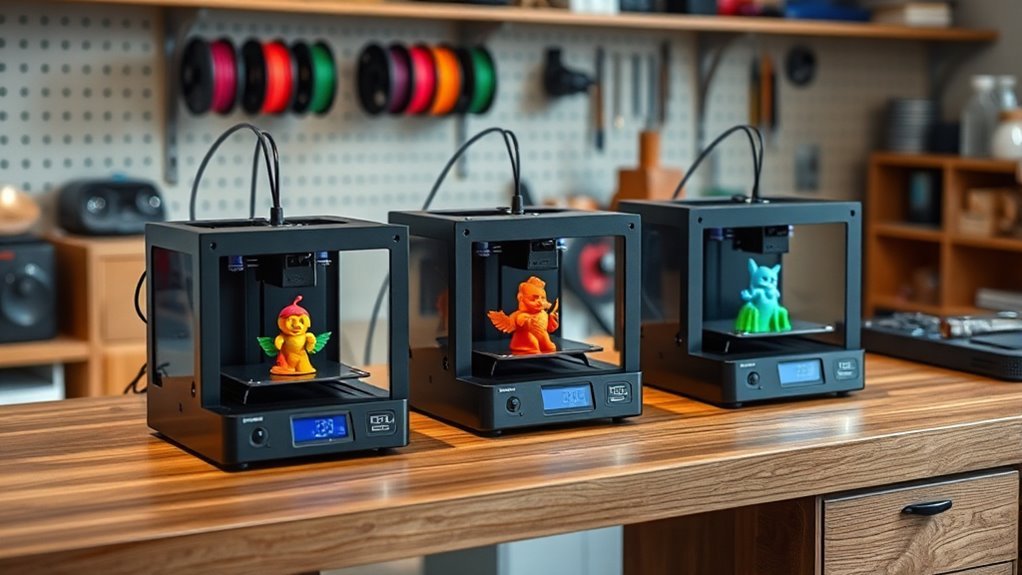
If you want a reliable, easy-to-use 3D printer in 2026, the Anycubic Kobra X Multicolor offers plug-and-play multicolor printing with automatic bed leveling and AI monitoring.
It’s perfect for hobbyists looking to add vibrant details without the hassle. Plus, the setup is straightforward, so you can start printing right away.
The Creality Ender 3 V3 SE delivers fast, accurate prints with a durable dual-gear extruder and simple three-step setup.
It’s a solid choice if you want precision and speed without breaking the bank. Many hobbyists love its reliability and user-friendly design.
For advanced multi-color printing and high speeds, the Creality K2 Plus Combo 2026 is ideal.
This one’s great if you’re ready to take your projects to the next level with more complex color work. Keep exploring to find which fits your hobbyist needs best.
| Image | Name | Editor's Rating | Price |
|---|---|---|---|

|
|
||

|
|
||

|
|
Anycubic Kobra X Multicolor 3D Printer, Easy One-Click Printing
- 【Vivid 19-Color and Versatile Materials】Unleash creativity beyond limits. The Kobra X supports 4-color standard and expands up to 19 colors with 4 ACE 2 Pro for...
- 【600mm/s High Speed Performance】Don't let slow speeds limit your creativity. This high-speed FDM 3D printer reaches up to 600mm/s, completing tasks significantly...
- 【True Plug & Play Experience】Start your first project in as little as 15 minutes. The Kobra X arrives with a user-friendly setup and LeviQ 3.0 automatic bed leveling...
- 【LeviQ 3.0 Perfect First Layer】Forget the frustration of manual bed leveling that plagues beginner machines. The LeviQ 3.0 system utilizes 49-point full-auto leveling...
- 【Quiet & Reliable for Home】The ultra-quiet ≤48 dB operation ensures the living or learning space remains peaceful. Combined with power loss recovery and filament...
The Anycubic Kobra X Multicolor 3D Printer makes vibrant, multicolor printing simple and accessible. Its easy one-click printing and true plug-and-play setup remove the usual complexity of multicolor 3D projects. This means you spend less time configuring and more time creating.
Maintenance is straightforward with the LeviQ 3.0 automatic bed leveling that ensures a perfect first layer every time, reducing print failures. The hardened steel nozzle supports various materials such as TPU, PLA, and PETG, making it versatile for different project needs.
Designed for users who want reliable multicolor prints, it supports up to four colors out of the box. You can expand this to 19 colors with add-ons, allowing for more intricate designs. The built-in 720p camera and AI monitoring help catch errors early and keep prints on track, enhancing reliability.
While its compact 260 × 260 × 260 mm build volume suits most projects, it might limit very large prints. Expanding beyond four colors requires extra hardware, adding cost and complexity. The nozzle’s 300°C max temperature handles most filaments but may limit specialty materials.
Best for: hobbyists, educators, and small businesses seeking an easy-to-use multicolor 3D printer with reliable first-layer quality and advanced monitoring features.
What We Like:
- True plug-and-play setup with automatic bed leveling for consistent first layers
- Supports 4 colors standard, expandable to 19 for detailed multicolor prints
- AI monitoring and filament run-out sensor improve print reliability
- Hardened steel nozzle accommodates TPU, PLA, and PETG materials
- Quiet operation suitable for home or classroom environments
Specification:
| Feature | Details |
|---|---|
| Manufacturer | Anycubic |
| Build Volume | 260 × 260 × 260 mm |
| Nozzle Temperature Max | 300°C |
| Color Support | 4 colors standard, expandable to 19 |
| Materials Supported | TPU, PLA, PETG |
| Bed Leveling | LeviQ 3.0 Automatic |
| Camera | 720p with AI monitoring |
Creality Ender 3 V3 SE 3D Printer Upgrade
- 【250mm/s High-speed Printing】Creality Ender 3 V3 SE 3d printer supports a maximum printing speed of 250mm/s, 2500mm/s² acceleration.The speed has been greatly...
- 【Powerful ""Sprite"" Direct Extruder】Ender 3 V3 SE is the upgrade of ender 3, ender 3 v2, ender 3 pro, ender 3 neo, ender 3 v2 neo, ender 3 s1, ender 3 s1 pro etc 3d...
- 【Worry-free CR Touch Auto Leveling & Strain Sensor】Creality Ender 3 upgraded 3d printer features a CR Touch sensor for auto leveling and a strain sensor for auto...
- 【Stable Dual Z-axis & Y-axis Linear Shafts】High-precision dual Z-axis lead screws reduce Z wobbling effectively, avoid printing deviation in single-axis printing...
- 【Quick Assembly & Easy to Use】Preassembly has solved those hassles and worries of parts assembly, It only takes 3 steps to complete the assemble the ender-3 v3 se 3d...

The Creality Ender 3 V3 SE is designed to boost your 3D printing efficiency without sacrificing reliability. It tackles slow print times by reaching speeds up to 250 mm/s, cutting your project duration by 73% compared to other printers. This means you spend less time waiting and more time creating.
Its Sprite full-metal dual-gear direct extruder ensures smooth and precise filament feeding. Automatic loading and unloading simplify maintenance and reduce jams, supporting common materials like PLA, TPU, and PETG. This makes the printer versatile for a variety of everyday printing needs.
With the CR Touch auto-leveling system and strain sensor, bed leveling and Z-offset adjustments happen automatically. Combined with dual Z-axis screws and sturdy Y-axis shafts, the printer maintains stable motion for accurate and consistent results. Setup is straightforward, requiring only three steps.
While the build volume is moderate at 8.66 x 8.66 x 9.84 inches, it fits most hobbyist projects. The printer’s weight of 15.66 pounds offers a good balance between stability and portability. Overall, the Ender 3 V3 SE simplifies 3D printing with smart features that save time and effort.
Best for: Hobbyists and intermediate users seeking a fast, dependable 3D printer with easy assembly and reliable filament handling.
What We Like:
- High-speed printing reduces project time significantly
- Durable full-metal extruder with auto filament loading/unloading
- Automatic bed leveling and Z-offset for precise prints
- Stable motion system with dual Z-axis screws
- Simple three-step setup for quick start
Specification:
| Feature | Details |
|---|---|
| Manufacturer | Creality |
| Build Volume | 8.66 x 8.66 x 9.84 inches |
| Printing Speed | Up to 250 mm/s |
| Acceleration | 2500 mm/s² |
| Weight | 15.66 pounds (7.1 kg) |
| Supported Filaments | PLA, TPU, PETG |
| Extruder | Sprite full-metal dual-gear |
| Auto-Leveling | CR Touch with strain sensor |
Creality K2 Plus Combo 2026 Multi Color 3D Printer with CFS
- Multicolor Printing with CFS: The K2 Plus Combo includes the K2 Plus 3D printer and one CFS (Color Filament System) unit. The CFS has four slots to hold different...
- Ultra-Fast Speed & High Precision: Achieve an incredible 600mm/s print speed with up to 30,000mm/s² acceleration while maintaining fine details at 0.05mm precision...
- Spacious Build Volume: With a 350×350×350mm print area, you can create large models, intricate designs, or multiple parts in one go. The aerospace-grade aluminum alloy...
- Smart Filament Management: The included CFS unit allows for automatic filament switching between four different colors. It also provides sealed storage and drying...
- Next-Gen AI Automation & Monitoring: Equipped with dual AI cameras and 18 sensors, the system actively monitors the nozzle and print chamber, detecting spaghetti faults...
Experience the freedom of creating vibrant, multi-color 3D prints with the Creality K2 Plus Combo 2026. Designed for precision and speed, this printer solves common challenges of color blending and print accuracy, making complex projects easier to realize.
Its upgraded Color Filament System (CFS) holds four filaments and blends up to 16 colors dynamically. This allows users to produce detailed, eye-catching models without needing to swap materials manually. The 350mm³ build volume provides ample space for large designs, enhancing creative possibilities.
Maintenance is straightforward with sealed filament storage that keeps materials protected from moisture and dust, ensuring consistent print quality. The sturdy aerospace-grade aluminum alloy frame supports stable printing, minimizing vibrations for clearer layers.
Smart monitoring with dual AI cameras and 18 sensors continuously tracks the printing process to reduce failures. With a print speed up to 600 mm/s and layer precision of 0.05 mm, this printer delivers fast, detailed results for both hobbyists and professionals.
Best for: Creators seeking a high-speed, multi-color 3D printer capable of producing large, intricate models with advanced automation and reliable monitoring.
What We Like:
- Dynamic multi-color blending with the upgraded 4-slot CFS unit
- Fast print speed of 600 mm/s with fine 0.05 mm layer precision
- Dual AI cameras and 18 sensors for continuous print monitoring
- Durable aerospace-grade aluminum alloy frame for stability
- Sealed filament storage to maintain material quality
Specification:
| Feature | Specification |
|---|---|
| Manufacturer | Creality |
| Build Volume | 350 mm³ |
| Frame Material | Aerospace-grade aluminum alloy |
| Filament System | Upgraded 4-slot Color Filament System (CFS) |
| Print Speed | Up to 600 mm/s |
| Layer Precision | 0.05 mm |
| Monitoring | Dual AI cameras, 18 sensors |
| Weight | 103.4 lb (46.9 kg) |
| Dimensions (WxDxH) | 16.1 × 18.7 × 15.4 inches |
Factors to Consider When Choosing a Budget 3D Printer for Hobbyists 2026
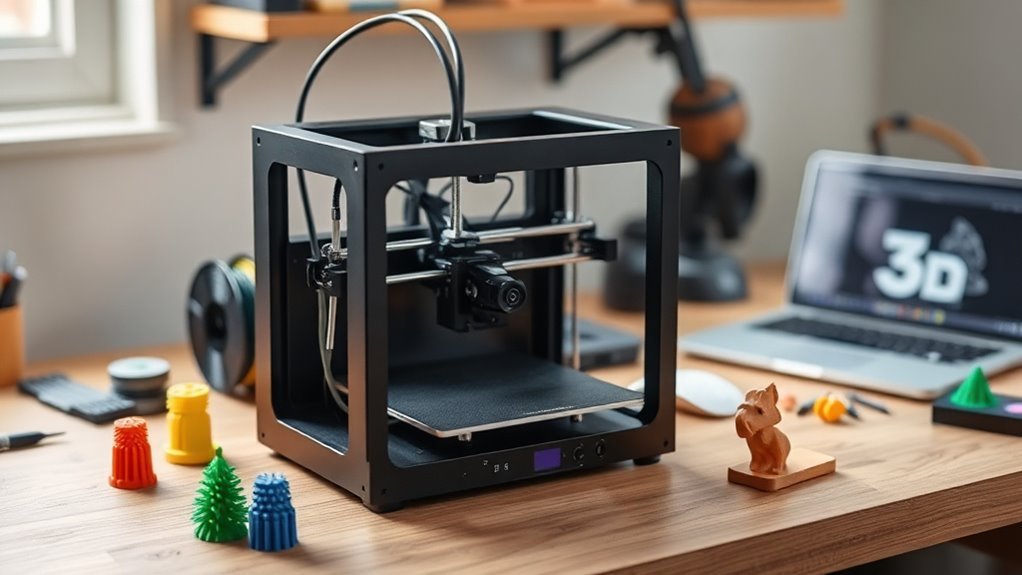
When choosing a budget 3D printer, you’ll want to focus on print quality and speed to get the best results efficiently. Consider what materials the printer supports, how easy it is to set up, and the safety features it offers for peace of mind.
Don’t forget to check its noise level and reliability to make certain it fits your workspace and long-term needs. After all, you want something that works well without causing headaches. Picking the right one can make your hobby way more enjoyable!
Print Quality And Speed
Maximizing print quality and speed requires balancing several key factors. You’ll want a printer with a strong motion system capable of high speeds—several hundred mm/s—while maintaining vibration control to avoid surface defects.
Layer height resolution is vital; smaller layers around 0.05 mm give finer details but take longer to print. Acceleration and jerk settings affect how fast your printer changes direction—higher values speed printing but can cause ringing if the frame isn’t sturdy.
Nozzle diameter also impacts detail; smaller nozzles (0.2–0.4 mm) help achieve finer features. Plus, stable extrusion systems prevent under- or over-extrusion during fast moves, so look for reliable filament feeding and active compensation to keep layers consistent without sacrificing speed or print quality.
Material Compatibility Options
Although print quality and speed are crucial, material compatibility plays an equally important role in choosing the right budget 3D printer for hobbyists. You’ll want to confirm the printer supports filament types you plan to use, like PLA, PETG, TPU, or PVA. Also, check recommended shore hardness for flexible filaments to guarantee smooth feeding.
Verify the hotend’s temperature range—up to around 300°C lets you print tougher plastics. It’s also good to see if it includes or supports hardened nozzles for abrasive materials.
If you need multi-material or color printing, look for printers that handle multiple spools or soluble supports. Don’t forget to consider filament management features like run-out sensors and dry storage compatibility.
Finally, choose extruder types suited for your filaments. Direct drive and dual-gear extruders handle flexible filaments and retractions better, making your prints smoother and more reliable.
Ease Of Setup
Getting a budget 3D printer up and running quickly can make all the difference for hobbyists keen to start creating. Look for models with true plug-and-play or guided setup workflows that let you print within 15–30 minutes, cutting frustration.
Automatic bed leveling with multi-point probing simplifies first-layer tuning, so you won’t waste time on manual adjustments. Preassembled or partially assembled kits reduce setup from hours to under half an hour, speeding your start.
Features like auto filament loading and reliable filament run-out sensors eliminate common manual steps, making print starts smoother and less error-prone. Plus, clear onboard tutorials, touchscreen prompts, or companion apps with real-time camera monitoring help you troubleshoot quickly.
These ease-of-setup factors guarantee you spend more time creating and less time configuring.
Monitoring And Safety Features
Once your budget 3D printer is set up and ready to go, keeping an eye on your prints and ensuring safe operation becomes a top priority. Look for a built-in camera with at least 720p resolution to monitor prints in real-time and remotely pause or stop if something goes wrong.
Filament run-out sensors help avoid wasted material by pausing the print when the filament runs out, prompting you to replace it. Power-loss recovery saves your progress during outages, restarting from the last successful layer.
Advanced printers include spaghetti and object-detection algorithms that automatically pause or cut filament if the print collapses. Multiple sensors monitor temperature, current, and nozzle conditions, alerting you to clogs or overheating.
This reduces fire risk and boosts print reliability, giving you peace of mind while you print. It’s all about making the process smoother and safer for you.
Noise Level And Reliability
When selecting a budget 3D printer, you’ll want to prioritize models that operate at or below 50 dB to keep noise levels comfortable during long print sessions. Printers louder than this can disrupt conversations and your media enjoyment.
For reliability, focus on features like automatic bed leveling, filament run-out sensors, and power-loss recovery to minimize failed prints and reduce supervision. Multi-sensor monitoring, including cameras and temperature sensors, helps catch issues early, saving filament and time.
Look for mechanical designs that reduce vibration—stiffer frames, dual Z screws, and vibration-compensating firmware—to maintain print quality and extend component life. Finally, check for easy access to spare parts and a solid warranty with responsive support to avoid costly downtime and keep your printer working smoothly.
Frequently Asked Questions
What Types of Filaments Are Compatible With Budget 3D Printers?
You’ll typically use PLA, ABS, and PETG filaments with budget 3D printers since they’re affordable and easy to print.
Some printers also handle TPU for flexible prints, but check your model’s specs before trying specialty materials.
It’s always a good idea to know what your printer can handle so you don’t run into issues down the line.
How Noisy Are Budget 3D Printers During Operation?
You won’t be startled by loud clanks; budget 3D printers usually hum softly, like a gentle breeze.
While not silent, their noise stays low enough to keep your creative flow uninterrupted and your space peaceful.
Can Budget 3D Printers Be Used for Educational Purposes?
Yes, you can definitely use budget 3D printers for educational purposes. They’re affordable and easy to operate.
Plus, they help you teach design, engineering, and creativity hands-on. This makes learning more engaging and practical for students.
What Maintenance Is Required for Hobbyist 3D Printers?
Think of your 3D printer as a garden: you’ll need to water it by cleaning nozzles, prune by tightening belts, and nourish it through firmware updates.
Keep it cared for, and it’ll bloom with every print you create. Easy, right? Just a little attention goes a long way!
Are There Any Safety Precautions When Using 3D Printers at Home?
Yes, you should keep the printer in a well-ventilated area and avoid touching hot parts. Never leave it unattended during printing, and make sure to use proper protective gear.
Always follow the manufacturer’s safety guidelines to prevent accidents. It’s better to be safe than sorry when working with 3D printers at home!
Conclusion
When choosing your budget 3D printer, remember to prioritize ease of use, print quality, and multi-color capabilities. The Anycubic Kobra X, Creality Ender 3 V3 SE, and Creality K2 Plus Combo each offer unique strengths that fit different hobbyist needs.
By visualizing your printing goals and budget, you’ll quickly see which model aligns best. Trust your hands-on experience—testing each printer’s features will reveal the true value and help bring your creative ideas to life.
In the end, finding the best budget 3D printer for hobbyists comes down to balancing features with affordability. Whether you want crisp detail, user-friendly setup, or multi-color printing, these top picks cover it all. Take your time exploring the Anycubic Kobra X, Creality Ender 3 V3 SE, and Creality K2 Plus Combo to match your style and projects. That way, your investment will truly enhance your 3D printing journey and creativity in 2026.