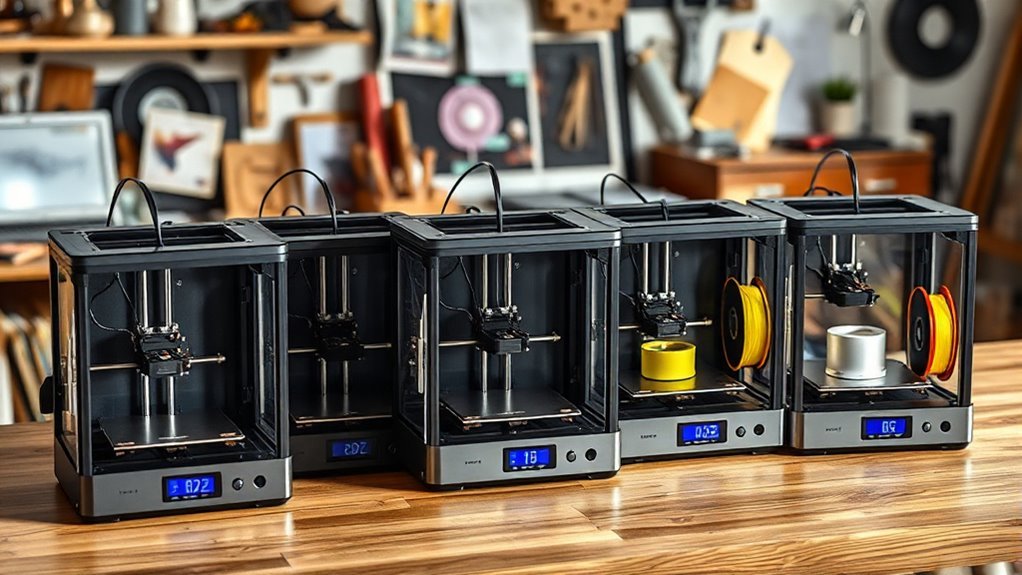
5 Best 3D Printer Kits Under $500 for 2027
You can find excellent 3D printer kits under $500 that balance speed, precision, and ease of use. These budget-friendly options are perfect whether you’re a beginner or looking to upgrade your current setup without breaking the bank.
From fast CoreXY motion to multi-color printing capabilities, there’s something for everyone in this price range.
The Creality K2 SE offers fast CoreXY motion and a sturdy frame, making it a reliable choice for detailed prints.
Meanwhile, the Mini 3D Printer Starter Kit is perfect for beginners with its compact design and user-friendly features.
For those interested in multi-color printing, check out the Creality SPARKX i7 Nano.
FLASHFORGE models like the AD5M and Adventurer 5M deliver high speed and auto leveling, helping you get consistent, quality results.
Keep exploring to discover which fits your needs best.
| Image | Name | Editor's Rating | Price |
|---|---|---|---|

|
|
||

|
|
||

|
|
||

|
|
Creality K2 SE 3D Printer Bundle with 74Pcs 3D Printing Tool Wrap Kit
- 【500mm/s High-Speed Fast Printing】Driven by a lightweight CoreXY motion system, the Creality K2 SE delivers up to 500mm/s high-speed printing with 20,000mm/s...
- 【Solid Metal Build—High Precision & Stable Printing】Featuring a die-cast aluminum alloy frame, corner gussets, and dual-side crossbeams, the K2 SE offers...
- 【Expandable Multicolor Printing—Compatible with Creality CFS】K2 SE is the upgrade of K1 SE 3d printer, the K2 SE is fully compatible with the Creality CFS...
- 【16 COLORS TO ENHANCE YOUR CREATIVITY】The Creality Filament System (CFS) has a connection hub on the back. By connecting up to four CFS units together, you can print...
- 【Professional Versatility & Wide Application】Disassemble, assemble, connect, grind, cut, cleaning, scrape, shovel.This 3D Printer Tool Wrap Kit Pro contains the tools...
Experience the power of speed and precision with the Creality K2 SE 3D Printer Bundle. Designed to handle detailed and large-scale projects, this printer uses a lightweight CoreXY motion system to reach speeds up to 500mm/s. This means you can complete your prints faster without sacrificing quality.
The printer’s built-in vibration sensor and input shaping algorithm work together to deliver smooth, sharp results. Its die-cast aluminum frame with corner gussets adds stability and accuracy, ensuring each print is consistent and reliable. Maintenance is simple thanks to the robust design and the included 74-piece tool kit, which supports both beginners and experienced users.
This 3D printer bundle is ideal for those who need a fast, stable solution that adapts to complex projects. While multicolor printing requires an additional Creality CFS system, the overall package provides a solid foundation for professional and hobbyist use alike.
Best for: hobbyists and professionals seeking a fast, stable, and precise 3D printer bundle with comprehensive tools for detailed and large-scale projects.
What We Like:
- High-speed CoreXY system delivers efficient printing up to 500mm/s
- Sturdy die-cast aluminum frame ensures stable, precise prints
- Includes a versatile 74-piece tool kit for easy setup and maintenance
Specification:
| Feature | Details |
|---|---|
| Manufacturer | Creality |
| Dimensions | Not specified |
| Weight | Not specified |
| Frame Material | Die-cast aluminum alloy |
| Motion System | CoreXY |
| Included Tools | 74-piece tool kit |
Mini 3D Printer Starter Kit for Kids & Beginners
No products found.
The Mini 3D Printer Starter Kit offers a simple way for kids and beginners to dive into 3D printing. Its compact, fully assembled design lets users start printing immediately, removing the usual setup frustrations. This makes it easy to bring ideas to life with minimal hassle.
With fast printing speeds up to 250mm/s and precise 0.01mm detail, this printer delivers sharp results that impress. Automatic nozzle cleaning and one-button auto-leveling simplify maintenance, ensuring smooth operation without constant adjustments. The one-touch filament loading helps users change materials quickly.
The PEI heated bed makes removing finished models effortless, reducing damage risk. Although the kit includes only PLA filament and requires 3D-printed holders for extra spools, the overall design supports easy learning and creativity. While it may not suit advanced users or large projects, it’s ideal for small-scale printing and experimentation.
Best for: kids and beginners looking for an easy-to-use, fully assembled 3D printer that balances speed, precision, and simple maintenance.
What We Like:
- Fast printing at up to 250mm/s with high precision.
- User-friendly automatic nozzle cleaning and leveling.
- One-touch filament loading for quick material changes.
- PEI heated bed for easy model removal.
- Compact, ready-to-use design with included accessories.
Specification:
| Feature | Details |
|---|---|
| Manufacturer | Not specified |
| Dimensions | Not specified |
| Weight | Not specified |
| Material | Includes PLA filament |
| Color Options | Not specified |
Creality SPARKX i7 Nano Combo 3D Printer
- 𝐌𝐮𝐥𝐭𝐢-𝐜𝐨𝐥𝐨𝐫 𝐏𝐫𝐢𝐧𝐭𝐢𝐧𝐠: Supports automatic filament switching for up to 4 colors, no frequent manual...
- 𝐋𝐚𝐫𝐠𝐞 𝟐𝟔𝟎×𝟐𝟔𝟎×𝟐𝟓𝟓𝐦𝐦 𝐁𝐮𝐢𝐥𝐝 𝐒𝐢𝐳𝐞: Break free from size restrictions to complete diverse...
- 𝐂𝐨𝐦𝐩𝐚𝐜𝐭 𝐒𝐩𝐚𝐜𝐞‑𝐒𝐚𝐯𝐢𝐧𝐠 𝐃𝐞𝐬𝐢𝐠𝐧: Features a tiny footprint for easy desk placement. Optimized...
- ...
- 𝐄𝐦𝐩𝐭𝐲 𝐑𝐮𝐧 𝐃𝐞𝐭𝐞𝐜𝐭𝐢𝐨𝐧: Real‑time filament monitoring on all channels. Automatically halts printing upon detecting...

The Creality SPARKX i7 Nano Combo transforms your 3D printing experience by enabling seamless multi-color prints without the hassle of manual filament changes. Its automatic filament switching supports up to four colors, simplifying complex projects and allowing you to produce vibrant, detailed models with ease.
Designed with efficiency in mind, this printer includes auto filament refill and empty run detection features. These prevent print failures by pausing the process if filament runs out or breaks, saving you time and materials. Its compact size fits neatly on any desk, making it ideal for both home and office use.
With a generous 260×260×255 mm build volume, the SPARKX i7 Nano Combo handles a wide range of projects, from intricate designs to larger prints. Real-time monitoring ensures print reliability, giving you peace of mind throughout the printing process.
Maintenance is straightforward thanks to its smart features, which reduce manual intervention. This model balances precision, convenience, and reliability in one efficient package.
Best for: hobbyists and professionals seeking an easy-to-use, reliable multi-color 3D printer with automatic filament management and a spacious build volume.
What We Like:
- Automatic switching between up to 4 filament colors for vibrant, multi-color prints
- Auto filament refill and empty run detection to avoid print interruptions
- Compact design with real-time monitoring for stable desktop use
Specification:
| Feature | Details |
|---|---|
| Manufacturer | Creality |
| Build Volume | 260 × 260 × 255 mm |
| Filament Colors | Up to 4 |
| Design | Compact, desktop-friendly |
| Maintenance Features | Auto filament refill, empty run detection |
FLASHFORGE AD5M 3D Printer with Auto Calibration
- Unleash Your Creativity: The Perfect Companion for Beginners and Experts Alike. The AD5M combines brand-new technology and superior craftsmanship to meet the needs of all...
- Achieve Perfect Prints with Ease: The AD5M is equipped with a fully automatic one-click leveling system that precisely measures the nozzle-to-build plate distance to set...
- Core XY All-Metal Motion Structure: The AD5M features a durable, innovative design that ensures high-speed printing without compromising quality. Its stable and smooth...
- Patent Quick-Release Nozzle: With multiple nozzle diameters available (0.25/0.4/0.6/0.8 mm), the AD5M caters to both high-precision and high-efficiency printing needs...
- Enhanced Control and Efficiency: The Orca-flashforge slicer enables one-click batch file transmission and multi-printer network monitoring. Additionally, the Flash Maker...
Experience streamlined 3D printing with the FLASHFORGE AD5M, designed to make your creative process smoother and more efficient. Its automatic one-click calibration removes guesswork, ensuring your prints start perfectly every time.
The printer’s all-metal CoreXY structure offers fast, precise printing up to 220 x 220 x 220 mm. Speeds reach up to 600 mm/s, helping you complete projects quickly without sacrificing quality. This balance of speed and accuracy supports a variety of print needs.
Maintenance is hassle-free thanks to tool-free quick-swap nozzles. Supporting diameters from 0.25 to 0.8 mm, nozzle changes are simple and keep downtime minimal. The flexible double-sided PEI steel plate also allows easy model removal and works well with different materials.
Additional features like power recovery and a mobile app for remote control keep you connected and in charge, even during interruptions. The AD5M blends reliability, user-friendly design, and efficient functionality for a versatile 3D printing experience.
Best for: budget-conscious hobbyists and small-scale professionals seeking a fast, reliable, and easy-to-maintain 3D printer with advanced features like automatic calibration and remote control.
What We Like:
- Automatic one-click calibration for hassle-free setup
- Tool-free quick-swap nozzles simplify maintenance
- High-speed CoreXY design delivers precise, rapid prints
- Flexible double-sided PEI steel plate eases model removal
- Mobile app enables remote printer control and monitoring
Specification:
| Feature | Details |
|---|---|
| Manufacturer | FLASHFORGE |
| Print Volume | 220 x 220 x 220 mm |
| Print Speed | Up to 600 mm/s |
| Nozzle Diameter | 0.25 – 0.8 mm |
| Frame Material | All-metal CoreXY structure |
| Build Plate | Double-sided flexible PEI steel |
| Weight | 22 lb (10 kg) |
FLASHFORGE Adventurer 5M High-Speed 3D Printer
- 【Succeed with a Perfect First Layer】Full-auto one-click leveling calibrates and levels the bed properly, making you a perfect first layer for every 3D print. It...
- 【Ultra-Fast and Exceptional Quality】Core XY up to 20000 mm/s² Acceleration, Maximum speed 600mm/s, the acceleration from zero to 600 mm/s takes just 0.025 seconds...
- 【Vibration Compensation&Less Waiting Time】Vibration compensation, eliminating ghosting in prints. Nozzle with a flow of 32mm³/s, 50w heating power, 200℃ heating up...
- 【Filament Run-out Sensor & Power Loss Recovery】Eliminate the problem of empty spools during printing. Change filament when empty and Resume. Worry-free from a power...
- 【Robust designs for superior quality】Open 3D printer, Suitable for use in open and, well-ventilated environments, Flexible removable PEI steel plate support...
Experience the power of high-speed, precise 3D printing with the FLASHFORGE Adventurer 5M. Designed to meet the needs of users who require fast and accurate output, this printer excels at delivering quality prints without long wait times. Its advanced Core XY mechanism enables rapid acceleration and printing speeds, helping you complete projects more efficiently.
Maintenance is simplified with the full-auto one-click leveling system, ensuring a flawless first layer every time. The open-frame design paired with a flexible PEI steel plate supports multiple filament types, including PLA and carbon fiber blends, giving you the versatility to experiment with different materials. Setup is straightforward, taking just about 10 minutes to get started.
This printer’s vibration compensation feature minimizes print errors, producing sharp, detailed results. Safety is prioritized with built-in filament run-out detection and power loss recovery, so interruptions don’t ruin your work. However, the open design may not suit environments needing controlled printing conditions, and some specialty filaments require nozzle changes for optimal results.
Best for: Users seeking a fast, reliable 3D printer with easy setup and versatile filament compatibility for high-quality, precise prints.
What We Like:
- Rapid printing speeds enabled by Core XY technology
- Full-auto one-click bed leveling for consistent print quality
- Vibration compensation reduces print defects
- Filament run-out detection and power loss recovery enhance reliability
- Supports multiple filament types with flexible PEI steel plate
Specification:
| Feature | Details |
|---|---|
| Manufacturer | FLASHFORGE |
| Dimensions (WxDxH) | Not specified |
| Weight | Not specified |
| Material | Metal frame, PEI steel plate |
| Color Options | Not specified |
Factors to Consider When Choosing a 3D Printer Kit Under 500
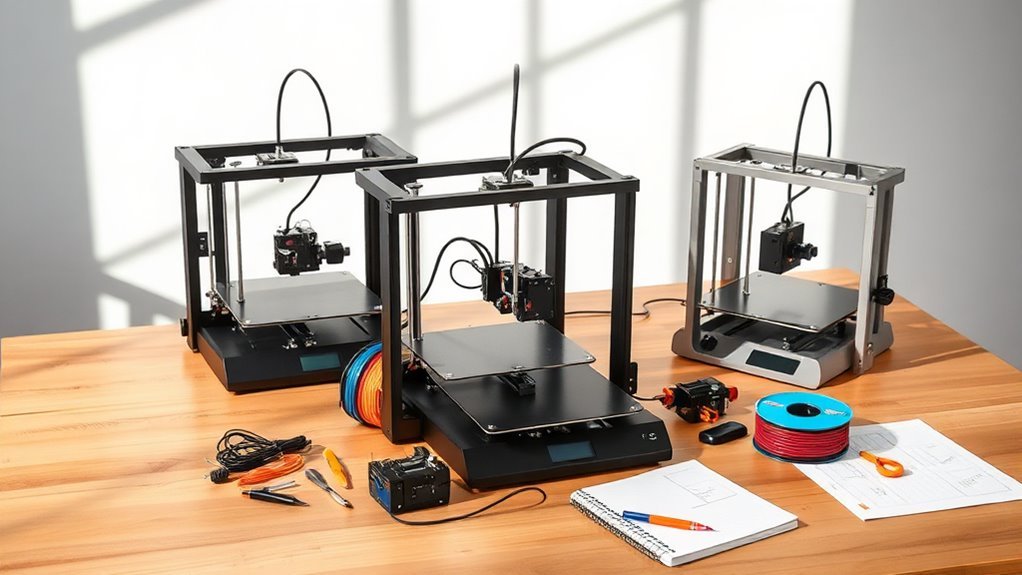
When choosing a 3D printer kit under $500, you’ll want to focus on printing speed and precision to get quality results quickly. These two factors really make a difference in your final prints.
Also, consider the build volume and size to make sure it fits your projects and workspace. You don’t want to end up with a printer that’s too big or too small for what you need.
And don’t forget to check for ease of use, material compatibility, and the printer’s reliability and stability. These will help you avoid frustration down the line and keep your printing experience smooth.
Printing Speed And Precision
Three key factors determine how fast and precise your 3D printer kit will be: printing speed, layer resolution, and motion system design. Printing speeds can reach up to 600 mm/s, letting you complete larger projects much quicker.
Precision hinges on layer resolution; top kits offer accuracy as fine as 0.01 mm, perfect for detailed prints. Look for advanced motion systems like CoreXY, which boost speed and stability while reducing issues like ringing and resonance.
High acceleration rates, sometimes up to 20,000 mm/s², guarantee smooth speed changes without hurting quality. Features such as automatic bed leveling and vibration compensation help maintain consistent print quality and nail that flawless first layer.
Prioritizing these factors guarantees you get fast, accurate prints every time.
Build Volume And Size
Choosing the right build volume is essential because it defines the largest object your 3D printer can create. Most beginner-friendly kits offer build sizes between 200×200 mm and 300×300 mm, which suit most standard projects.
If you opt for a smaller printer, know it might limit your creative possibilities. Consider what you plan to print before settling on a size.
Also, keep in mind the printer’s footprint—larger build volumes usually mean bigger machines requiring more workspace. Don’t just focus on the build area’s height, width, and depth; check the overall printer dimensions too.
Make sure it fits comfortably in your setup. Balancing build volume and size helps you maximize productivity without overwhelming your available space.
Ease Of Use
Ease of use can make or break your 3D printing experience, especially if you’re just starting out. Look for printers with automatic nozzle cleaning and one-click leveling to simplify setup and maintenance, guaranteeing consistent print quality.
A user-friendly design with one-touch filament loading helps reduce your learning curve, making printing more accessible. Choosing a model that comes fully assembled or requires minimal assembly lets you start printing faster.
Features like PEI heated beds aid in easy model removal and improve first-layer adhesion, enhancing your results. Also, consider printers offering thorough support, such as lifetime technical help and easy return policies, so you have reassurance if you run into issues.
Prioritizing these ease-of-use factors guarantees a smoother, more enjoyable 3D printing journey. It really makes all the difference!
Material Compatibility
While exploring 3D printer kits under $500, you’ll want to evaluate the range of filament materials each printer supports to match your project needs. Look for compatibility with common filaments like PLA, PETG, and TPU, as well as specialty composites if your projects demand them.
Check the printer’s nozzle options—different diameters allow for varied filament types and finer print resolutions. Also, consider the build surface; some are optimized for PLA, while others handle high-temperature materials better.
A heated bed is essential for improving adhesion and reducing warping, especially with ABS and PETG. And don’t forget about features like a filament run-out sensor—it can save your print from failure when using specialty filaments or less common materials.
All these little things add up to a smoother and more reliable printing experience. So, keep them in mind when making your choice!
Reliability And Stability
When you invest in a 3D printer kit under $500, you want it to deliver consistent, high-quality results without frequent interruptions. A reliable printer features a robust frame, like die-cast aluminum or all-metal structures, which keeps it stable during high-speed printing and reduces vibrations.
Stability improves with design elements such as corner gussets and dual-side crossbeams that minimize frame flex during rapid movements. Advanced motion systems like CoreXY offer speed without sacrificing print quality or accuracy.
Additionally, automatic filament detection and empty run detection help avoid print failures caused by filament issues. By focusing on these reliability and stability factors, you guarantee smoother, more dependable printing experiences with your budget-friendly 3D printer kit.
Support And Warranty
Many 3D printer kits under $500 come with return policies and warranties that protect your investment. Look for a 30-day return or replacement policy so you can send back the printer if it doesn’t meet your needs.
Choose kits with at least a 12-month warranty offering free repairs to avoid unexpected costs. Also, check if the manufacturer provides lifetime technical support with quick response times—ideally within 24 hours—to help troubleshoot issues.
Don’t overlook the value of thorough online documentation and FAQs, which can simplify setup and maintenance. Finally, seek out user forums or community groups where you can share tips and get advice from other 3D printing enthusiasts.
Good support and warranty options guarantee your 3D printing journey starts smoothly and stays hassle-free.
Frequently Asked Questions
How Do I Maintain and Clean My 3D Printer?
You should regularly clean the nozzle, bed, and fans to keep your 3D printer running smoothly. Lubricate moving parts, tighten belts, and update firmware.
Don’t forget to remove filament residue and dust to avoid clogs. It really helps to keep everything working without a hitch.
What Types of Filaments Are Compatible With These Printers?
You can use PLA, ABS, PETG, and TPU filaments with these printers. They’re versatile and easy to work with.
Just make sure to check your printer’s specs for compatibility and temperature settings before starting your print. It’s always good to double-check so everything goes smoothly!
Can These Printers Connect to Wi-Fi or Bluetooth?
Coincidentally, many of these 3D printer kits do connect to Wi-Fi or Bluetooth, so you can easily manage prints remotely. You’ll find that wireless options enhance convenience without complicating your setup or budget.
It’s pretty handy, right? Being able to control your printer from anywhere makes the whole process a lot smoother. Plus, you don’t have to worry about extra cables or expensive add-ons.
Are Replacement Parts Readily Available for These Models?
Yes, replacement parts are usually easy to find for these models. You’ll often get access to official stores or third-party sellers,
ensuring you can quickly replace worn or broken components without much hassle.
What Safety Precautions Should I Follow While Printing?
You should always work in a well-ventilated area and wear gloves when handling hot parts. Avoid touching the nozzle during printing to prevent burns.
Make sure to keep the printer on a stable surface. Also, never leave it unattended while it’s running to stay safe.
Conclusion
Choosing the right 3D printer kit under $500 can feel overwhelming, but it doesn’t have to be. With options like the Creality K2 SE or FLASHFORGE Adventurer 5M, you’re sure to find a powerful, budget-friendly match.
So, why settle for less when you can release your creativity with quality and affordability? Remember, the best printer is the one that fits your needs and sparks your passion for 3D printing.
When searching for the best 3D printer kits under $500, focus on features that matter most to you—whether it’s print quality, ease of use, or assembly time. These affordable kits offer great value without compromising performance.
Ready to start printing? Dive into the world of 3D printing with confidence knowing that a quality, budget-friendly 3D printer kit is within your reach. Your perfect 3D printer awaits!