3 Best All-in-One Printers for Apple in 2027
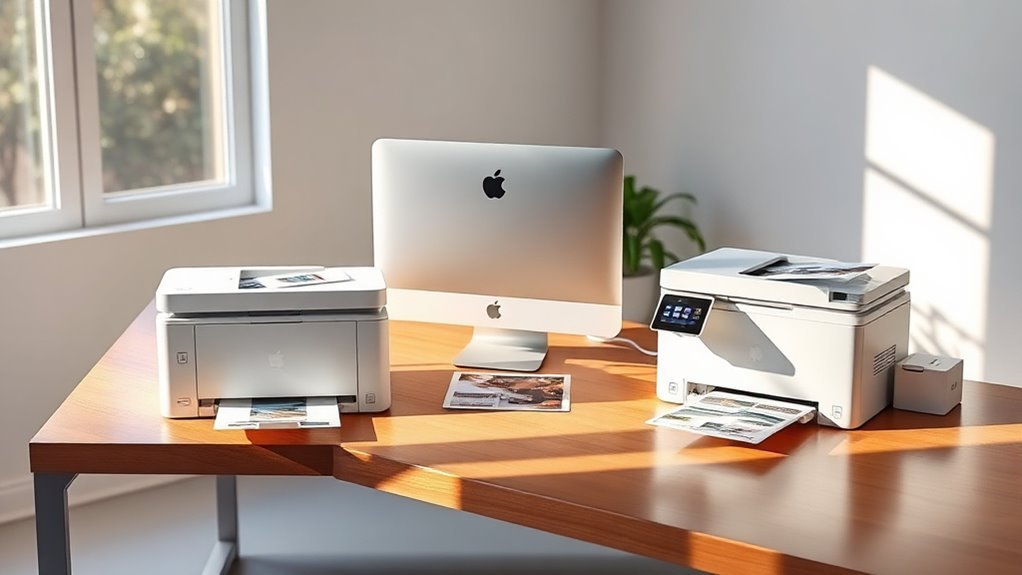
You’ll want the HP DeskJet 2923 for its eco-friendly design and easy wireless printing with your Apple devices.
It’s perfect if you’re looking for something that’s both green and hassle-free. Plus, it fits right into your Apple setup without a hitch.
The Brother Work Smart 1360 offers fast print speeds, duplexing, and intuitive mobile app control.
This one’s great if you need efficiency and smooth operation on the go. It makes managing your prints super straightforward.
For versatile tasks, the Canon PIXMA TR8620a supports AirPrint, Alexa integration, and high-quality prints.
It’s a solid choice when you want a bit more functionality and smart features. Each of these printers works smoothly with Apple’s ecosystem, combining efficiency and sustainability.
If you keep exploring, you’ll find the key features that make these printers stand out for your needs.
They’re designed to keep you productive and connected in 2027 and beyond.
| Image | Name | Editor's Rating | Price |
|---|---|---|---|

|
|
||

|
|
||

|
|
HP DeskJet 2923 Color Inkjet Printer | Wireless | All-in-One
- Perfect for basic printing needs – Print everyday color documents like to-do lists, letters, financial documents and recipes
- KEY FEATURES – Color print, copy, scan, and a 60-sheet input tray, plus mobile and wireless printing
- OPTIMIZE PRINT FORMATTING WITH HP AI – Print web pages and emails with precision—no wasted pages or awkward layouts; HP AI easily removes unwanted content, so your...
- ICON LCD – Print your basic documents with ease from the intuitive control panel
- PRINT SPEED – Up to 7.5 ppm black, 5.5 ppm color

The HP DeskJet 2923 is a compact all-in-one printer designed to simplify your daily tasks. It combines printing, copying, and scanning, making it a practical solution for home or office use. Its color printing capability brings your documents and photos to life with vivid detail.
Connecting to Apple devices is effortless with wireless dual-band Wi-Fi. You can print directly from your iPhone or iPad using the HP app, streamlining your workflow. The printer’s efficient design includes a 60-sheet input tray, suitable for moderate printing needs.
Maintenance is straightforward, supported by HP’s AI that optimizes print layouts for precise results. The device is also eco-conscious, crafted from 70% recycled plastics and certified ENERGY STAR, helping reduce environmental impact.
While its print speeds are moderate, this printer balances functionality and sustainability. Its size and features make it ideal for users who prioritize convenience and environmental responsibility over heavy-volume printing.
Best for: users seeking a versatile, eco-friendly all-in-one printer with seamless wireless integration for Apple devices in a home or small office setting.
What We Like:
- Combines printing, copying, and scanning in one compact unit
- Wireless dual-band Wi-Fi enables easy mobile printing via HP app
- Made with 70% recycled plastics and ENERGY STAR certified
- AI-driven print layout optimization for accuracy
Specification:
| Feature | Details |
|---|---|
| Manufacturer | HP |
| Dimensions | Compact (exact size not specified) |
| Weight | Not specified |
| Material | 70% recycled plastics |
| Color Options | Not specified |
Brother Work Smart 1360 Wireless Color Inkjet All-in-One Print, Scan, Copy
- AFFORDABLE ALL-IN-ONE FOR HOME AND HOME OFFICE: Print, copy, and scan on one compact wireless printer designed for everyday home office printing, schoolwork, documents...
- EASY TO USE WITH CLOUD APP CONNECTIONS: Print from and scan to popular Cloud apps(2), including Google Drive, Dropbox, Box, OneDrive, and more from the simple-to-use...
- FULL-SIZE FEATURES IN A COMPACT DESIGN: This printer includes automatic duplex (2-sided) printing, a 20-sheet single-sided Automatic Document Feeder (ADF)(3), and a...
- MULTIPLE CONNECTION OPTIONS: Connect your way. Interface with your printer on your wireless network or via USB.
- MOBILE PRINTING MADE EASY: Go mobile with the Brother Mobile Connect app(5) that delivers easy onscreen menu navigation for printing, copying, scanning, and device...
The Brother Work Smart 1360 Wireless Color Inkjet All-in-One printer brings convenience and efficiency to your home office. Its wireless printing and scanning capabilities eliminate the hassle of cables, making it easier to stay organized and productive. This printer is designed to handle everyday tasks smoothly, whether you’re printing documents or scanning important files.
Its compact design fits neatly into small spaces, perfect for busy work environments. The printer offers fast print speeds of up to 16 ppm in black and 9 ppm in color, helping you complete jobs quickly. Automatic duplex printing reduces paper use and saves time, supporting an eco-friendly workflow.
Maintenance is straightforward with the intuitive 1.8” color display and the Brother Mobile Connect app, which lets you control the printer remotely. It supports various media types, including glossy photo paper, providing flexibility for different projects.
This model’s wireless features include Wi-Fi Direct and AirPrint, ensuring seamless compatibility with Apple devices. While the Automatic Document Feeder is limited to 20 single-sided sheets, it still supports efficient scanning and copying tasks.
Best for: individuals and small home offices needing a compact, reliable all-in-one printer with strong wireless and Apple device support.
What We Like:
- Fast print speeds with automatic duplex printing
- Wireless options including Wi-Fi Direct and AirPrint
- Easy remote control via mobile app
- Supports multiple media types and cloud services
Specification:
| Feature | Details |
|---|---|
| Manufacturer | Brother |
| Dimensions (W×D×H) | 15.7 × 14.2 × 7.7 inches |
| Weight | 12.6 lbs (5.7 kg) |
| Color Options | White |
| Display | 1.8-inch color LCD |
Canon PIXMA TR8620a All-in-One Printer Black
- Never run out of ink. Connect your printer to Alexa and receive notifications when you’re running low. Alexa can even place a smart reorder from Amazon on your behalf...
- Enrolling in Smart Reorders with Alexa ensures that you never have too much or too little ink supplies. No subscription needed.
- Wireless 4-in-1 (Print | Copy | Scan | Fax)
- 15 / 10 ipm Print Speed
- 200 Sheet Capacity (100 Cassette, 100 Rear Feed)
The Canon PIXMA TR8620a is designed to simplify your printing needs with its versatile all-in-one functionality. It prints, copies, scans, and faxes, making it ideal for home offices or small businesses seeking efficiency. The printer delivers sharp black and color prints at respectable speeds, ensuring your documents are ready when you need them.
Maintaining this printer is straightforward, thanks to Alexa integration that monitors ink levels and sends reorder notifications without requiring subscriptions. Its wireless connectivity and AirPrint® compatibility allow seamless printing directly from Apple devices and other platforms. Auto two-sided printing helps conserve paper, adding to its convenient design.
With a maximum paper capacity of 200 sheets, the PIXMA TR8620a supports moderate workloads but may require frequent refills for heavier use. It holds an ENERGY STAR certification and an EPEAT Silver rating, reflecting its environmentally conscious design.
Overall, this all-in-one printer balances functionality and smart features while fitting well into the Apple ecosystem.
Best for: Users needing a versatile, eco-friendly all-in-one printer with smooth Apple device integration and smart ink management.
What We Like:
- Efficient black and color printing with auto two-sided capability
- Wireless printing with AirPrint®, Android, and Alexa voice control
- Smart ink monitoring with Alexa notifications and no subscriptions
- Eco-friendly certifications with ENERGY STAR and EPEAT Silver
Specification:
| Feature | Details |
|---|---|
| Manufacturer | Canon |
| Dimensions | Approximately 15 x 12 x 7 in (38 x 30.5 x 17.8 cm) |
| Weight | Approx. 15.7 lb (7.1 kg) |
| Color | Black |
| Paper Capacity | 200 sheets |
Factors to Consider When Choosing an All in One Printer for Apple
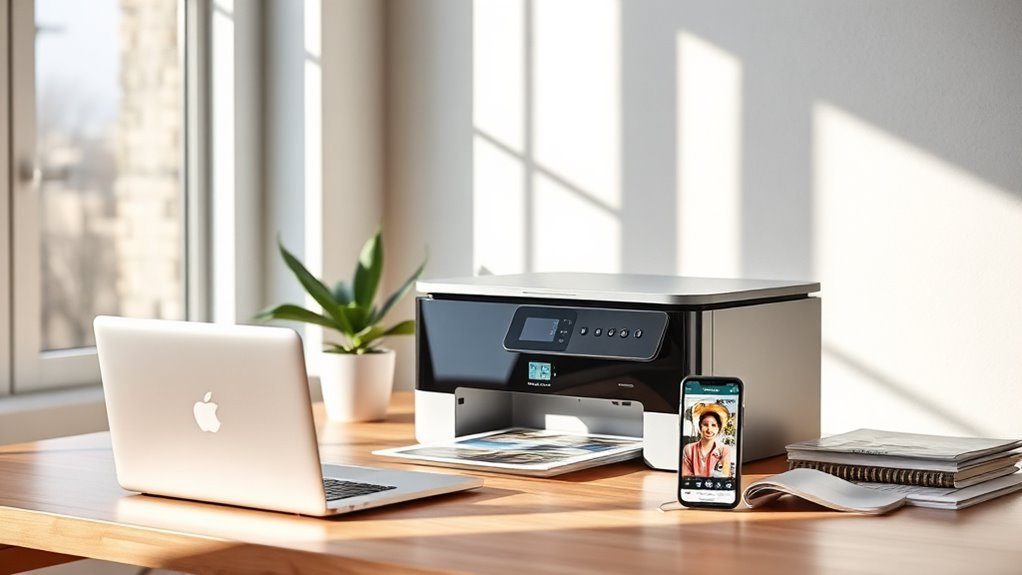
When choosing an all-in-one printer for your Apple devices, you’ll want to make sure it’s fully compatible and supports wireless connectivity. Mobile printing options can make your life easier, so don’t overlook those features.
Also, consider print speed, quality, and resolution to get the best results every time. These factors really make a difference when you’re printing important documents or photos. Taking a little time to check these will pay off in the long run.
Compatibility With Apple Devices
Although many all-in-one printers claim compatibility with Apple devices, you need to confirm key features like AirPrint® support to guarantee seamless printing without extra drivers. Make certain the printer supports AirPrint® so you can print directly from your iPhone or iPad without installing additional software.
Also, check for mobile printing capabilities through dedicated iOS apps. This lets you print, scan, and copy remotely, which is super convenient.
It’s essential to verify compatibility with cloud services like Google Drive and Dropbox, as these often integrate with your Apple workflows. Plus, consider printers that offer voice control with Siri, so you can manage print jobs hands-free.
Verifying these features guarantees your printer works smoothly with your Apple devices, making your experience hassle-free and efficient. It’s worth taking a little extra time to check these details upfront!
Wireless Connectivity Options
Choosing an all-in-one printer with the right wireless connectivity options can make printing from your Apple devices effortless and efficient. Look for printers that support AirPrint® to print directly without extra software.
Wi-Fi Direct compatibility is essential, letting you connect your Apple devices to the printer instantly, even without a network. Also, check if the printer offers mobile apps so you can print, scan, and manage documents remotely.
Cloud integration is a plus, giving you direct access to Google Drive or Dropbox from your device. Finally, consider printers with voice control features compatible with Siri. These let you operate the printer hands-free and receive helpful printing notifications.
These features guarantee smooth, flexible wireless printing tailored for your Apple ecosystem.
Mobile Printing Support
Since you rely heavily on your Apple devices, mobile printing support plays an essential role in an all-in-one printer’s functionality. Look for printers with AirPrint® compatibility and dedicated mobile apps, which make printing from your iPhone or iPad effortless.
Dual-band Wi-Fi is another key feature—it guarantees stable connections and faster data transfers, so your print jobs don’t get interrupted. Printers that integrate with cloud services like Google Drive and Dropbox let you print documents directly from the cloud, saving you time.
Automatic document feeders (ADF) also come in handy, letting you scan or copy multiple pages quickly without manual effort. Finally, choose models offering smart ink management, which notifies you when supplies run low, helping you stay ahead without any hassle.
Print Speed Performance
Anyone who prints frequently from their Apple devices knows that print speed can make a big difference in productivity. When choosing an all-in-one printer, pay close attention to pages per minute (ppm), as faster speeds help you get through tasks quickly.
Keep in mind that black prints usually come out faster than color due to simpler ink use. Look for models with automatic duplex printing—it lets you print double-sided without extra effort, saving time and paper.
Remember, print speed isn’t just about raw numbers; document complexity and the printer’s processing power also matter. Finally, consider the monthly duty cycle to guarantee your printer can handle your workload without wearing down.
Balancing these factors will keep your Apple printing smooth and efficient.
Print Quality And Resolution
Print quality plays an essential role when selecting an all-in-one printer for your Apple devices, especially if you need sharp, vibrant results. Look for printers with high resolutions—like 1,200 x 6,000 dpi—that deliver detailed images, ideal for photo printing.
Inkjet models usually provide rich color output and can print up to 9 pages per minute, balancing quality with efficiency. Consider whether the printer supports various media types, such as glossy photo paper and envelopes, to match your diverse needs.
Automatic duplex printing enhances print consistency on both sides and saves paper, making it eco-friendly and cost-effective. Features like auto 2-sided printing and large-capacity paper trays further improve convenience, especially if you print in high volumes.
Prioritize these aspects to guarantee top-quality prints with your Apple setup. It’ll make a noticeable difference every time you print!
Multi-Functionality Features
Beyond achieving sharp, vibrant prints, you’ll want an all-in-one printer that handles multiple tasks seamlessly. Look for models combining printing, scanning, copying, and faxing to cover all your needs in one device.
Automatic duplex printing is a must-have, letting you print double-sided documents efficiently and save paper. Wireless connectivity options like AirPrint make it easy to print and scan directly from your iPhone or iPad without cables.
An Automatic Document Feeder (ADF) speeds up handling multi-page documents, so you won’t waste time feeding pages manually. Some printers also include smart ink management and high print resolutions, ensuring top-quality output while optimizing ink use.
Choosing a model with these multi-functionality features will boost your productivity and convenience. It really makes a difference when your printer can do it all without a hitch.
Energy Efficiency Certifications
While choosing an all-in-one printer for your Apple devices, you should consider energy efficiency certifications like ENERGY STAR and EPEAT. ENERGY STAR-certified printers meet strict U.S. EPA guidelines, using up to 50% less energy than traditional models. This helps reduce your utility bills.
EPEAT takes it further by evaluating a product’s entire environmental impact—from design and production to energy use and disposal. Printers with EPEAT ratings often feature reduced packaging and better recyclability, which aligns perfectly with eco-friendly values.
Ink Management Systems
When choosing an all-in-one printer for your Apple devices, managing ink efficiently can save you time and money. Look for printers with effective ink management systems that monitor ink levels and alert you when supplies run low.
Some models even offer smart reordering features or subscription services that automatically deliver ink, cutting costs and preventing unexpected shortages. If you prefer flexibility, consider printers without subscription requirements, allowing you to buy ink as needed.
Features like a Page Gauge help track ink usage, so you can optimize your printing habits and reduce waste. Prioritizing these ink management options guarantees smooth printing and better control over your budget, making your all-in-one printer a reliable companion for your Apple setup.
Frequently Asked Questions
Can These Printers Handle Airprint for Seamless Apple Device Integration?
Yes, these printers support AirPrint, so you can easily print directly from your iPhone, iPad, or Mac without installing extra drivers.
You’ll enjoy seamless, wireless integration and quick printing right from your Apple devices. It’s super convenient and hassle-free!
What Is the Average Cost of Replacement Ink Cartridges for These Models?
You’ll find replacement ink cartridges typically cost between $30 and $70, coincidentally matching the price of a nice dinner. It’s smart to factor this into your budget, as ink expenses add up quickly over time.
It might seem like a small cost at first, but it can add up before you know it. So, keeping an eye on your ink usage helps keep things affordable.
Do These Printers Support macOS Ventura and Later Versions?
Yes, these printers support macOS Ventura and later versions. You’ll find they’re regularly updated to guarantee compatibility.
How Energy-Efficient Are These Printers in Typical Home Use?
You’ll find these printers pretty energy-efficient during typical home use, thanks to features like auto-sleep mode and low power consumption. They help reduce electricity costs while still delivering quality prints whenever you need them.
Plus, they’re designed to switch to low power quickly when not in use, which is great for saving energy. So, you get reliable performance without worrying about your electric bill going up too much.
Are There Any Subscription Services for Ink Replacement With These Printers?
Yes, many printers offer subscription ink replacement services. You’ll get automatic deliveries before you run out, saving time and hassle.
It’s convenient and often cheaper, ensuring your printer stays ready without constant monitoring or trips to the store. Makes life a lot easier, don’t you think?
Conclusion
Choosing the right all-in-one printer for your Apple devices is like finding the perfect pair of shoes—it needs to fit your lifestyle and tech needs just right. Whether you pick the HP DeskJet 2923, Brother Work Smart 1360, or Canon PIXMA TR8620a, you’ll enjoy seamless wireless printing, scanning, and copying.
Keep your priorities in mind, and you’ll have a reliable, efficient printer that makes your Apple experience smoother and more productive. These top all-in-one printers for Apple in 2027 are designed to integrate effortlessly with your devices.
With features like AirPrint compatibility and easy setup, they take the hassle out of printing. So, if you want a printer that keeps up with your Apple ecosystem, these models are your best bet for convenience, reliability, and high-quality results.