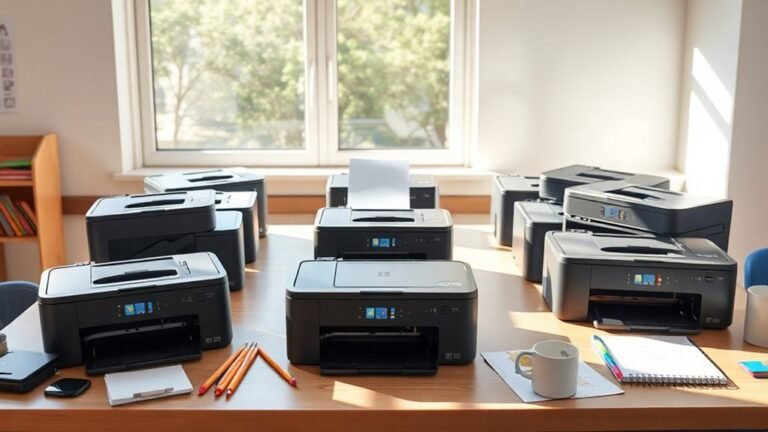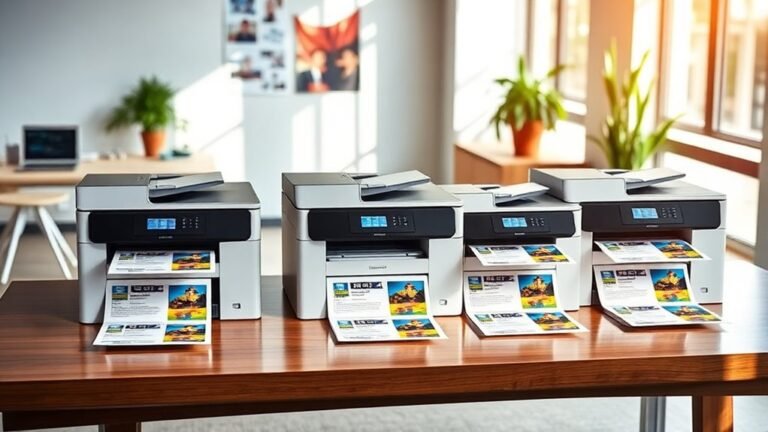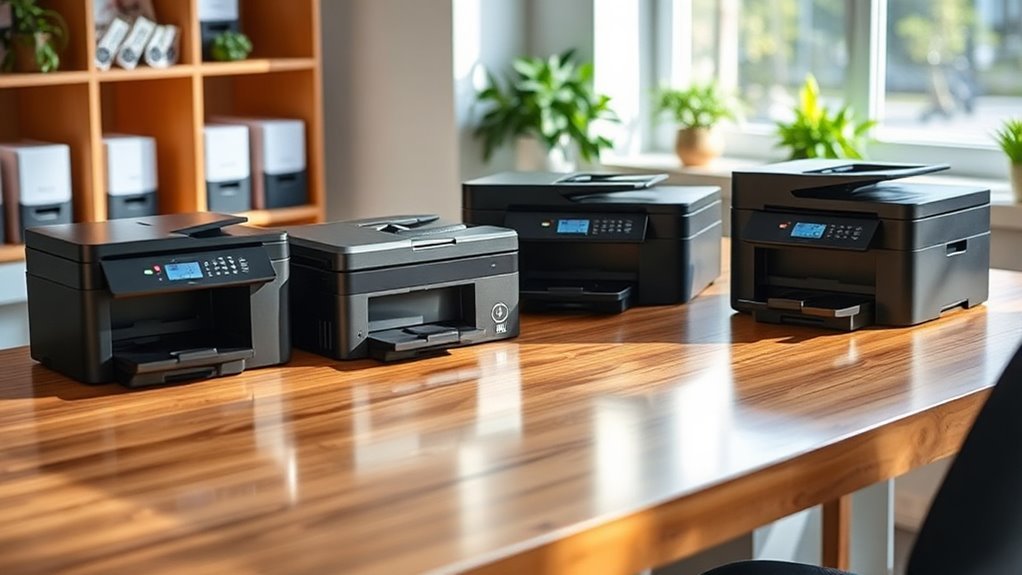
4 Best All-in-One Black and White Laser Printers for 2027
You’ll want a fast, reliable all-in-one monochrome laser printer like the Brother DCP-L2640DW for compact use or the HP LaserJet Pro 3105sdw with strong security features. These black and white laser printers are perfect for anyone needing efficient printing, scanning, and copying without the fuss of color cartridges.
Canon’s imageCLASS MF462dw II offers advanced duplex scanning, making double-sided tasks a breeze. Meanwhile, Brother’s MFC-L5915DW excels at high-volume jobs with speedy output and versatile network options. Each of these all-in-one printers balances print speed, connectivity, and maintenance to fit various workspace needs.
Explore their key features to find the best match for your office or home setup. Whether you prioritize speed, security, or volume, these monochrome laser printers deliver consistent performance every time.
| Image | Name | Editor's Rating | Price |
|---|---|---|---|

|
|
||
|
|
||

|
|
Brother DCP-L2640DW Wireless Monochrome Printer
- BEST FOR SMALL BUSINESSES – Engineered for extraordinary productivity, the Brother DCP-L2640DW Monochrome (Black & White) 3-in-1 combines laser printer, scanner, copier...
- FAST PRINTER WITH EFFICIENT SCANNING – Produces documents quickly with print speeds up to 36 ppm(2) and scan speeds up to 23.6/7.9 ipm(3) (black/color). A 50-page auto...
- FLEXIBLE CONNECTION OPTIONS – Easily navigate the changing demands of your business with secure multi-device connectivity via built-in dual-band wireless (2.4GHz...
- BROTHER MOBILE CONNECT APP – Print, scan, and manage your wireless printer anytime, from almost anywhere from your mobile device. Order Brother Genuine Supplies, track...
- CHOOSE BROTHER GENUINE TONER – When it’s time to replace your toner, be sure to choose Brother Genuine TN830 or TN830XL replacement toner. And with Refresh EZ Print...

The Brother DCP-L2640DW is a compact wireless printer designed to boost productivity in busy environments. It handles high-volume black-and-white printing, copying, and scanning with reliable speed. With a quick first-page output of 8.5 seconds, it helps you save time on everyday tasks.
This all-in-one printer features a 50-sheet automatic document feeder and a 250-sheet paper capacity, reducing interruptions during large jobs. Its versatile connectivity options include dual-band Wi-Fi, Ethernet, and USB, allowing flexible placement and easy integration into your workspace.
Maintenance is straightforward, with accessible components designed for smooth operation. The monochrome print focus suits offices that prioritize sharp text and clear documents over color. However, its power consumption can peak at 470 watts during heavy use, which is worth considering for energy management.
The Brother Mobile Connect app enhances convenience by enabling remote printing and scanning, keeping your workflow efficient even when away from the desk.
Best for: small businesses and home offices needing a fast, reliable monochrome all-in-one printer with wireless connectivity and high-volume printing capabilities.
What We Like:
- Fast print and copy speed up to 36 ppm with quick first-page output
- Compact design with 50-sheet ADF and 250-sheet paper tray
- Multiple connectivity options: dual-band Wi-Fi, Ethernet, USB, and mobile app support
Specification:
| Feature | Details |
|---|---|
| Manufacturer | Brother |
| Dimensions | 14.2 x 14.2 x 7.2 inches |
| Weight | 14.3 lbs (6.5 kg) |
| Color | White and Black |
| Connectivity | Dual-band Wi-Fi, Ethernet, USB |
HP LaserJet Pro 3105sdw Monochrome Laser Printer | All-in-One
No products found.
The HP LaserJet Pro 3105sdw is designed to meet the needs of small businesses and busy teams that require efficient black-and-white printing. It delivers sharp, professional-quality prints at speeds up to 33 pages per minute, helping you complete tasks quickly. The automatic duplex feature saves time and paper by printing on both sides without manual effort.
This all-in-one device goes beyond printing, offering easy copying, scanning, and faxing capabilities. Its intuitive control through the HP app gives you the flexibility to manage documents right from your smartphone. Supporting various paper types and sizes, it adapts well to different office demands.
Maintenance is straightforward with a single paper tray holding up to 250 sheets, though frequent refills may be necessary in high-volume environments. The printer uses original HP cartridges with firmware-enforced authentication, ensuring consistent print quality but limiting third-party cartridge use.
With built-in HP AI features and HP Wolf Pro Security, this printer helps streamline workflows while keeping sensitive data safe. Its versatile connectivity options include Wi-Fi, Ethernet, and USB, making integration into your workspace seamless.
Best for: Small to medium businesses and teams seeking fast, reliable monochrome printing combined with versatile all-in-one functions and smart app control.
What We Like:
- Fast printing at up to 33 pages per minute with duplex capability
- Multiple connectivity options including Wi-Fi, Ethernet, and USB
- Easy document management through the HP mobile app
- Enhanced data protection with HP Wolf Pro Security
- Compact design supporting various paper types and sizes
Specification:
| Feature | Details |
|---|---|
| Manufacturer | HP |
| Dimensions | Not specified |
| Weight | Not specified |
| Color | Monochrome (Black and White) |
| Paper Capacity | 250 sheets |
| Connectivity | Wi-Fi, Ethernet, USB |
Canon imageCLASS MF462dw II – Wireless, Monochrome Duplex Laser Printer
- Monochrome, Wireless, Duplex 4-in-1: Print, scan, copy, fax.
- Fast Print Speeds: Print up to 37 pages per minute and spend less time waiting with a quick first print time of approximately 5 seconds.
- Easy Wireless Setup: Setup your wireless connection and get up and running in just a few steps2
- 5-inch Color Touchscreen: Get the job done quickly with Application Library - an intuitive and easy to use customizable access to the features you use most.
- Mobile Device Printing: Print from your compatible mobile devices using the free Canon PRINT app, Apple AirPrint and Mopria Print Service.
The Canon imageCLASS MF462dw II transforms small office printing with its wireless duplex laser technology. It tackles common workflow bottlenecks by delivering fast, reliable monochrome prints at speeds up to 37 ppm. This printer’s sharp 1200 x 1200 dpi resolution ensures clear, professional documents every time.
Its 5-inch color touchscreen streamlines operation, allowing quick customization of settings without hassle. The one-pass duplex automatic document feeder (ADF) makes scanning double-sided pages effortless, saving time on routine tasks. Paper handling is flexible, thanks to a 250-sheet cassette and a 100-sheet multipurpose tray that accommodate different sizes.
Maintenance is designed to be straightforward, keeping downtime low and productivity high. The compact design fits neatly into busy workspaces without sacrificing functionality. Mobile printing options like the Canon PRINT app, Apple AirPrint, and Mopria support easy wireless connectivity on the go.
While the printer only supports monochrome output and has a single USB port, it balances these limits with strong performance for black-and-white documents. Expanding paper capacity requires optional accessories, which adds flexibility for growing offices.
Best for: Small offices and hybrid work environments needing a fast, reliable monochrome all-in-one printer with wireless duplex printing and versatile paper handling.
What We Like:
- Fast print speed up to 37 ppm with crisp 1200 x 1200 dpi output
- Easy workflow management via 5-inch color touchscreen
- Time-saving one-pass duplex ADF for double-sided scanning
- Flexible mobile printing through Canon PRINT app, Apple AirPrint, and Mopria
Specification:
| Feature | Details |
|---|---|
| Manufacturer | Canon |
| Dimensions (W x D x H) | 16.5 x 17.7 x 13.7 inches |
| Weight | 39.7 lbs (18 kg) |
| Color Options | Monochrome (Black & White) |
| Paper Capacity | 250-sheet cassette + 100-sheet multipurpose tray |
Brother Professional Laser Printer All-in-One (MFC-L5915DW)
- FAST BUSINESS PRINTING AND COPYING: The Brother MFC-L5915DW business monochrome laser all-in-one printer delivers high-quality output and print and copy speeds of up to...
- LOW-COST OUTPUT: Help reduce operating costs by using the Brother Genuine TN920UXXL ultra high-yield 18,000-page replacement toner cartridge. Includes a Brother Genuine...
- FAST, HIGH-VOLUME SCANNING: The 70-page capacity(3) auto document feeder offers single-pass, two-sided scanning up to 56ipm(4). Features a large document glass for up to...
- FLEXIBLE CONNECTIVITY OPTIONS: Features built‐in Gigabit Ethernet and dual band wireless networking to seamlessly set up and share on your wired.
The Brother Professional Laser Printer All-in-One (MFC-L5915DW) offers a powerful solution for busy office environments. Its fast printing speed of up to 50 pages per minute helps reduce wait times and keeps workflows moving smoothly. This monochrome laser device combines printing, scanning, and copying in one compact unit, saving valuable desk space.
Maintenance is straightforward with a 3,000-page toner cartridge included, and users can opt for an ultra high-yield cartridge that prints up to 18,000 pages, reducing the frequency of replacements. The 70-page auto document feeder supports two-sided scanning at speeds up to 56 images per minute, which simplifies handling large documents.
Designed for practicality, the large glass scanning surface accommodates legal-size originals, making it versatile for various document types. Connectivity is seamless thanks to built-in Gigabit Ethernet and dual-band Wi-Fi, allowing easy sharing across networks without hassle.
While it only prints in black and white and lacks advanced finishing features like stapling, the MFC-L5915DW excels in delivering reliable, high-volume output with efficient document management.
Best for: Busy offices and professionals needing fast, high-volume monochrome printing, scanning, and copying with versatile connectivity options.
What We Like:
- Rapid printing and copying speeds up to 50 ppm
- 70-page auto document feeder with two-sided scanning at 56 ipm
- Large glass surface supports legal-size originals
- Flexible network connectivity via Gigabit Ethernet and dual-band Wi-Fi
- High-yield toner options reduce maintenance frequency
Specification:
| Feature | Details |
|---|---|
| Manufacturer | Brother |
| Dimensions (W×D×H) | 16.1 × 16.5 × 15.7 inches |
| Weight | 27.1 lbs (12.3 kg) |
| Color | Monochrome (Black and White) |
| Connectivity | Gigabit Ethernet, Dual-band Wi-Fi |
| Auto Document Feeder | 70 pages |
| Print Speed | Up to 50 pages per minute |
Factors to Consider When Choosing an All in One Laser Printer Black and White
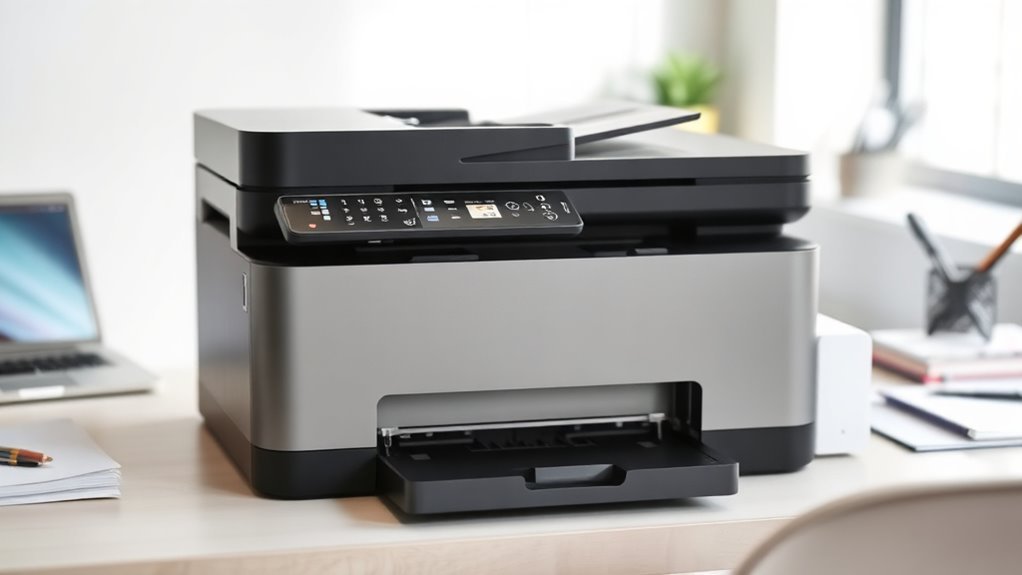
When choosing an all-in-one black and white laser printer, you’ll want to take into account print speed to keep up with your tasks. Check the connectivity options to make sure it fits your setup.
And don’t forget about paper handling capacity for your workload. Also, think about consumables cost and security features to protect your documents and budget.
Print Speed Importance
Speed often plays a crucial role in choosing an all-in-one black and white laser printer, especially if you handle large print jobs regularly. Higher pages-per-minute (ppm) ratings can drastically cut your wait times—for example, moving from 30 ppm to 50 ppm shortens a 100-page job from 3–4 minutes to about 2 minutes.
Don’t overlook first-page-out time either; a quick start under 6–9 seconds improves responsiveness for occasional single-page prints. Copy and scan speeds, measured in images per minute (ipm), matter if you frequently scan multi-page documents.
For shared offices, balance ppm with the printer’s duty cycle to avoid overheating during heavy use. Also, check if the ppm refers to single or duplex printing, as two-sided jobs often take longer due to extra mechanical passes.
Connectivity Options Available
Although print quality and speed often grab attention, connectivity options can make or break your all-in-one black and white laser printer experience. You want a printer with both wired Ethernet and USB 2.0 or 3.0 ports for reliable connections, ideally with Gigabit Ethernet to speed up large jobs.
Dual-band Wi-Fi (2.4 GHz and 5 GHz) and Wi-Fi Direct improve wireless stability and let you print directly without a router. Make sure it supports Apple AirPrint and Mopria or has a solid mobile app for native smartphone and tablet printing.
If multiple users or remote workers share the device, prioritize cloud printing, scan-to-cloud, and app-based job management. Also, look for advanced features like network scan-to-email and firmware updates that enhance security over the network.
Paper Handling Capacity
Assess how much paper your all-in-one black and white laser printer can handle before you buy. Check the input tray capacity to match your typical job volume—250 sheets reduce refills compared to 100 sheets.
Look for a multipurpose or bypass tray if you print envelopes, labels, or cardstock. That way, you don’t have to swap paper constantly.
Consider the output tray’s size and design; a capacity of 120+ sheets helps avoid jams and frequent emptying during large print runs. It’s a small detail that makes a big difference.
If you scan or copy multi-page documents often, prioritize a larger ADF capacity (50–70 sheets) and one-pass duplex scanning to speed up unattended tasks. This can save you a lot of time.
Also, verify the maximum media sizes supported and if the printer offers expandable paper cassettes for larger or higher-volume jobs. It’s always good to have room to grow.
Consumables And Cost
Calculating consumable costs plays a crucial role in choosing the right all-in-one black and white laser printer. You should compare cost-per-page by dividing the cartridge price by its toner yield.
High-yield cartridges often save money over time, even though they cost more upfront. Don’t forget to factor in replacement expenses for parts like drum units and fusers. These can add up and increase your long-term costs.
Look for features like automatic duplexing and toner-save modes to reduce paper and toner use. It’s a smart way to keep running costs down.
Also, consider whether subscription plans have limits, fees, or geographic restrictions. These might affect the overall cost compared to buying cartridges outright.
Finally, check the printer’s energy consumption ratings and standby power use. Higher electricity use during warm-up or printing can add to your ongoing expenses.
Security And Privacy
When choosing an all-in-one black and white laser printer, you need to prioritize security features that protect your sensitive information from unauthorized access. Make sure the printer supports user authentication methods like PINs, cards, or network credentials to restrict access to printing, scanning, and faxing.
Look for built-in data encryption and secure transmission protocols such as TLS/SSL or IPsec to safeguard documents both in transit and at rest. It’s also important to verify the device offers secure boot, firmware signing, and regular updates to prevent tampering and patch vulnerabilities promptly.
Don’t forget to confirm it includes secure document handling with pull printing, automatic overwrite, or encryption of stored jobs. Finally, take a good look at audit logging, access reports, and directory service integration to monitor usage, detect anomalies, and enforce role-based access controls effectively.
Frequently Asked Questions
How Do Black and White Laser Printers Compare to Inkjet Printers in Print Speed?
You’ll find black and white laser printers print much faster than inkjets, especially for large volumes. They use toner, which dries instantly, while inkjets rely on slower liquid ink, causing longer wait times between pages.
This means if you’re printing lots of pages, a laser printer can save you a bunch of time. Inkjet printers, on the other hand, might feel a bit slower because each page takes a moment to dry before the next one starts.
What Are the Environmental Impacts of Using Laser Printers Versus Other Types?
You might think laser printers harm the environment more, but they actually use less ink and produce less waste than inkjets. Still, their energy use and toner disposal impact the planet, so choose wisely and recycle.
It’s kind of a trade-off, you know? Laser printers save on ink but can use more electricity. Plus, disposing of toner cartridges properly is super important to keep things green.
Can These Printers Handle Printing on Specialty Paper Like Labels or Card Stock?
Yes, these printers can handle specialty paper like labels or card stock, but you’ll want to check the manufacturer’s guidelines for thickness and type.
Using the right settings helps prevent jams and guarantees crisp, professional prints every time. It’s always a good idea to do a test print first to make sure everything looks perfect.
Are There Any Subscription Services for Toner Replacement Available?
When it comes to toner, many brands offer subscription services that keep you stocked without lifting a finger.
You’ll never run on empty, as they automatically send replacements just before you need them.
It’s super convenient and takes the hassle out of remembering to reorder. Plus, it often saves you some money in the long run.
What Security Features Protect Wireless Printer Connections From Hacking?
You’ll find WPA3 encryption, secure Wi-Fi setup, and password protection guarding wireless printer connections. Many models also offer network firewalls, user authentication, and automatic firmware updates.
These features work together to keep hackers from accessing your sensitive print data. It’s all about creating multiple layers of security so your information stays safe.
Conclusion
Choosing the right all-in-one black and white laser printer can make your work smoother and more efficient. Whether you need wireless convenience, duplex printing, or professional-grade performance, these top picks have you covered.
Why settle for less when you can have a reliable printer that fits your needs perfectly? Take a moment to think about which features matter most to you.
You’ll find the perfect match to keep your printing hassle-free and productive. With the best all-in-one black and white laser printers for 2027, you can enjoy high-quality prints, fast speeds, and seamless functionality. So go ahead, choose a printer that combines efficiency and convenience to boost your workflow today!