4 Best Color Label Printer Reviews for 2027
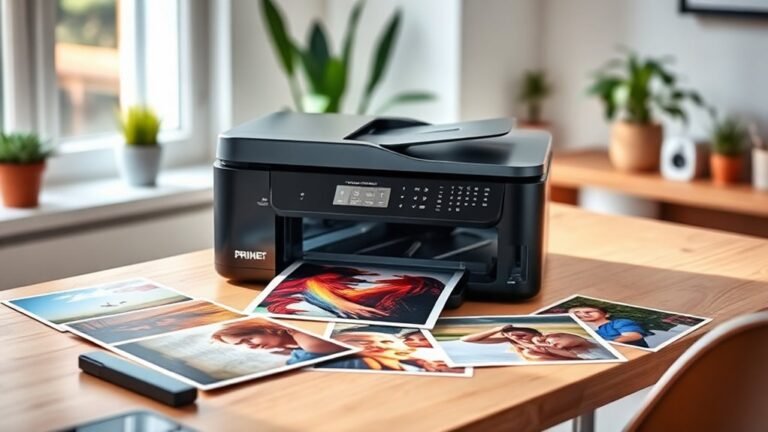
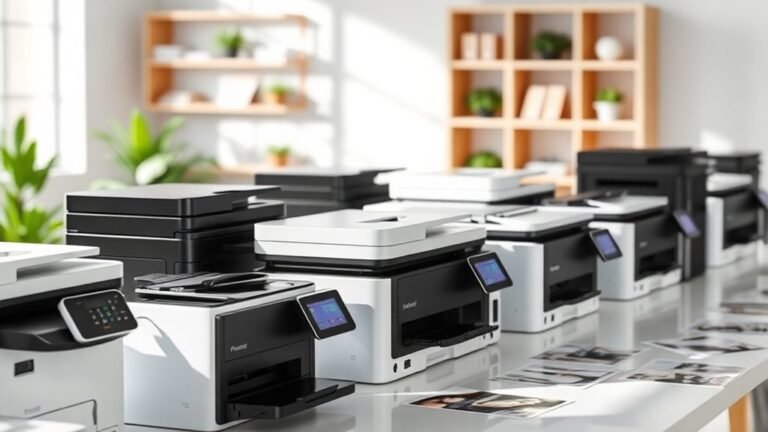
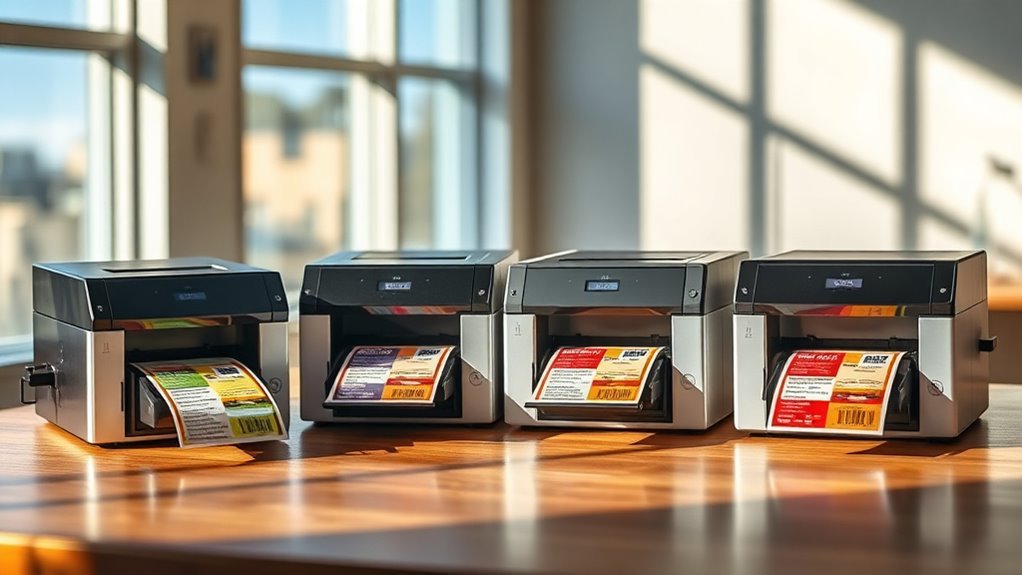
You’ll find four top color label printers to fit your needs in 2027. Whether you’re a small business owner, a professional designer, or a crafting enthusiast, having the right color label printer makes all the difference.
These printers combine quality, convenience, and advanced features to help you create vibrant, eye-catching labels every time.
The Primera LX500 offers high-resolution, photo-quality labels with a built-in cutter. It’s perfect for small to mid-sized runs and delivers sharp, detailed prints.
Brother’s ColAura VC500W delivers wireless, cartridge-free printing using ZINK paper. This makes it ideal for mess-free projects, especially when you want quick, hassle-free printing.
The QL-E100 boasts long, vibrant prints with a touchscreen interface, making it great for professionals who need efficiency and precision.
Meanwhile, the P-Touch Cube Color suits crafters with its portable Bluetooth printing capabilities.
Explore their features to pick the best fit for your color label printing needs!
| Image | Name | Editor's Rating | Price |
|---|---|---|---|
|
|
||

|
|
||

|
|
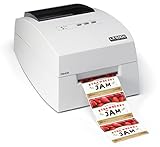
Primera LX500 Color Label Printer with Cutter
- Prints labels up to 4" wide x 24" long
- 4800 DPI full-color photo-quality printing
- Reliable and easy-to-use with full 1 year warranty
- Thousands of labels options available
- Built-in label cutter
Experience vibrant, photo-quality label printing with the Primera LX500 Color Label Printer. Designed to solve the challenge of producing professional-grade labels in-house, this printer delivers sharp, full-color results that stand out on any product. Its high 4800 x 1200 dpi resolution ensures every detail is crisp, improving your packaging and branding efforts effortlessly.
The LX500 handles various label materials, including tough, high-gloss options like Tuff-Coat. This versatility means you can create durable labels suited for food, retail, or product packaging. Its built-in cutter provides clean, precise edges, eliminating the need for manual trimming and saving you time.
Maintenance is straightforward with a single tri-color dye ink cartridge, though heavy users may find replacements frequent. The printer connects via USB 2.0, ensuring reliable data transfer, though it lacks wireless connectivity. It supports labels from 0.5″ to 4″ wide, catering to small to medium print runs efficiently.
Overall, the Primera LX500 is a practical solution for businesses needing high-quality, customizable labels without outsourcing. Its ease of use and consistent output make it a valuable tool in any labeling workflow.
Best for: Small to medium-sized businesses and individuals who need vibrant, full-color labels for product, food, and retail applications.
What We Like:
- Produces sharp, vibrant labels with 4800 x 1200 dpi resolution
- Built-in cutter for quick, clean label finishing
- Supports a variety of label materials, including durable high-gloss options
- Simple push-button controls and USB 2.0 connectivity
Specification:
| Feature | Details |
|---|---|
| Manufacturer | Primera |
| Dimensions | Not specified |
| Weight | Not specified |
| Label Width | 0.5″ to 4″ (12.7 mm to 101.6 mm) |
| Resolution | 4800 x 1200 dpi |
| Ink Type | Single tri-color dye cartridge |
| Connectivity | USB 2.0 |
| Cutter | Built-in automatic cutter |
Brother ColAura VC500W Color Photo and Label Printer, White
No products found.
The Brother ColAura VC500W Color Photo and Label Printer offers a mess-free way to print vibrant, full-color labels and photos without the hassle of ink cartridges. Its innovative ZINK Zero Ink Technology embeds color directly into special adhesive-backed paper, eliminating the need for messy ink refills and reducing maintenance. This makes it easy to produce sharp, colorful prints for a wide range of uses.
Designed for convenience, the wireless printing feature lets you print effortlessly from smartphones, tablets, and other devices. Sharing the printer across a network simplifies access in both home and small office environments. The compact design fits neatly on any desk, providing a reliable solution for quick, vibrant label and photo printing.
The printer supports several Brother CZ and CK series replacement rolls, ensuring that supplies are easy to find and replace. While it is limited to printing on adhesive-backed ZINK paper, this specialization guarantees consistent, high-quality output. Keep in mind that print size and resolution are best suited for smaller projects rather than large-format prints.
This printer is ideal if you want vivid, hassle-free color printing without the complexity of traditional ink cartridges or maintenance challenges.
Best for: Individuals and small businesses needing efficient, full-color label and photo printing without ink cartridge upkeep.
What We Like:
- Uses ZINK Zero Ink Technology to avoid messy ink refills
- Wireless printing from smartphones and tablets for easy access
- Compatible with Brother CZ and CK series replacement rolls
- Compact and user-friendly design fits small spaces
Specification:
| Feature | Details |
|---|---|
| Manufacturer | Brother |
| Dimensions | Approx. 9.8 x 6.1 x 4.3 inches (25 x 15.5 x 11 cm) |
| Weight | Approx. 2.6 lbs (1.18 kg) |
| Material | Plastic |
| Color Options | White |
QL-E100 Full Color Label Printer with Touchscreen
- High-resolution dye-based digital inkjet technology
- Roll-Fed Labels [on a standard 3" core]
- Print label widths from 2" to 4" and up to 10" Long
- Print from internal memory
- User-friendly touchscreen
The QL-E100 Full Color Label Printer delivers vibrant, high-resolution labels that bring your designs to life. Its easy-to-use touchscreen lets you manage printing tasks with minimal effort, making it ideal for busy environments. This printer handles roll-fed labels between 2″ and 4.17″ wide, producing prints up to 10 feet long at 300 dpi, ensuring sharp and colorful results every time.
Maintenance is straightforward thanks to the included CMY ink cartridges and reliable auto-cutter, which keeps labels clean and professional. The device connects easily via USB, allowing direct printing from a Windows PC or USB stick. Its lightweight and compact design make it portable and convenient for small business settings or on-the-go use.
The QL-E100 is designed to improve workflow by simplifying label creation with user-friendly CQL Pro software. Although it prints one copy per run and has a maximum speed of 60 pages per minute, it excels at producing detailed, customizable labels. This makes it a practical choice for users prioritizing quality over high-volume output.
Best for: Small businesses and professionals needing high-quality, customizable full-color labels with easy touchscreen operation and versatile media handling.
What We Like:
- Produces vibrant, detailed color labels up to 10 feet long at 300 dpi
- Intuitive touchscreen and auto-cutter streamline label printing and finishing
- USB connectivity supports printing from PCs and USB sticks for convenience
Specification:
| Feature | Description |
|---|---|
| Manufacturer | QL-E100 |
| Label Width Range | 2″ to 4.17″ (5.08 to 10.6 cm) |
| Max Print Length | 10 feet (3.05 m) |
| Print Resolution | 300 dpi |
| Connectivity | USB |
| Ink Type | CMY cartridges |
| Dimensions | Compact and lightweight |
Brother P-Touch Cube Color Bluetooth Label Maker
- BLUETOOTH LABEL MAKER: Design and print custom labels up to ~1/2 in. (12mm) wide from a compatible iOS or Android mobile device with the portable Brother P-touch CUBE...
- CUSTOM RIBBON PRINTING: Use the Design&Print 2 mobile app to print personalized 12mm satin ribbons for gifts, party favors, events, crafts, and home projects
- CREATE WITH DESIGN&PRINT 2 APP: Personalize custom labels and printed ribbons with templates, fonts, frames, symbols, and designs from a compatible mobile device
- LABELS AND RIBBONS FOR EVERYDAY CREATIVITY: Make organization labels, custom printed ribbons, gift accents, party decorations, and craft projects with one compact label...
- LABEL TAPE AND RIBBON COMPATIBILITY: Use compatible Brother Genuine TZe laminated, matte, glitter, and decorative tapes, plus P-touch Embellish satin ribbons

The Brother P-Touch Cube Color Bluetooth Label Maker transforms the way you organize and personalize your space. Designed for creative crafters and event planners, this compact label maker lets you print vibrant, full-color labels and ribbons directly from your smartphone or tablet. It solves the hassle of dull, one-color labels by offering a simple, wireless solution for bright, eye-catching designs.
Using the intuitive Design&Print 2 app, you can customize labels with 450 symbols, 60 frames, and various fonts. This makes it easy to create unique gift tags, party decorations, and organizational labels that stand out. The printer supports laminated, glitter, decorative tapes, and satin ribbons, delivering sharp 180×180 dpi resolution for professional-looking results.
Its lightweight and portable design means you can take it anywhere for on-the-go projects. Maintenance is straightforward—replace tapes as needed and keep the device charged. However, the 12mm maximum print width limits label size, and printing color labels can be slower than typical monochrome printers.
Best for: Creative individuals and event planners who want to easily produce personalized, vibrant labels and ribbons using their mobile devices.
What We Like:
- Portable, lightweight design perfect for mobile use
- Extensive customization options with numerous symbols, frames, and fonts
- High-resolution color printing on various tape types, including satin ribbons
- User-friendly app for easy design and printing
Specification:
| Feature | Details |
|---|---|
| Manufacturer | Brother |
| Dimensions | Approx. 3.7 x 3.7 x 1.9 in (9.4 x 9.4 x 4.8 cm) |
| Weight | Approx. 0.5 lb (230 g) |
| Connectivity | Bluetooth |
| Print Resolution | 180 x 180 dpi |
| Max Print Width | 12 mm (0.5 in) |
| Tape Types | Laminated, glitter, decorative tapes, satin ribbons |
Factors to Consider When Choosing Color Label Printer Reviews
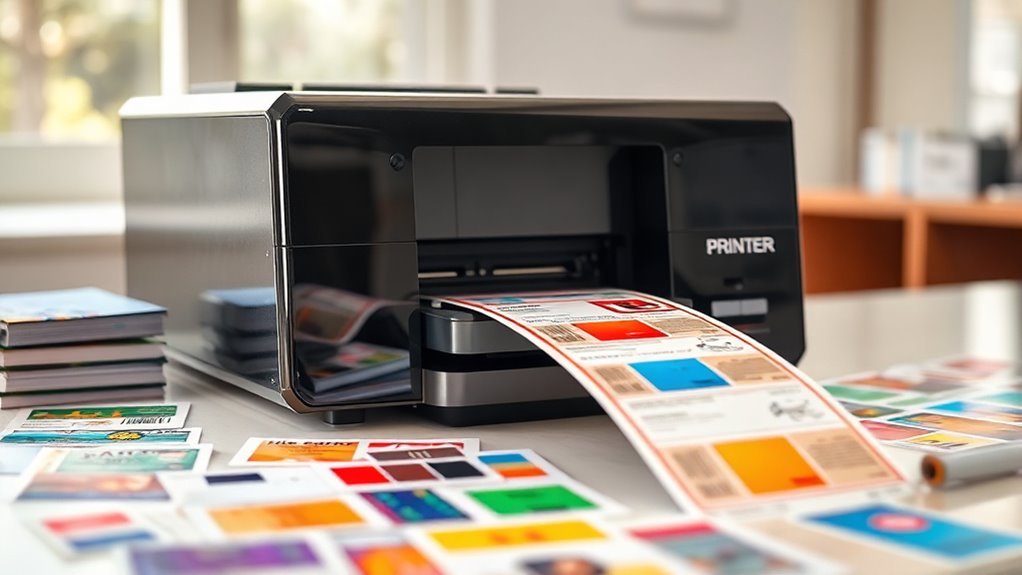
When choosing a color label printer, you’ll want to focus on print quality and resolution to guarantee sharp, vibrant labels. It’s all about making sure your labels really pop.
Consider the types and sizes of media the printer supports, along with connectivity options that fit your setup. You don’t want to get stuck with something that doesn’t match your needs.
Don’t forget to evaluate speed, efficiency, and user-friendly software to make your labeling tasks smoother. After all, the easier it is to use, the better your experience will be.
Print Quality And Resolution
Although many factors influence your choice of a color label printer, print quality and resolution stand out as essential for achieving professional results. You’ll want a printer offering at least 300 dpi for crisp text, with up to 4800 x 1200 dpi if you need photo-quality labels.
Color depth matters too—24 bits per pixel delivers rich, full-color output by reproducing 16.7 million colors accurately. Inkjet printers typically excel in sharpness and color fidelity, especially for photographic images, while thermal or ZINK technologies suit simpler graphics.
Keep in mind, print quality also depends on your driver settings and the quality of your source images. Properly configured color profiles and high-resolution artwork help you maximize the printer’s potential for vibrant, detailed labels.
Media Compatibility And Sizes
Since label size and media type directly affect print performance, you’ll want to confirm your printer supports the widths, lengths, and materials that fit your projects. Check the range of supported media widths and lengths to handle everything from tiny tags to wide rolls.
Make sure it accepts your preferred media types—paper, synthetic, polyester, clear, coated or uncoated, and specialty ribbons—so your labels meet durability and finish needs. Don’t forget to verify core size and roll format compatibility, whether it’s standard 3″ cores, smaller cores, fanfold, continuous, or pre-die-cut rolls.
Also, confirm your printer’s cutter and feeding mechanism accommodate your desired label shapes and lengths. Finally, review print resolution and ink-media interaction to guarantee vibrant, long-lasting results that resist water and UV exposure.
Connectivity Options Available
Choosing the right connectivity options can make a big difference in how easily you use your color label printer. Make sure it supports the interfaces you need, like USB for direct connections, Bluetooth for mobile pairing, or Wi‑Fi for printing from multiple devices wirelessly.
If you print from smartphones or tablets, look for mobile printing compatibility via AirPrint, Mopria, or dedicated apps. For shared access, network features such as Ethernet or Wi‑Fi with sharing capabilities are essential so multiple users can print without a host PC.
Check available ports—USB Type‑A, Type‑B, or Type‑C—and whether the printer accepts external storage or supports cloud printing. Don’t forget to evaluate security options like WPA/WPA2 encryption, password protection, and firmware updates to safeguard your label data.
Speed And Efficiency
When evaluating color label printers, you’ll want to focus on speed and efficiency to keep your workflow smooth and productive. Check the printer’s actual print speed for both color and black-and-white modes, since color prints usually take longer.
Also, look at throughput capabilities like maximum continuous print length and support for roll-fed media with automatic cutting. This helps minimize downtime during long runs.
Make sure the duty cycle aligns with your expected monthly volume to avoid excessive maintenance. Real-world features such as built-in cutters, automatic duplexing, touchscreen controls, and internal memory can speed up operations by reducing manual steps.
Finally, consider connectivity options—USB, wired or wireless network, and mobile printing—that integrate smoothly with your workflow. This can cut job setup and production times considerably.
Software And Usability
Although hardware specs matter, the software and usability of a color label printer can make or break your experience. You’ll want to confirm the printer’s software supports your operating system—whether Windows, macOS, or mobile platforms—and that drivers or app updates keep pace with OS changes.
Look for intuitive design tools like drag-and-drop, templates, and barcode or QR code generation. Plus, a full-featured desktop or mobile app to fit your workflow really helps.
Check licensing limits and any extra costs for advanced features or commercial use. Built-in controls such as touchscreen previews, on-device templates, and USB support let you print without a computer.
Finally, consider template libraries, font support, real-time color preview, and how quickly the software installs and connects. That way, you’re set for smooth, efficient printing every time.
Warranty And Support
Beyond software and usability, warranty and support play a big role in your overall satisfaction with a color label printer. First, check the length and coverage of the manufacturer’s warranty to know what parts and labor are included and for how long.
Also, verify the vendor’s return policy—many offer a 30-day risk-free trial so you can test the printer and return it if it doesn’t meet your needs. Don’t forget to confirm post-warranty support options like extended warranties or paid service plans to avoid surprise costs later.
Make sure technical support is accessible via phone, email, or live chat with reasonable response times. Lastly, confirm the manufacturer provides firmware updates, driver downloads, and software license support to keep your printer compatible and performing well.
Frequently Asked Questions
How Do Color Label Printers Compare in Energy Efficiency?
You’ll find most color label printers vary in energy efficiency, with newer models using less power. Choosing one with Energy Star certification helps you save energy and reduce costs.
Plus, you get vibrant, high-quality labels quickly. It’s a win-win!
Are There Eco-Friendly Ink Options for Color Label Printers?
You’ll find eco-friendly ink options, like soy-based inks, which reduce VOC emissions by up to 70%. These inks not only minimize environmental impact but also maintain vibrant colors, making your printing both green and high-quality.
Plus, using these inks is a smart way to keep your labels looking sharp without harming the planet. It’s a win-win for your business and the environment!
Can These Printers Connect to Multiple Devices Simultaneously?
Yes, many color label printers let you connect multiple devices simultaneously via Wi-Fi or Bluetooth.
You’ll find models that support seamless printing from smartphones, tablets, and computers, making your workflow smoother and more efficient.
It’s pretty handy when you need to print from different devices without constantly switching connections.
This way, everyone in the office or at home can print easily without any hassle.
What Warranty Terms Are Typical for Color Label Printers?
When it comes to warranty terms, you’ll usually find one to two years covering defects and malfunctions.
Don’t count your chickens before they hatch, though—some brands offer extended plans or limited coverage on parts and labor.
How Do Color Label Printers Handle Custom Font Imports?
You can usually import custom fonts via the printer’s software or driver. Just upload the font files, and the printer will recognize them.
This lets you design labels with your unique typography easily and professionally. It’s pretty straightforward once you get the hang of it!
Conclusion
Choosing the right color label printer can boost your productivity and creativity. Did you know that 68% of small businesses see improved branding and customer engagement after switching to color labels?
Whether you want precision cutting with the Primera LX500 or Bluetooth convenience with the Brother P-Touch Cube, these top picks have you covered. Each printer offers unique features designed to meet different needs and preferences.
Keep your needs in mind, and you’ll find the perfect printer to make your labels stand out in 2027 and beyond. Investing in a reliable color label printer not only enhances the look of your products but also streamlines your workflow. So, whether for business or personal use, choosing a color label printer that fits your style and demands will truly pay off in the long run.