3 Best Cheap Printers for Documents in 2027
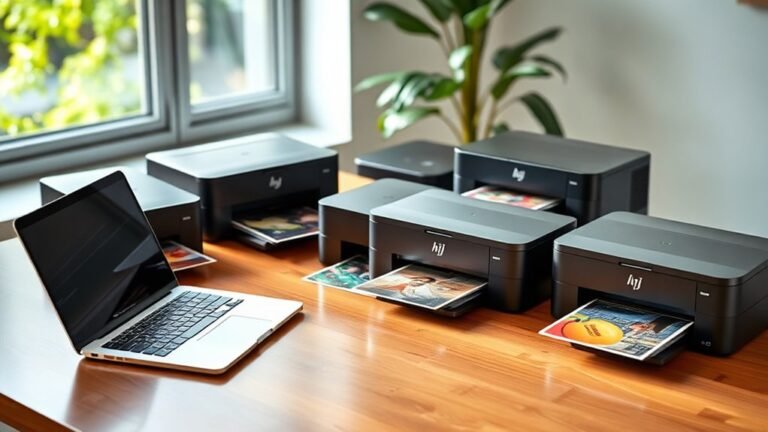
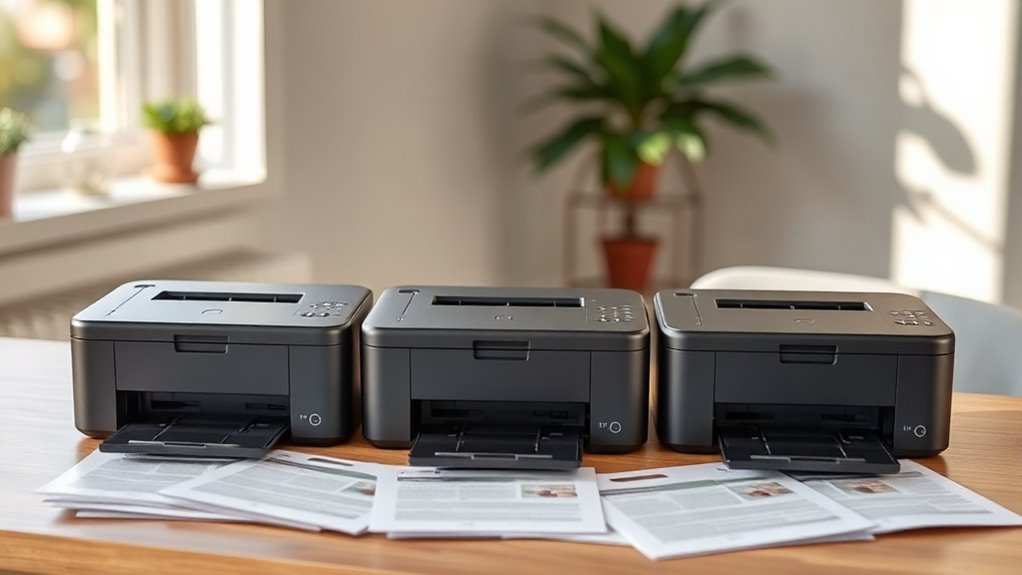
If you’re on the hunt for reliable, budget-friendly printers that deliver crisp documents without breaking the bank, you’ve got some great options to consider. Cheap printers for documents don’t have to mean sacrificing quality or features. Whether you need something for home use, a small office, or just quick prints here and there, there’s a model to fit your needs.
Take the Canon PIXMA TS4320, HP DeskJet 2955, and Canon PIXMA TR4720, for example. The TS4320 offers wireless convenience and decent print speeds, making it a solid choice for everyday printing.
The DeskJet 2955 is perfect if you want something basic for home use, plus it comes with dual-band Wi-Fi. Meanwhile, the TR4720 steps up with fax, duplex printing, and an automatic document feeder (ADF), which is great for small office setups.
Choosing the right printer really depends on what you prioritize—speed, connectivity, or ink costs. There’s a lot to consider, so take your time exploring these options to make the best pick for your printing needs.
| Image | Name | Editor's Rating | Price |
|---|---|---|---|

|
|
||

|
|
||

|
|
Canon PIXMA TS4320 – Wireless Color Inkjet Printer with Print, Copy, Scan
- Affordable Versatility - A budget-friendly all-in-one printer perfect for both home users and hybrid workers, offering exceptional value
- Crisp, Vibrant Prints - Experience impressive print quality for both documents and photos, thanks to its 2-cartridge hybrid ink system that delivers sharp text and vivid...
- Effortless Setup & Use - Get started quickly with easy setup for your smartphone or computer, so you can print, scan, and copy without delay
- Reliable Wireless Connectivity - Enjoy stable and consistent connections with dual-band Wi-Fi (2.4GHz or 5GHz), ensuring smooth printing from anywhere in your home or...
- Scan & Copy Handling - Utilize the device’s integrated scanner for efficient scanning and copying operations

The Canon PIXMA TS4320 is a compact, all-in-one color inkjet printer designed to simplify your printing, copying, and scanning tasks. Its wireless dual-band Wi-Fi ensures seamless connections, letting you print directly from your smartphone or laptop using the Canon PRINT app or AirPrint. This makes it easier to handle everyday tasks without being tied down by cables.
With sharp 1200 x 1200 dpi resolution, the printer delivers vibrant color prints and crisp black-and-white documents. It can output black-and-white pages at a steady pace of 14 pages per minute, helping you stay productive. The small footprint fits neatly on any desk, making it ideal for limited spaces.
Maintenance is straightforward with starter ink tanks included to get you started quickly. However, depending on your usage, you might need to replace these tanks sooner as they hold limited ink. The printer supports various media types such as photo paper, labels, and card stock, adding versatility for creative projects or special printing needs.
Best for: Home users and hybrid workers seeking a compact, versatile all-in-one printer for light to occasional use such as homework, photos, and general document printing.
What We Like:
- Wireless dual-band Wi-Fi with mobile app and AirPrint support
- High-quality color and black-and-white prints at 1200 x 1200 dpi
- Compact design that fits small workspaces
- Versatile media support including photo paper and labels
Specification:
| Feature | Details |
|---|---|
| Manufacturer | Canon |
| Dimensions | Approx. 12.0 x 14.6 x 5.2 in (W x D x H) |
| Weight | Approx. 8.2 lbs (3.7 kg) |
| Printer Type | Wireless Color Inkjet |
| Connectivity | Dual-band Wi-Fi, USB |
| Print Resolution | 1200 x 1200 dpi |
HP DeskJet 2955 Color Inkjet Printer | Wireless | All-in-One
- PERFECT FOR BASIC PRINTING NEEDS – Print everyday color documents like to-do lists, letters, financial documents and recipes
- KEY FEATURES – Color print, copy, scan, and a 60-sheet input tray, plus mobile and wireless printing
- OPTIMIZE PRINT FORMATTING WITH HP AI – Print web pages and emails with precision—no wasted pages or awkward layouts; HP AI easily removes unwanted content, so your...
- ICON LCD – Print your basic documents with ease from the intuitive control panel
- PRINT SPEED – Up to 7.5 ppm black, 5.5 ppm color
The HP DeskJet 2955 is designed to simplify everyday printing tasks at home. It offers wireless all-in-one functionality, letting you print, copy, and scan without the clutter of cables. Its compact size fits easily on any desk or shelf, making it ideal for small spaces.
This printer handles color and black-and-white documents with ease. You can produce clear to-do lists, letters, and recipes quickly, thanks to print speeds of up to 7.5 ppm in black and 5.5 ppm in color. The dual-band Wi-Fi ensures a stable connection, so you can print directly from your smartphone using the HP App.
Maintenance is straightforward with eco-conscious features. The printer uses recycled plastics in its design and supports energy-efficient operation. Instant Ink offers automatic ink delivery, but note that the trial lasts three months before requiring a subscription.
The HP DeskJet 2955 balances functionality with convenience, making it a practical solution for basic home printing needs.
Best for: Home users seeking an affordable, compact, wireless all-in-one printer for everyday color and black-and-white document tasks.
What We Like:
- Combines printing, copying, and scanning in a compact design
- Reliable dual-band Wi-Fi and mobile printing via HP App
- Eco-friendly construction using recycled materials
- Straightforward maintenance with Instant Ink automatic delivery
Specification:
| Feature | Details |
|---|---|
| Manufacturer | HP |
| Dimensions | Compact (exact size not provided) |
| Weight | Not specified |
| Material | Includes recycled plastics |
| Color Options | Not specified |
Canon PIXMA TR4720 Wireless All-in-One Printer
- Wireless 4-in-1 (print | copy | scan | fax)..Power Consumption: 7W (0.8W Standby / 0.3W Off)
- Print speed up to: 4" x 6" Borderless Photo (PP-201): Approx. 65.0 Seconds / Black Document (Letter/Simplex): Approx. 8.8 ipm / Color Document (Letter/Simplex): Approx...
- Designed for easy ink cartridge installation and replacement.
- Auto 2-sided printing and auto document feeder.
- Produce quality documents, photos and boarderless prints up to 8.5" x 11".
Experience seamless printing with the Canon PIXMA TR4720 Wireless All-in-One Printer, designed to simplify your home or office tasks. Its compact design fits easily into any workspace, while offering versatile functions like printing, scanning, copying, and faxing. This all-in-one solution removes the hassle of managing multiple devices.
Wireless and USB connectivity provide flexible options to suit your setup. Mobile printing via Canon’s app lets you print directly from your smartphone or tablet, saving time and effort. The auto document feeder and automatic duplex printing enhance productivity by handling multi-page documents and double-sided printing with ease.
Maintenance is straightforward with the PIXMA Print Plan, helping you manage ink efficiently and reduce running costs. Alexa integration adds convenience by letting you check ink levels and order supplies through voice commands. The 100-sheet tray supports everyday printing needs without frequent refills.
Print quality stands out with sharp text and vibrant photos up to 8.5 x 11 inches at 4800 x 1200 dpi. While print speed is moderate, especially for color and photos, this printer balances functionality and affordability well. Note that it includes only one USB port and may require ink management through the print plan.
Best for: users seeking an affordable, compact wireless all-in-one printer with versatile functions for home or small office environments.
What We Like:
- Wireless printing and mobile app control for easy access
- Auto document feeder and duplex printing improve workflow
- High-resolution prints with sharp text and vivid colors
- Alexa integration for hands-free ink management
Specification:
| Feature | Details |
|---|---|
| Manufacturer | Canon |
| Dimensions (W x D x H) | 17.7 x 12.1 x 7.5 inches |
| Weight | 11.5 lb (5.2 kg) |
| Color | Black |
| Connectivity | Wireless, USB |
| Print Resolution | Up to 4800 x 1200 dpi |
| Paper Capacity | 100 sheets |
Factors to Consider When Choosing a Cheap Printer for Documents
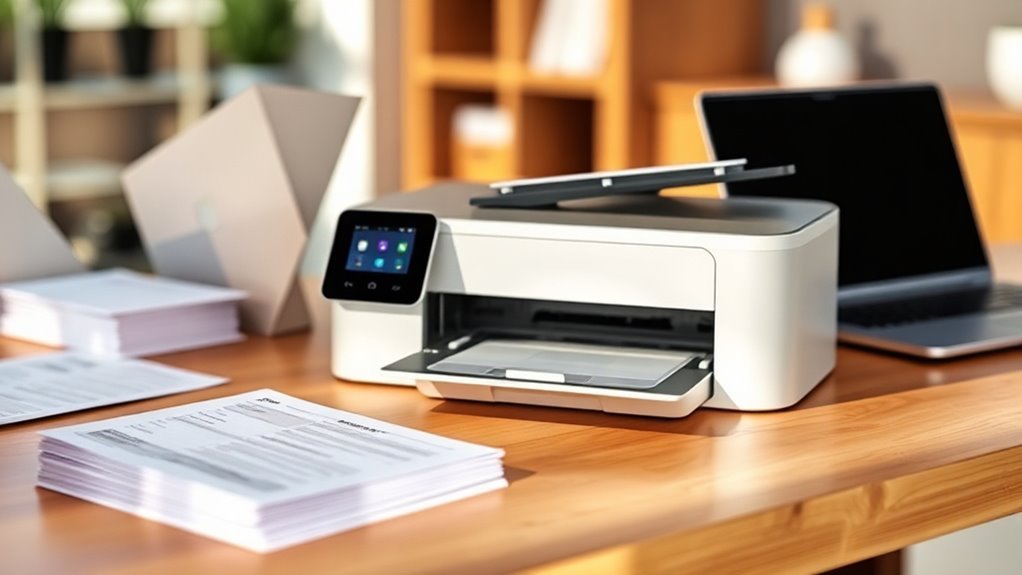
When choosing a cheap printer for documents, you’ll want to focus on key factors like print quality and speed to match your needs. Don’t overlook connectivity options and how cost-efficient the ink will be over time.
Also, make sure the printer’s size fits comfortably in your workspace. It’s all about finding the right balance between features and affordability that works for you.
Print Quality Standards
Although cheap printers may seem similar at first glance, their print quality can vary greatly depending on several key factors. For sharp text, pick a printer with at least 600 x 600 dpi optical resolution; 1200 x 1200 dpi is even better for crisp black text.
If you print color documents, aim for 1200 x 1200 dpi or higher with good color gamut and ink coverage to avoid washed-out charts. Inkjet printers handle color photos and gradients well, while laser printers excel at sharp, high-contrast black text.
Also, check if the printer supports halftoning and color management like ICC profiles—these improve color accuracy and reduce banding. Finally, don’t just trust dpi specs; test print samples to verify real-world quality for your needs.
Printing Speed Needs
Since print speed directly impacts your productivity, choosing a cheap printer with adequate speeds is essential. For everyday text documents, aim for black-and-white print speeds of at least 10–15 ppm to avoid frustrating waits on multi-page jobs.
If you print color-heavy or mixed graphics regularly, look for color speeds close to black or at least 5–10 ppm to keep job times reasonable. Don’t overlook first-page-out time; shorter startups benefit quick, small print tasks more than high sustained speeds.
If you handle occasional large jobs, check duplex speed, since two-sided printing can slow throughput. Finally, balance your monthly print volume with speed: printers with modest ppm work fine for under 100 pages a month, but higher volumes need faster models to save time.
Connectivity Options Available
How do you make sure your cheap printer stays connected without hiccups? First, choose one with dual-band Wi-Fi (2.4 GHz and 5 GHz) to reduce interference and guarantee reliable wireless connections.
Mobile printing compatibility, like AirPrint, Mopria, or vendor apps, lets you print directly from your smartphone or tablet without driver hassles. It’s super convenient when you’re on the go.
Also, check for a USB port (USB-B or USB-C) for stable wired connections or initial setup when Wi-Fi isn’t available. That way, you’ve got a backup plan.
If multiple users need access, consider a printer with ethernet/LAN support for a robust shared network. It makes sharing easier and keeps things running smoothly.
Features like automatic Wi-Fi reconnection, WPS support, and cloud printing options simplify setup and let you print remotely from email or cloud storage. Prioritize these connectivity options to keep printing smooth and hassle-free.
Ink Cost Efficiency
You’ll often find that ink costs make a bigger impact on your budget than the printer’s initial price. To gauge true ink cost efficiency, calculate the cost per page by dividing the replacement cartridge price by its stated page yield.
Printers supporting high-yield or XL cartridges usually offer a lower per-page cost, even if their upfront ink price is higher. Consider your typical print volume too, since inkjets with low duty cycles may require frequent cartridge changes, driving up costs.
Opt for models with separate color cartridges so you only replace what’s empty, reducing waste. Also, check if the printer supports refillable tanks or third-party cartridges—these options can markedly cut ink expenses but may affect warranty or print quality.
Device Size Compatibility
When choosing a cheap printer for your documents, make sure its size fits comfortably in your available space. Check the printer’s footprint—depth, width, and height—to make certain it fits your desk or shelf.
Compact models often stay under 15 inches wide, while full-size printers can be much larger. Think about how paper trays open; front-loading trays let you place the printer against walls, but top or rear-loading ones need some clearance.
If you plan to move the printer around, consider its portability. Home models usually weigh between 10 and 16 pounds, but office units can be heavier.
Don’t forget to account for vertical clearance. Parts like output trays or scanner lids often extend during use, so you’ll need some extra space above the printer.
Lastly, measure the cable lengths from your printer’s spot to power outlets and USB or network ports. It’s good to have extra room for airflow and easy cable management.
Frequently Asked Questions
How Do I Recycle Printer Ink Cartridges Responsibly?
You can recycle printer ink cartridges responsibly by returning them to the manufacturer’s program, dropping them off at local recycling centers, or using mail-in recycling services.
Don’t toss them in the trash to protect the environment. It’s better to give those cartridges a second life, right?
Can These Printers Connect to Mobile Devices via Bluetooth?
Imagine you’re printing directly from your phone at a café.
Yes, many affordable printers, like the HP DeskJet 3755, connect to mobile devices via Bluetooth. This lets you print wirelessly without needing a computer or Wi-Fi network.
What Is the Average Lifespan of These Printers?
You can expect these printers to last around 3 to 5 years with regular use. Proper maintenance and using recommended ink can extend their lifespan.
That way, you keep your printing reliable without needing frequent replacements. It’s all about taking good care of your printer!
Are These Printers Compatible With Linux Operating Systems?
About 70% of these printers are compatible with Linux, so you’ll find plenty that work smoothly. You’ll want to check specific driver support, though.
Many models offer open-source drivers or have a straightforward setup for Linux systems. It’s usually pretty easy to get them up and running.
Do These Printers Support Duplex Scanning?
Yes, many of these printers support duplex scanning, letting you scan both sides of a document automatically. You’ll save time and effort, especially if you frequently handle double-sided documents.
Just check the specific model specs to be sure. It’s always good to double-check before you buy!
Conclusion
Imagine effortlessly printing your important documents with a reliable, budget-friendly printer right by your side. Whether you pick the sleek Canon PIXMA TS4320, the versatile HP DeskJet 2955, or the efficient Canon PIXMA TR4720, you’ll enjoy crisp, clear pages without breaking the bank.
Keep your needs in focus, and you’ll find the perfect match that turns everyday printing into a smooth, stress-free experience.
Finding the best cheap printer for documents in 2027 doesn’t mean sacrificing quality. These affordable printers deliver sharp text and consistent performance, making them ideal for home or office use. Your ideal printer is waiting to bring your documents to life, combining value and efficiency every time you print.