4 best cheap beginner 3d printer 2026
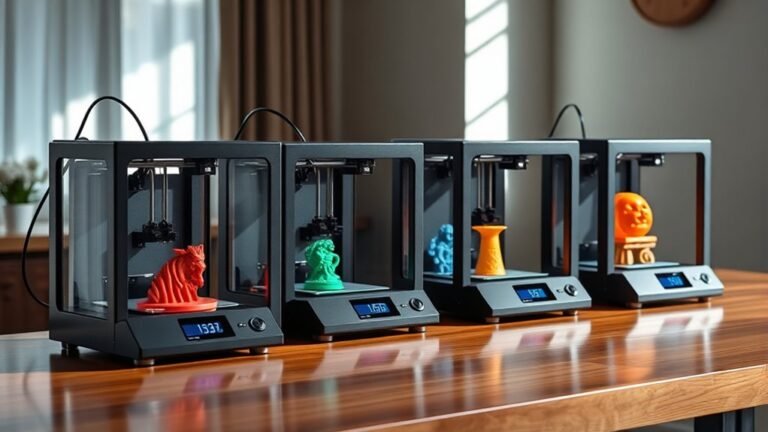
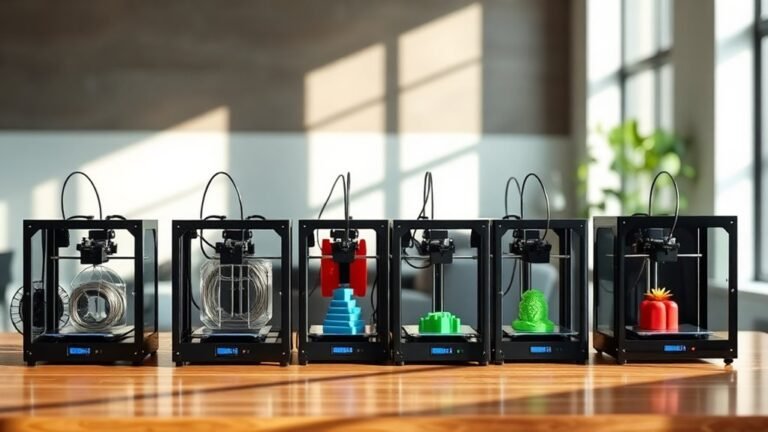
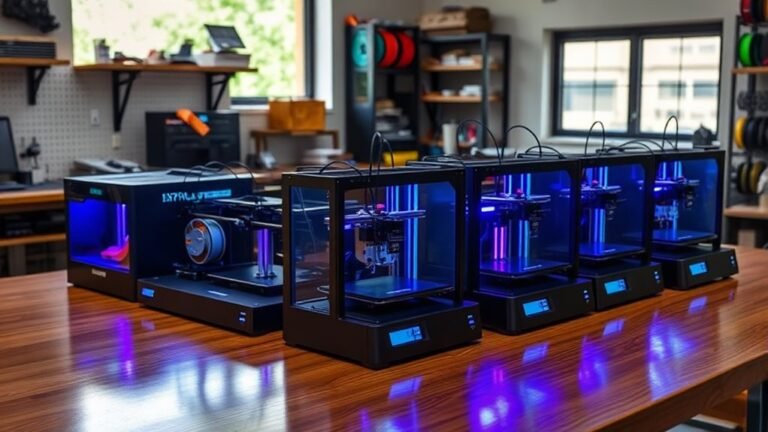
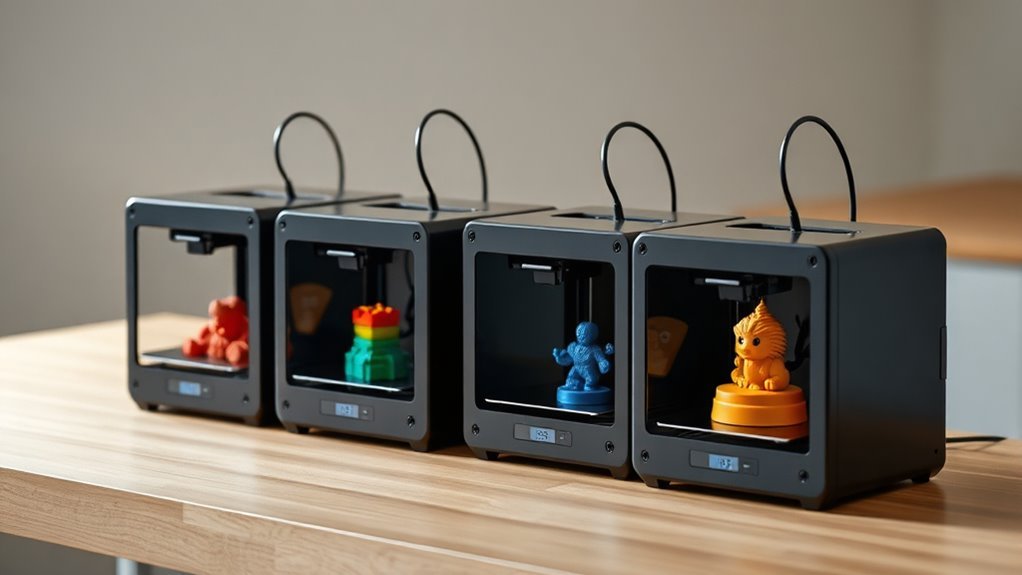
You’ll find four top cheap beginner 3D printers perfect for easy creativity in 2026. These affordable options are great for anyone new to 3D printing who wants quality without breaking the bank. Whether you’re crafting small projects or exploring advanced features, these printers deliver reliable performance and user-friendly designs.
The Geeetech Mini offers plug-and-play simplicity and a compact build for small projects. It’s ideal if you want something straightforward that just works right out of the box.
MALYAN M320 features a touchscreen and factory calibration for quick starts. This means less setup hassle and more time printing your ideas.
Anycubic Kobra X supports multicolor printing with AI monitoring and fast speeds. It’s perfect if you’re looking to add a little extra flair to your creations.
Entina Tina2 Plus adds WiFi control plus a cloud app for remote management. So, you can keep an eye on your prints from anywhere. Keep exploring to see which matches your needs best.
| Image | Name | Editor's Rating | Price |
|---|---|---|---|

|
|
||

|
|
||

|
|
Geeetech Mini 3D Printer for Kids and Beginners
No products found.
The Geeetech Mini 3D Printer is designed to make 3D printing accessible and enjoyable for kids and beginners. Its fully assembled setup and plug-and-play TF card feature eliminate the hassle of complicated installation. This means users can start creating quickly without technical frustration.
With a compact print area of 3.94 × 4.33 × 3.94 inches, it is ideal for small projects and learning exercises. The printer’s 16-point full auto-leveling combined with a heated magnetic PEI build plate reduces warping and ensures consistent print quality. This helps users achieve smooth, reliable results every time.
Maintenance is straightforward thanks to the durable direct drive extruder with a dual-drive metal gear. It handles TPU and PLA filaments with precision and reduces the need for frequent adjustments. The intuitive knob control and bright 2.4″ LCD screen make operating the printer simple and user-friendly.
While the print area is limited and speeds up to 250 mm/s may be slower than premium models, the Geeetech Mini offers a reliable and manageable 3D printing experience. It’s an excellent tool for creative projects and educational use.
Best for: kids, beginners, and educators seeking an easy-to-use, compact 3D printer for learning and creative DIY projects.
What We Like:
- Fully assembled and plug-and-play for quick start
- 16-point auto-leveling and heated build plate reduce warping
- Precise direct drive extruder with dual-drive metal gear
- User-friendly knob control and clear 2.4″ LCD screen
Specification:
| Feature | Detail |
|---|---|
| Manufacturer | Geeetech |
| Print Area | 3.94 × 4.33 × 3.94 inches |
| Printing Speed | Up to 250 mm/s |
| Filament Compatibility | TPU, PLA |
| Build Plate | Heated magnetic PEI |
| Control Interface | Knob control, 2.4″ LCD |
MALYAN M320 Mini 3D Printer for Kids & Beginners
- Compact Build Volume 3D Printer for Everyday Projects:With a 150×150×150 mm compact build volume, the M320 is perfect for daily creative projects. Featuring a heated...
- Fully Assembled 3D Printer with Touchscreen for Easy Use:The M320 comes fully assembled and factory-calibrated, ready to print out of the box. Thanks to the intuitive...
- Magnetic Removable Build Plate :The detachable magnetic platform ensures strong adhesion during printing, while allowing you to remove models effortlessly by bending...
- Compact, Sturdy, and Stable Metal Frame 3D Printer:Featuring a full-metal frame in a lightweight, space-saving design, the M320 stays stable during printing while...
- Ideal for Learning, Creating, and Prototyping:Whether for educational projects, family DIY fun, cosplay miniatures, or professional prototyping, the M320 brings your...
The MALYAN M320 Mini 3D Printer transforms the printing experience for kids and beginners. Its fully assembled, factory-calibrated design means you can start printing immediately without complex setup. This ease of use helps reduce frustration and encourages creative exploration from the start.
Its compact metal frame is lightweight yet sturdy enough to fit on any desk, saving space while remaining durable. The intuitive touchscreen interface simplifies navigation, making it easy for new users to control prints and adjust settings without confusion.
Maintenance is straightforward thanks to the detachable magnetic build plate, which allows for quick and hassle-free model removal. A heated bed supports popular 1.75 mm filaments like PLA and PETG, enabling a variety of projects from educational models to hobbyist prototypes.
While the print volume is limited to 150 × 150 × 150 mm, this size suits many beginner projects. The focus on common filament types balances material versatility with ease of handling. Overall, this printer is designed to help users build skills with minimal barriers.
Best for: Kids, beginners, and hobbyists seeking a compact, user-friendly 3D printer for learning and creative projects.
What We Like:
- Ready to use with full assembly and factory calibration
- Easy operation via intuitive touchscreen
- Detachable magnetic build plate for simple model removal
- Supports common 1.75 mm filaments including PLA and PETG
Specification:
| Feature | Details |
|---|---|
| Manufacturer | MALYAN |
| Print Volume | 150 × 150 × 150 mm |
| Frame Material | Lightweight metal |
| Filament Diameter | 1.75 mm |
| Control Interface | Touchscreen |
| Build Plate | Detachable magnetic plate |
Anycubic Kobra X Multicolor 3D Printer, Easy One-Click Printing
- 【Vivid 19-Color and Versatile Materials】Unleash creativity beyond limits. The Kobra X supports 4-color standard and expands up to 19 colors with 4 ACE 2 Pro for...
- 【600mm/s High Speed Performance】Don't let slow speeds limit your creativity. This high-speed FDM 3D printer reaches up to 600mm/s, completing tasks significantly...
- 【True Plug & Play Experience】Start your first project in as little as 15 minutes. The Kobra X arrives with a user-friendly setup and LeviQ 3.0 automatic bed leveling...
- 【LeviQ 3.0 Perfect First Layer】Forget the frustration of manual bed leveling that plagues beginner machines. The LeviQ 3.0 system utilizes 49-point full-auto leveling...
- 【Quiet & Reliable for Home】The ultra-quiet ≤48 dB operation ensures the living or learning space remains peaceful. Combined with power loss recovery and filament...
Discover the Anycubic Kobra X Multicolor 3D Printer, designed to bring your vibrant ideas to life with ease. This printer lets you create seamless multicolor prints, solving the challenge of complex color designs for beginners and hobbyists alike.
With support for up to 4 colors standard, expandable to 19 using additional units, it offers flexibility for detailed projects. The hardened steel nozzle heats up to 300°C, ensuring smooth material flow and sharp details, even at high speeds of up to 600 mm/s.
Maintenance is simple thanks to plug-and-play setup and the LeviQ 3.0 automatic bed leveling system. It guarantees perfect first layers, reducing print errors and saving time. Real-time monitoring and AI-powered alerts help avoid failures, while filament sensors keep material usage efficient.
Operating quietly at under 48 dB, this printer fits well in home or classroom environments. Its build volume of 260 × 260 × 260 mm suits most creative needs but may limit very large projects. The max nozzle temperature supports common filaments, though some specialty materials may not be compatible.
Best for: Beginners and hobbyists seeking an easy-to-use multicolor 3D printer with reliable first-layer performance and advanced error prevention.
What We Like:
- Expands from 4 to 19 colors for diverse multicolor printing
- LeviQ 3.0 automatic bed leveling ensures consistent quality
- AI-powered monitoring minimizes print failures and waste
- Quiet operation below 48 dB ideal for shared spaces
Specification:
| Feature | Details |
|---|---|
| Manufacturer | Anycubic |
| Build Volume | 260 × 260 × 260 mm |
| Nozzle Material | Hardened Steel |
| Max Nozzle Temp | 300°C |
| Supported Materials | TPU, PLA, PETG, and more |
| Color Options | Up to 4 standard, expandable |
Entina Tina2 Plus Fast WiFi 3D Printer
- 【Start Printing in Minutes – Beginner Friendly】No setup required. Tina2 Plus 3d printer comes fully assembled and ready to use out of the box. With included TF card...
- 【Fast 250mm/s Printing Performance】This Tina2 Plus high speed 3D printer print speeds up to 250 mm/s help reduce waiting time and support fast project turnaround...
- 【WiFi App Control & STEM Model Library】Powered by the Poloprint Cloud app, this WiFi-enabled 3D printer gives access to 3,500+ printable models and 25+ creative DIY...
- 【40-Second Fast Heat Ceramic Hotend】High-efficiency ceramic hotend heats up in just 40 seconds for faster start-up and less downtime. The quick-swap nozzle design...
- 【Compact 3D Printer for Home & Classroom】Designed with a space-saving footprint while maintaining practical print capacity, this compact 3D printer fits easily on...
Get started with 3D printing in no time using the Entina Tina2 Plus Fast WiFi 3D Printer. This model is designed to eliminate setup frustrations by arriving fully assembled, allowing beginners and educators to focus on creativity instead of complex assembly.
Its fast printing speed of up to 250 mm/s and quick 40-second ceramic hotend heating reduce waiting times and improve workflow efficiency. The stable dual Z-axis design ensures precise and consistent prints, while efficient cooling helps maintain print quality during extended sessions.
Maintenance is straightforward thanks to its compact, partially enclosed frame, which also enhances safety for supervised use. The inclusion of a TF card preloaded with models means users can start printing immediately, making it ideal for classroom environments and STEM projects.
Connectivity is seamless with the Poloprint Cloud app, enabling easy WiFi control, online slicing, and access to over 3,500 designs. This feature empowers users to manage prints remotely and explore a vast library of 3D models, fostering learning and experimentation.
Best for: educators, beginners, and kids seeking an easy-to-use, fast, and compact 3D printer tailored for STEM education and classroom activities.
What We Like:
- Fully assembled with preloaded models for immediate use
- Rapid printing speeds and quick hotend heating
- WiFi-enabled with app support for remote control and online slicing
- Stable dual Z-axis design for reliable print precision
- Compact and partially enclosed frame suitable for supervised environments
Specification:
| Feature | Details |
|---|---|
| Manufacturer | Entina |
| Dimensions | Compact size (exact dimensions not provided) |
| Weight | Not specified |
| Material | Not specified |
| Color Options | Not specified |
Factors to Consider When Choosing a Cheap Beginner 3D Printer 2026
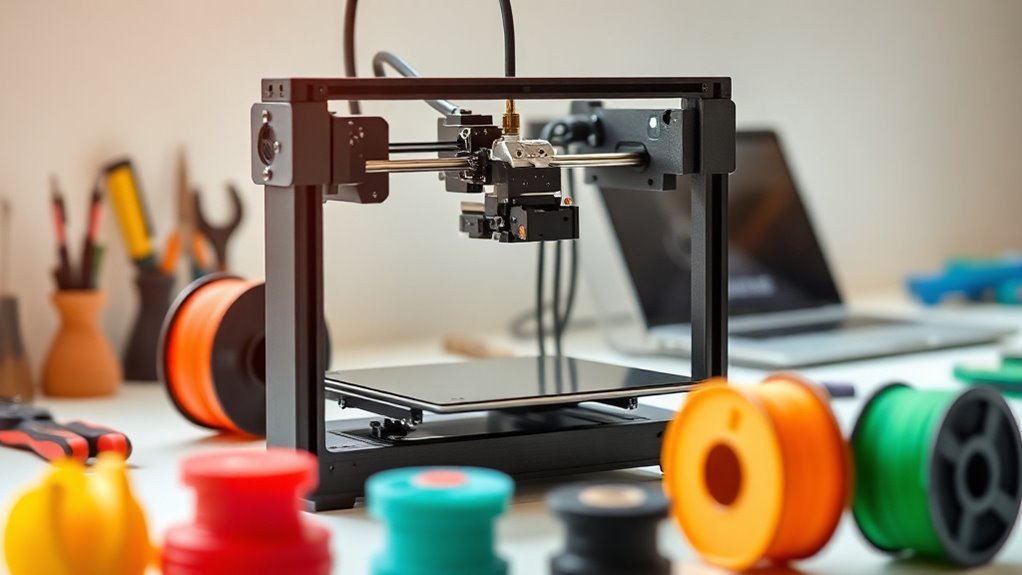
When choosing a cheap beginner 3D printer, you’ll want to weigh print volume size and how easy it is to set up.
Also, check the filament compatibility and print speed to match your projects and schedule. It’s all about finding what fits your needs without overcomplicating things.
Don’t forget to look for reliable bed leveling technology to guarantee smooth, quality prints every time. That little feature can make a huge difference in your printing experience.
Print Volume Size
Print volume size directly affects the maximum dimensions of the objects you can create with your 3D printer. Consider the build volume across all three axes (X × Y × Z) since it limits the largest single part you can print without splitting.
Beginner printers typically range from about 100 × 100 × 100 mm to 260 × 260 × 260 mm. Match the print volume to your typical projects—small toys or miniatures usually fit within 150 mm cubes, while larger functional parts may require 200 mm or more in one dimension.
Ease Of Setup
Setting up your 3D printer shouldn’t feel like a chore, especially when you’re just starting out. Choose a model that arrives fully assembled or requires minimal assembly to get you printing in minutes, not hours.
Look for automatic bed leveling or multi-point auto-leveling systems to simplify calibration and avoid frustrating manual adjustments. A guided touchscreen or app-based setup wizard with preloaded profiles will walk you through loading filament, setting temperatures, and starting your first print effortlessly.
One-button filament controls and a clear filament path reduce errors during loading and unloading. Finally, thorough starter guides, bundled sample prints, and responsive support guarantee you spend less time troubleshooting and more time creating.
Prioritize ease of setup to enjoy a smooth start with your new 3D printer.
Filament Compatibility Options
Choosing a 3D printer that supports a wide range of filament types will expand your creative possibilities right from the start. Make sure the printer uses the common 1.75 mm filament size, compatible with PLA, PETG, TPU, and PVA.
Check the hotend’s max temperature—around 250–300°C is ideal for PETG and specialty filaments, while TPU and PLA print well below 220°C. Decide between a direct-drive extruder, which handles flexible filaments like TPU better, or a lighter Bowden setup suited for rigid filaments.
Also, verify the filament spool capacity and holder compatibility, ensuring it fits 0.5–1 kg spools. A filament run-out sensor can save you from failed prints.
Finally, look for a heated bed and build surfaces like PEI or magnetic flexible plates to improve adhesion and reduce warping with tricky materials.
Print Speed Performance
After ensuring your printer handles a variety of filaments well, you’ll want to contemplate how quickly it can produce your projects. Many entry-level machines boast speeds between 250–600 mm/s, but faster travel needs strong motion systems and finely tuned acceleration to prevent print defects like ringing or layer shifts.
Your printer’s firmware plays a vital role in managing these settings effectively. Also, consider the hotend’s heat-up rate and temperature stability—without fast, stable heating, you risk under-extrusion at higher speeds.
Don’t overlook cooling and filament feeding, either; they must keep up to maintain adhesion and accuracy. Remember, pushing speed often sacrifices detail and surface finish, so weigh nominal speed against real-world print quality for the parts you plan to make.
Bed Leveling Technology
Bed leveling technology plays a crucial role in achieving consistent first layers and successful prints. When choosing a cheap beginner 3D printer, consider if it offers automatic or manual bed leveling.
Automatic systems probe 16 to 49 points to create a height map, compensating for bed tilt and Z-offsets in real time. This reduces the need for frequent manual adjustments, especially on warped or uneven beds.
Sensors vary—inductive, capacitive, BLTouch-style mechanical, or contactless IR—each with different precision and firmware needs.
Manual leveling usually involves corner screws and the paper-tug method, requiring regular checks.
Look for features like automatic bed mesh saving, firmware mesh smoothing, and heated-bed compensation to maintain reliable adhesion despite temperature changes. This way, your prints stick well from the start.
User Interface Features
While hardware specs matter, the user interface can make or break your 3D printing experience—especially if you’re just starting out. A responsive touchscreen with intuitive icons cuts setup time and errors compared to encoder knobs.
Look for one-button or menu-guided filament loading to simplify changes by automating feed direction and extrusion speed. Automatic bed-leveling status and real-time nozzle and bed temperature readouts help you check first-layer readiness precisely.
Built-in print preview and estimated time remaining keep you informed during printing, while simple pause/resume and power-loss recovery controls handle interruptions smoothly. Wireless app or cloud integration adds convenience with remote start/stop, filament run-out alerts, and camera monitoring.
This way, you can manage prints without constant supervision. These features really streamline your entry into 3D printing.
Warranty And Support
Getting a user-friendly interface is just part of the equation—you’ll also want to make sure your 3D printer comes with solid warranty and support. Check the warranty length and coverage carefully—12 months or more is standard, and it should include parts, electronics, and labor.
Look for clear return or replacement windows, like 30 days, and understand any restocking or shipping fees. Verify the vendor’s technical support response time; ideally, they respond within 24 to 48 hours via multiple channels such as email, phone, or chat.
Also, see if post-warranty options exist, including paid repairs and easy access to spare parts. Finally, prioritize manufacturers offering long-term support, active user communities, and online resources to help you troubleshoot well beyond the warranty period.
Safety And Design
Although affordability is key, you shouldn’t compromise on safety and design when choosing a beginner 3D printer. Opt for models with partially or fully enclosed print areas and guarded hotend zones to protect you from accidental burns or moving parts.
Look for features like auto-bed leveling and removable magnetic build plates to reduce manual handling risks. Verify important safety functions such as thermal runaway protection, filament run-out detection, and power-loss recovery to prevent hazards and failed prints.
Prioritize printers with quiet operation (under 48 dB) and good ventilation, and always use them in well-ventilated spaces. Choose machines with stable frames, like dual Z-axis or rigid metal, plus simple controls, so you can safely supervise use, especially if beginners or kids are involved.
Frequently Asked Questions
How Long Does It Take to Assemble a Beginner 3D Printer?
It usually takes you around 1 to 3 hours to assemble a beginner 3D printer, depending on the model and your experience.
You’ll want to follow the instructions carefully, and don’t rush the process. Taking your time really helps!
What Types of Filaments Are Best for Beginners?
You’ll find PLA and PETG filaments best for beginners because they’re easy to print, require lower temperatures, and have minimal warping.
Plus, they come in lots of colors, making your first projects fun and successful.
These filaments really help you get the hang of 3D printing without too much hassle.
Can These Printers Be Used for Educational Projects?
You’ll find these printers are like keys unleashing creativity’s door—they’re perfect for educational projects.
They let you bring concepts to life, making lessons hands-on, engaging, and memorable.
Plus, they turn abstract ideas into tangible learning experiences.
What Maintenance Is Required for Beginner 3D Printers?
You’ll need to regularly clean the print bed, lubricate moving parts, and check nozzle clogs.
Updating firmware and calibrating the printer guarantees accurate prints. These simple steps keep your 3D printer running smoothly and reliably.
Are There Any Safety Tips for Kids Using 3D Printers?
You’ll want to keep little hands away from the printer’s warm glow and moving parts. Always supervise kids closely, use safe materials, and create a cozy, well-ventilated space to keep creativity flowing safely.
It’s all about making sure the environment is safe and fun. When you keep an eye on things, the kids can focus on making cool stuff without any worries. Just a little caution goes a long way!
Conclusion
Choosing your first 3D printer doesn’t have to be overwhelming. Whether you pick the Geeetech Mini, MALYAN M320, Anycubic Kobra X, or Entina Tina2 Plus, you’re stepping into a world of creativity and endless possibilities.
Remember, the right printer is the one that fits your needs and sparks your passion. After all, in 3D printing, your only limit is your imagination.
So why wait to bring your ideas to life? These best cheap beginner 3D printers for 2026 offer great value without breaking the bank. They’re perfect for anyone just starting out and eager to explore 3D printing. Dive in, experiment, and watch your creativity take shape with an affordable, easy-to-use 3D printer that suits your style and budget.