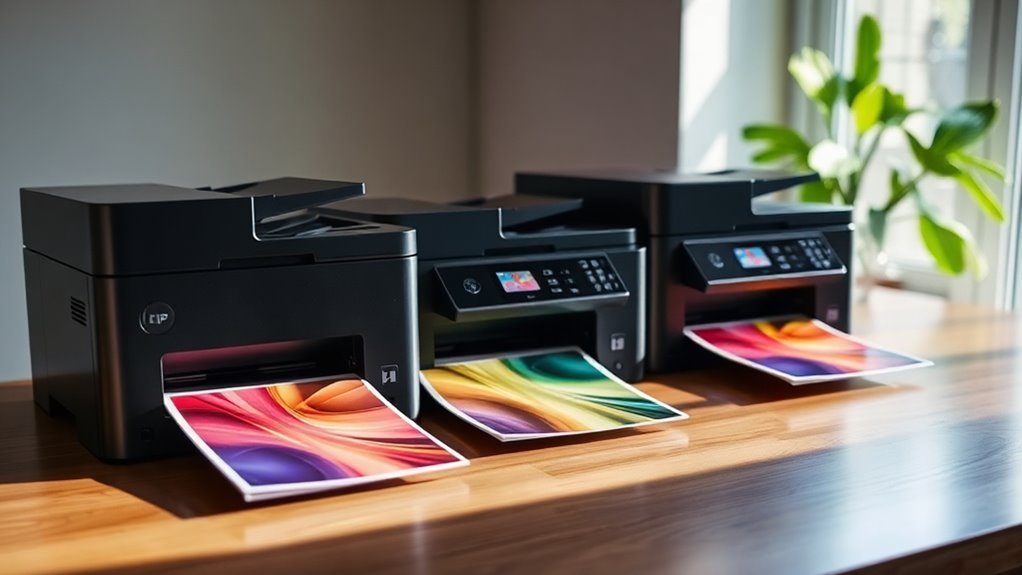
3 Best Cheap Colour Laser Printers for 2027
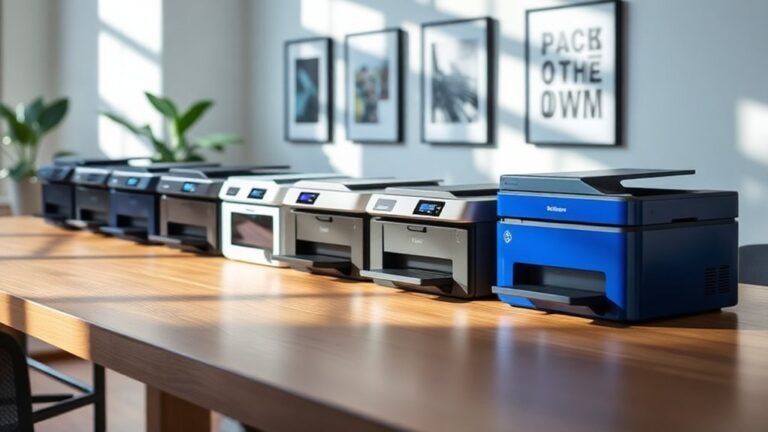
For reliable, affordable color laser printing in 2027, you can’t go wrong with the Brother HL-L3220CDW. It offers a solid 19 ppm speed and wireless duplexing, perfect for everyday tasks.
Then there’s the Xerox C230dni, which delivers up to 24 ppm, along with broad connectivity options and eco-certifications. It’s a great pick if you want something efficient and environmentally friendly.
Finally, the Canon Satera LBP621C stands out with stunning 9600 × 9600 dpi output and handy duplex features. All three printers are ideal for small offices or home use, thanks to their compact designs and efficient running costs.
Keep exploring to uncover which printer fits your workflow best!
| Image | Name | Editor's Rating | Price |
|---|---|---|---|

|
|
||

|
|
||

|
|
Brother HL-L3220CDW Color Laser Printer Wireless Duplex
- Professional Quality: Brother Genuine color laser printer delivers stunning business documents with crisp text and vibrant graphics at impressive 19 PPM speed...
- Wireless Connectivity: Brother Genuine advanced wireless capabilities enable seamless printing from laptops, smartphones, and tablets, with built-in security protocols...
- High-Volume Capacity: Brother Genuine laser printer includes a generous 250-sheet paper tray minimizing refills, while the manual feed slot offers versatility for...
- Efficient Performance: Brother Genuine automatic duplex printing saves time and paper, while delivering professional-quality double-sided documents at speeds up to...
- Mobile Integration: Brother Genuine technology ensures seamless compatibility with major mobile printing platforms and cloud services, enabling effortless document...

The Brother HL-L3220CDW is designed to meet the demands of busy home offices and small workgroups. It delivers crisp color and black-and-white prints at a steady speed of 19 pages per minute. This efficiency helps reduce wait times and keeps workflows smooth.
Its automatic duplex printing saves paper and adds convenience when producing double-sided documents. The 250-sheet paper tray accommodates various media types, including envelopes and glossy photo paper, minimizing the need for frequent refills.
Connecting the printer is simple with built-in Wi-Fi and USB options. Mobile and cloud printing capabilities make it easier to print from smartphones or tablets. Security features protect sensitive documents during wireless transmission.
Maintenance is straightforward, with support for high-yield toner cartridges that reduce replacement frequency. Though it consumes 480 watts while printing, its compact design fits well into limited spaces without compromising performance.
Best for: Professionals and small home offices needing a reliable, compact color laser printer with wireless duplex printing and versatile media handling.
What We Like:
- Consistent print speed of 19 ppm with sharp 2400 x 600 dpi resolution
- Automatic duplex printing reduces paper waste and saves time
- Large 250-sheet tray supports multiple media types including envelopes and photo paper
- Wireless and USB connectivity with mobile and cloud printing support
- Easy maintenance with high-yield toner options
Specification:
| Feature | Details |
|---|---|
| Manufacturer | Brother |
| Dimensions (W x D x H) | 16.1 x 15.7 x 7.2 inches |
| Weight | 32.6 lbs (14.8 kg) |
| Color Options | White |
| Print Resolution | Up to 2400 x 600 dpi |
| Print Speed | 19 pages per minute |
| Connectivity | Wi-Fi, USB |
Xerox C230dni Wireless Color Laser Printer
- LOW RUNNING COSTS: Includes starter toner (500 yield) and supports high-yield cartridges to reduce ongoing costs. Perfect for small offices printing up to 1,500 pages per...
- VIBRANT PRINT QUALITY: Produce sharp text and brilliant color graphics. Ensure your business documents, presentations, and reports look professional and impressive every...
- WIRELESS & MOBILE PRINTING: Stay connected with built-in Wi-Fi, Apple AirPrint, and Mopria. Effortlessly print from your laptop, smartphone, or tablet from anywhere in...
- EASY SMARTPHONE SETUP: Get printing in minutes. Use the Xerox Easy Assist App for a simplified, guided installation that eliminates complex manuals and traditional driver...
- RELIABLE XEROX PERFORMANCE: A space-saving printer built for consistent performance and 24ppm speed. ENERGY STAR certified for eco-friendly efficiency and long-term brand...
The Xerox C230dni Wireless Color Laser Printer is designed to meet the demands of busy home offices and small businesses. It tackles slow printing tasks by delivering up to 24 sharp, vibrant pages per minute. This ensures you spend less time waiting and more time focusing on your work.
Its compact design fits neatly into tight spaces without sacrificing functionality. Automatic duplex printing saves paper and effort, while support for media sizes up to 8.5 x 14 inches handles a variety of documents. Connectivity is seamless with options including Wi-Fi, Ethernet, and USB, plus mobile printing via Apple AirPrint and Mopria.
Maintaining the printer is straightforward with starter toner cartridges yielding 500 pages. High-yield cartridges help keep running costs low. The Xerox C230dni is also ENERGY STAR and EPEAT certified, reflecting its energy efficiency and eco-friendly design.
Though it does not scan or copy, and has a monthly duty cycle capped at 1,500 pages, this printer excels in delivering reliable color prints for moderate volume users.
Best for: Small offices and home users needing a compact, efficient color laser printer with wireless capabilities and duplex printing.
What We Like:
- Fast print speed up to 24 ppm with clear 600 x 600 dpi quality
- Multiple connectivity options including Wi-Fi, Ethernet, USB, and mobile printing
- Automatic duplex printing reduces paper use and boosts productivity
- Eco-friendly certifications support energy and cost savings
Specification:
| Feature | Details |
|---|---|
| Manufacturer | Xerox |
| Dimensions | Compact size (exact size not specified) |
| Weight | Not specified |
| Print Resolution | 600 x 600 dpi |
| Print Speed | Up to 24 pages per minute |
| Monthly Duty Cycle | Up to 1,500 pages |
| Connectivity | Wi-Fi, Ethernet, USB, Apple AirPrint, Mopria |
| Paper Capacity | 250 sheets (single tray) |
| Media Size Supported | Up to 8.5 x 14 inches |
Canon Satera LBP621C A4 Color Laser Printer
- Function: Print Only, CARPS2, NETEYE
- Maximum Paper Size: A4 / Color: Color
- Printing speed: Color 18 pages per minute, black and white 18 pages per minute
- Running Cost: Color 18.0 yen, monochrome 3.4 yen
- Number of paper feed: 251 sheets
The Canon Satera LBP621C offers a compact and efficient solution for small offices needing sharp, high-quality color prints. It delivers crisp images with a resolution of 9600 × 9600 dpi, ensuring documents stand out with vibrant detail. This printer handles A4-sized tasks smoothly, making everyday printing straightforward.
Its automatic duplex printing feature helps reduce paper use and saves time by printing on both sides. With a 251-sheet paper capacity, it can manage moderate workloads without frequent refills. The design is compact enough to fit into tight workspaces while maintaining robust functionality.
Connectivity is simple through USB, and network integration is supported via NETEYE, allowing easy management and monitoring. Maintenance is straightforward, with moderate running costs—18 yen per color page and 3.4 yen for monochrome—striking a balance between affordability and quality.
While it lacks wireless or Ethernet ports and weighs about 12 kg, the Satera LBP621C remains a reliable choice for users prioritizing print quality and duplex functionality in a compact laser printer.
Best for: Small offices and home offices needing a compact, reliable A4 color laser printer with efficient duplex printing and moderate running costs.
What We Like:
- Sharp print resolution of 9600 × 9600 dpi for vibrant color and clear black-and-white prints
- Automatic duplex printing reduces paper waste and improves efficiency
- Large 251-sheet capacity supports steady workflow without frequent paper reloads
- Simple USB connectivity combined with NETEYE network support for easy integration
Specification:
| Feature | Details |
|---|---|
| Manufacturer | Canon |
| Model | Satera LBP621C |
| Print Resolution | 9600 × 9600 dpi |
| Paper Size | A4 |
| Paper Capacity | 251 sheets |
| Connectivity | USB, NETEYE network support |
| Dimensions (W×D×H) | Not specified |
| Weight | 12 kg |
Factors to Consider When Choosing a Cheap Colour Laser Printer
When choosing a cheap colour laser printer, you’ll want to compare print quality to make sure your documents look sharp. Consider how fast the printer works and what connectivity options it offers to fit your setup.
Don’t forget to check running costs and the printer’s size and design. It’s important these match your budget and space.
Print Quality Comparison
Although cheap colour laser printers offer budget-friendly options, you’ll want to focus on key features that affect print quality to get the best results. Look for a higher maximum print resolution—values above 1200 dpi produce sharper text and finer graphics compared to 600 dpi models.
Check the printer’s color print speed and first-page-out time; faster speeds and quick starts mean less waiting, especially on short or frequent jobs. It really makes a difference when you need prints quickly.
Consider paper handling too—larger input/output trays and automatic duplexing guarantee consistent quality by reducing jams and handling errors. This way, you spend less time fixing problems.
Finally, review the duty cycle and recommended monthly volume to make sure the printer can handle your color output needs without wearing down. That helps preserve print quality over time and keeps things running smoothly.
Speed And Efficiency
Since print speed directly affects your workflow, choosing a colour laser printer with a rated speed that matches your needs is essential. For small offices or home use, look for models offering 18–24 ppm. This range balances speed and cost effectively.
Don’t overlook first-page-out time. Printers delivering a page in under 15 seconds help reduce wait times on single documents, boosting responsiveness.
Pay attention to processor speed and memory, aiming for at least 128–256 MB RAM. This helps handle complex colour prints and queued jobs smoothly.
Automatic duplexing and sufficient tray capacities (around 250-sheet input, 100–150 output) minimize manual handling. They also speed up multi-page tasks.
Finally, make certain the printer’s monthly duty cycle matches or exceeds your typical print volume. This helps maintain performance and extend its lifespan.
Connectivity Options Available
How will you connect your colour laser printer to fit your workflow? First, make certain it supports the connection types you need. Wi-Fi is great for multiple users and mobile printing, while Ethernet offers reliable wired network access—ideal for small offices.
USB works for direct single-computer connections but limits sharing. Check if the printer supports mobile printing protocols like AirPrint or Mopria, so you can print from smartphones or tablets without installing drivers.
If you want peer-to-peer printing, look for Wi-Fi Direct or hotspot features with robust security like WPA2 or WPA3. Also, confirm it can receive firmware updates over the network and supports cloud printing or app management for remote setup, monitoring, and easier maintenance.
Choose connectivity that matches how you work. It makes all the difference in keeping your printing smooth and hassle-free.
Running Costs Analysis
When choosing a cheap colour laser printer, you’ll want to break down the running costs carefully to avoid surprises. Start by calculating the cost per page—divide the replacement toner price by its yield, and factor in drum or imaging unit costs across their lifespan.
Compare standard and high-yield cartridges; although high-yield options cost more upfront, they usually reduce your cost per page. It’s worth weighing these options to see what suits your needs best.
Include energy consumption by estimating watts used during printing and standby, multiplied by usage hours and your electricity rate. Don’t forget maintenance parts like transfer belts, fusers, or service kits—spread their costs over their rated page counts.
Finally, adjust manufacturer yield figures down by 10–30% to account for real-world variations in coverage and color versus mono printing. This way, you get a more realistic picture of what you’re actually paying for.
Size And Design
Where you place your colour laser printer can make all the difference, so you’ll want to check its size and design carefully. Measure the printer’s footprint—depth, width, and height—to make certain it fits your desk or shelf.
Many compact models range around 15–17″ deep, 15–17″ wide, and 9–11″ high. Consider the weight too; lighter units (about 12–25 pounds) are easier to move, while heavier ones need a stable spot.
Look for accessible controls like touch panels or app interfaces positioned for easy use. Also, verify clearance for loading paper trays and accessing output without hassle.
If space is tight, pick a printer with a compact vertical design and built-in duplexing to save room and avoid extra accessories. It just makes everything simpler!
Frequently Asked Questions
How Long Do Color Laser Printer Cartridges Typically Last?
Color laser printer cartridges typically last between 1,500 to 5,000 pages, depending on your usage and printer model. You’ll want to check your cartridge’s yield to estimate how long it’ll last before needing a replacement.
Keep in mind, how often you print and what you print can really affect this. So, it’s a good idea to keep an eye on your printer’s performance to avoid surprises.
Can Color Laser Printers Print on Cardstock or Thicker Paper?
Yes, you can print on cardstock with color laser printers, but you’ll need to check your printer’s maximum paper weight.
Thicker paper might cause jams, so use the manual feed tray and adjust settings for best results.
It’s a good idea to test with a small batch first to see how your printer handles the thicker stock.
This way, you avoid wasting paper and make sure everything runs smoothly.
Are There Eco-Friendly Toner Options Available for These Printers?
Yes, you can find eco-friendly toner options that use recycled materials or are designed to reduce waste.
Look for brands offering remanufactured or biodegradable cartridges to help minimize your environmental impact while printing.
It’s a great way to keep your printing green without sacrificing quality. Give those options a try!
How Noisy Are Color Laser Printers During Operation?
Color laser printers can be a bit noisy, especially during warm-up or heavy printing. You’ll notice some fan and motor sounds.
But many models have quieter modes or improved designs to keep noise levels manageable in your workspace. So, it’s not usually too distracting.
What Is the Average Warm-Up Time for Color Laser Printers?
Like a rooster greeting dawn, color laser printers usually warm up in about 30 to 60 seconds.
You’ll rarely wait long, as they quickly prepare to print vibrant pages with minimal delay or fuss.
Conclusion
When choosing a cheap colour laser printer, remember that “you get what you pay for.” Balancing cost with features like wireless connectivity, print quality, and duplexing is key.
Whether you pick the Brother HL-L3220CDW, Xerox C230dni, or Canon Satera LBP621C, make sure it fits your needs and budget. Taking the time to compare guarantees you get reliable performance without overspending.
Don’t rush—smart choices lead to long-term satisfaction. Finding the best cheap colour laser printer means looking beyond just the price tag. Consider what features matter most to you and how often you’ll use the printer. By doing this, you’ll enjoy quality prints and durability without breaking the bank. So, weigh your options carefully and invest in a colour laser printer that offers great value and meets your everyday printing needs.