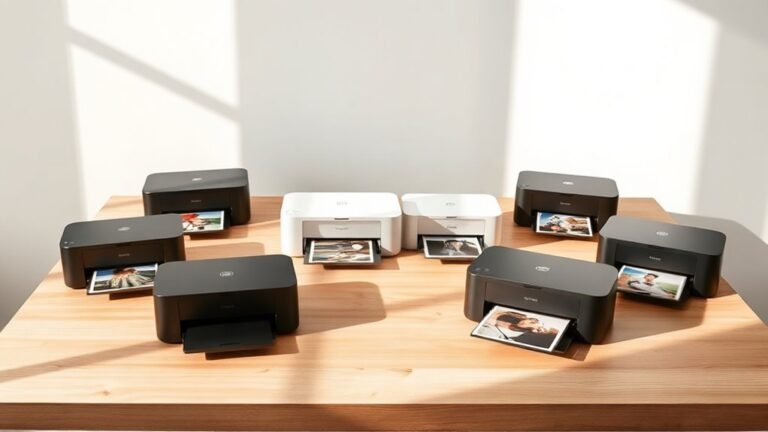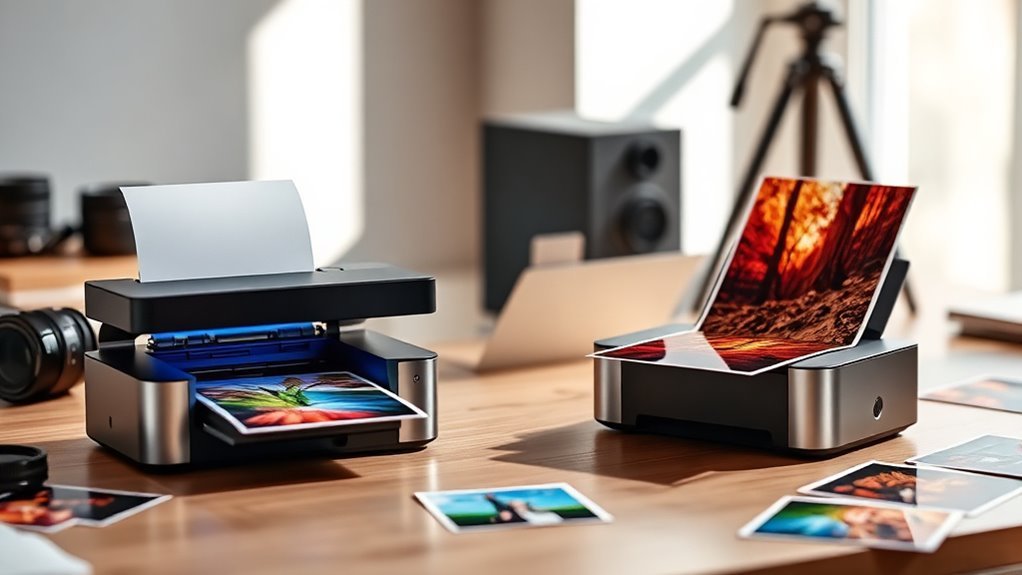
3 Best Budget Printers for Photography in 2027 That Impress
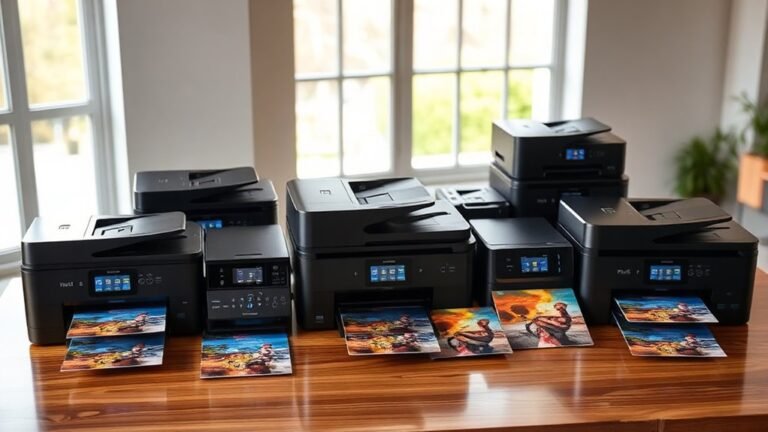
You’ll love the Epson EcoTank Photo ET-8550 for its refillable 6-color ink system and wide-format borderless printing up to 13 x 19 inches. This makes it a fantastic choice for photographers who want vibrant, detailed prints without breaking the bank.
The Canon PIXMA G620 offers vivid, lifelike colors with its 6-color MegaTank and compact design perfect for small spaces. It’s ideal if you’re looking for quality and convenience in one sleek package.
For portability, the Canon Selphy CP1500 delivers vibrant, lab-quality 4×6 photos quickly and easily. Whether you’re at home or on the go, this printer makes photo printing simple and fun.
Interested in how these printers stack up in cost, quality, and features? There’s more to explore ahead.
| Image | Name | Editor's Rating | Price |
|---|---|---|---|

|
|
||

|
|
||

|
|
Epson EcoTank Photo ET-8550 Wireless Wide-Format All-in-One Tank Printer
- CARTRIDGE-FREE PRINTING — Print lab-quality photos, graphics and creative projects; Get vibrant colors and sharp text with Epson's high-accuracy printhead and Claria ET...
- INK BOTTLES — Save on photos1 and creative projects with affordable in-house printing; All-in-one printer allows you to print 4" x 6" photos for about 4 cents each vs...
- LESS FREQUENT INK REPLACEMENT — Replacement ink bottles don't have to be changed nearly as often as ink cartridges¹; Printer, scanner and copier lets you print up to...
- PRINT FOR LONGER — Up to 2 years of ink in the box² (and with every replacement ink set) for fewer out-of-ink frustrations with this wireless printer
- ZERO CARTRIDGE WASTE — Epson EcoTank printer helps reduce the amount of cartridge waste ending up in landfills; Cartridge-free printer uses high-yield ink bottles; Each...

Experience professional-quality photo printing without the hassle of frequent cartridge replacements. The Epson EcoTank Photo ET-8550 uses a cartridge-free, refillable 6-color ink system to deliver vibrant, borderless images up to 13 x 19 inches. This setup not only ensures stunning photos but also drastically lowers your printing costs, making it ideal for creatives on a budget.
Designed for versatility, this printer handles printing, scanning, and copying tasks wirelessly. It supports a wide range of media, from cardstock to CDs, allowing you to customize projects effortlessly. Duplex printing helps save paper, enhancing its eco-friendly appeal.
Maintenance is straightforward but requires initial care during setup and ink refilling, which may take a bit more time than traditional cartridge printers. Its larger size means you’ll need adequate desk space, but this design supports wide-format printing that smaller devices can’t match.
With compatibility for both PCs and smartphones, the ET-8550 fits easily into various workflows. It’s a smart choice for photographers and artists who want high-quality, wide-format prints with lower ink waste and cost.
Best for: Photographers and creatives seeking high-quality, wide-format photo printing with economical ink usage and wireless convenience.
What We Like:
- Cartridge-free EcoTank system reduces ink costs and waste.
- Wide-format, borderless printing up to 13 x 19 inches on diverse media.
- Wireless all-in-one printer with duplex printing and mobile device compatibility.
- Supports printing on unconventional surfaces like CDs.
- High-yield ink bottles enable thousands of prints before refilling.
Specification:
| Feature | Details |
|---|---|
| Manufacturer | Epson |
| Dimensions | Approx. 17.5 x 13.7 x 9.8 in (WxDxH) |
| Weight | Approx. 18.5 lbs (8.4 kg) |
| Ink System | Refillable 6-color EcoTank |
| Print Size | Up to 13 x 19 inches (wide-format) |
| Connectivity | Wireless, PC, smartphone compatible |
Canon PIXMA G620 Wireless MegaTank All-in-One Printer
- Never run out of ink. Connect your printer to Alexa and receive notifications when you’re running low. Alexa can even place a smart reorder from Amazon on your behalf...
- Enrolling in Smart Reorders with Alexa ensures that you never have too much or too little ink supplies. No subscription needed.
- MEGATANK HIGH PAGE YIELD: Print up to 3,800 4” x 6” color photos on a full set of ink.
- LOW COST PER PRINT with approx. ink cost of 2.5 cents per 4” x 6” color photo.2
- 6-COLOR DYE-BASED INK SYSTEM including Red and Gray inks for a wider color gamut.
Experience vivid, high-quality photo printing without frequent ink hassles with the Canon PIXMA G620 Wireless MegaTank. Designed to deliver up to 3,800 4″ x 6″ photos per full ink set, it dramatically cuts down on costly replacements and interruptions. This makes it a smart choice for photographers and home users who value efficiency and vibrant output.
The printer features a 6-color dye-based ink system, including red and gray inks, to produce rich, lifelike colors and long-lasting prints protected by CHROMALIFE100 technology. Its compact design fits neatly into small spaces, making it ideal for home offices or creative workspaces.
Setup and maintenance are straightforward thanks to wireless connectivity and Alexa integration. You can print directly from multiple devices and reorder ink conveniently through voice commands. The printer supports various paper sizes, enhancing its versatility for different projects.
While it excels in photo quality and cost-effectiveness, the G620’s copy speed is moderate at 3.9 ppm, and the single 50-sheet tray may require frequent refilling. These trade-offs are worth considering if speed and capacity are priorities.
Best for: photographers and home users who want a cost-effective, high-quality photo printer with wireless and smart features.
What We Like:
- Prints up to 3,800 4″ x 6″ photos per ink set, minimizing ink changes.
- 6-color ink system with red and gray for vibrant, durable photos.
- Wireless printing and Alexa integration simplify operation.
- Compact design fits small spaces easily.
Specification:
| Feature | Description |
|---|---|
| Manufacturer | Canon |
| Dimensions | Compact (exact dimensions not specified) |
| Weight | Not specified |
| Ink System | 6-color dye-based (including red and gray) |
| Max Resolution | 4800 x 1200 dpi |
| Paper Tray | Single tray, 50-sheet capacity |
| Connectivity | Wireless, Alexa integration |
Canon Selphy CP1500 Photo Printer Bundle (Black)
- Complete Photo Printing Bundle Everything you need in one kit: Canon Selphy CP printer, KP-108 photo paper (108 sheets), three full-size color ink cartridges, and a Tudak...
- Lab-Quality Prints at Home Dye-sublimation technology delivers vibrant, professional-quality 4x6 photos that are water-resistant, fingerprint-resistant, and long-lasting.
- Wireless & Compact Design Easily print from your smartphone, tablet, or computer via Wi-Fi. Compact and portable design fits perfectly on desks, shelves, or travel bags.
- Easy Setup – No Guesswork Pre-matched paper and ink means no compatibility issues. Just load, connect, and start printing in minutes.
- Perfect for Events & Gifts Ideal for parties, scrapbooking, journaling, or instant memories. Includes cleaning cloth to keep your printer dust-free and running smoothly.
Capture your memories with stunning clarity using the Canon Selphy CP1500 Photo Printer Bundle (Black). This compact, dye-sublimation printer delivers vibrant, lab-quality 4×6 inch photos that resist water and fingerprints. It’s designed to bring your digital images to life quickly and conveniently.
The printer connects seamlessly to your PC, smartphone, or tablet through built-in Wi-Fi and a dedicated app. Whether you’re at home or on the go, printing sharp photos is effortless. Its small footprint fits neatly on any desk or travel bag, making it highly portable.
Maintenance is simple with included color cartridges, photo paper, and a microfiber cloth to keep the printer clean and ready. The bundle provides 108 sheets of photo paper, so you can start printing immediately without extra purchases. Quick output speed means you won’t wait long for your memories to materialize.
While it focuses exclusively on 4×6 inch prints and prints only single-sided, it excels in producing durable, high-quality photos that stand up to handling and display. This printer is ideal for those who want easy, on-demand photo printing without complexity.
Best for: Anyone seeking a compact, easy-to-use photo printer that produces vibrant, water-resistant 4×6 prints quickly for personal or travel use.
What We Like:
- Produces sharp, durable photos with vivid colors and smooth gradients
- Easy wireless printing from PC, iOS, and Android devices
- Includes 108 sheets of photo paper and full-size ink cartridges for immediate use
- Compact size suitable for home or travel
- Simple maintenance with included cleaning cloth and supplies
Specification:
| Feature | Details |
|---|---|
| Manufacturer | Canon |
| Dimensions | Compact size (exact size not specified) |
| Weight | Not specified |
| Printing Technology | Dye-sublimation |
| Print Size | 4×6 inches |
| Connectivity | Built-in Wi-Fi |
| Included Supplies | Color cartridges, 108 sheets photo paper, microfiber cloth |
| Color Options | Black |
Factors to Consider When Choosing a Budget Printer for Photography
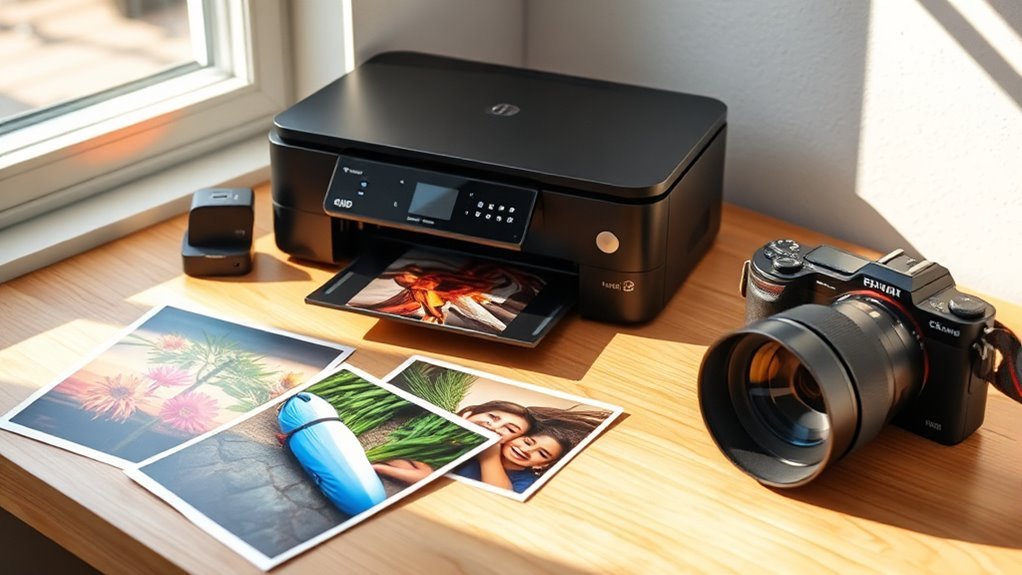
When choosing a budget printer for photography, you need to focus on print quality and resolution to guarantee your photos look sharp.
Consider ink cost efficiency and media size compatibility to keep expenses manageable and versatile. Don’t forget to check connectivity options and the printer’s durability to make sure it fits your workflow and lasts over time.
Print Quality and Resolution
Although budget printers may seem limited, choosing one with high optical resolution and a multi-ink color system can markedly enhance your photo prints. Aim for at least 4800 x 1200 dpi in inkjets or 1200 x 1200 dpi in dye-sublimation models to capture fine details and smooth gradients.
Don’t just trust advertised DPI—verify the print engine’s native resolution and driver support to guarantee true quality. A printer with more than the standard CMYK inks, like additional photo or gray inks, will expand color gamut, improve skin tones, and reduce banding.
Also, consider color depth; higher bit output better preserves subtle tonal shifts and shadows. Finally, check if your printer supports photo-specific media and borderless printing, as these features directly impact the final print’s composition and professional appearance.
Ink Cost Efficiency
Since ink expenses can quickly add up, understanding cost efficiency plays a crucial role in choosing a budget printer for photography. Start by calculating the cost per 4×6 photo: divide the price of replacement ink or full set by the estimated photo yield.
Printers with high-yield refillable tanks or bottle systems drastically cut costs compared to single-use cartridges. Also, consider the number of ink colors; more channels like dedicated gray or red inks improve quality but may increase ink use and replacement frequency.
Don’t forget to check the starter ink volume versus the advertised yield, as initial ink might be less than a full set. Finally, multiply realistic yield metrics by your monthly print volume to estimate ongoing ink expenses and plan refills accordingly.
Media Size Compatibility
Choosing a budget printer that matches your desired media size guarantees you can print photos without cropping or resizing. Make sure the printer supports the largest formats you want, like 8×10 or 13×19, so you’re not limited.
Check if it offers borderless printing at those sizes for full-bleed images without white edges. Also, verify the media thickness and weight it can handle, especially if you plan to use cardstock or fine-art paper.
Don’t forget to confirm paper types and feeding options—rear tray, manual feed, or dedicated photo trays—based on your specialty media needs. Finally, consider the sheet capacity and max media dimensions if you print high volumes or wide formats, as larger sizes often reduce tray capacity and might require manual feeding.
Connectivity Options
When picking a budget printer for your photography needs, you’ll want to zero in on connectivity options that offer flexibility and ease of use. Make sure your printer supports both Wi-Fi and USB so you can print from smartphones, tablets, and computers without a dedicated PC.
Check for mobile printing protocols like AirPrint or Mopria to print directly from iOS and Android devices without extra apps. If multiple users or remote printing matters, look for reliable wireless setups such as dual-band Wi-Fi, WPS, or direct Wi-Fi hotspot with strong signal stability.
For home studios or offices, consider Ethernet or wired connections for faster, stable access. Also, verify cloud printing or app-based controls for managing print settings, ink levels, and photo layouts right from your mobile device.
Durability and Longevity
Although budget printers may seem like a short-term investment, focusing on durability and longevity can save you time and money in the long run. Start by choosing a printer with a monthly duty cycle and recommended print volume that meet or exceed your photo output to avoid premature wear.
Look for models with user-replaceable parts like printheads and rollers, plus easily found replacements to simplify repairs. Durable printhead technology such as piezo or long-life thermal heads with built-in cleaning keeps colors accurate and reduces clogging.
Opt for refillable or high-capacity ink systems with clear ink-level monitoring to prevent damage from ink starvation. Finally, prioritize printers featuring robust build quality—metal feed paths, reinforced trays, and warranties—to guarantee reliable long-term performance.
Frequently Asked Questions
Can These Printers Print on Canvas or Only Photo Paper?
You can print on canvas with many of these printers, not just photo paper. Just make sure you use compatible canvas sheets designed for inkjet printers to get vibrant, long-lasting results right from your home setup.
It’s pretty straightforward once you have the right materials. So, if you’re looking to create some art or personalized gifts, these printers can definitely handle canvas printing too.
What Is the Average Lifespan of the Ink Cartridges?
You’ll feel like your ink cartridges last forever!
On average, they print around 200 to 400 pages, depending on usage and printer type.
You’ll want to keep extra cartridges handy to avoid unexpected dry spells.
Are These Printers Compatible With Mac and Windows Operating Systems?
Yes, you’ll find these printers compatible with both Mac and Windows operating systems. They’re designed to work seamlessly across platforms, so you won’t have to worry about software issues regardless of your computer preference.
It’s pretty convenient, right? No matter what system you’re using, these printers should fit right in without a hitch.
Do These Printers Support Direct Printing From Smartphones?
Yes, you can print directly from your smartphone with these printers. They support wireless connections like Wi-Fi and Bluetooth.
This makes it easy for you to print photos straight from your phone without needing a computer. So, no hassle—just quick and simple printing on the go!
Can These Budget Printers Handle Bulk Printing Efficiently?
You might expect slowdowns, but these budget printers handle bulk printing efficiently, balancing speed and quality.
While they won’t match high-end models, you can still crank out large photo batches without constant interruptions or costly ink refills.
Conclusion
So, if you’re looking for a budget printer that won’t make your photos look like they were printed in the Stone Age, these options have you covered.
Who knew you could get vibrant, professional-quality prints without selling a kidney? Whether you choose the Epson, Canon MegaTank, or the Selphy, you’ll prove that great photography doesn’t have to come with a great price tag.
Finally, printing your masterpieces doesn’t have to be a luxury! These budget-friendly printers deliver stunning photo quality that rivals more expensive models. With features tailored for photography enthusiasts, they bring your images to life without breaking the bank.
So go ahead, invest in one of these best budget printers for photography in 2027, and watch your creative vision come alive on paper. Affordable, reliable, and designed for photo printing—these printers are your perfect partners in capturing memories beautifully.