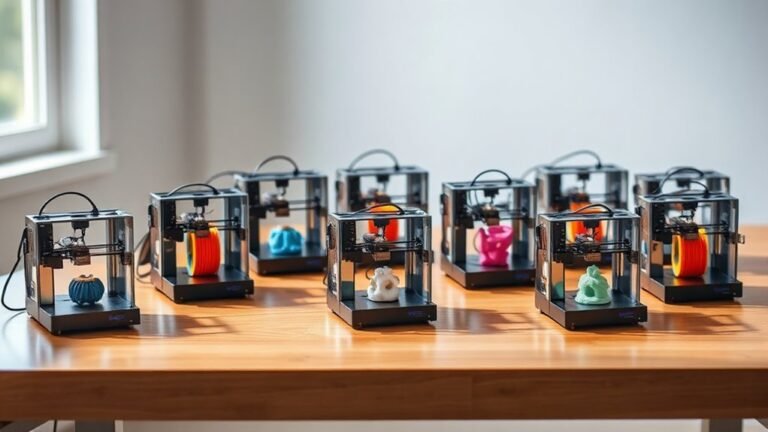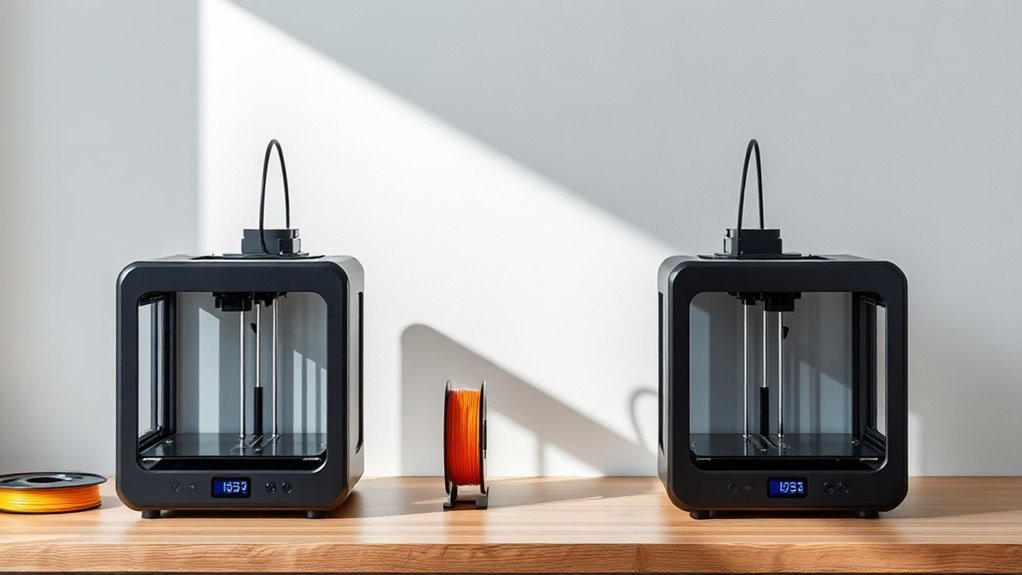
4 Best Budget 3D Printers for 2026 You Can Actually Afford
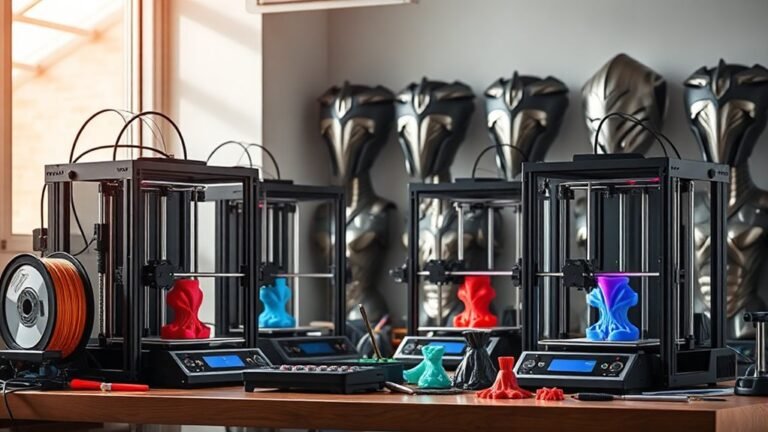
You can get great budget 3D printers like the Anycubic Kobra X Multicolor, offering native 4-color printing and easy one-click setups. This printer is perfect if you want to add some flair to your projects without spending a fortune.
The Creality Ender 3 V3 SE stands out for its beginner-friendly auto leveling and improved stability with upgraded dual Z-axis screws. It’s a solid choice if you’re new to 3D printing or want a reliable machine that won’t break the bank.
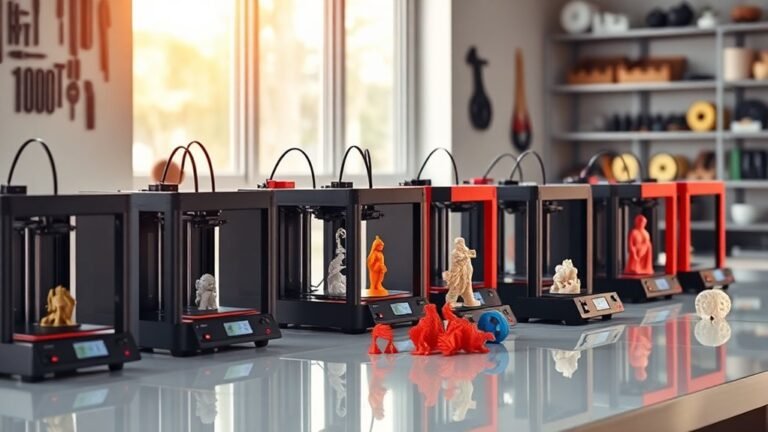
These models balance speed, precision, and reliability without overspending. So, whether you’re a hobbyist or just getting started, you can find something that fits your budget and needs.
If you want to explore which features best fit your needs and budget, the upcoming details will guide you through the top options for 2026. Let’s dive in and find the best budget 3D printer for you!
| Image | Name | Editor's Rating | Price |
|---|---|---|---|

|
|
||

|
|
||

|
|
||

|
|
Anycubic Kobra X Multicolor 3D Printer, Easy Setup, Native 4-Color
- 【 Newest Level - 19-Color with 4 ACE 2 Pro】Why settle for one color when you can have multicolor? The Kobra X comes born with 4 colors built-in. It is innovative 3D...
- 【 Savings 2X Time】Stop wasting hours and filament on purging! Kobra X impresora 3D reduces the filament and machine travel path by 81.25%, so 2X the Speed, and...
- 【Hardened Precision & High Speed 】 Equipped with a high-durability hardened steel nozzle and vibration compensation, the Kobra X ensures every layer remains smooth...
- 【Flawless First Layer with LeviQ 3.0】The LeviQ 3.0 and auto bed leveling system uses a 49-point calibration and advanced leveling algorithm to ensure 100% bed...
- 【Smart AI Monitoring & Large Model Library】APP remote control, features Spaghetti detection and foreign object detection. The innovative top-mount spool holder...

Discover the freedom to create stunning, multicolor 3D prints effortlessly with the Anycubic Kobra X Multicolor. This printer is designed to simplify the complexity of multicolor printing by integrating native 4-color capabilities. It allows you to produce intricate models with vibrant details, all within a generous build volume of 260 × 260 × 260 mm.
Setup is straightforward and quick, thanks to the LeviQ 3.0 auto bed leveling system that ensures precise calibration every time. The printer’s design prioritizes user convenience with a top-mounted spool holder that conserves desk space. Maintenance is manageable, with smart AI monitoring features that detect common issues like filament tangles, reducing print failures.
Quiet operation at 45 dB makes it suitable for home or classroom environments without disruption. While filament must be purchased separately, this flexibility lets you choose your preferred colors and materials. The Anycubic Kobra X Multicolor fits both beginners and experienced users seeking reliable performance in multicolor 3D printing.
Best for: hobbyists, educators, and creative professionals who want an easy-to-use, versatile multicolor 3D printer with fast setup and dependable results.
What We Like:
- Native 4-color printing enabling complex, colorful designs
- Quick, precise setup with auto bed leveling
- Space-saving top spool holder keeps workspace tidy
- Quiet operation suitable for various settings
- Smart AI monitoring reduces print errors
Specification:
| Feature | Details |
|---|---|
| Manufacturer | Anycubic |
| Build Volume | 26 × 26 × 26 cm |
| Color Options | Native 4-color printing |
| Noise Level | 45 dB |
| Special Features | LeviQ 3.0 auto bed leveling, AI monitoring, top spool holder |
Anycubic Kobra X Multicolor 3D Printer, Easy One-Click Printing
- 【Vivid 19-Color and Versatile Materials】Unleash creativity beyond limits. The Kobra X supports 4-color standard and expands up to 19 colors with 4 ACE 2 Pro for...
- 【600mm/s High Speed Performance】Don't let slow speeds limit your creativity. This high-speed FDM 3D printer reaches up to 600mm/s, completing tasks significantly...
- 【True Plug & Play Experience】Start your first project in as little as 15 minutes. The Kobra X arrives with a user-friendly setup and LeviQ 3.0 automatic bed leveling...
- 【LeviQ 3.0 Perfect First Layer】Forget the frustration of manual bed leveling that plagues beginner machines. The LeviQ 3.0 system utilizes 49-point full-auto leveling...
- 【Quiet & Reliable for Home】The ultra-quiet ≤48 dB operation ensures the living or learning space remains peaceful. Combined with power loss recovery and filament...
The Anycubic Kobra X Multicolor 3D Printer transforms your creative process by simplifying multi-material printing. Its easy one-click operation and plug-and-play setup mean you can start printing vibrant models within 15 minutes, making it ideal for both beginners and hobbyists.
This printer supports up to four built-in colors, expandable to 19 with additional accessories, allowing you to produce detailed, colorful designs without complex adjustments. Its hardened steel nozzle heats up to 300 °C, accommodating common filaments like PLA and TPU with consistent quality.
Maintenance is straightforward thanks to automatic 49-point leveling, which ensures precise prints without manual calibration. Features like power-loss recovery and AI-powered monitoring help maintain print quality by preventing interruptions and spotting issues early.
While the build volume of 260 x 260 x 260 mm suits most projects, it may limit very large prints. Also, the 300 °C nozzle temperature restricts use of some high-temperature materials. Overall, it balances ease of use with reliable, multi-color functionality.
Best for: Beginners, educators, and hobbyists seeking a user-friendly 3D printer with vibrant multi-material capabilities and dependable performance.
What We Like:
- Fast, plug-and-play setup with one-click printing
- Native 4-color printing expandable to 19 colors
- Automatic 49-point bed leveling for consistent results
- Power-loss recovery to protect ongoing prints
- AI monitoring ensures quiet and reliable operation
Specification:
| Attribute | Details |
|---|---|
| Manufacturer | Anycubic |
| Build Volume | 260 x 260 x 260 mm |
| Nozzle Temperature | Up to 300 °C |
| Color Options | 4 built-in, up to 19 total |
| Materials Supported | PLA, TPU, others compatible |
Creality Ender 3 V3 SE Beginner-Friendly 3D Printer with Auto Leveling
- 250mm/s High-Speed Printing: Print at speeds of up to 250mm/s with 2500mm/s² acceleration, helping you complete prototypes, functional parts, and everyday projects...
- Easy Setup with Auto Leveling: Designed for a fast and straightforward setup, the Ender 3 V3 SE can be assembled in just a few simple steps. CR Touch Auto Leveling and...
- Proven Sprite Direct Drive Extruder: The upgraded Sprite Direct Drive Extruder provides smooth and consistent filament feeding for PLA, PETG, and TPU. Its proven design...
- Stable Motion System for Consistent Results: Dual synchronized Z-axis lead screws and precision Y-axis linear shafts work together to help reduce vibration and Z...
- Quiet Operation with Easy Print Removal: A 32-bit silent mainboard helps reduce operating noise for a more comfortable printing experience, while the flexible PC spring...
The Creality Ender 3 V3 SE makes 3D printing accessible and straightforward for beginners. Its auto leveling system with CR Touch and automatic Z-offset calibration removes the hassle of manual adjustments, ensuring your prints start perfectly every time. Setup is quick, letting you focus on creating rather than troubleshooting.
This printer’s Sprite Direct Drive Extruder smoothly handles popular filaments like PLA, PETG, and TPU, accommodating a variety of projects with ease. The dual Z-axis screws provide stable, precise layer alignment, resulting in consistent, high-quality prints. Printing speeds reach up to 250 mm/s, balancing speed and accuracy for everyday use.
Maintenance is simple thanks to a flexible build plate that allows easy print removal. The quiet 32-bit mainboard keeps noise levels low, making it suitable for home or office environments. While it supports common filaments, it may not be ideal for specialty or high-temperature materials.
Overall, the Ender 3 V3 SE is designed to simplify the printing process and deliver reliable results without demanding technical expertise.
Best for: Beginners and hobbyists seeking an easy-to-use 3D printer with automated features for reliable everyday printing.
What We Like:
- Auto leveling and automatic calibration simplify setup
- Smooth extrusion with support for PLA, PETG, and TPU
- Stable dual Z-axis screws for precise printing
- Quiet operation with 32-bit mainboard
- Flexible build plate for easy print removal
Specification:
| Feature | Details |
|---|---|
| Manufacturer | Creality |
| Dimensions | Not specified |
| Weight | Not specified |
| Material | Various filament types |
| Color Options | Not specified |
Creality Ender 3 V3 SE 3D Printer Upgrade
- 【250mm/s High-speed Printing】Creality Ender 3 V3 SE 3d printer supports a maximum printing speed of 250mm/s, 2500mm/s² acceleration.The speed has been greatly...
- 【Powerful ""Sprite"" Direct Extruder】Ender 3 V3 SE is the upgrade of ender 3, ender 3 v2, ender 3 pro, ender 3 neo, ender 3 v2 neo, ender 3 s1, ender 3 s1 pro etc 3d...
- 【Worry-free CR Touch Auto Leveling & Strain Sensor】Creality Ender 3 upgraded 3d printer features a CR Touch sensor for auto leveling and a strain sensor for auto...
- 【Stable Dual Z-axis & Y-axis Linear Shafts】High-precision dual Z-axis lead screws reduce Z wobbling effectively, avoid printing deviation in single-axis printing...
- 【Quick Assembly & Easy to Use】Preassembly has solved those hassles and worries of parts assembly, It only takes 3 steps to complete the assemble the ender-3 v3 se 3d...
Looking to accelerate your 3D printing projects while maintaining quality? The Creality Ender 3 V3 SE upgrade offers a significant boost in speed, reaching up to 250 mm/s, which means you spend less time waiting and more time creating. This upgrade is designed to improve your printing workflow without complicated setups.
Its sturdy design includes dual Z-axis lead screws and dual steel Y-axis shafts, enhancing stability and precision. These features help reduce vibrations and ensure consistent print quality, especially on detailed or taller models. The Sprite full-metal dual-gear extruder provides smooth, slip-free filament feeding, compatible with various materials like PLA, TPU, and PETG.
Maintenance is simplified with auto bed leveling via CR Touch, cutting down on manual calibration and setup time. The quick assembly process lets you get printing in about 20 minutes, making it ideal for users who want to start fast and focus on their projects.
The print volume of 220 x 220 x 250 mm suits many common tasks but may limit very large prints. Overall, this upgrade balances speed, precision, and ease of use, improving your 3D printing experience with reliable support from Creality.
Best for: hobbyists and small businesses seeking a fast, reliable, and easy-to-assemble 3D printer upgrade that supports multiple filament types and improves printing precision.
What We Like:
- Up to 73% faster printing speeds, max 250 mm/s
- Enhanced stability with dual Z-axis screws and steel Y-axis shafts
- Smooth filament feeding with the full-metal dual-gear extruder
- Auto bed leveling with CR Touch for easy setup
- Quick assembly in approximately 20 minutes
Specification:
| Feature | Details |
|---|---|
| Manufacturer | Creality |
| Print Volume | 220 x 220 x 250 mm |
| Maximum Speed | 250 mm/s |
| Extruder Type | Sprite full-metal dual-gear |
| Frame Components | Dual Z-axis lead screws, dual steel Y-axis shafts |
| Weight | 15.66 lb (7.1 kg) |
Factors to Consider When Choosing Budget 3d Printer 2026 Recommendations
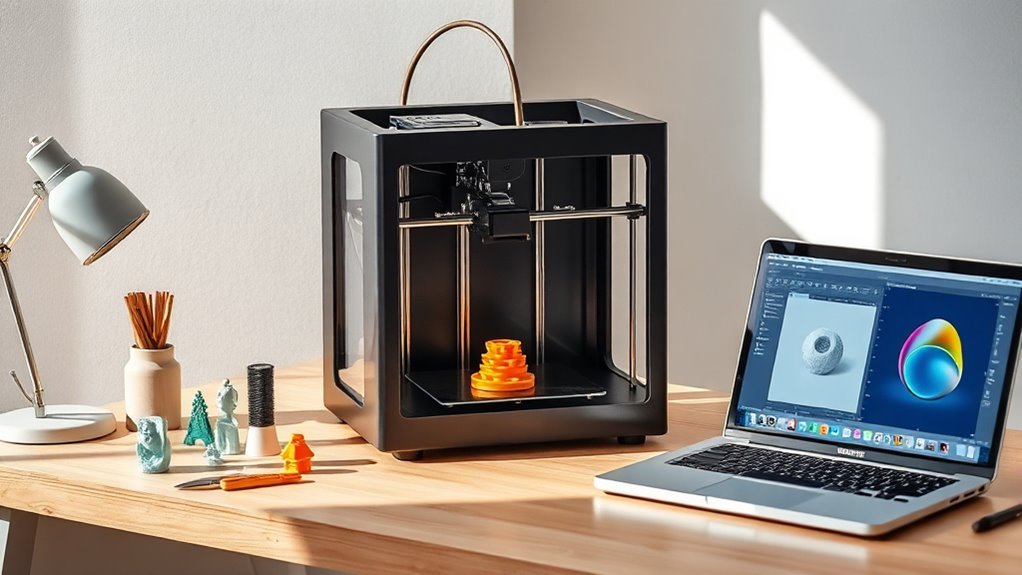
When choosing a budget 3D printer, you’ll want to focus on print quality and precision to get the best results. Consider the build volume capacity and whether the printer supports multiple materials for versatility.
Also, think about speed, efficiency, and how easy it is to set up before making your decision. These factors will help ensure you get the most out of your investment without any hassle.
Print Quality and Precision
Although budget 3D printers come with limitations, you can still achieve impressive print quality and precision by focusing on key factors. First, aim for a layer height between 50–100 microns to get smoother surfaces and finer details.
Choose a nozzle diameter wisely—0.2–0.4 mm nozzles offer better precision, while larger ones speed up prints but lose detail. A rigid frame and quality lead screws or rails reduce artifacts like ghosting and Z-wobble, ensuring dimensional accuracy.
Stable extruders and hotends maintain consistent filament feed and temperature, essential for uniform layers. Don’t overlook calibration tools; reliable auto bed leveling and fine-tuned firmware settings like motor microstepping and acceleration help you nail first-layer adhesion and overall print consistency.
These factors make a big difference in your results.
Build Volume Capacity
Build volume capacity plays a crucial role in choosing a budget 3D printer for 2026, as it directly limits the size of objects you can create. You’ll want a build volume that fits the largest models you plan to print—common budget options range from compact 120 × 120 × 120 mm cubes up to consumer-grade sizes around 250–300 mm per side.
Keep in mind, larger volumes mean longer print times, more filament use, and higher risk of print failures. Also, bigger printers take up more desk and enclosure space.
If you’re working on multi-part projects, a smaller build volume might be enough if you plan to assemble pieces after printing. Finally, always check for any obstructions that reduce usable height, since specs don’t always match practical clearance.
Multi-Material Compatibility
Choosing the right build volume is just one piece of the puzzle; if you want to experiment with different materials or colors, multi-material compatibility becomes a key factor. Start by checking the extruder type—direct-drive extruders handle flexible filaments like TPU much better than Bowden setups.
Also, verify the maximum nozzle temperature (around 300°C) and make sure the nozzle material is durable, like hardened steel, to print specialty filaments such as ASA or PC. Look for multi-filament feeding systems with short filament paths to minimize stringing and waste during color swaps.
Your slicer should support multi-material toolpaths and features like purge towers and ooze shields to prevent cross-contamination. Finally, prioritize printers with filament run-out sensors and stable cooling control to maintain layer adhesion and avoid warping when switching materials.
Speed and Efficiency
When you want to speed up your printing without sacrificing quality, paying attention to maximum print speed and acceleration is essential. Look for printers boasting higher mm/s and mm/s² values if you need fast turnarounds or batch printing.
Also, consider travel path efficiency—printers with motion-optimized firmware or shorter filament travel reduce non-print moves, cutting print time markedly. Keep in mind that pushing speeds requires a stiffer frame, effective cooling, and well-tuned slicer settings to avoid ringing or detail loss.
Features like adaptive extrusion and vibration compensation help maintain extrusion consistency and reduce artifacts at higher speeds. Ultimately, factor in the entire workflow—auto-leveling, filament changes, and warm-up times—to truly gauge how efficient a printer is from start to finish.
Ease of Setup
Although budget 3D printers often come with trade-offs, you can find models that prioritize ease of setup to get you printing quickly. Look for “plug-and-play” or “ready to print” printers that advertise setup times around 15–30 minutes.
Preassembled frames and pre-sliced starter files cut down mechanical steps and firmware tweaks, so you start faster. Features like assisted filament loading, filament run-out sensors, and power-loss recovery simplify ongoing use and reduce interruptions.
A clear touchscreen UI or companion app with Wi-Fi lets you control prints remotely and navigate settings easily, lowering the learning curve. These thoughtful conveniences help you avoid frustration and get reliable prints without spending hours on calibration or confusing menus.
Bed Leveling Technology
Getting started with a budget 3D printer is easier when setup is simple, but maintaining print quality depends heavily on how well the printer handles bed leveling.
Automatic systems sample multiple points on the build surface—usually 25 to 49—to create a height map that corrects uneven beds and prevents first-layer issues.
True auto Z-offset calibration sets the nozzle distance on startup, saving you time and avoiding nozzle damage.
The type of probe matters: capacitive or inductive sensors suit metal or glass beds, while BLTouch probes work across various surfaces.
Firmware-supported mesh compensation stores profiles for different build plates, letting the printer adjust dynamically during prints.
Keep in mind, mechanical probes need occasional cleaning, and manual leveling demands more skill but fewer parts.
Choose a system that fits your maintenance comfort and print goals.
Noise Level During Operation
Since you’ll often run prints for hours, choosing a budget 3D printer with low noise levels can make a big difference in your workspace comfort. Most consumer FDM printers operate around 40–50 dB, but models closer to 40 dB feel much less intrusive, especially at home or in classrooms.
Noise mainly comes from stepper motors, fans, and mechanical vibrations. To reduce noise, look for printers with 32-bit silent mainboards and insulated enclosures—they can cut sound by 5–10 dB compared to open-frame designs.
If you pick a non-silent model, you can still reduce noise using rubber feet, silicone dampers, or tightening belts. Just remember, noise ratings depend on measurement conditions, so compare specs carefully to find the quietest option for your needs.
Connectivity and Monitoring
Quiet operation improves your printing experience, but staying connected and keeping an eye on your prints can make it even better. Choose a printer with dual-band Wi-Fi or Ethernet for stable large-file transfers and remote slicing control.
Look for built-in cameras (720p minimum) and AI-based failure detection to catch issues like spaghetti or layer shifts in real time. Make certain remote control through an app or web interface so you can pause, resume, and manage prints without being next to the machine.
Support for USB, SD cards, and network printing (including OctoPrint) lets you work locally or over your network. Advanced features like power-loss recovery, filament run-out sensors with alerts, and print history logs boost reliability and help troubleshoot problems efficiently.
Frequently Asked Questions
What Materials Are Compatible With Budget 3D Printers?
You can print with PLA, ABS, PETG, and TPU on budget 3D printers. These materials are affordable, easy to use, and widely supported.
They let you create durable, flexible, or detailed models without breaking the bank. So, whether you’re a beginner or just watching your budget, these options work great.
How Much Maintenance Do Budget 3D Printers Require?
If you skip regular nozzle cleaning on your printer, print quality drops quickly.
Budget 3D printers need weekly maintenance like lubricating rods and checking belts to keep them running smoothly. This helps avoid costly repairs down the line.
Staying on top of these small tasks really pays off in the long run!
Can Budget 3D Printers Handle High-Resolution Printing?
Yes, budget 3D printers can handle high-resolution printing, but you’ll likely need to tweak settings and accept slower print speeds.
They won’t match premium models, but you’ll still get impressive detail for the cost. It’s all about balancing what you want with what the printer can do.
What Software Is Recommended for Beginner 3D Printing?
You want simplicity, not confusion; try Ultimaker Cura or PrusaSlicer—they’re beginner-friendly yet powerful.
They guide you smoothly from basic to advanced printing, letting you focus on creating instead of wrestling with complicated software.
Are There Safety Tips for Using 3D Printers at Home?
Yes, you should always ventilate your workspace and avoid touching hot parts. Keep the printer on a stable surface to prevent any accidents.
Also, make sure to supervise the printing process and use recommended filaments to avoid harmful fumes. Don’t forget to wear safety glasses too! Safety first, right?
Conclusion
Choosing the right budget 3D printer can feel like a puzzle, but luckily, the Anycubic Kobra X Multicolor and Creality Ender 3 V3 SE make it easier than you’d expect. Just like finding the perfect pair of shoes that fits both style and comfort, these printers offer great features without breaking the bank.
So, whether you want multicolor magic or beginner-friendly ease, you’re in luck—affordable, quality 3D printing is closer than you think! These budget 3D printers deliver impressive performance and reliability, making them perfect for hobbyists and newcomers alike.
If you’re looking to dive into 3D printing without spending a fortune, these options are some of the best budget 3D printers for 2026. They combine value and versatility, helping you create amazing projects without compromise.