How to Add a Printer on iPhone in 10 Easy Steps
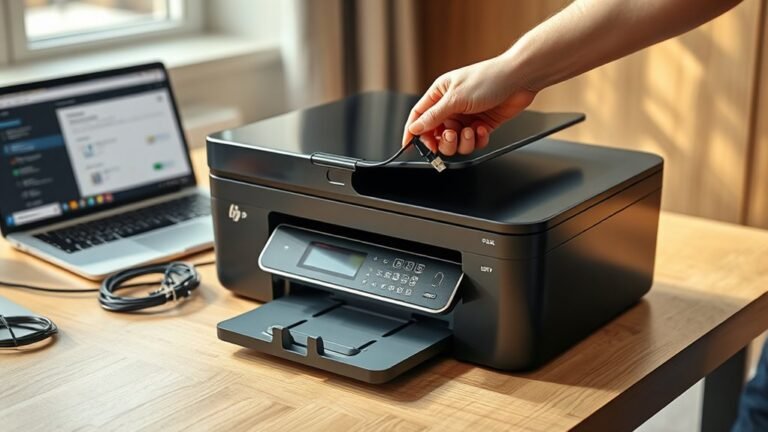
To add a printer on your iPhone, first make sure both your iPhone and AirPrint-enabled printer are powered on and connected to the same Wi-Fi network.
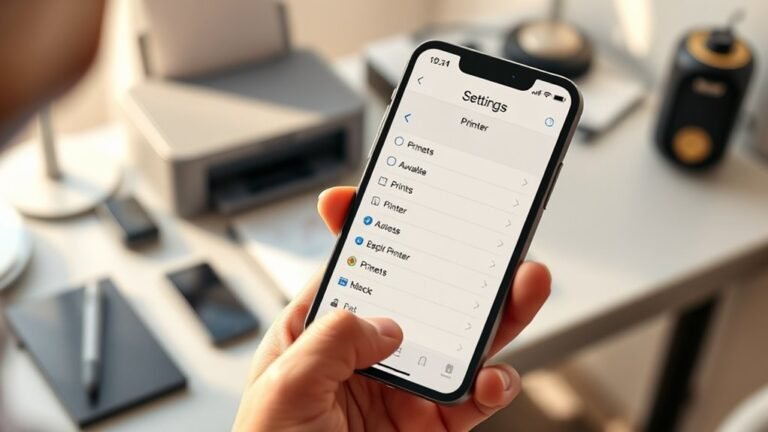
Check if your printer supports AirPrint via its specs or the iOS Print menu. Open your document, tap the Share icon, then select Print.
Choose your printer from the list, adjust settings if needed, and tap Print to send your job.
If you need help with issues or alternatives, keep exploring to get the full picture.